Best TF2 HUDs: the 15 with the most GitHub stars
Which TF2 HUD is best is a matter of taste, so this list does not go by ours. It ranks the 241 HUDs that are on GitHub by their stars: the number of people who marked the HUD there. The numbers were read on 2026-10-06. Every HUD below is a free download and installs the same way; the install guide has the steps.
1. rayshud
277 stars on GitHub, last updated in 2026-06, by raysfire. It is tagged minimal. It includes custom menus, a custom scoreboard, built-in crosshairs, a minmode layout, custom materials, and customization options. It supports 1:1, 4:3, 5:4, 16:10, 16:9, 17:9, 21:9, and 32:9 aspect ratios on Windows, Mac, and Linux. Health and ammo sit in the center of the screen.
2. budhud
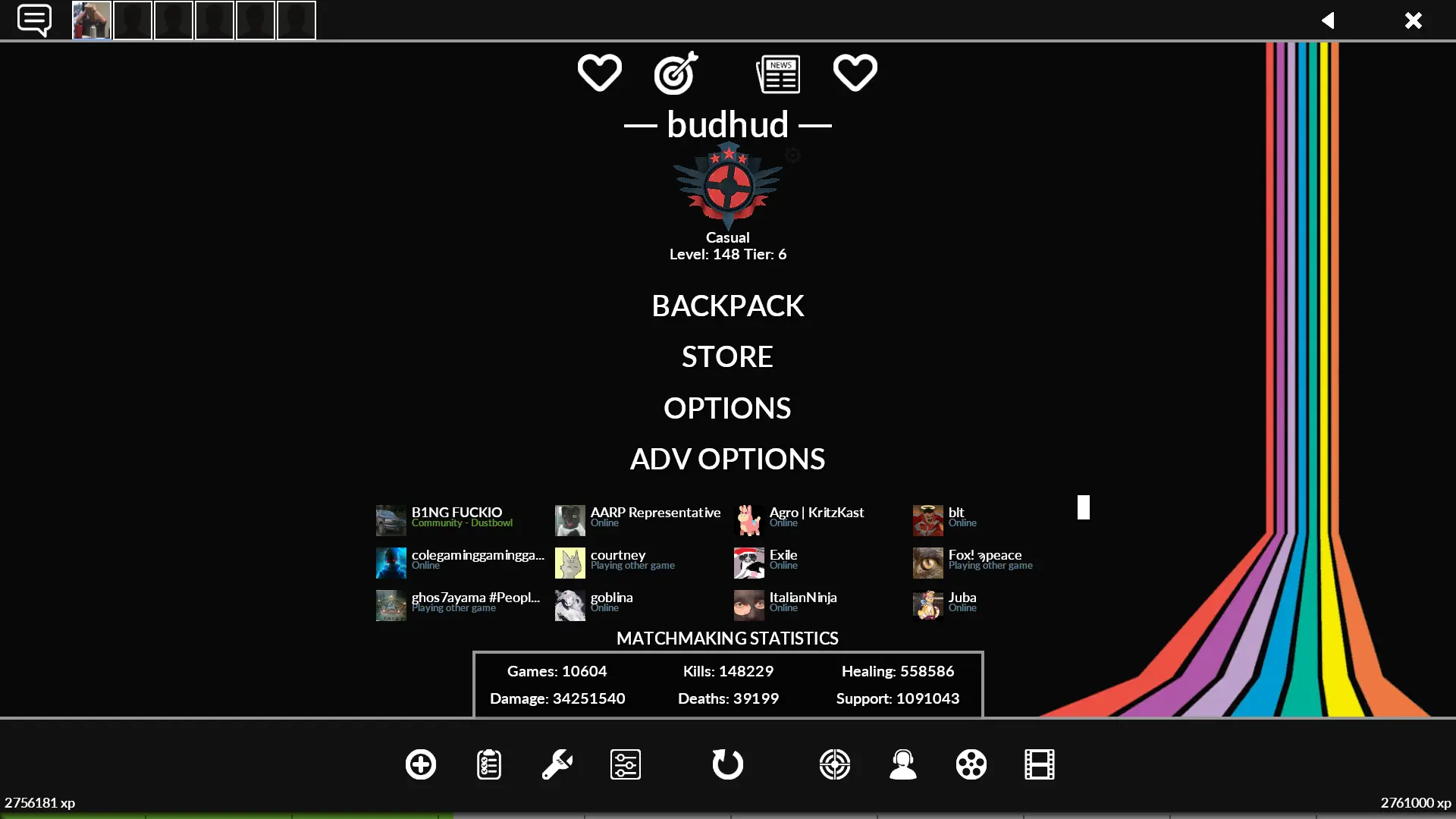
235 stars on GitHub, last updated in 2026-10, by Whisker. It is tagged minimal. It includes custom fonts, custom menus, built-in crosshairs, a custom scoreboard, streamer mode support, and customization options. It supports 1:1, 4:3, 5:4, 16:10, 16:9, 17:9, 21:9, and 32:9 aspect ratios on Windows, Mac, and Linux. Health and ammo sit in the center of the screen.
3. FlawHUD
216 stars on GitHub, last updated in 2026-09, by CriticalFlaw. It is tagged minimal. It includes custom fonts, built-in crosshairs, streamer mode support, custom materials, and customization options. It supports 1:1, 4:3, 5:4, 16:10, 16:9, 17:9, 21:9, and 32:9 aspect ratios on Windows, Mac, and Linux. Health and ammo can sit in the center of the screen or in the corners.
4. Community HUD Fixes
151 stars on GitHub, last updated in 2026-05, by CriticalFlaw. It is tagged default. It includes built-in crosshairs, a minmode layout, custom materials, and customization options. It supports 1:1, 4:3, 5:4, 16:10, 16:9, 17:9, 21:9, and 32:9 aspect ratios on Windows, Mac, and Linux. Health and ammo sit in the default position.
More about Community HUD Fixes · Download Community HUD Fixes
5. SolarLightHUD REDUX
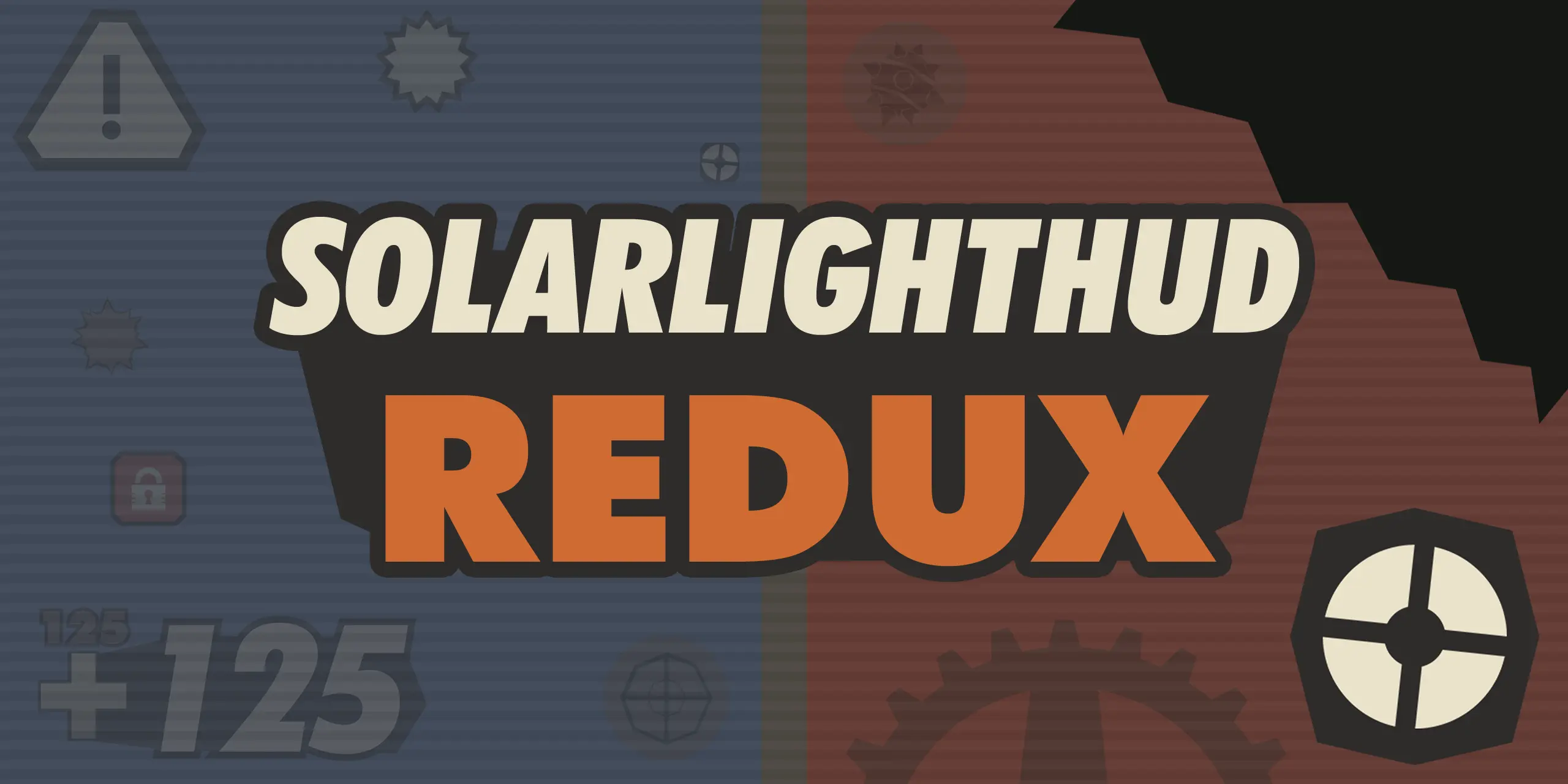
112 stars on GitHub, last updated in 2026-09, by SolarLight. It is based on SolarLightHUD. It is tagged animated, customizable, sepia-tone, graphical, imagery, and stylish. It includes custom fonts, custom menus, a custom scoreboard, a minmode layout, custom materials, and customization options. It supports 4:3, 16:9, and 16:10 aspect ratios on Windows. Health and ammo can sit in the center of the screen, in the corners, or in the default position.
More about SolarLightHUD REDUX · Download SolarLightHUD REDUX
6. ahud
74 stars on GitHub, last updated in 2024-07, by n0kk. It includes custom fonts, custom menus, a custom scoreboard, built-in crosshairs, custom materials, and customization options. It supports 4:3, 5:4, 16:9, and 16:10 aspect ratios on Windows.
7. m0rehud
71 stars on GitHub, last updated in 2025-10, by Hypnotize. It includes custom fonts, custom menus, a custom scoreboard, built-in crosshairs, a minmode layout, custom materials, and customization options. It supports 4:3, 5:4, 16:9, and 16:10 aspect ratios on Windows and Linux. Health and ammo sit in the center of the screen.
8. 7HUD
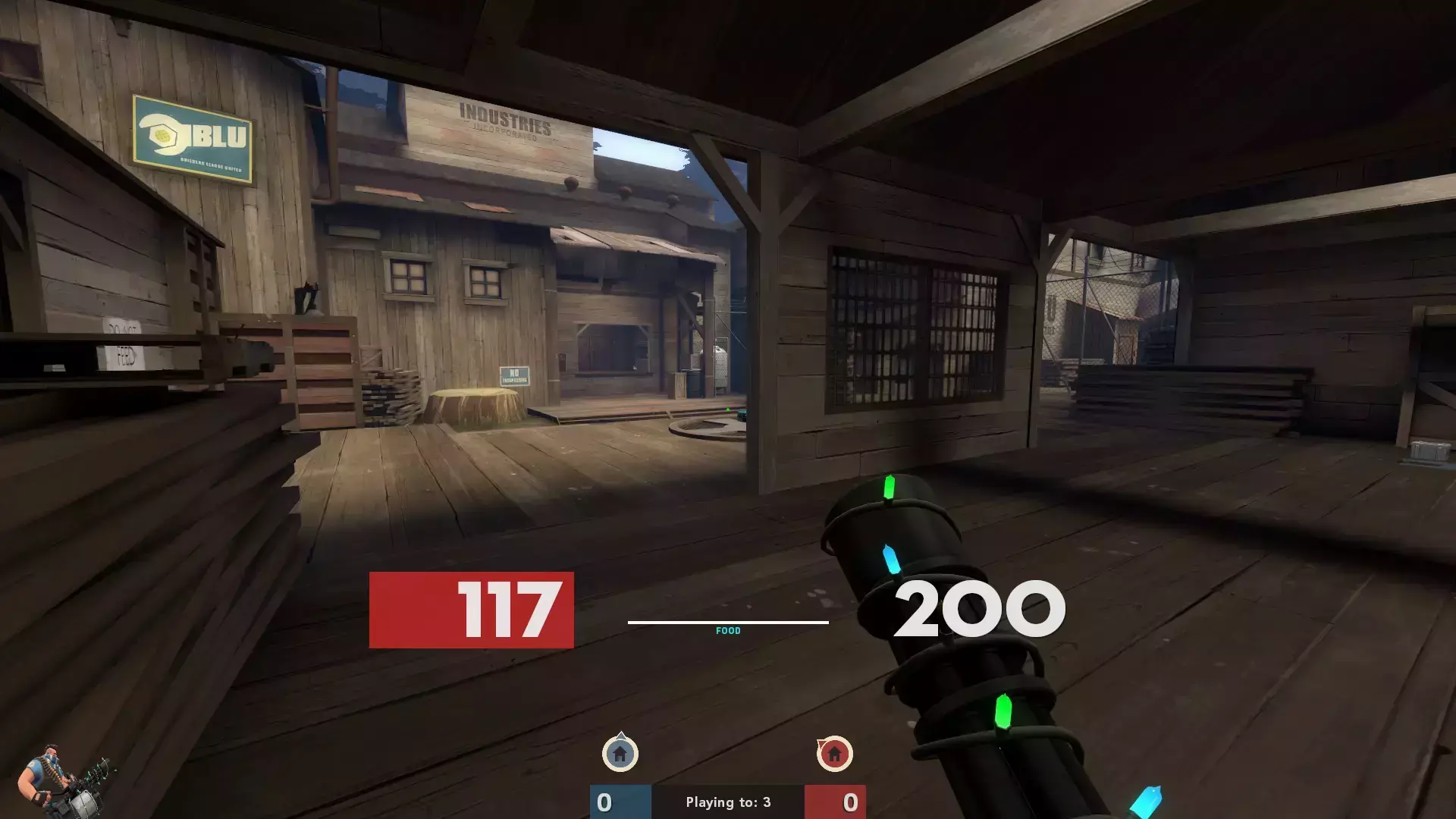
61 stars on GitHub, last updated in 2026-08, by sevin. It includes custom fonts, custom menus, a custom scoreboard, built-in crosshairs, custom materials, and customization options. It supports the 16:9 aspect ratio on Windows, Mac, and Linux.
9. Improved Default HUD

61 stars on GitHub, last updated in 2026-07, by Eniere. It is tagged default, improved, idhud, vanilla, and minimal. It includes a minmode layout. It supports the 16:9 aspect ratio on Windows and Linux. Health and ammo sit in the default position.
More about Improved Default HUD · Download Improved Default HUD
10. Middle-Mann
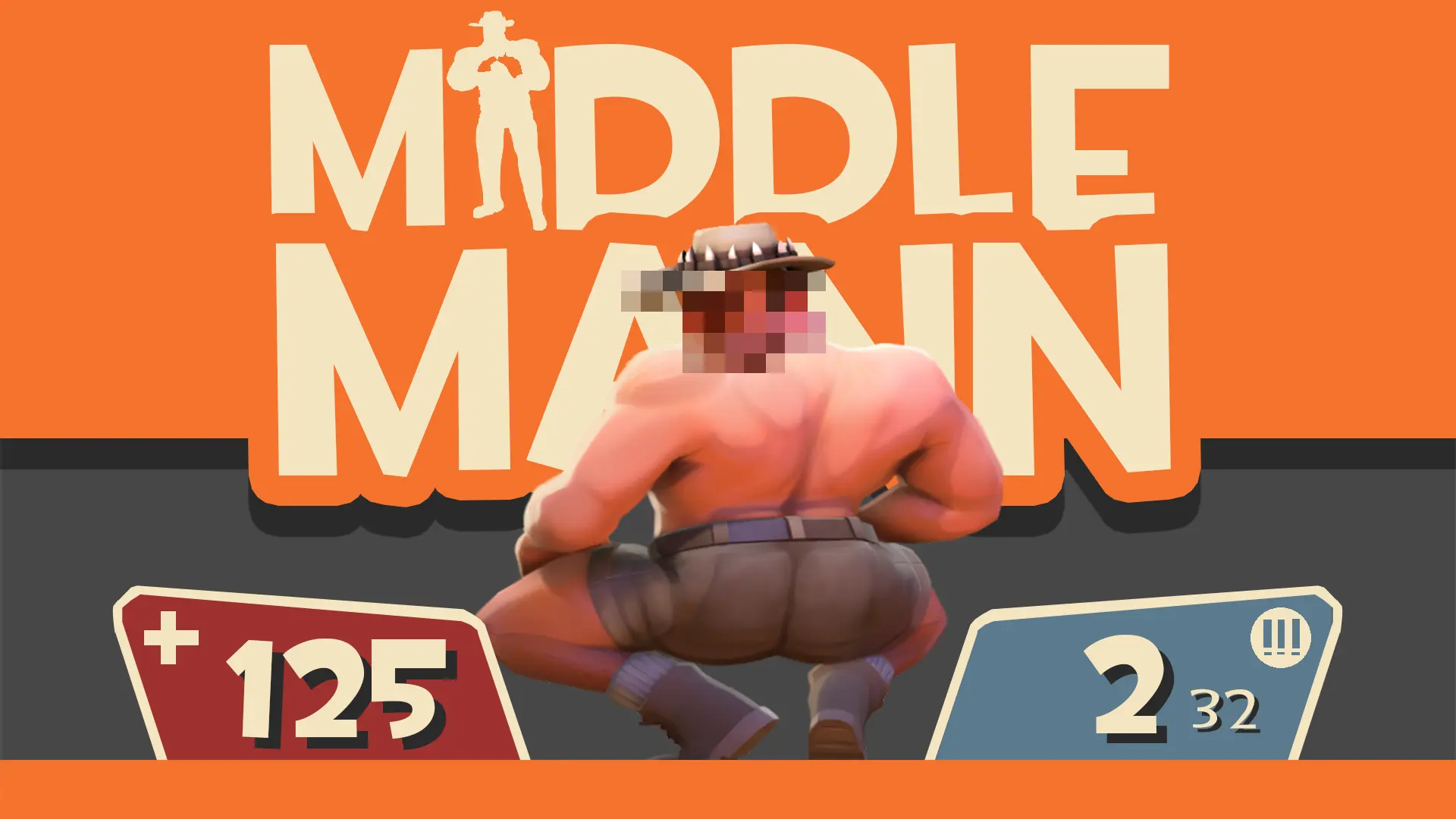
59 stars on GitHub, last updated in 2026-10, by Vexcenot. It is tagged minimal, modern, middle, and vanilla. It includes custom fonts, custom menus, a custom scoreboard, built-in crosshairs, custom materials, and customization options. It supports 1:1, 4:3, 5:4, 16:10, 16:9, 17:9, 21:9, and 32:9 aspect ratios on Windows, Mac, and Linux. Health and ammo can sit in the center of the screen, in the corners, or in the default position.
11. HypnotizeHUD
53 stars on GitHub, last updated in 2025-10, by Hypnotize. It includes custom fonts, custom menus, a custom scoreboard, built-in crosshairs, a minmode layout, streamer mode support, custom materials, and customization options. It supports 4:3, 5:4, 16:9, and 16:10 aspect ratios on Windows and Linux. Health and ammo sit in the center of the screen.
12. DarHUD
51 stars on GitHub, last updated in 2026-08, by DarSitam. It is tagged modern. It includes a custom scoreboard, a minmode layout, custom materials, and customization options. It supports 4:3 and 16:9 aspect ratios on Windows. Health and ammo can sit in the center of the screen or in the corners.
13. HExHUD
47 stars on GitHub, last updated in 2025-10, by Hypnotize. It includes custom fonts, custom menus, a custom scoreboard, built-in crosshairs, a minmode layout, streamer mode support, custom materials, and customization options. It supports 16:9 and 16:10 aspect ratios on Windows and Linux. Health and ammo sit in the center of the screen.
14. FrankenHUD
42 stars on GitHub, last updated in 2025-07, by The Kins. It includes custom menus, a custom scoreboard, built-in crosshairs, and customization options. It supports 4:3, 5:4, 16:9, and 16:10 aspect ratios on Windows and Linux.
15. KBNHud
41 stars on GitHub, last updated in 2026-03, by Jötunn. It is tagged minimal, ultra-minimal, and competitive. It includes custom fonts, custom menus, a custom scoreboard, built-in crosshairs, streamer mode support, custom materials, and customization options. It supports 4:3, 5:4, 16:10, 16:9, 17:9, 21:9, and 32:9 aspect ratios on Windows, Mac, and Linux.
What this list leaves out
A HUD that is not on GitHub has no stars, so it cannot be on this list, however many people use it. One of them is ToonHUD, which is downloaded from its own site. Stars also favour HUDs that have been around for years over new ones. To pick by what a HUD does, use the lists: minimal HUDs, competitive HUDs, customizable HUDs, or all HUDs A–Z. To put your own together, open the TF2 HUD editor.