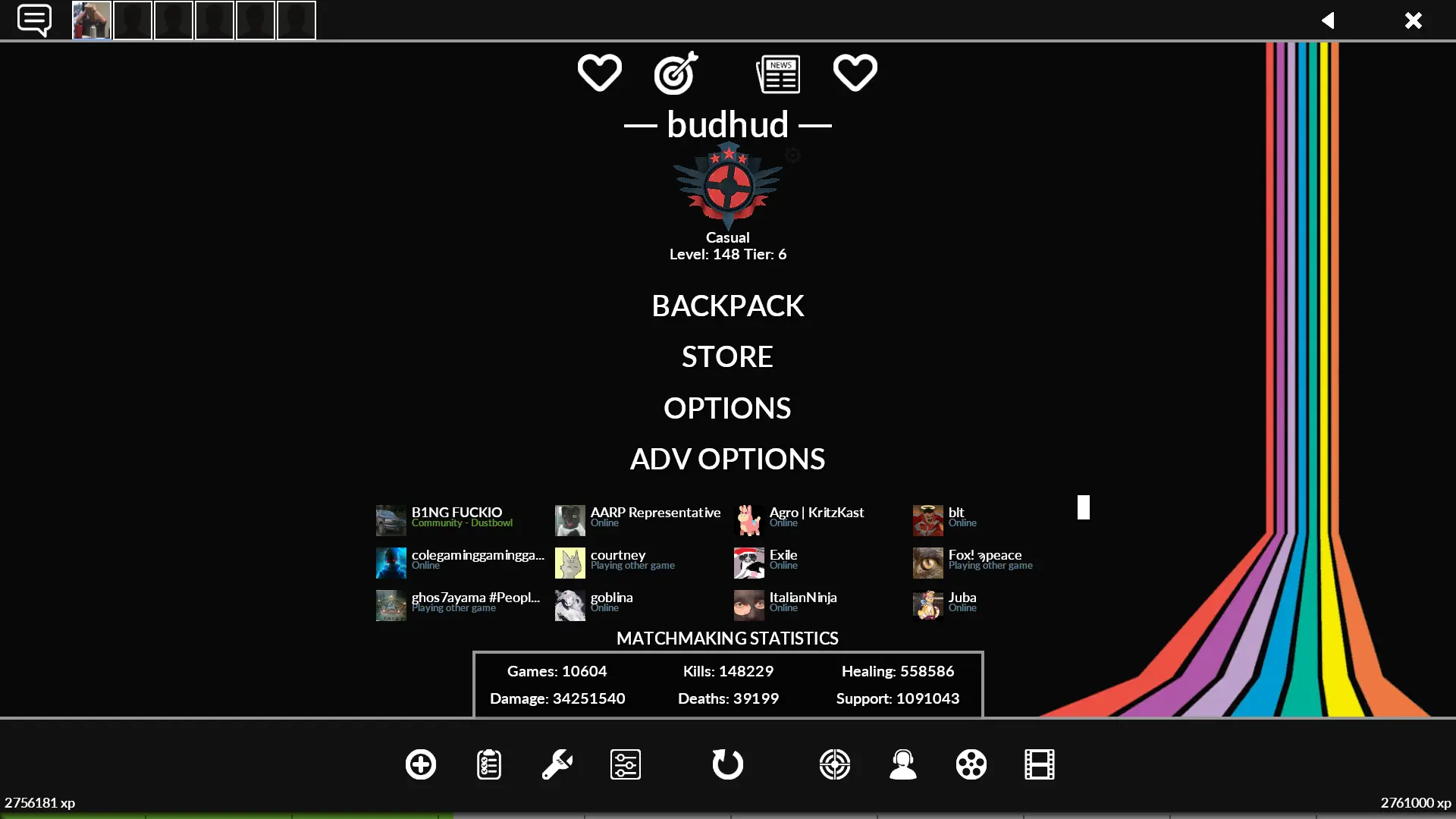
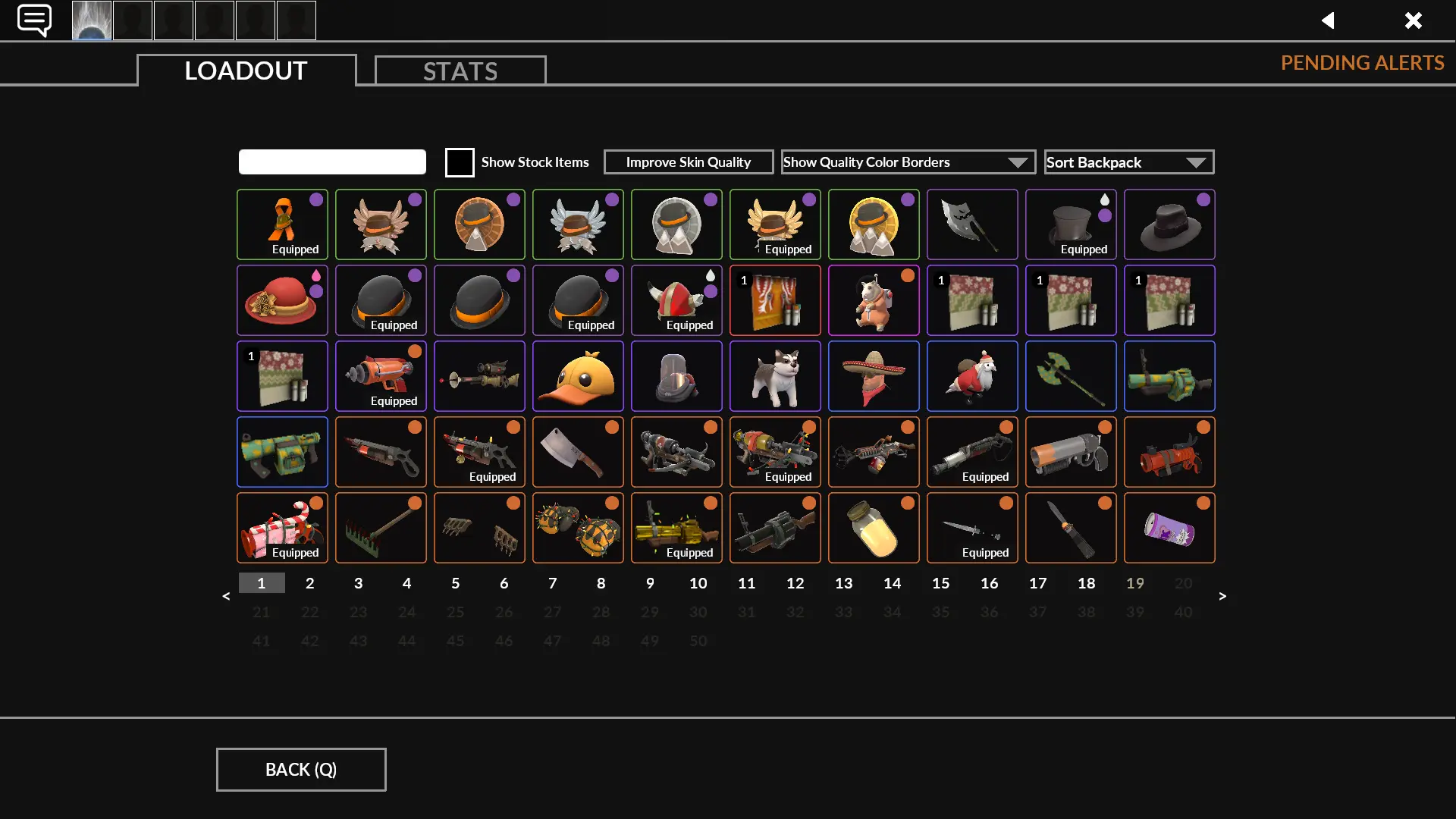
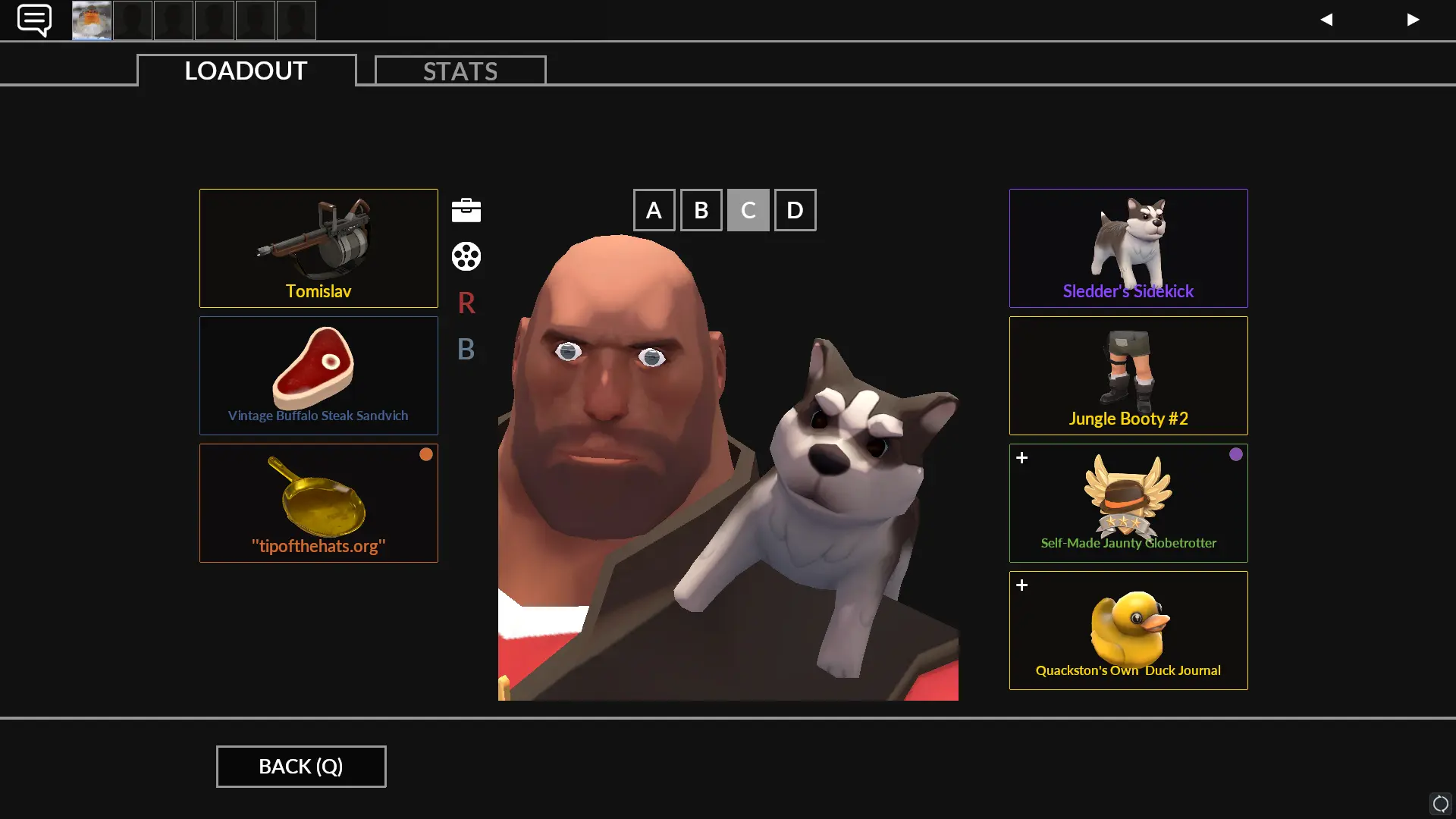
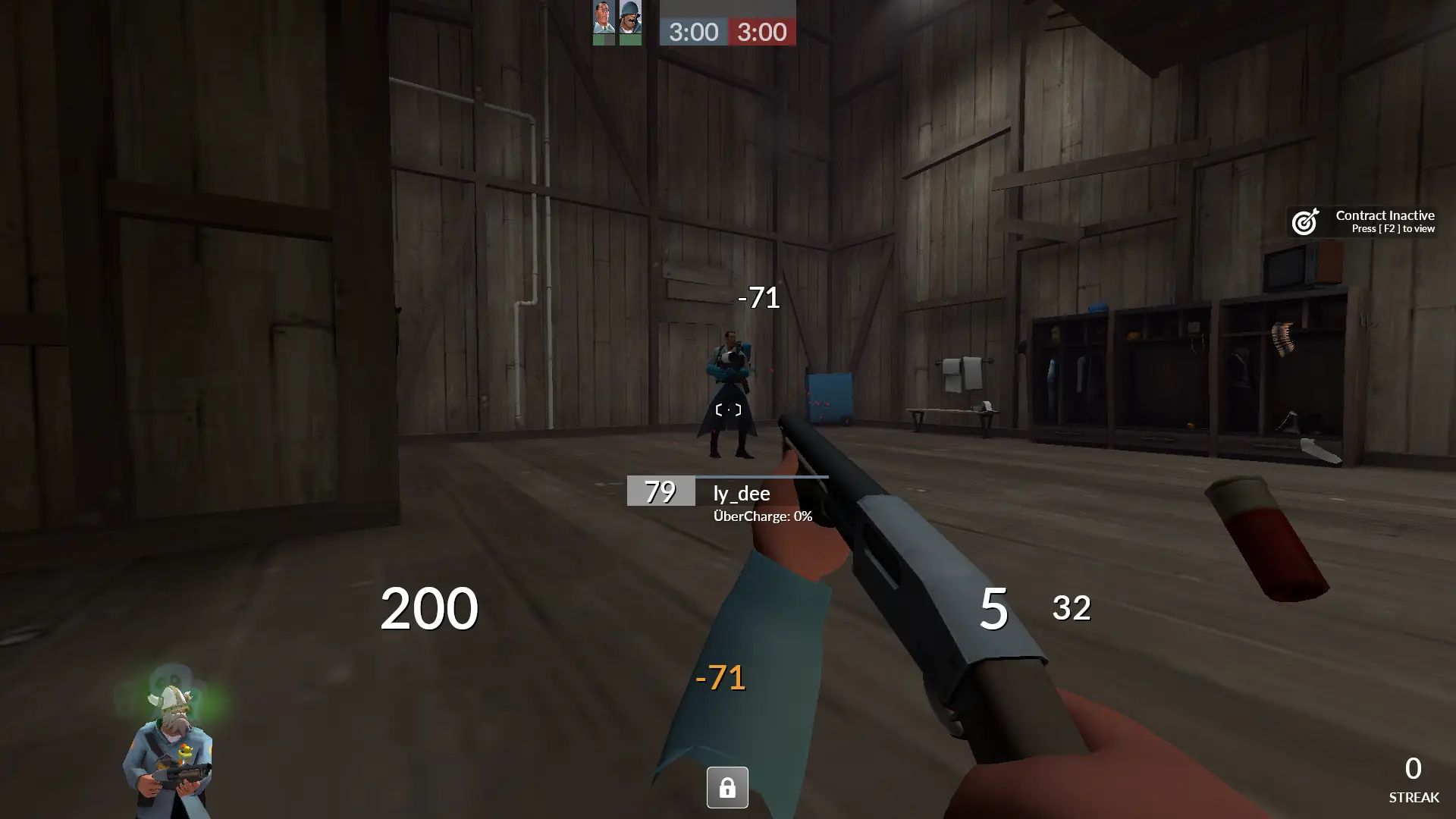
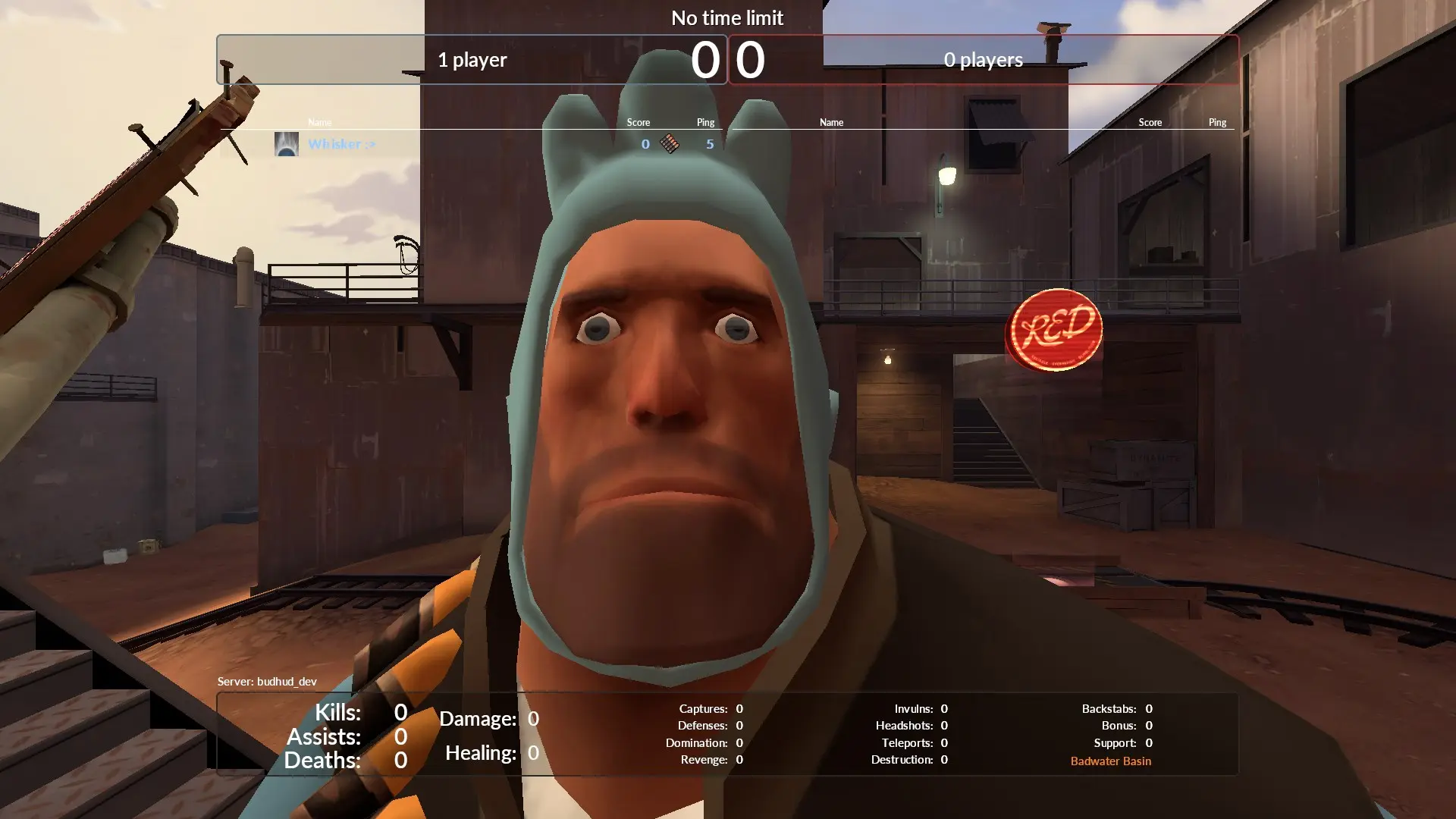
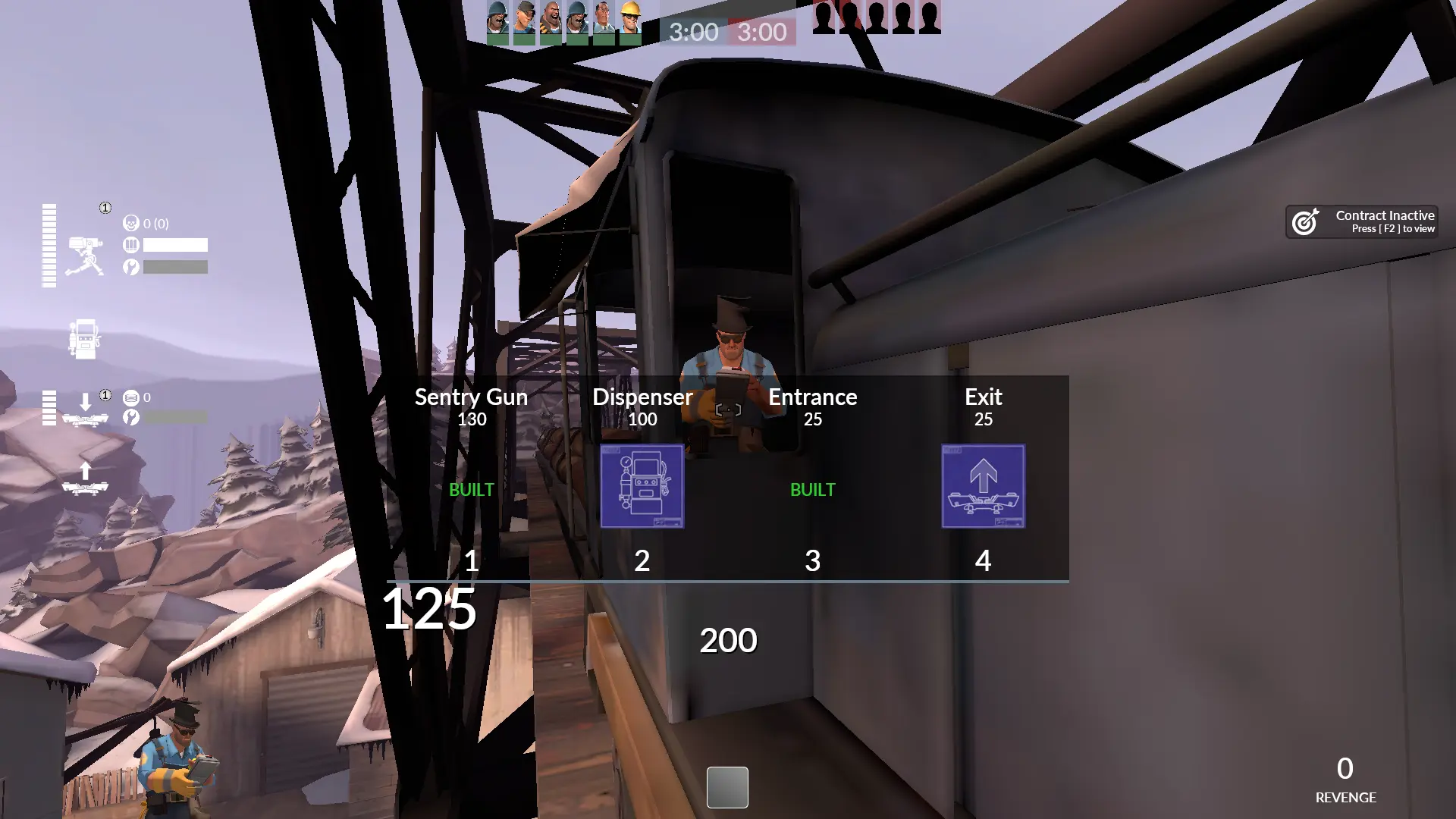
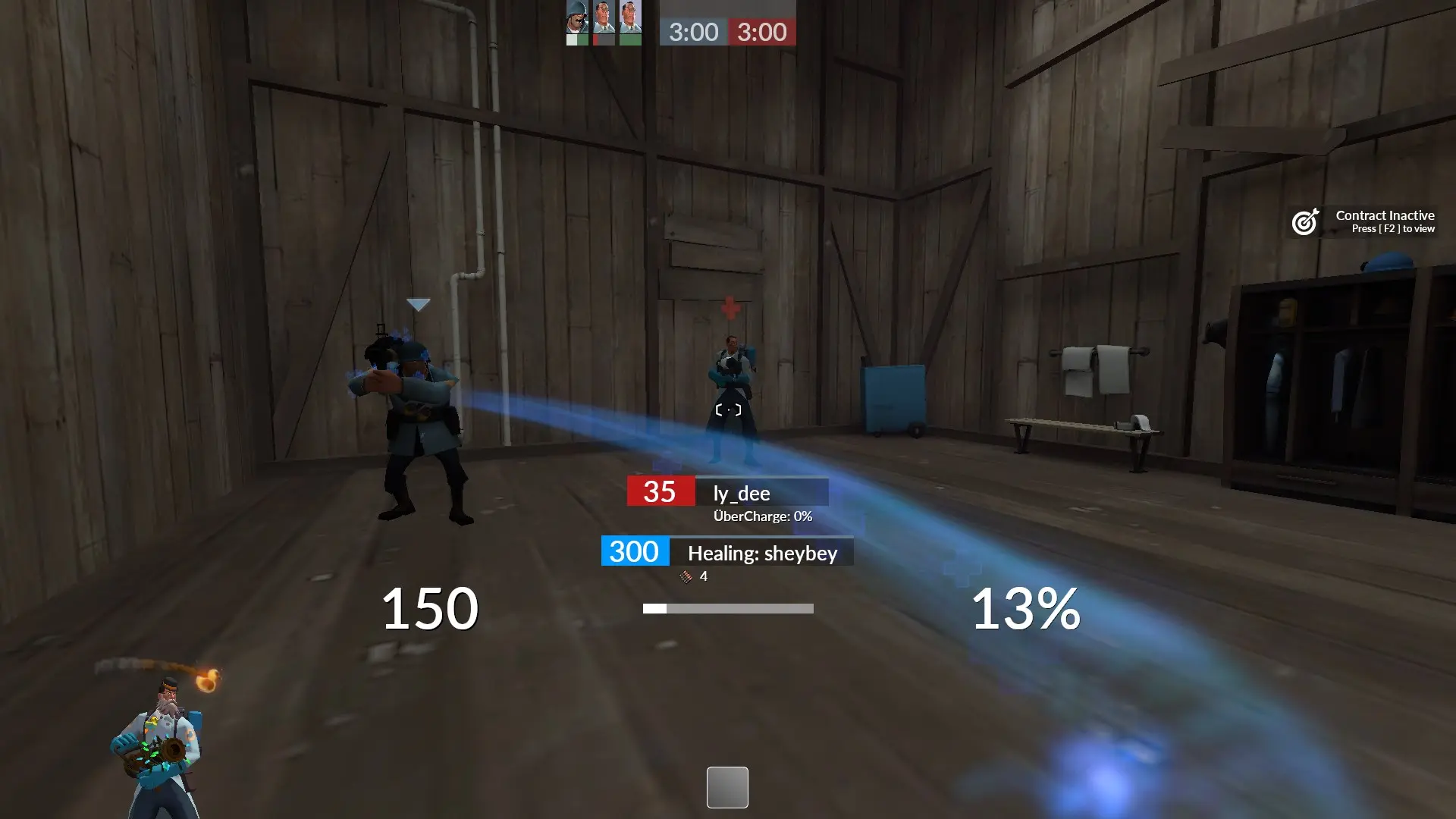
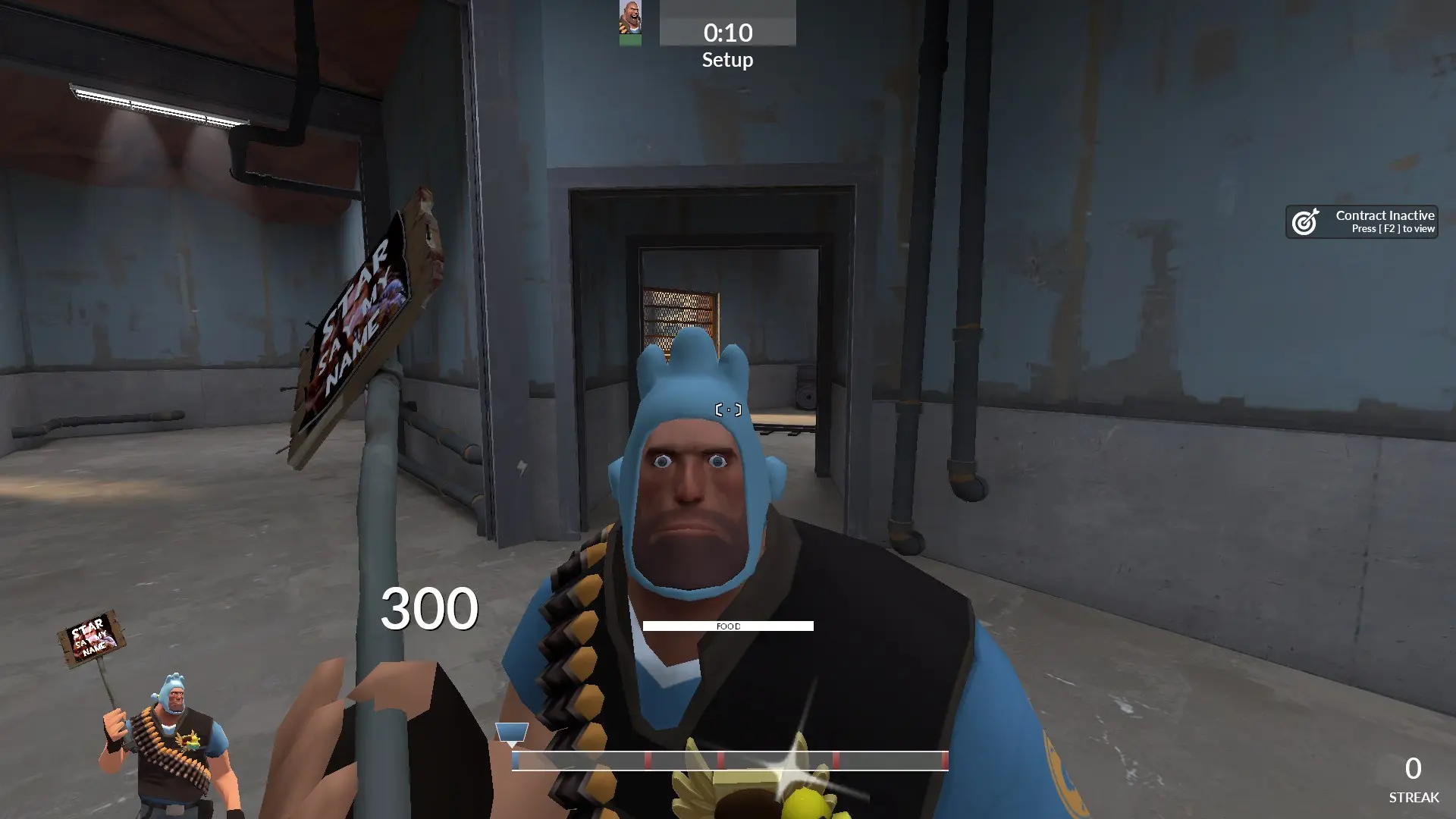
A Team Fortress 2 hud inspired by whayay's yahud and rays' rayshud.
HUD Links
Installation and Customization
The HUD wiki contains a wealth of information on installing the HUD as well as customizing it. Feel free to reach out in the Discord if you have further questions, though!
budhud Updater Script
budhud includes a shell script (budhud Updater.ps1) in the base directory that will allow you to do a few different things:
- Verify that your HUD installation is correct
- Download/update the default HUD files
- Download/install a fresh version of the HUD from GitHub
- Set your HUD language
- Compile the HUD's #base lines (which improves performances in certain scenarios -- also just a really neat tool)
To open this file, you need to Right click the file and select Run with PowerShell.
HUD Installer / Customizer
If you would like to install and customize budhud (as well as other huds) quickly and easily, be sure to check out the TF2HUD Editor created by CriticalFlaw and Revan. You can read more about it here.
HUD Credits
HUD Font
- Lato, by Łukasz Dziedzic: http://www.lukaszdziedzic.eu/
HUD Icons
- Freepik: https://www.freepik.com/
HUD Compiler
- Lange: https://github.com/alvancamp
HUD Translations
- Chinese: Ultra Violet Amethyst 紫微星宿
- French: ly_dee
- German: donuttt
- Italian: Hypnotize
- Portuguese: powah
- Romanian: Dr4kecl
- Russian: CriticalFlaw
- Simplified Chinese: Hoto_Cocoa
- Spanish: LJoacks
TF2 Crosshairs
- Knuckles
- Fog
- Hypnotize
- whayay
Closed Captions
clovervidia: https://steamcommunity.com/sharedfiles/filedetails/?id=167785751
HUD Editing Help
- doodles
- flatline
- Hypnotize
- JarateKing
- omnibombulator
- raysfire
- Revan
- sheybey
- Wiethoofd
Previous Fonts
- Roboto Condensed: https://www.fontsquirrel.com/fonts/roboto
- Designosaur: https://fontlibrary.org/en/font/designosaur