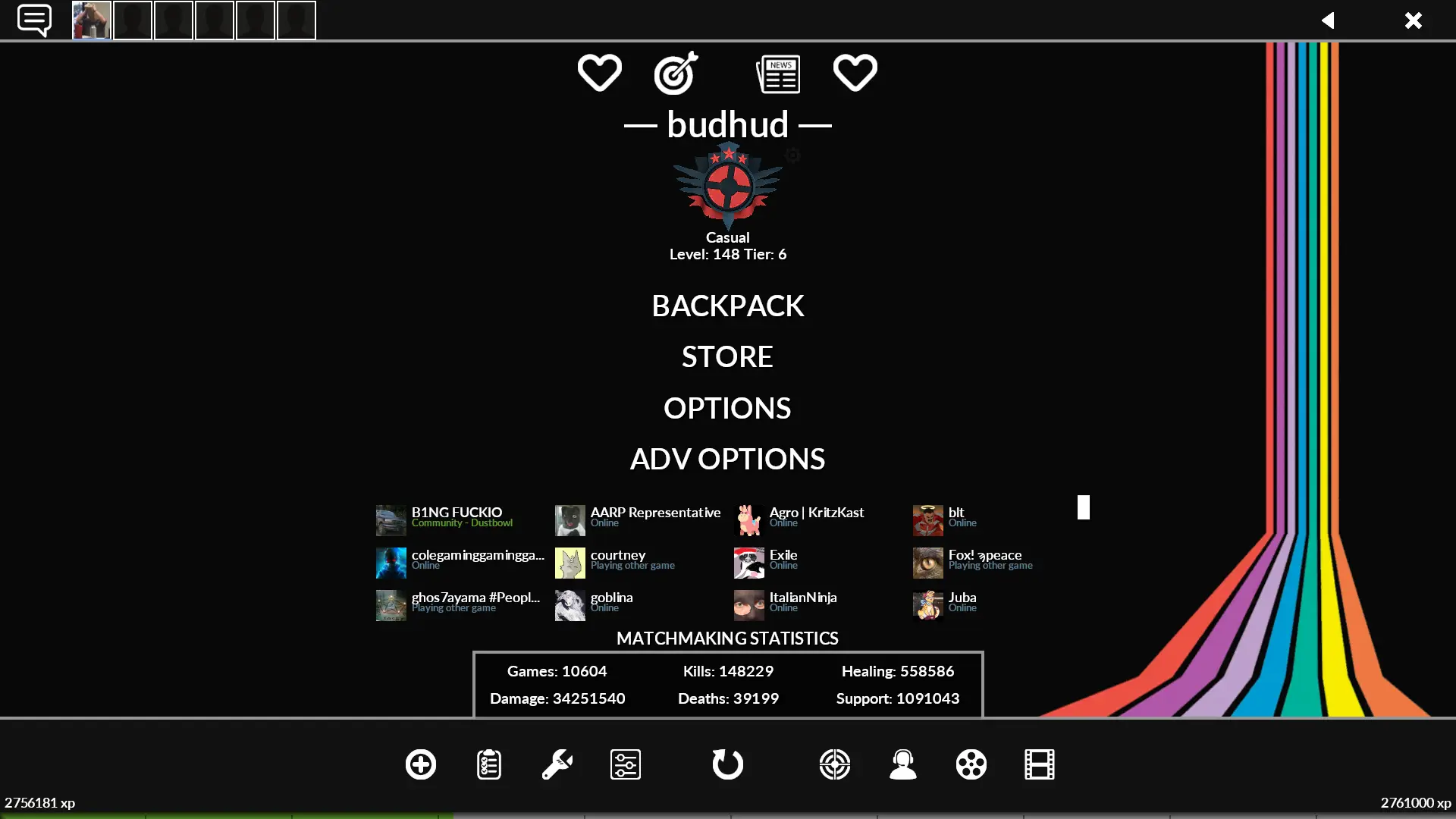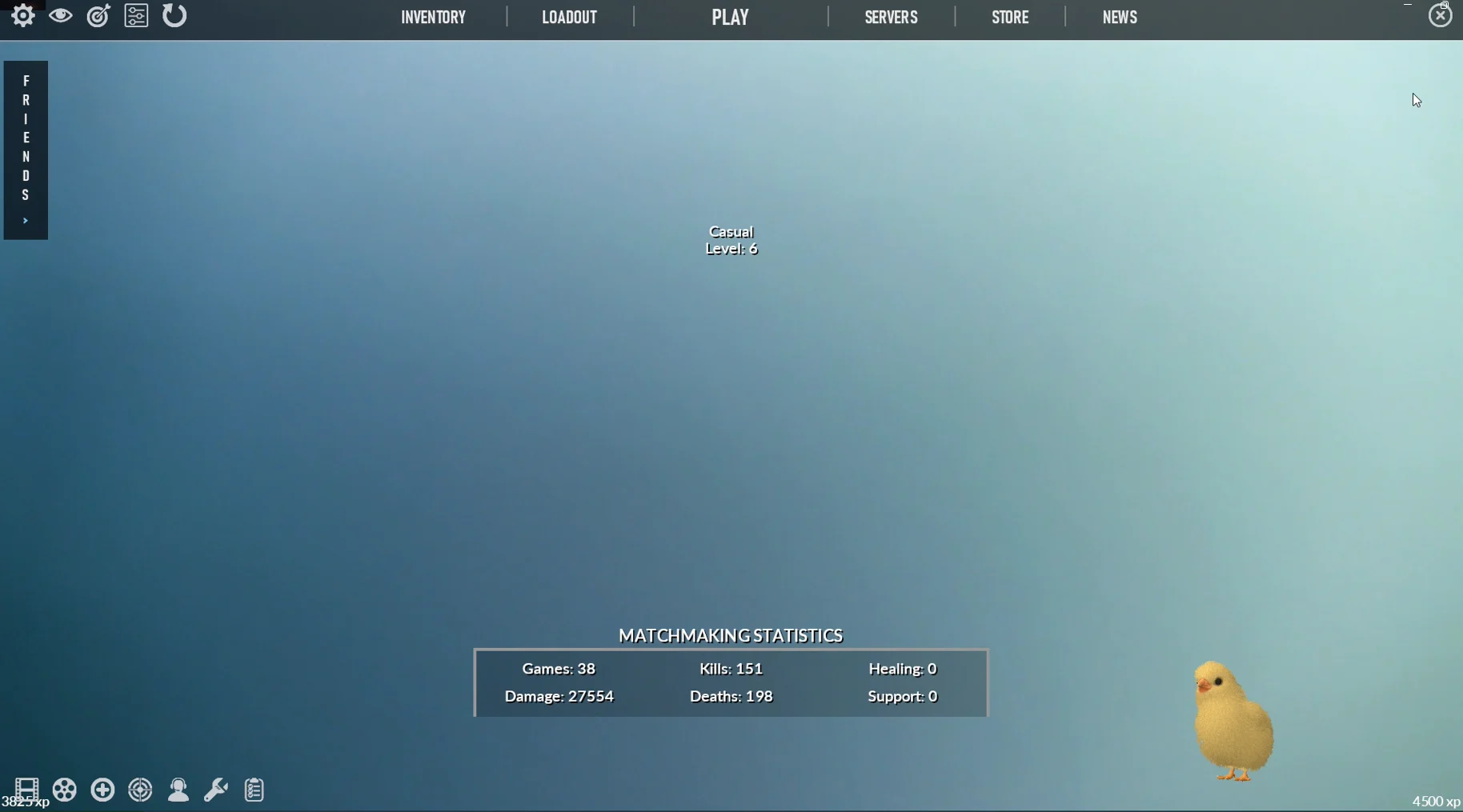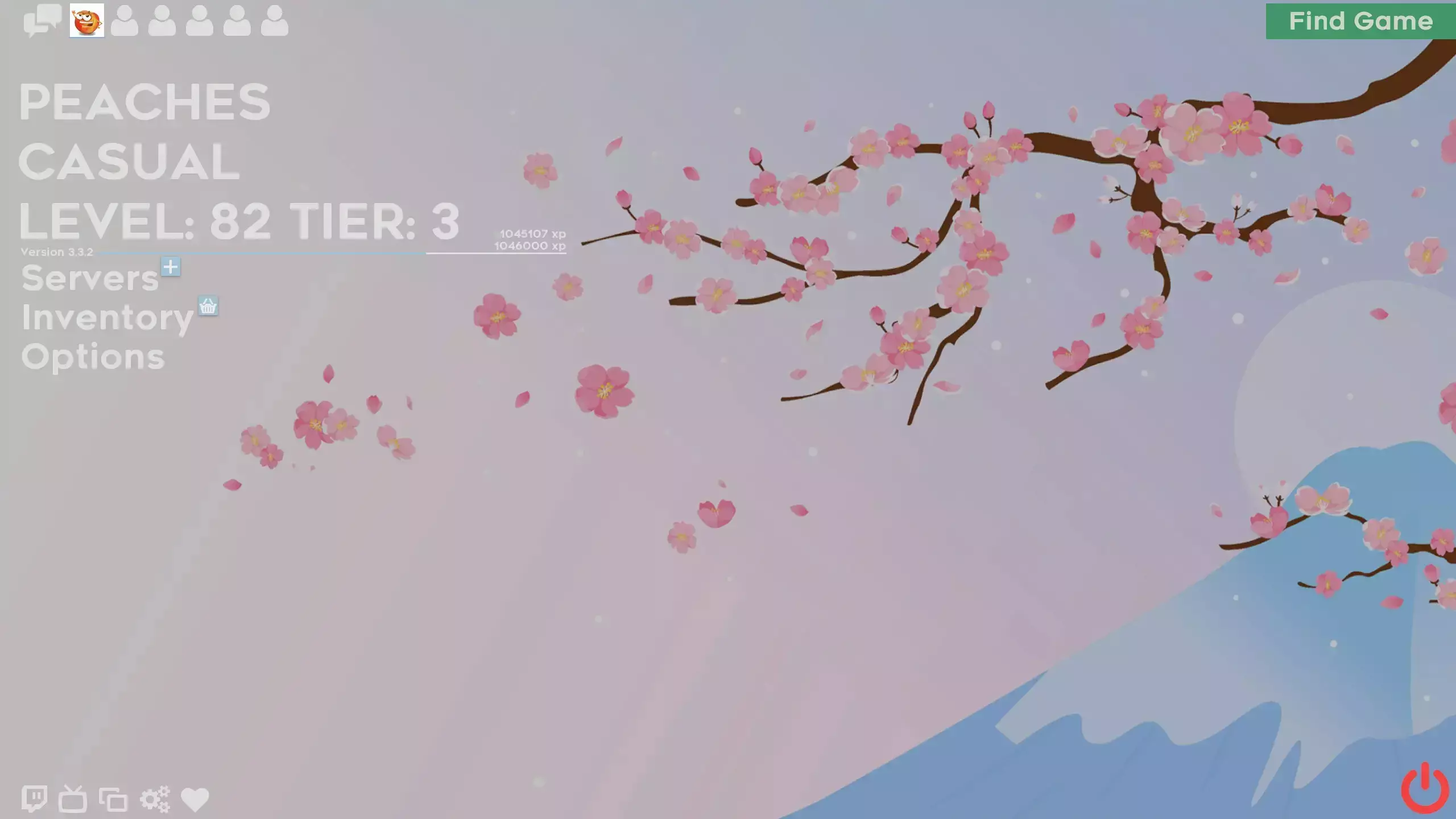
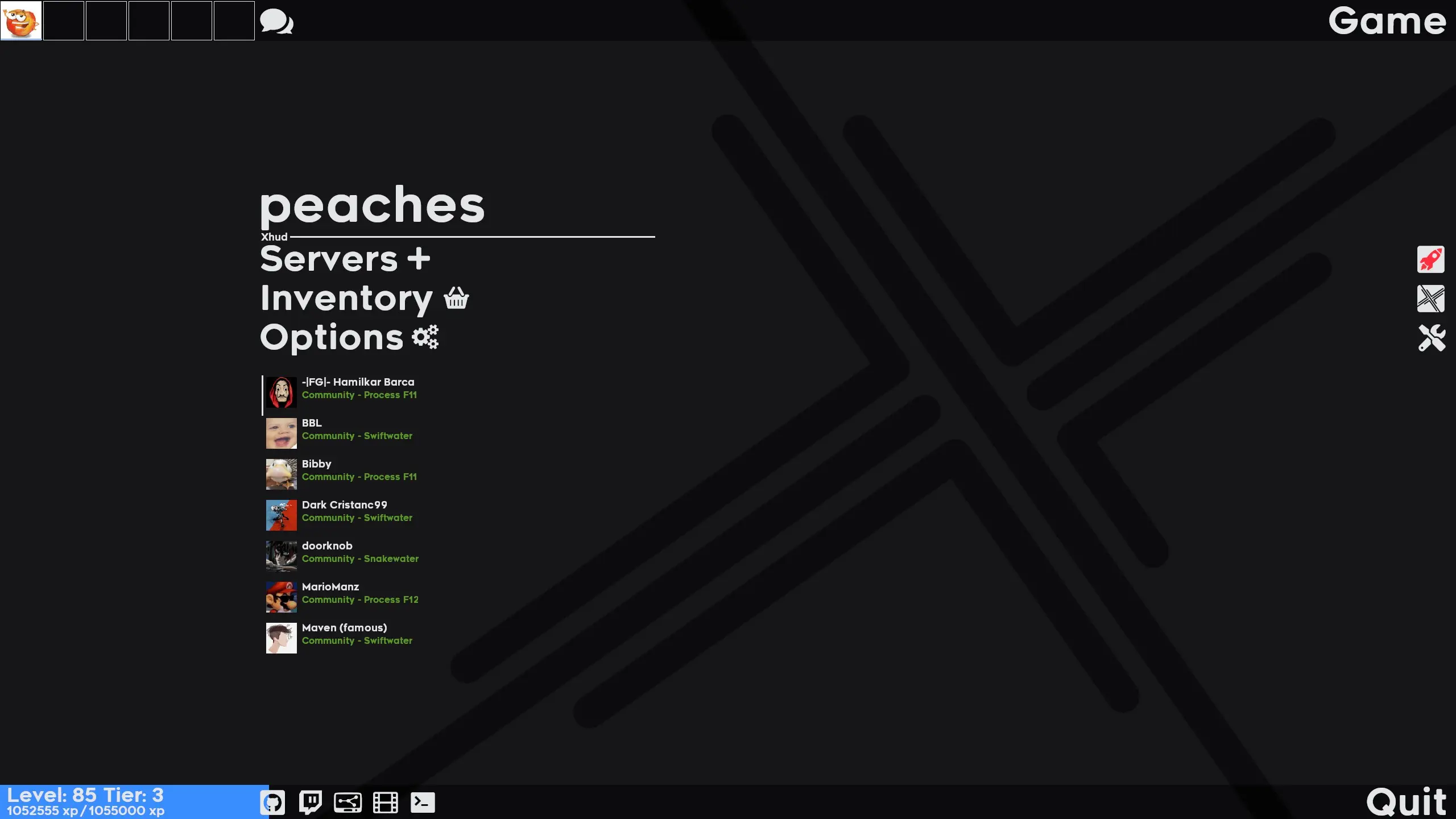
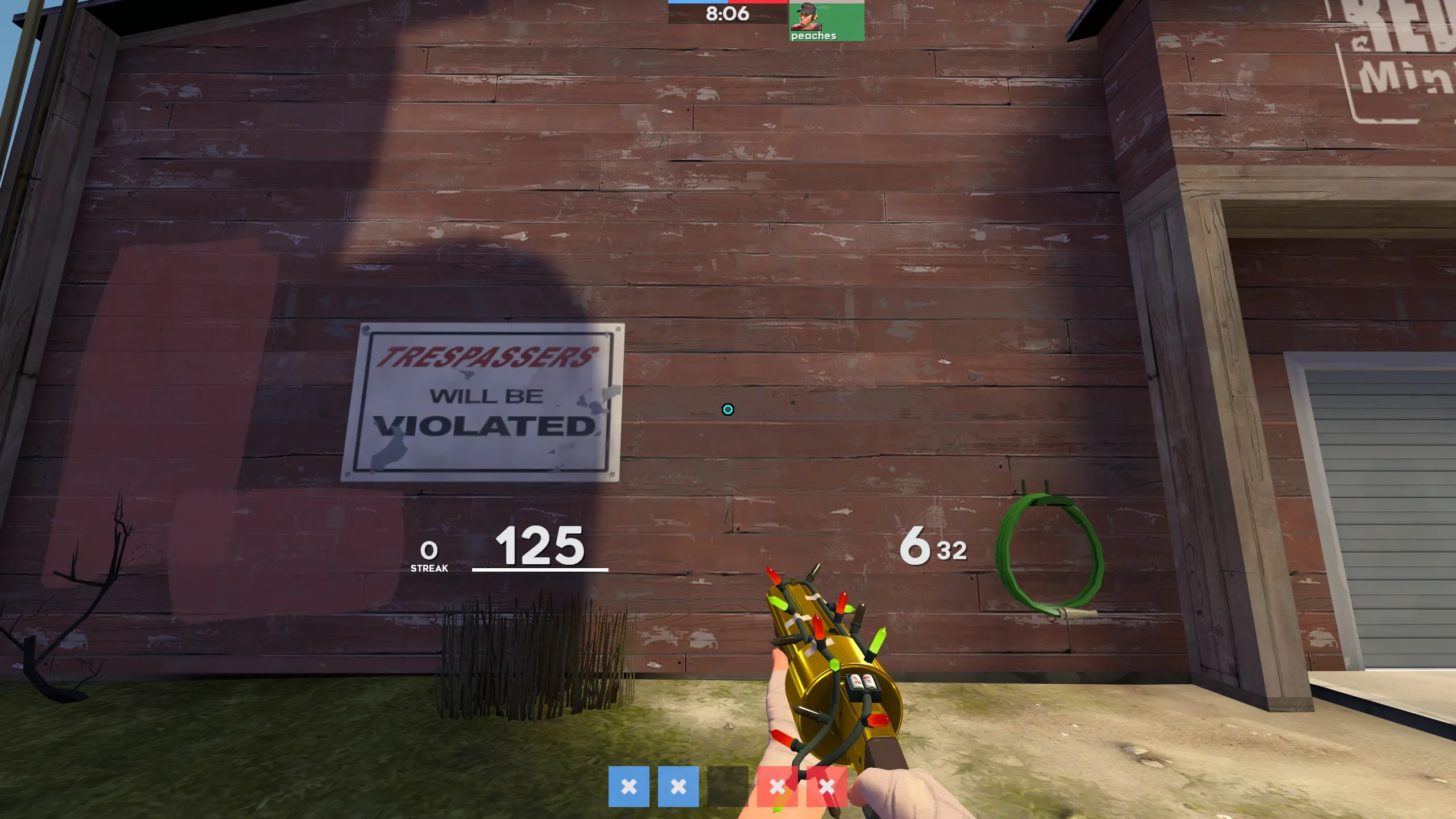
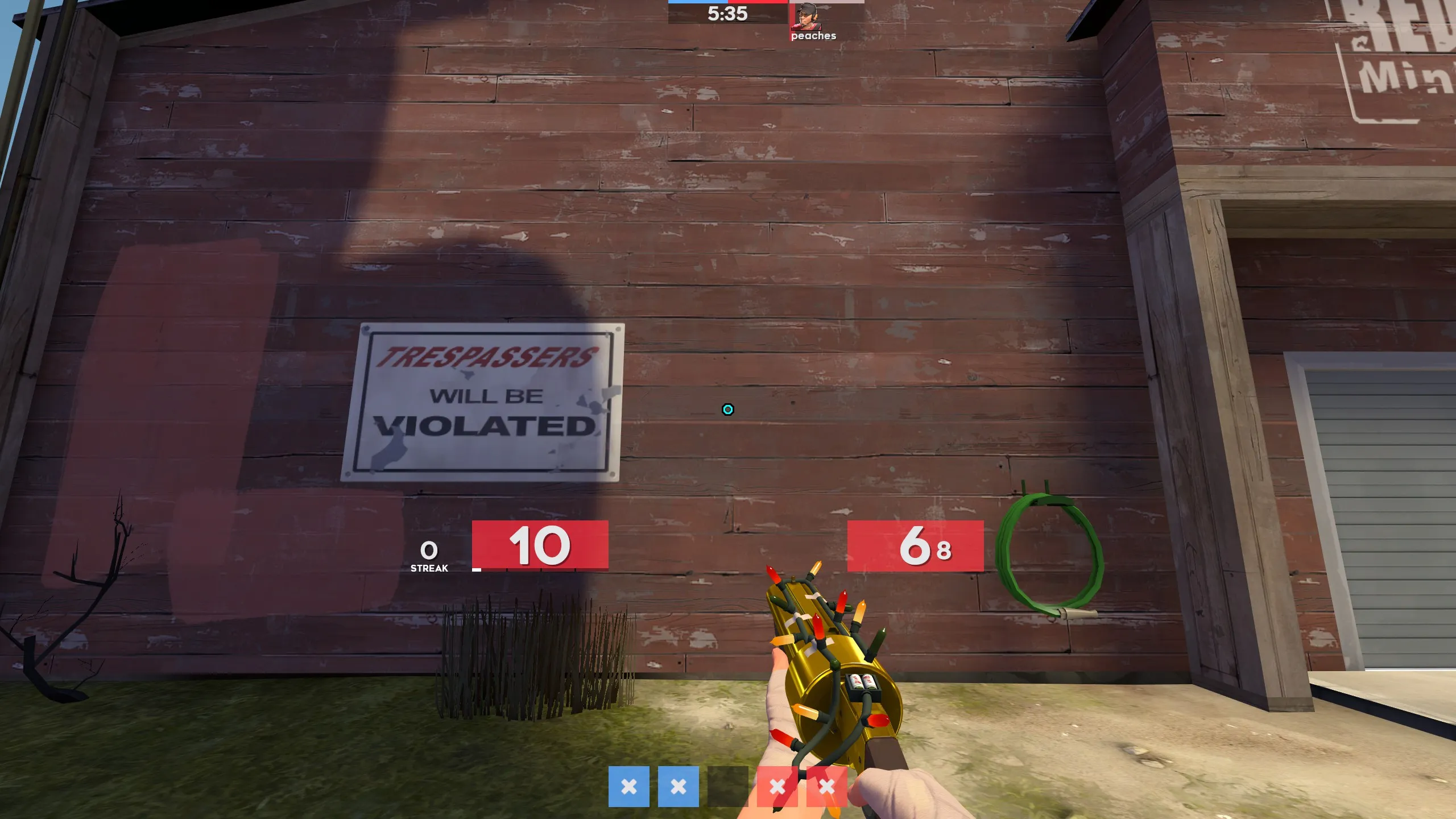
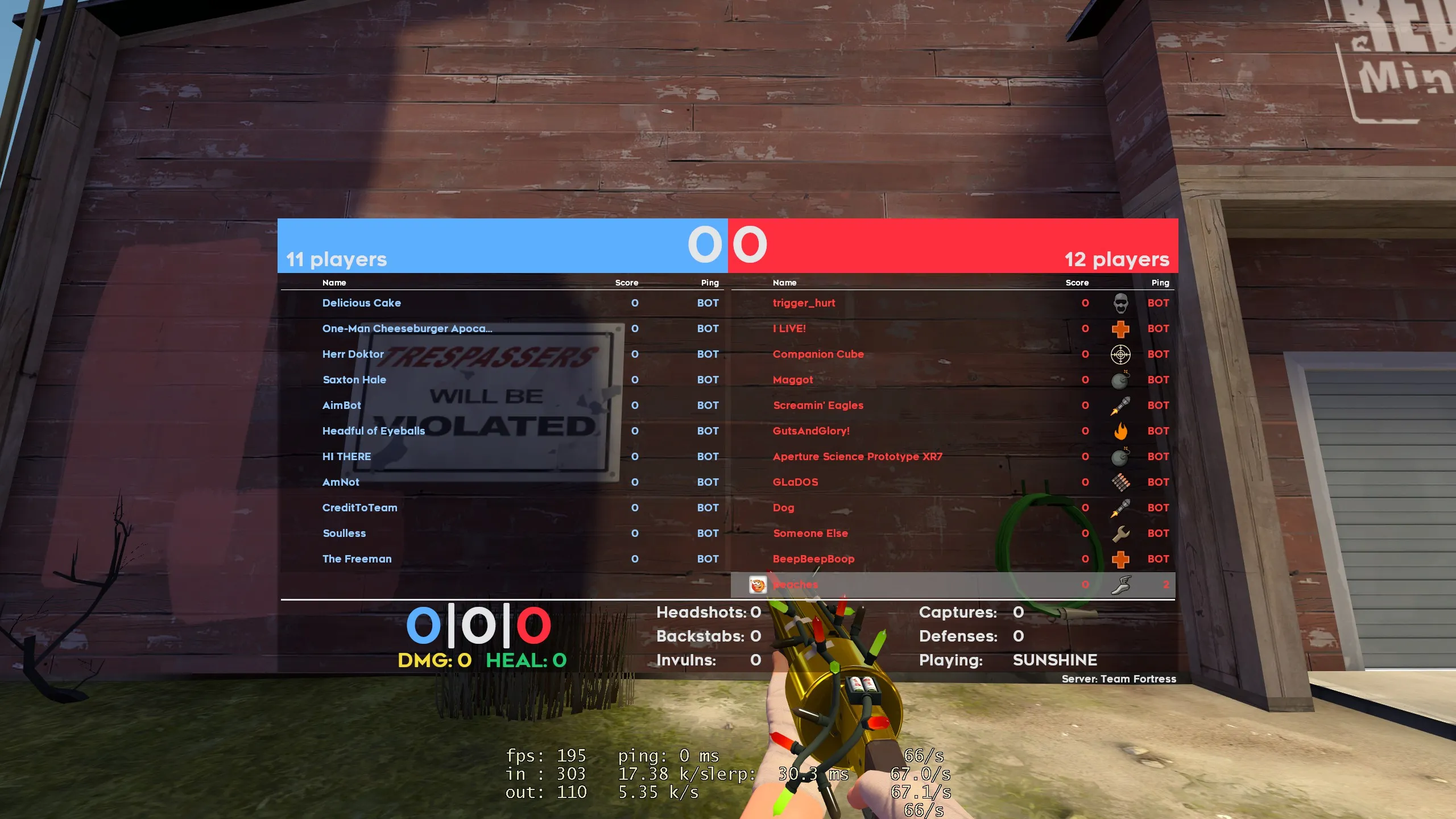
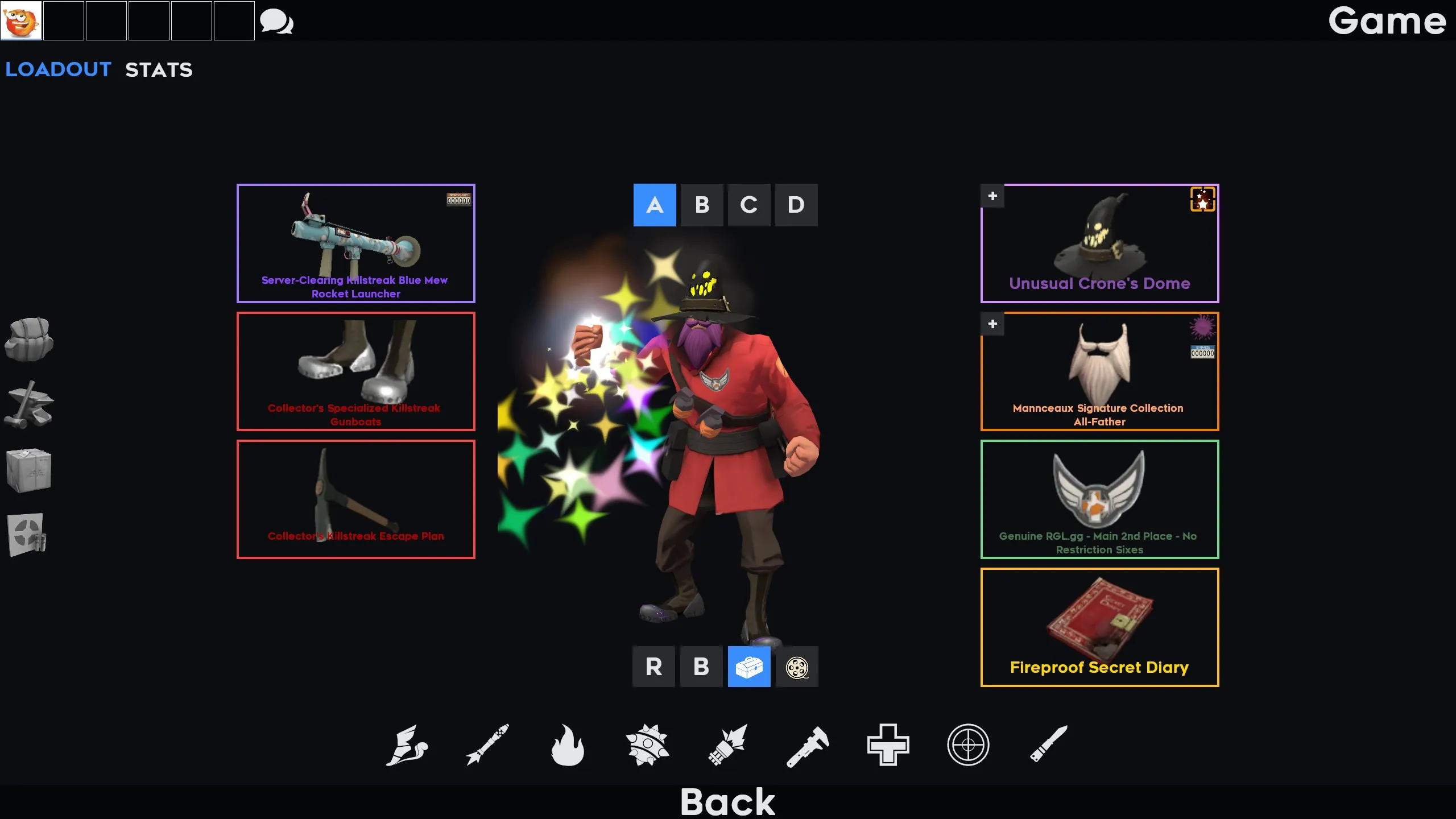
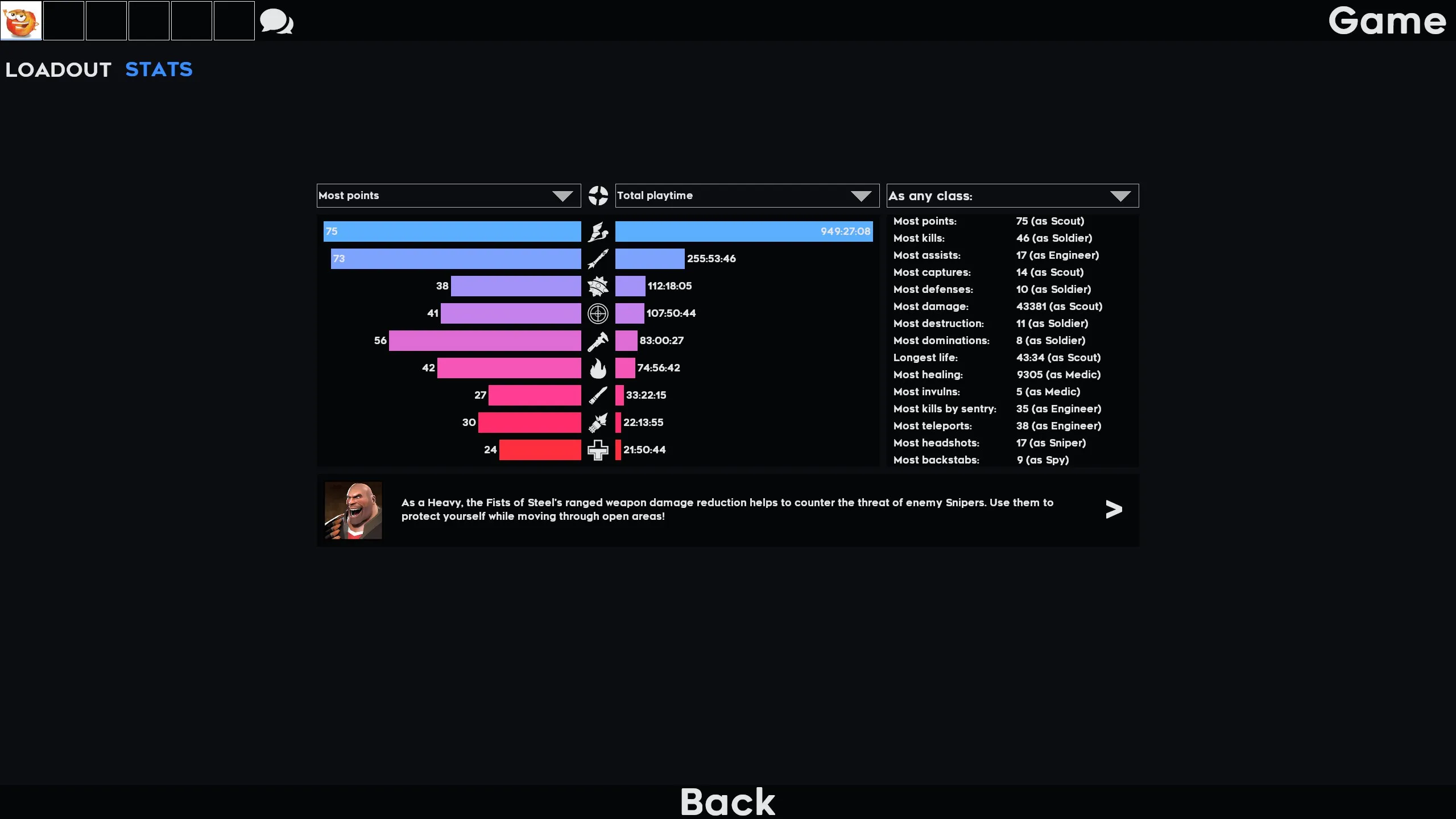
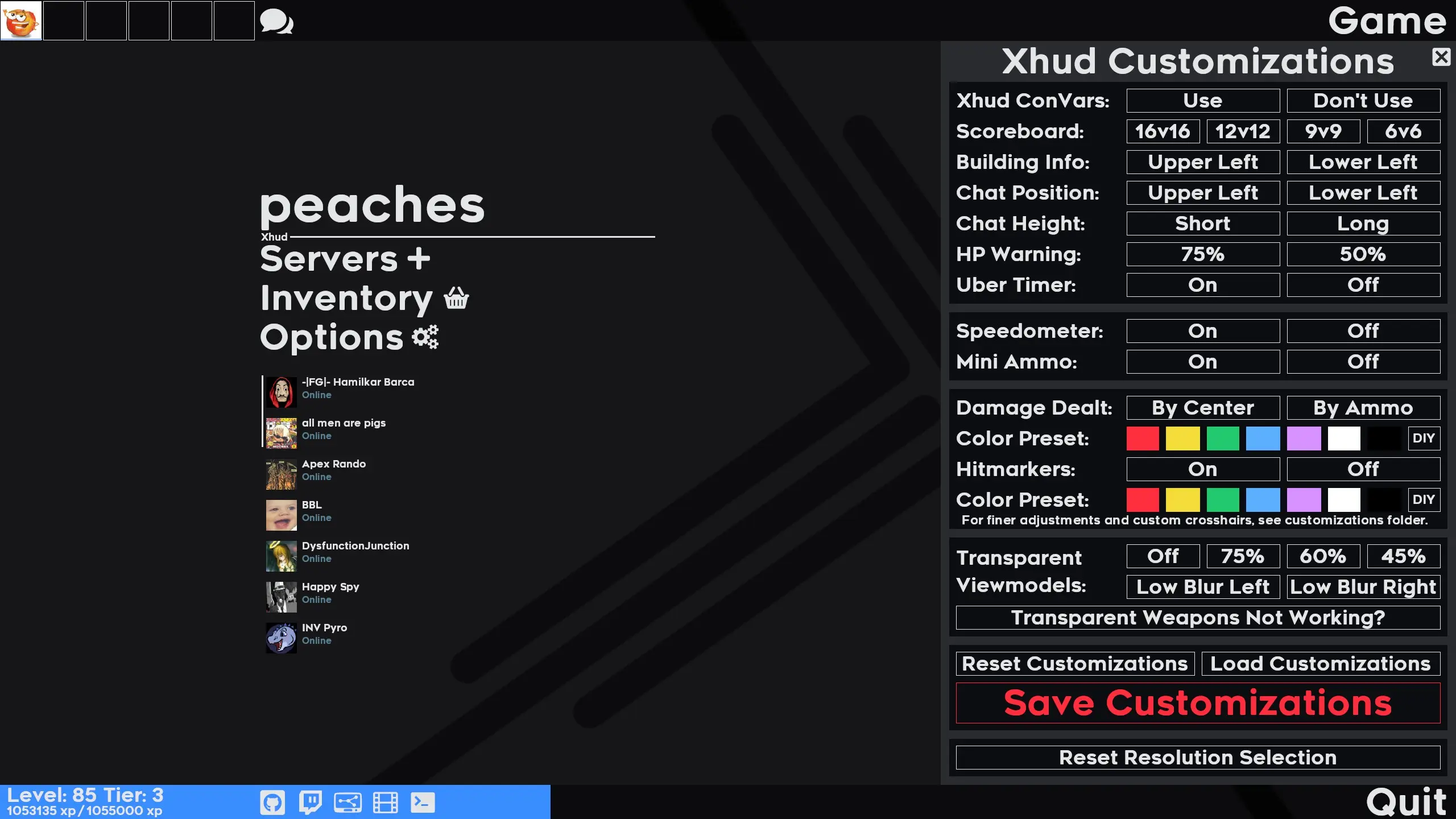
Xhud is a custom HUD for Team Fortress 2 by Peaches. It is tagged minimal. It includes custom fonts, custom menus, a custom scoreboard, built-in crosshairs, custom materials, and customization options. It supports 4:3, 5:4, 16:10, and 16:9 aspect ratios on Windows. Health and ammo sit in the center of the screen.
Xhud
A TF2 HUD designed by Peaches to serve as an environment to develop innovative ideas and techniques into a final product that streamlines useful information for experienced players.
- How to Install Xhud
- How to Customize Xhud
- Frequently Asked Questions
- Screenshots Coming Soon
More Questions? Looking for development documentation? Head over to the Xhud Wiki.
Please do not commission others to edit my HUD. Others are welcome to edit the HUD voluntarily, but others should not profit off my HUD.
Credits
Framework for materials, icons, and general color scheme: Hypnotize's various HUDs
Inspiration for optimization and more efficient code formatting: Hypnotize's LightHud
Technical TF2 insight & code contributions: Horse and their projects
Source of many innovative ideas: JarateKing's HUD documentation
Closed caption framework: Clovervidia's custom captions
Xhud logo creation: NuclearCore
Math Consultant: Popalofiti
Support & testing: The unsponsored Sponsored by Xhud roster
Copyright
Xhud © 2020 by Peaches is licensed under CC BY-NC 4.0
What is in the Xhud download
The numbers here are from version 1e2f554 of Xhud. At that version the HUD's repository has 457 files, 271 of them .res files. There are also 54 images in the VTF format, 6 different font files, 2 sound files, and 3 .cfg files. The font files include hypnotize icons x.ttf, Readyup XHud.otf, Renogare Uber.ttf, Renogare XHud.ttf, and 2 more.
Xhud has files of its own for the backpack, the class loadout, the MvM scoreboard, the crafting menu, the matchmaking dashboard, the item inspect menu, and the MvM upgrades menu. The HUD editing guide shows how to find the file that draws a part of the HUD.
info.vdf is at the top of the download, so copy the unzipped folder itself into tf/custom. The install guide has every step.
More HUDs by Peaches