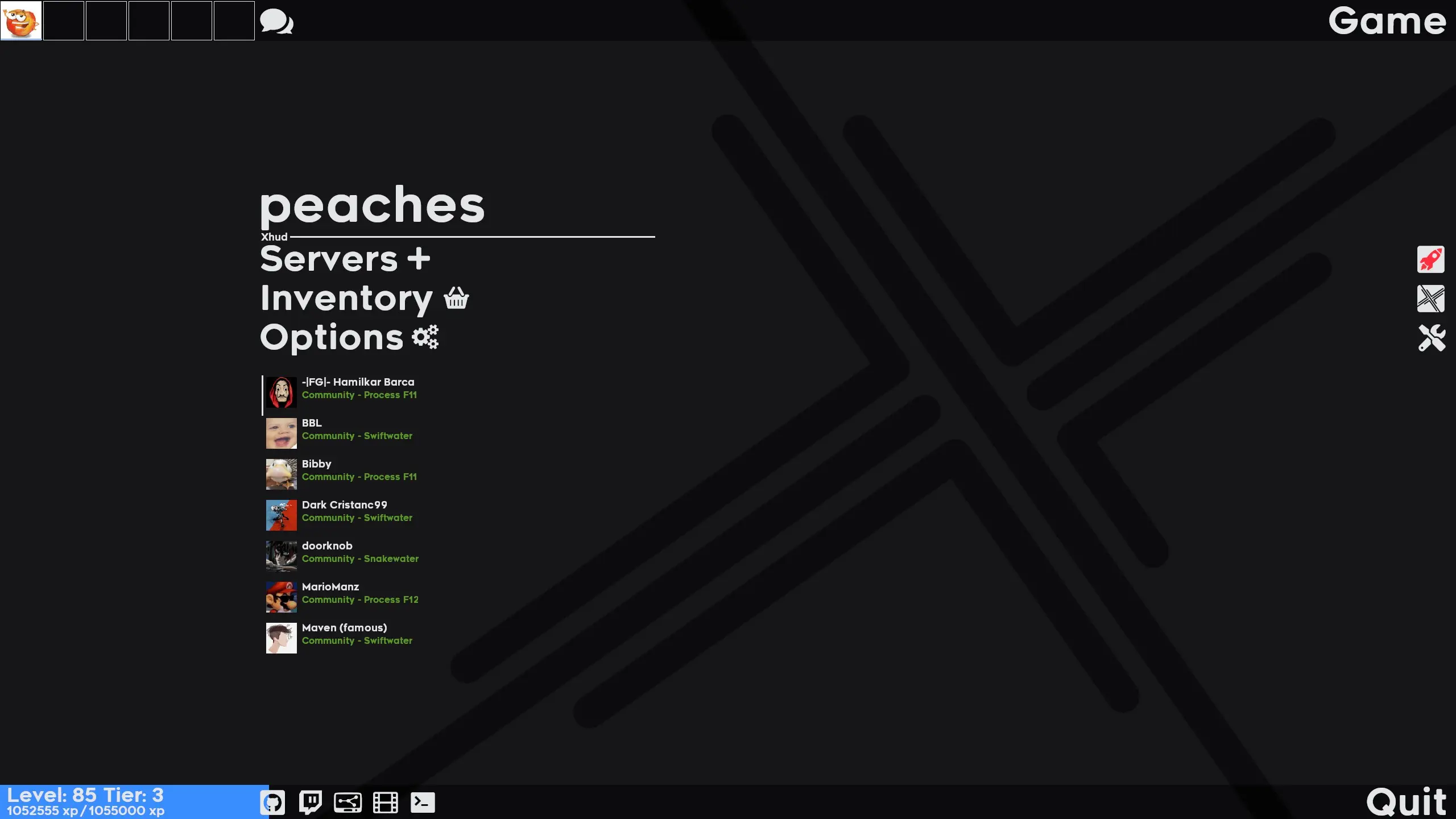
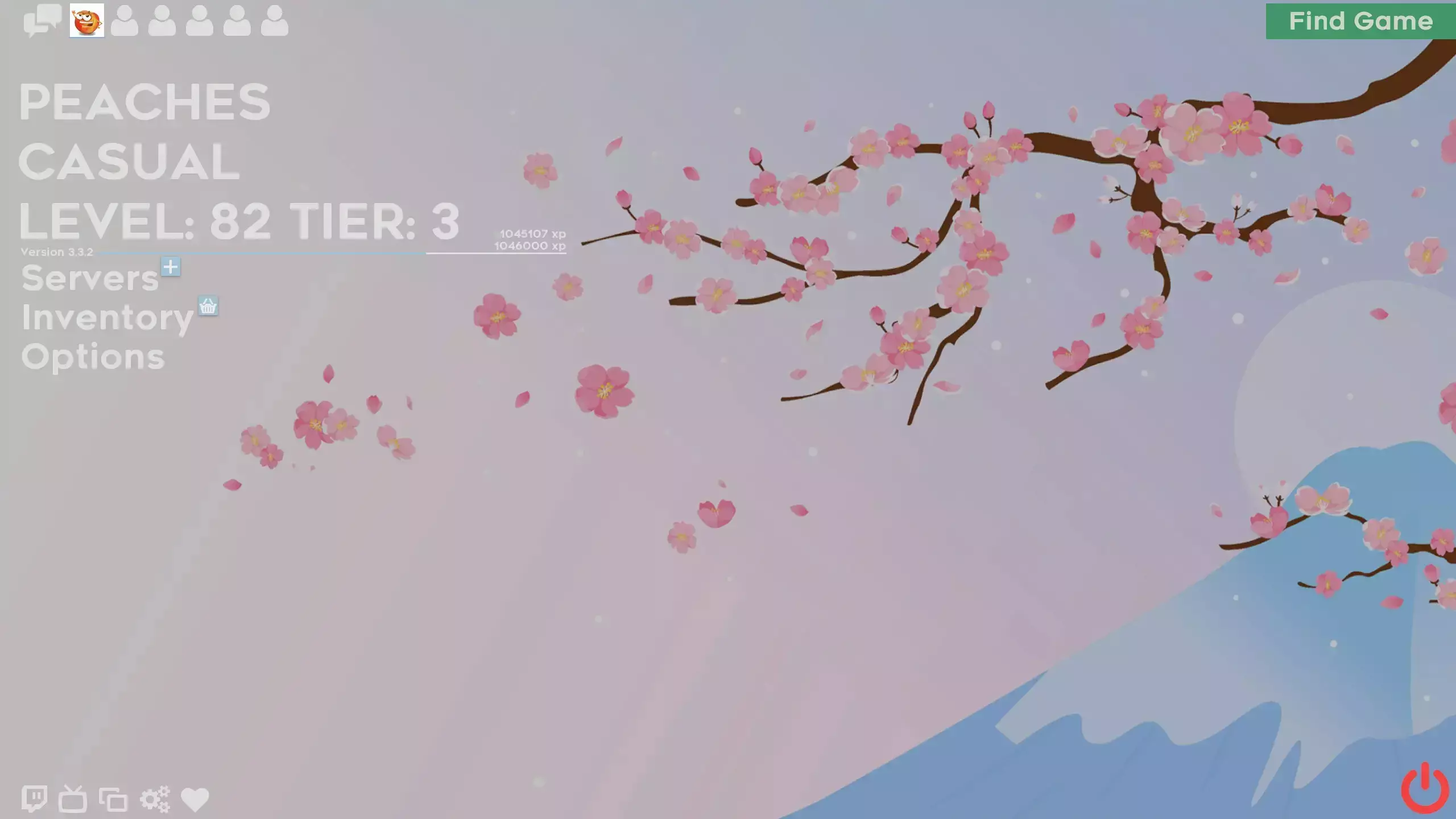
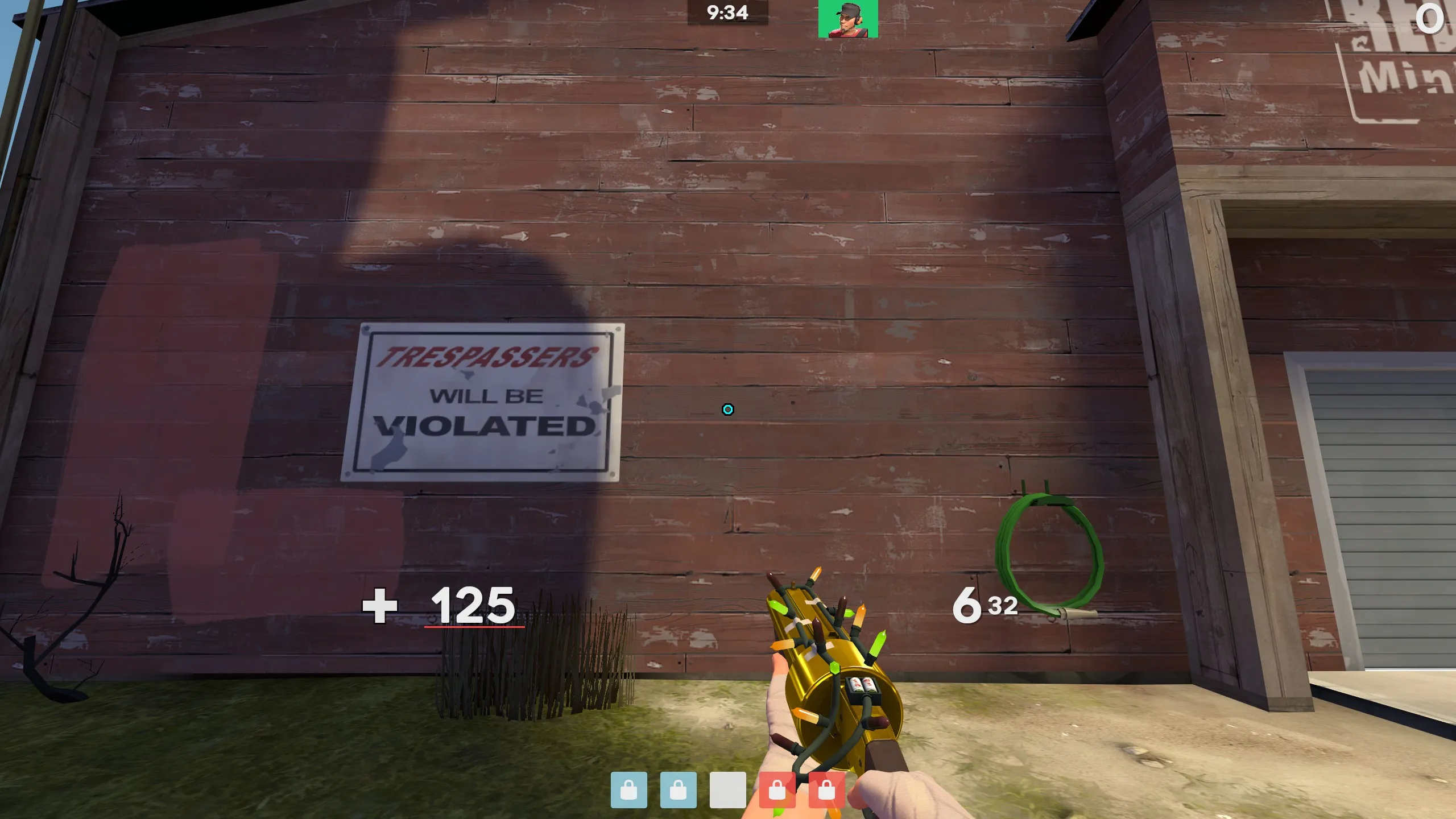
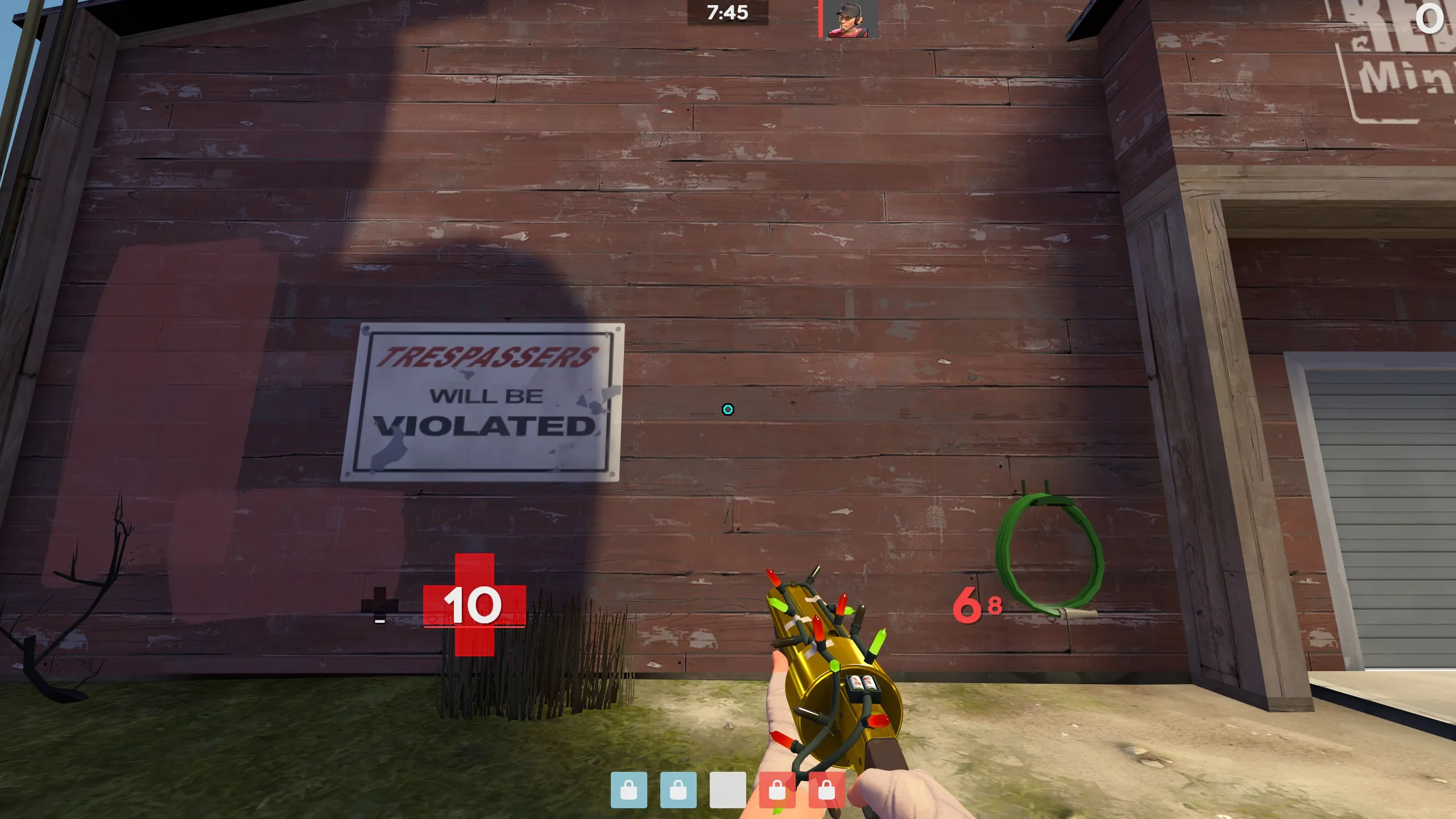
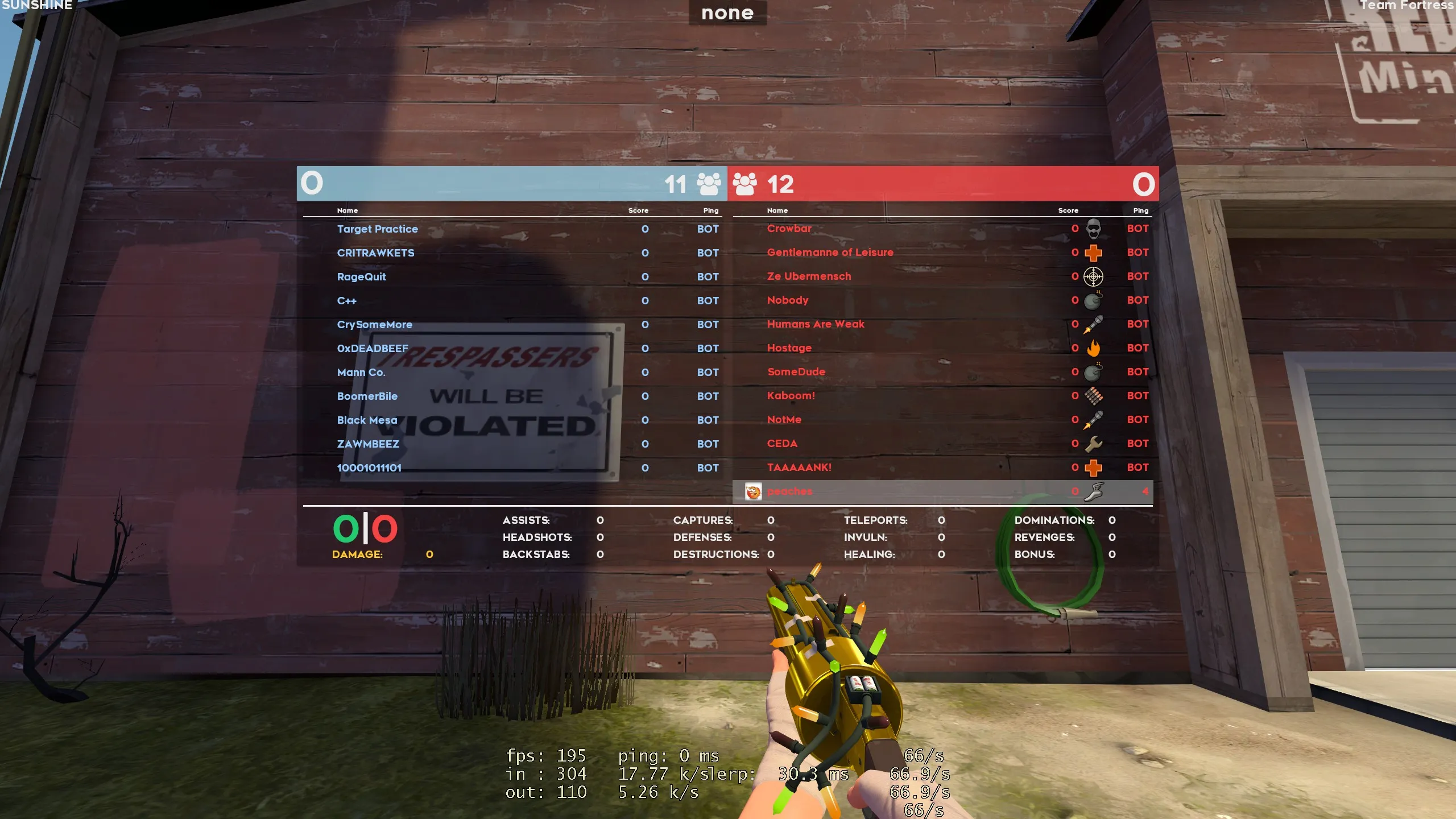
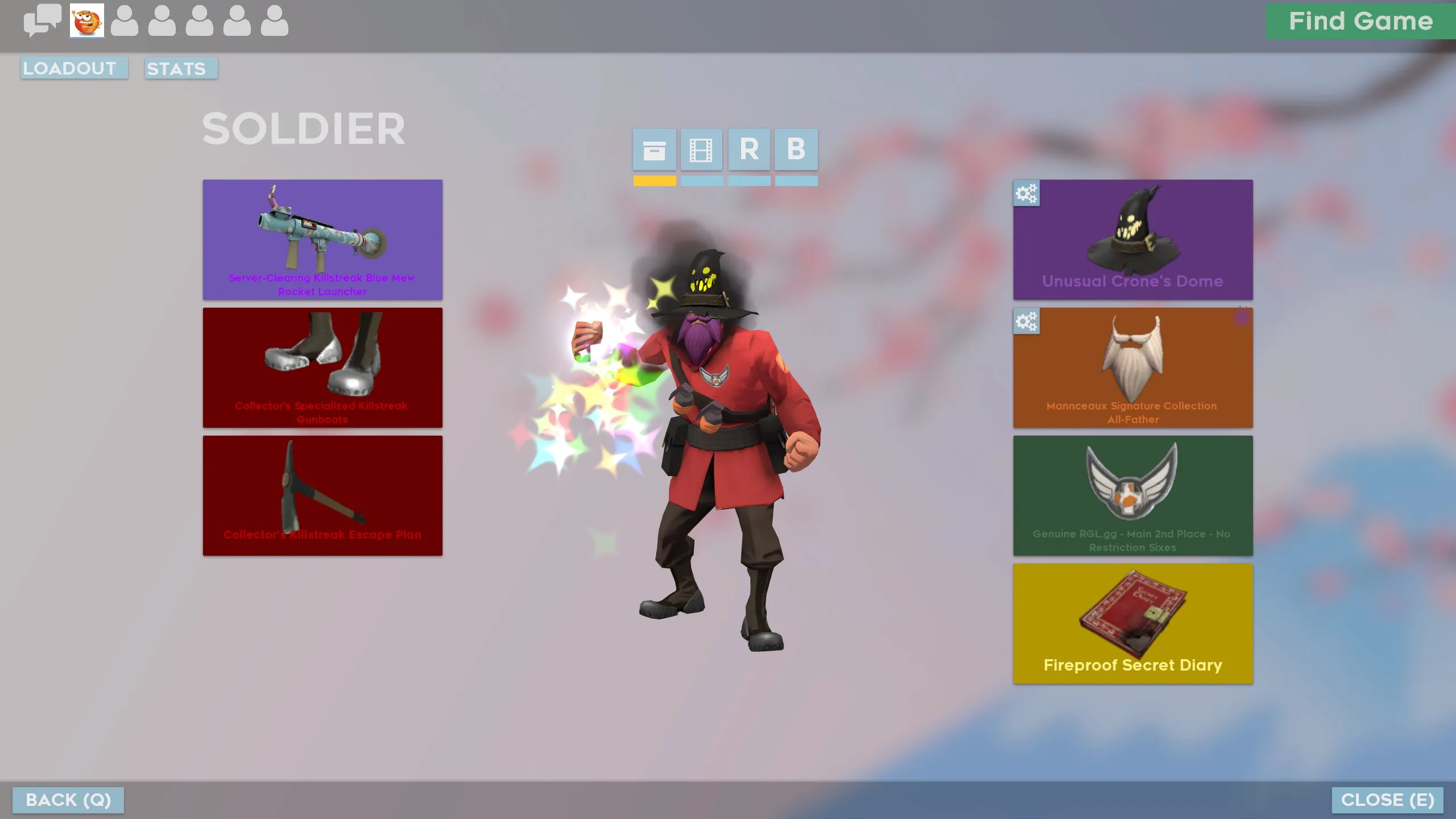
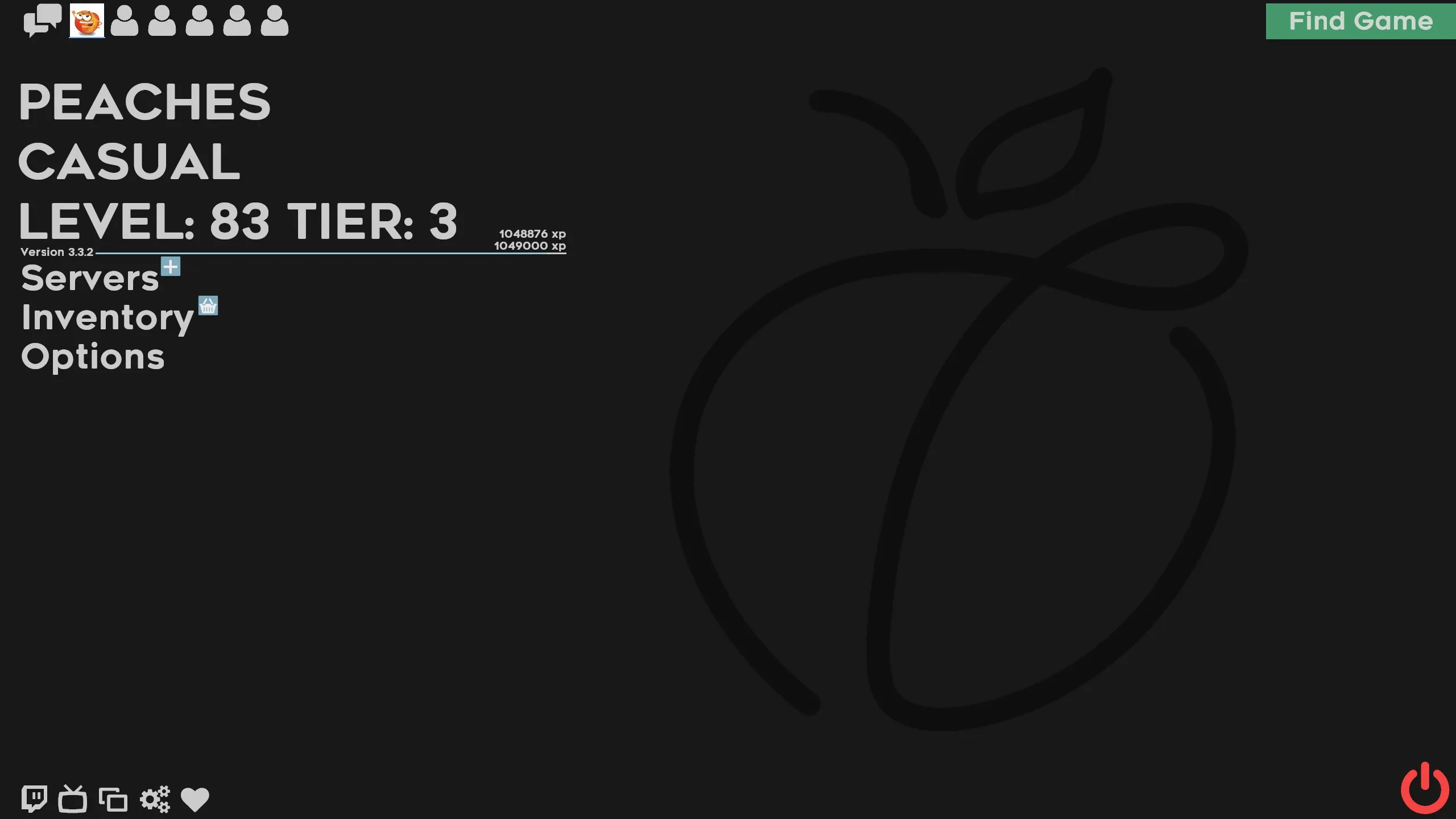
PeachHUD is a custom HUD for Team Fortress 2 by Peaches, released in 2019. It is tagged minimal. It includes custom fonts, custom menus, a custom scoreboard, built-in crosshairs, a minmode layout, streamer mode support, custom materials, and customization options. It supports 4:3, 5:4, 16:10, 16:9, 17:9, and 21:9 aspect ratios on Windows, Mac, and Linux. Health and ammo can sit in the center of the screen or in the corners.
Description
A Team Fortress 2 HUD made by Peaches and streamlined for competitive, while maintaining a clean and minimalistic look.
Based on SunsetHUD, by Hypnotize.
Screenshots (Not sure why this is marked 18+)
Github
Frequently Asked Questions:
Where's the friends-list?
It is a known source of FPS drops. Re-enable it in customizations/FriendsList.res.
Why can't I join my friend's party?
That's a Steam API bug unrelated to custom HUDs.
Where's the little person in the bottom left?
It is a known source of FPS drops. Re-enable it in customizations/ClassModel.res.
Does this work on Linux/Mac?
Rename the downloaded folder to be lowercase, then probably.
Please do not commission others to edit my HUD. Others are welcome to edit the HUD voluntarily, but others should not profit off my HUD.
Credits
Everything: Hypnotize
Inspiration: BudHUD, RaysHUD, 7HUD, m0reHUD, HypnotizeHUD, and ToonHUD
Material Design VTFs: extracrispy and Rawsor
Crosshairs: Broesel, Knuckles, Seeker, and m0re
Special Thanks
To Hypnotize for mentoring me throughout my devlopment of this HUD.
What is in the PeachHUD download
The numbers here are from version 0009693 of PeachHUD. At that version the HUD's repository has 679 files, 386 of them .res files. There are also 127 images in the VTF format, 9 different font files, and 2 sound files. The font files include Hypnotize Icons Linux.otf, Hypnotize Icons.otf, ReadyUp Symbols Linux.otf, ReadyUp Symbols.otf, and 5 more.
PeachHUD has files of its own for the backpack, the class loadout, the MvM scoreboard, the crafting menu, the matchmaking dashboard, the advanced options menu, the item inspect menu, and the MvM upgrades menu. The HUD editing guide shows how to find the file that draws a part of the HUD.
info.vdf is at the top of the download, so copy the unzipped folder itself into tf/custom. The install guide has every step.
More HUDs by Peaches