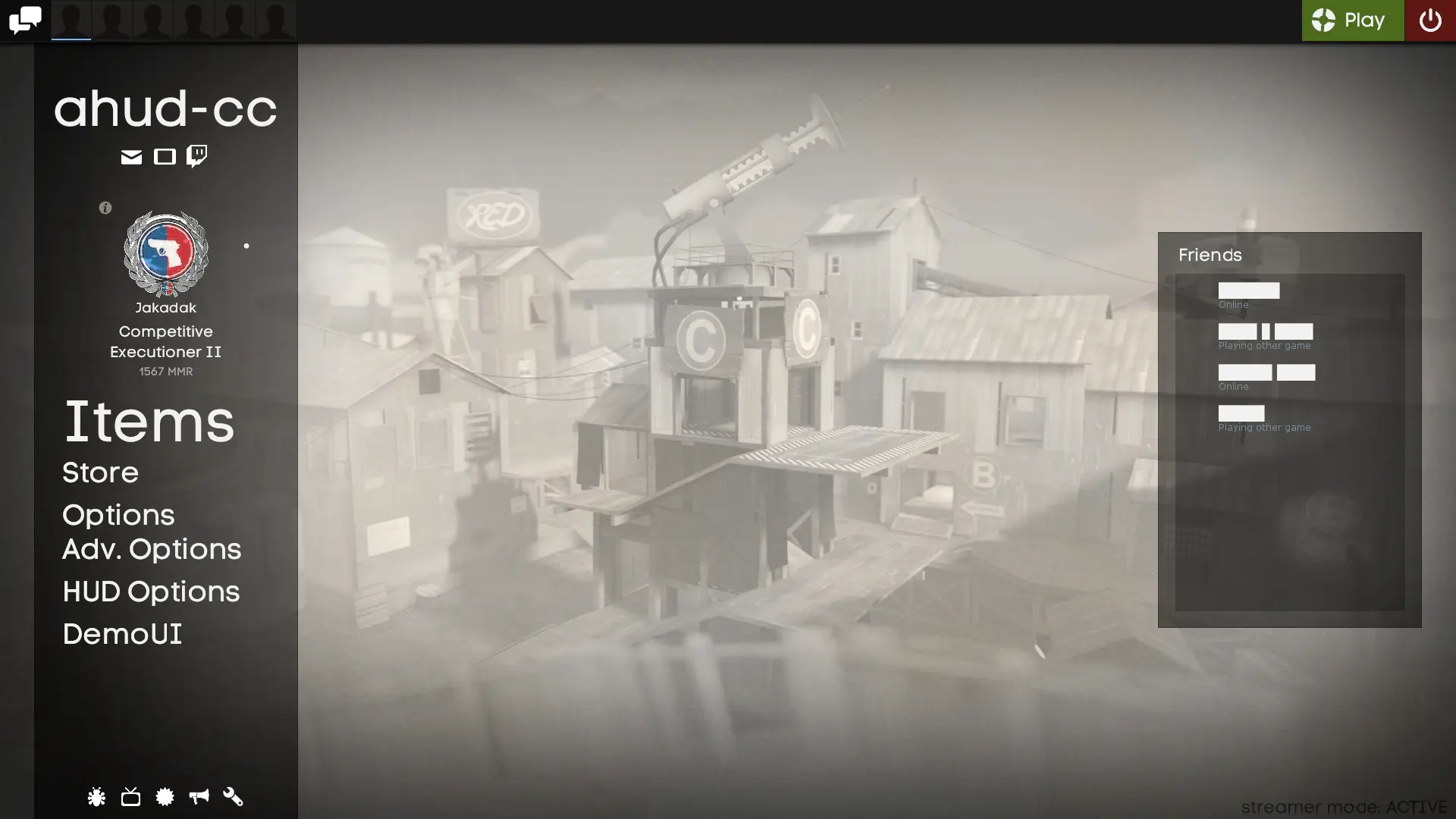
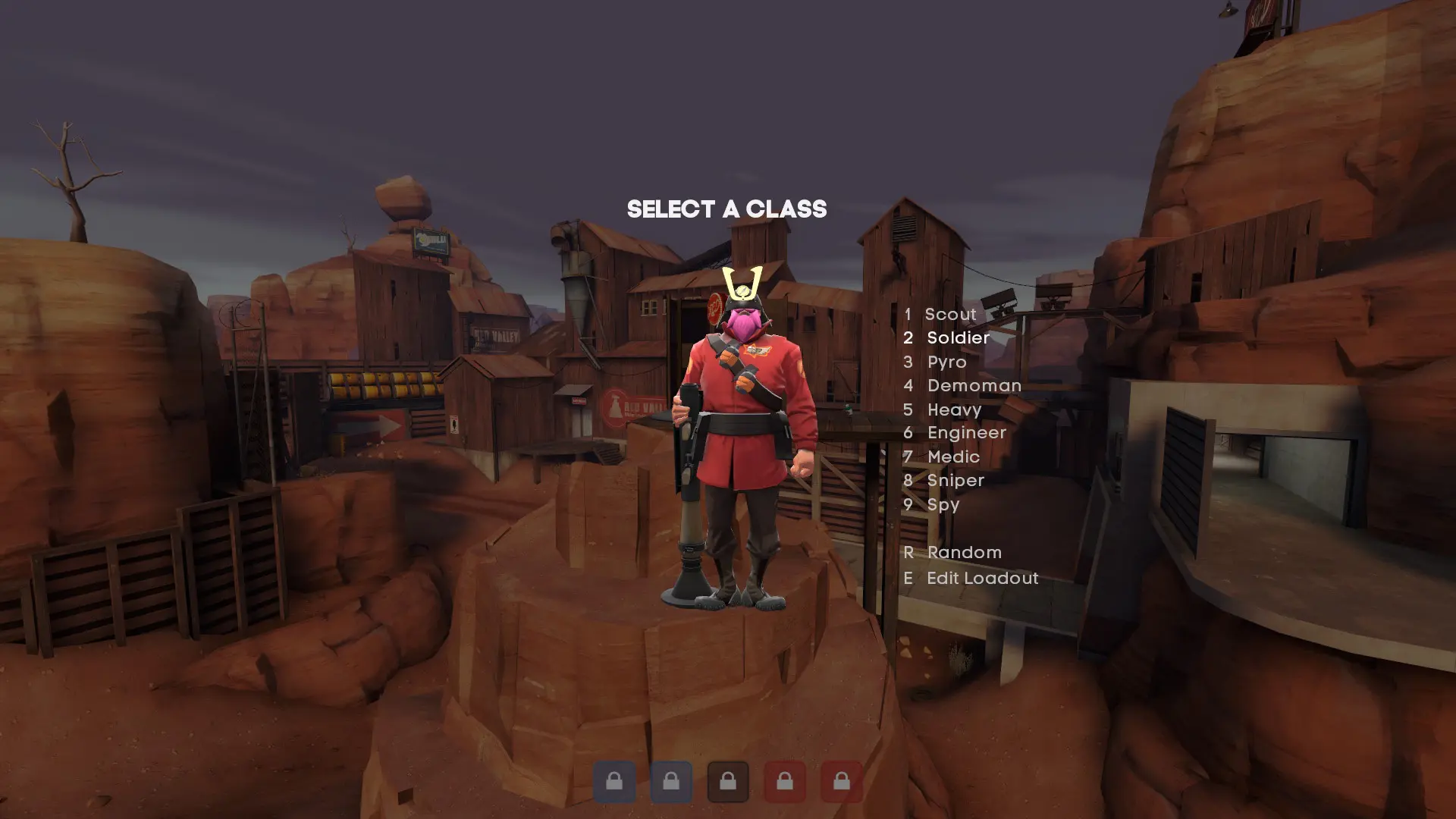
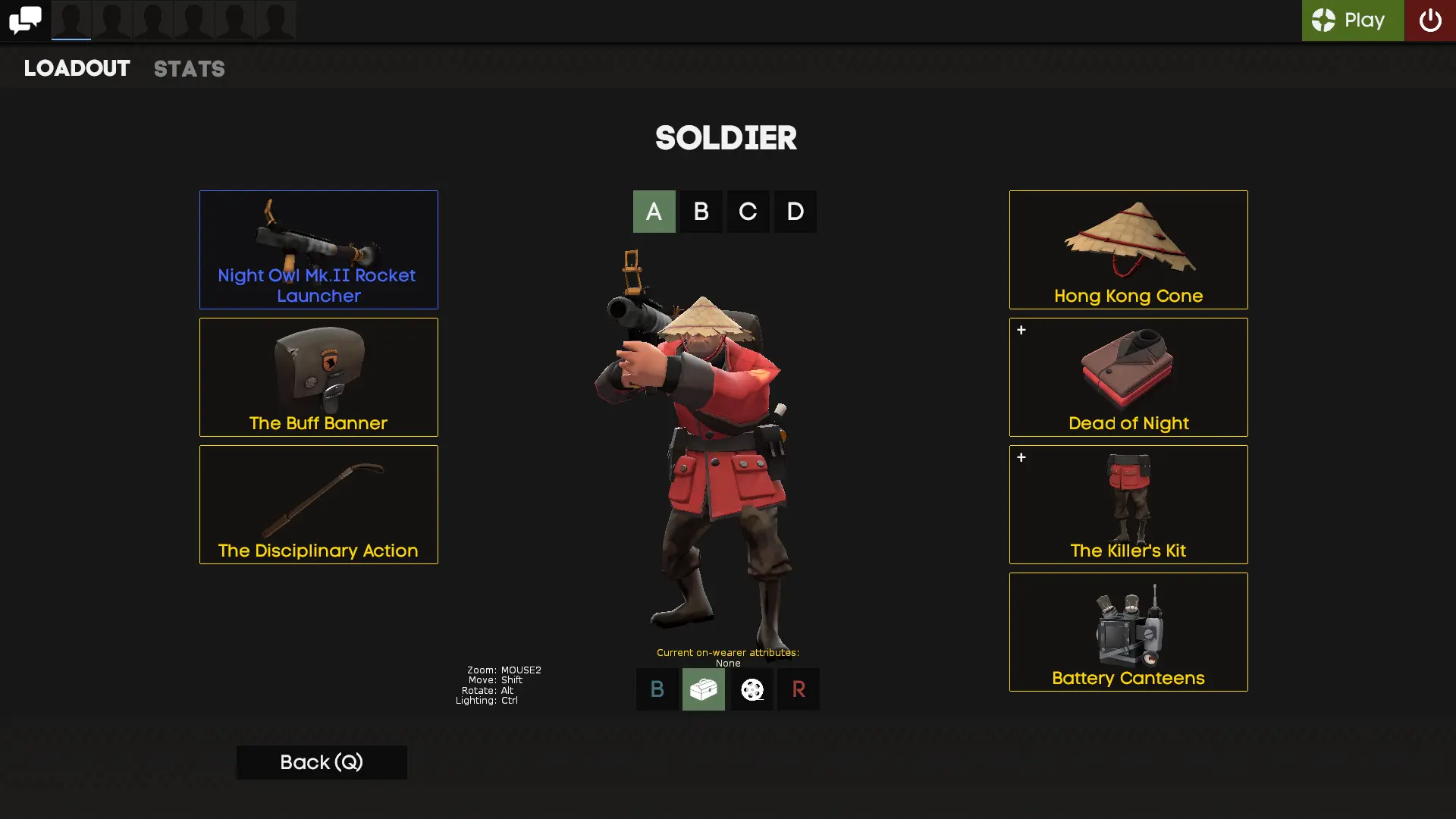
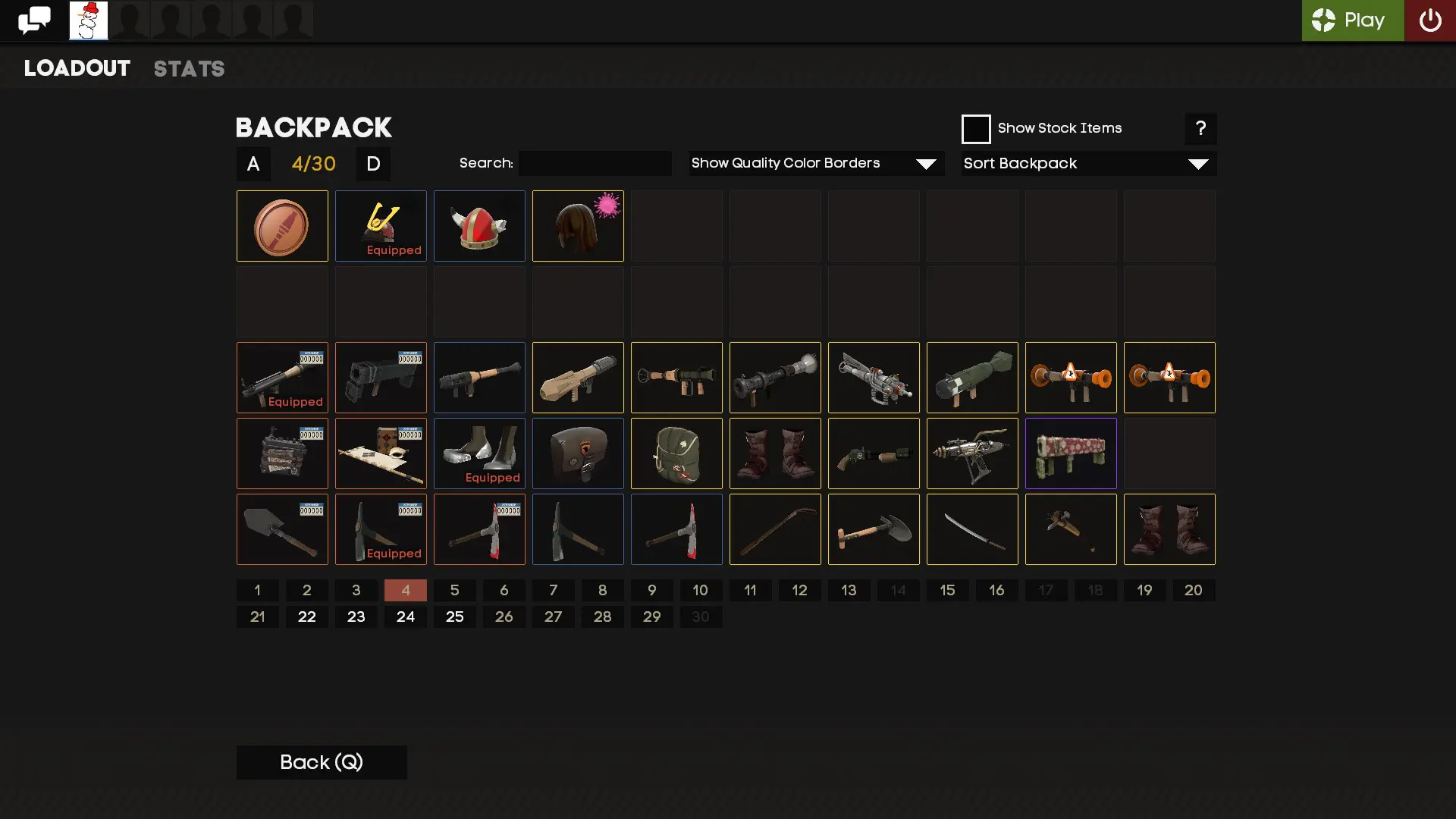
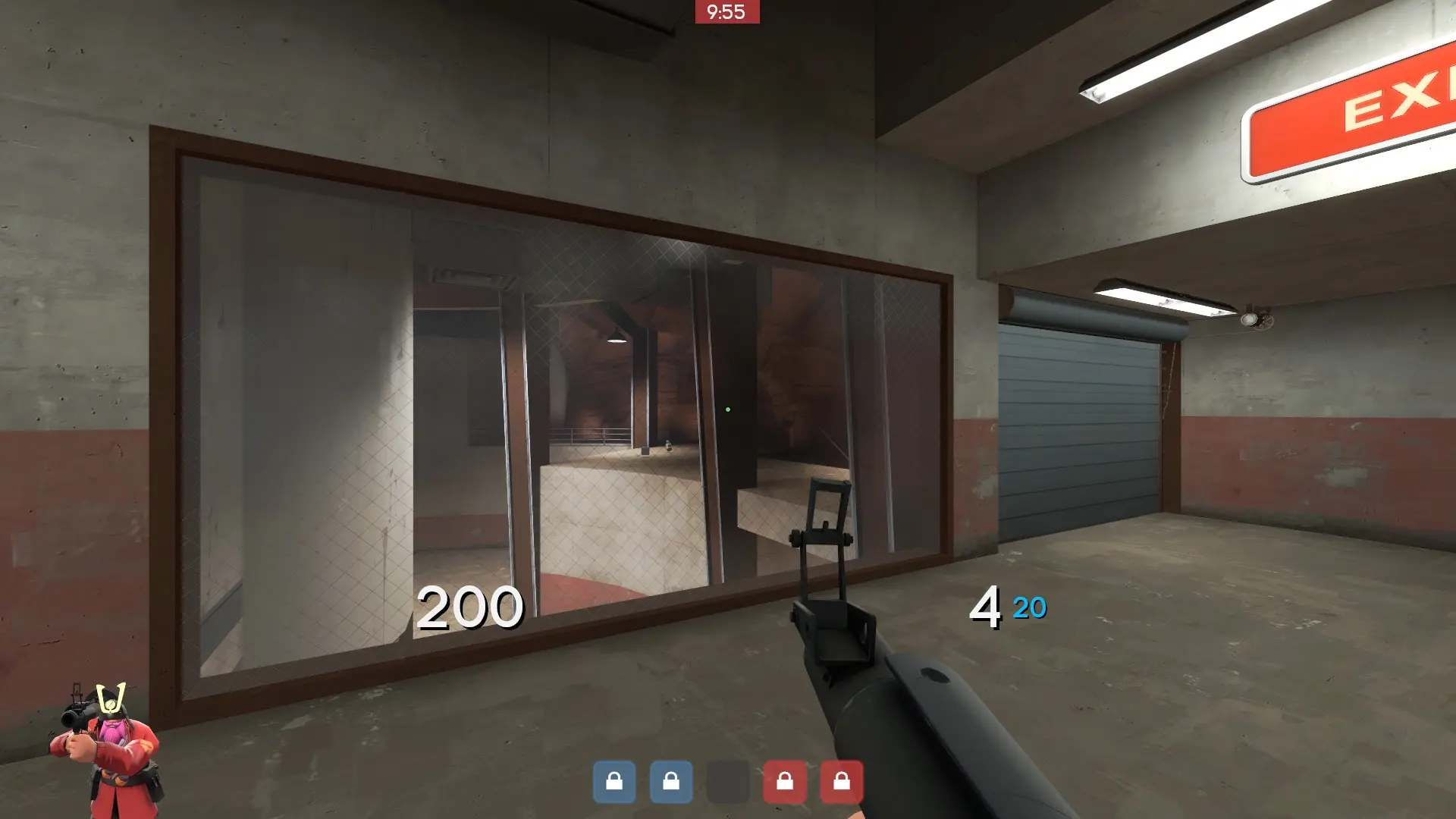
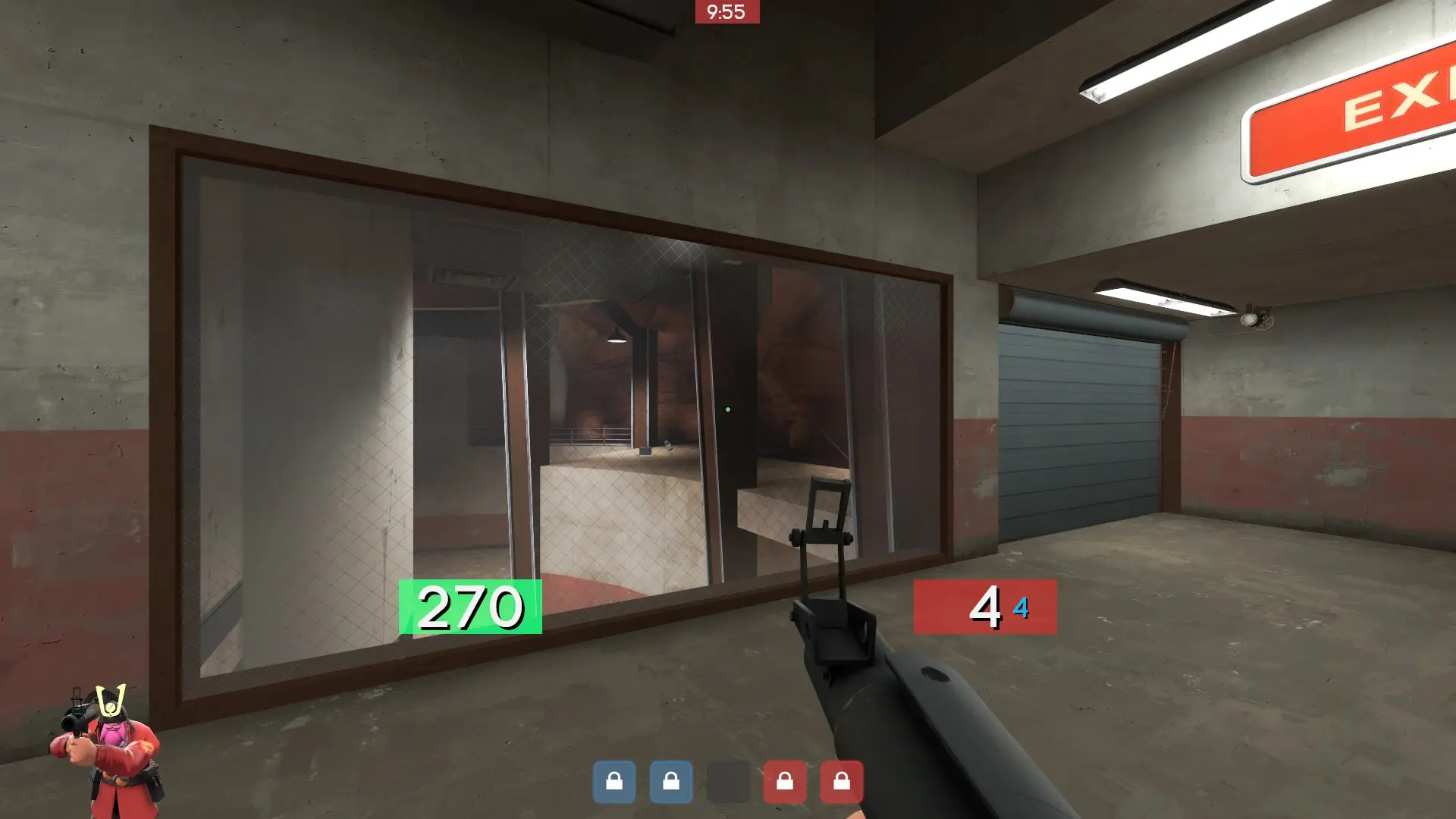
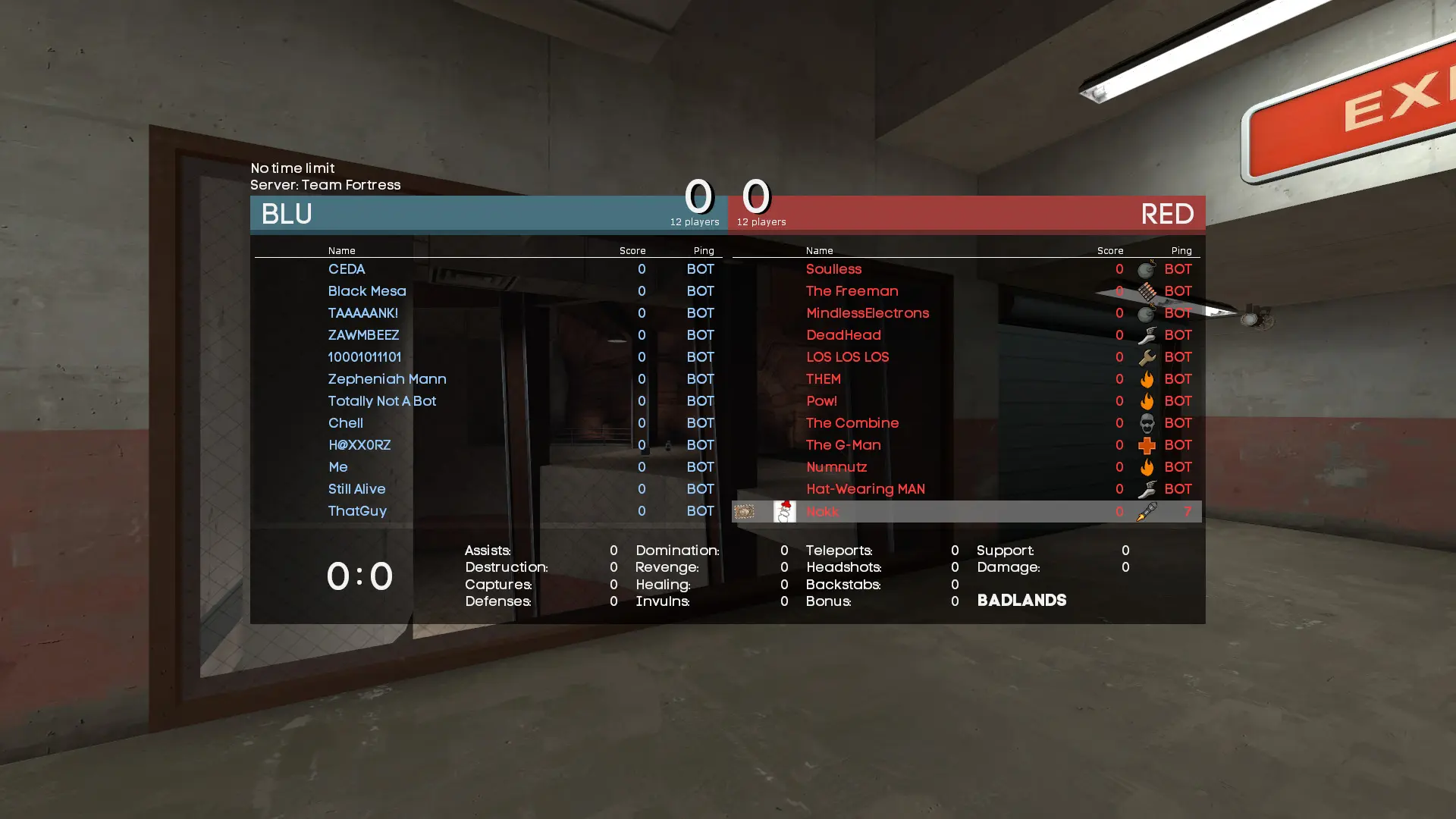
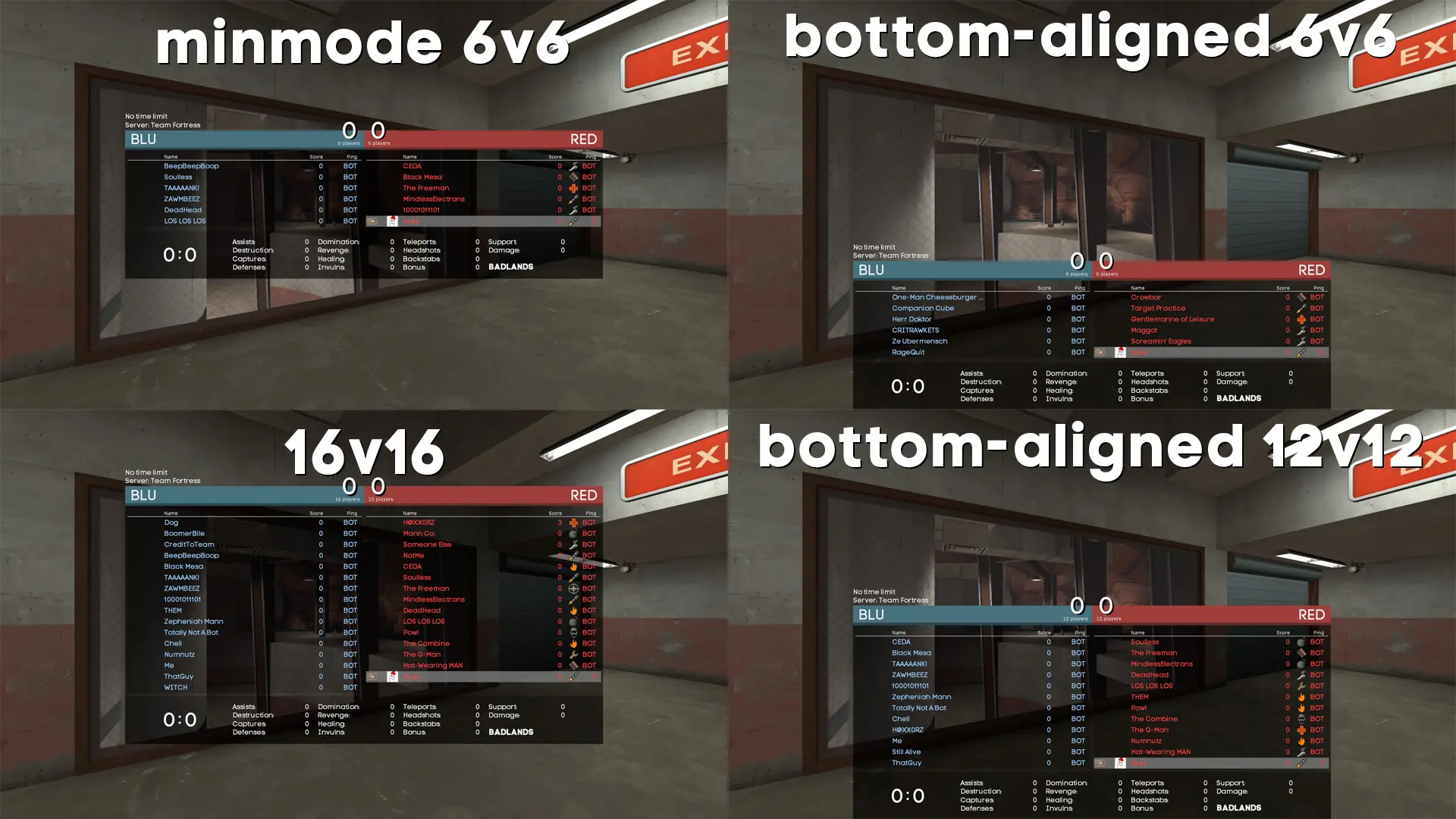
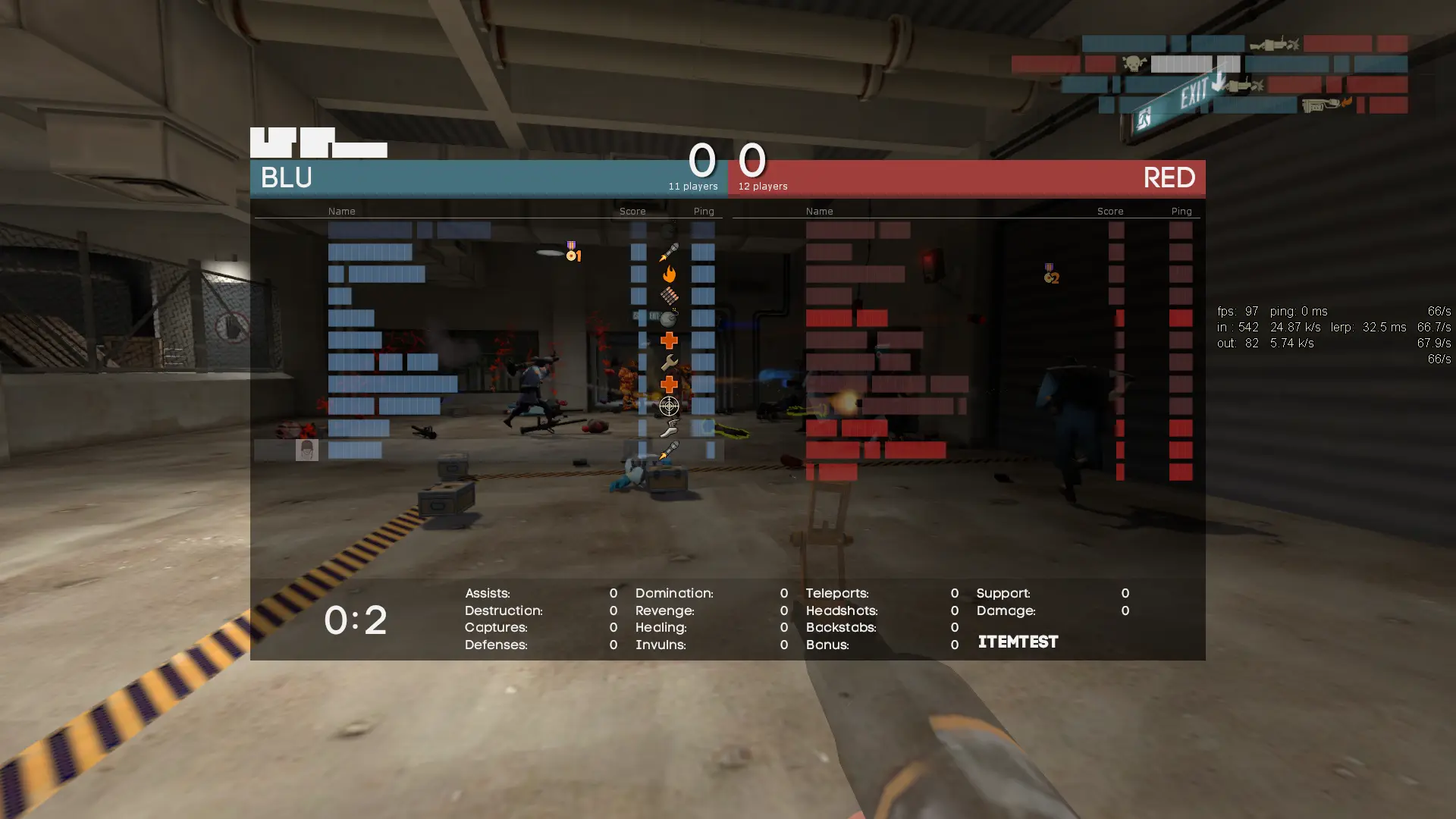
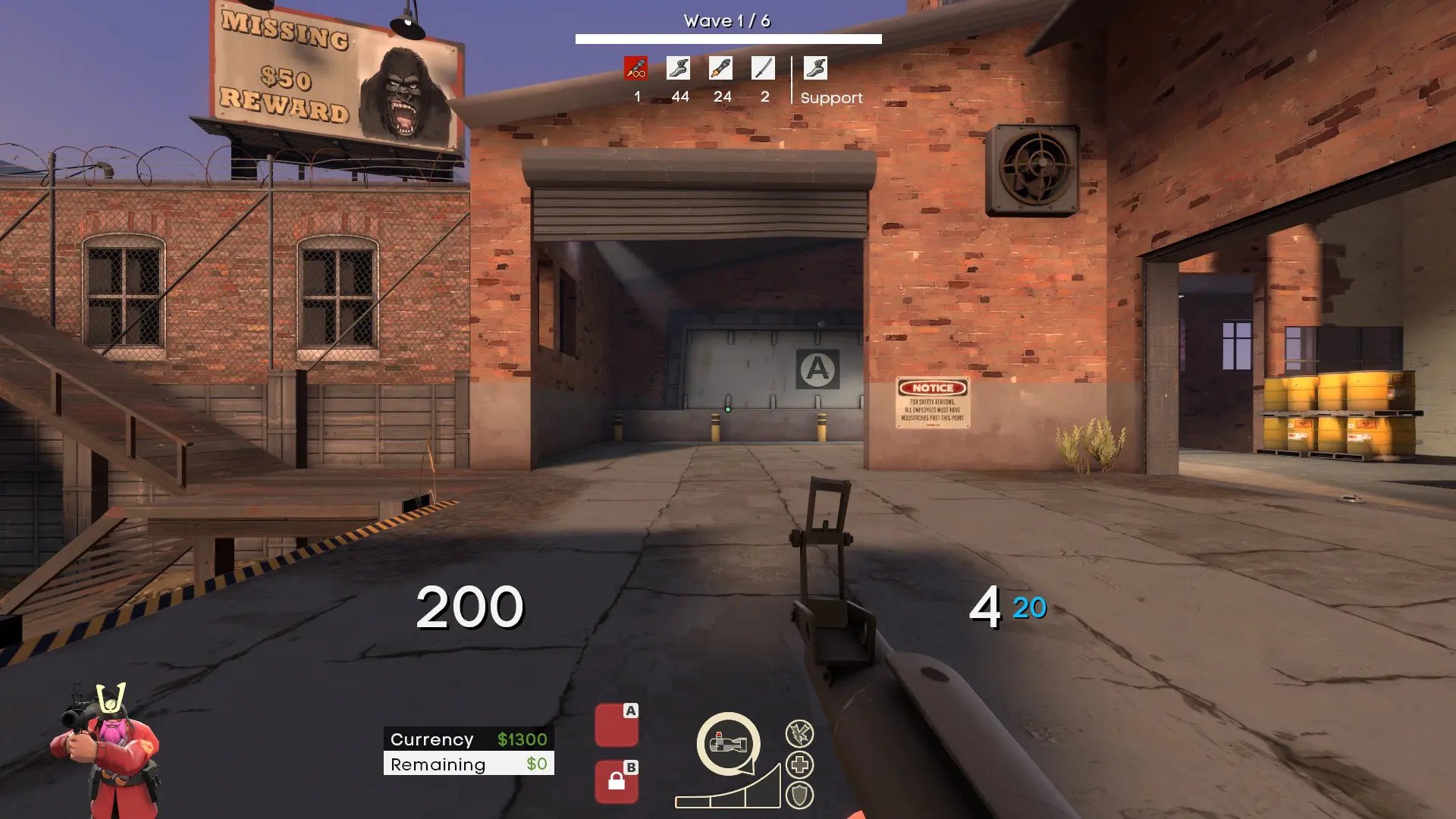
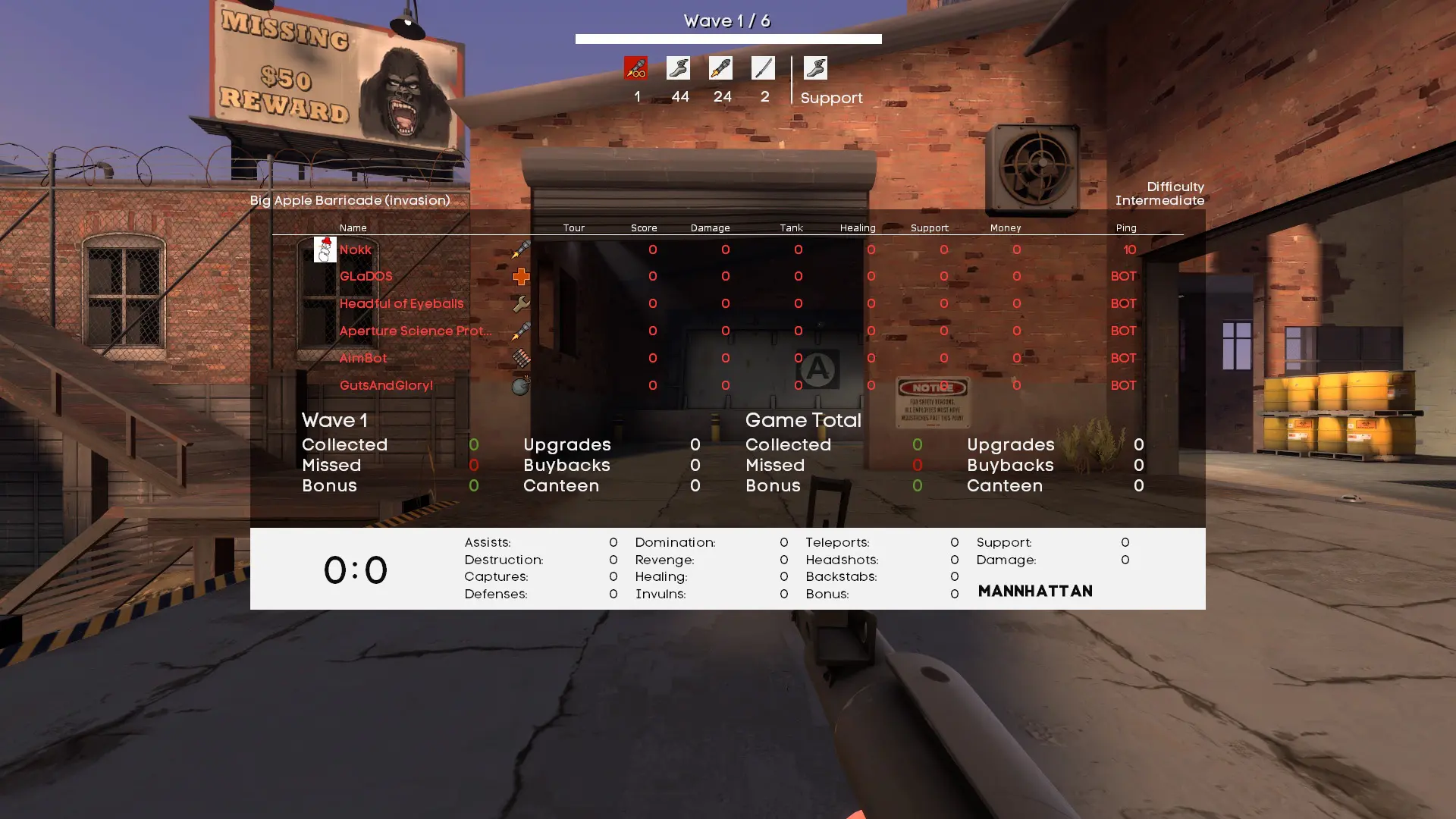
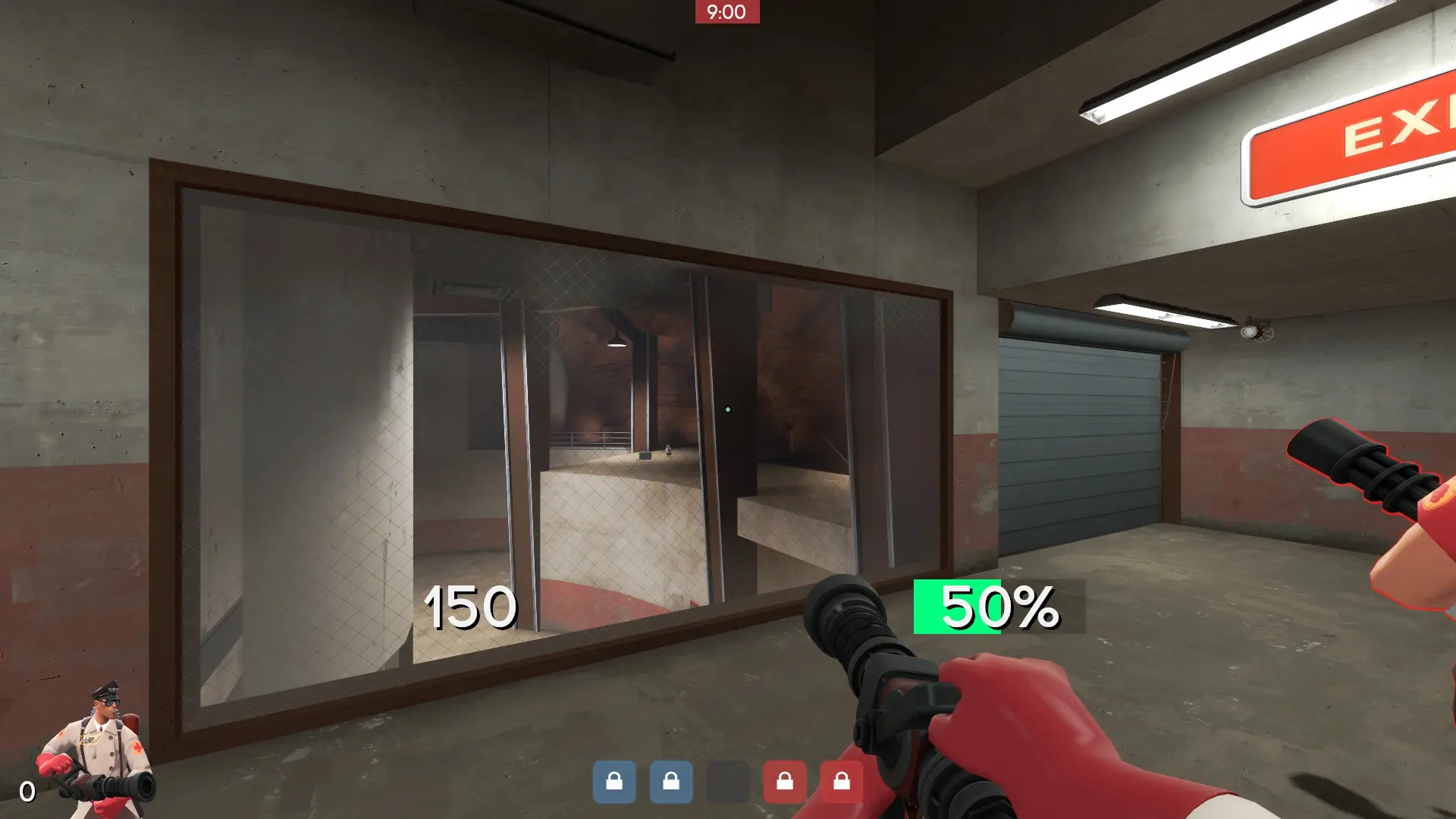
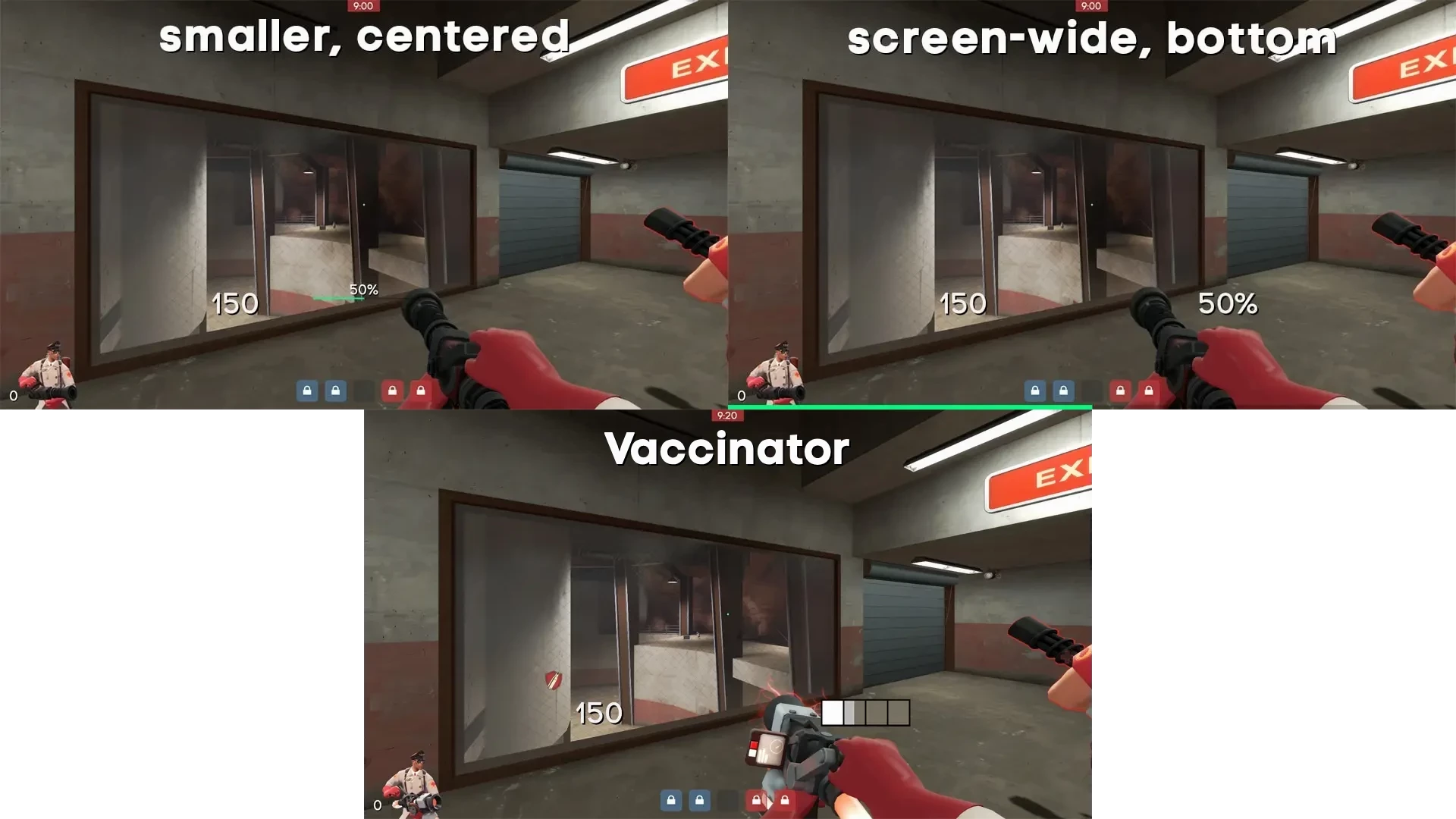
ahud-cc is a custom HUD for Team Fortress 2 by Jakadak, released in 2024. It is based on ahud. It is tagged clean, minimal, and competitive. It includes custom fonts, custom menus, a custom scoreboard, built-in crosshairs, a minmode layout, streamer mode support, custom materials, and customization options. It supports 4:3, 16:9, and 16:10 aspect ratios on Windows. Health and ammo sit in the default position.
AHUD WITH MODERN FEATURES
Modern update for Ahud
- Support for more gamemodes (Payload, Bosses, Player destruction, Robot destruction,...)
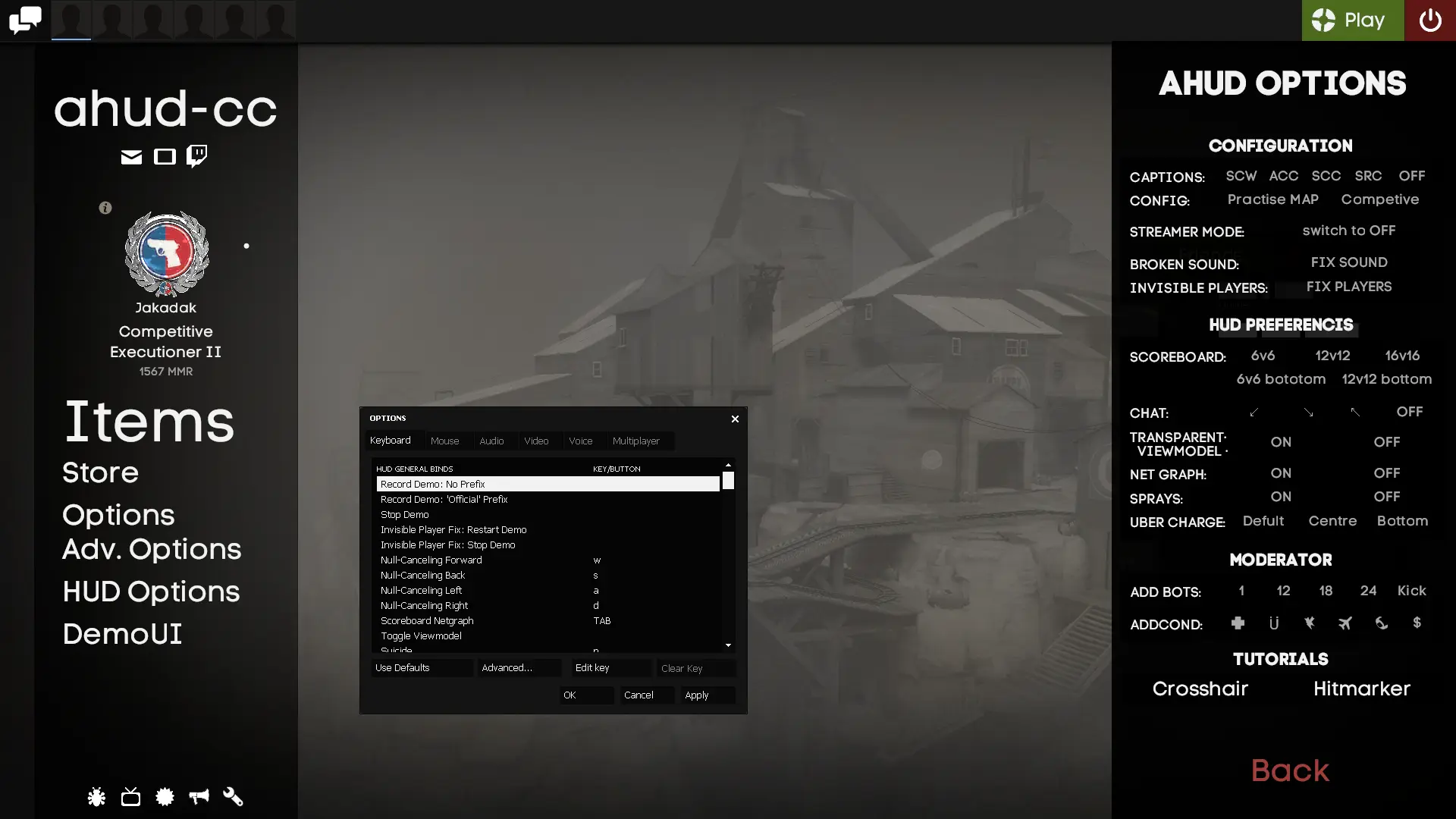
- HUD Customizations Menu (Scoreboard, Ubercharge meter, Streamer mode, Chat,...)
- Community servers features (Play categories, special buttons)
- Live improving features (Custom binds in option, Wiki for adding custom Crosshair & Hitmarker.
- Live improving mods (No-smoke exposions, Consistent kill icons, Closed captions, Extended fonts)
- 16:9, 16:10, and 4:3 support
Have a lovely day, au revoir!
Special thanks
- Kruphixx: Scream Fortress 2024 update, Payload HUD
- Hikyle, N0kk, CriticalFlaw: Original aHUD developers
- Hypnootize: Basefile Script Integration + Class Icons + Fonts + Item-menu alternative from Sunsethud
- Peaches: Side menu + Binds in options
- SiFWolf: Integrated modes: Consistent Kill Icons (2023)
- Quik: No-smoke explosions (eotl_pyro_pool_explosion_flash / explosions_pyro_pool.vpk)
- Griever: Toonhud Xhairs (crosshairs) & Hitmarkers
- Doodle & JarateKing for tutorials
- XkzLL, Revan <33
What is in the ahud-cc download
The numbers here are from version 446614b of ahud-cc. At that version the HUD's repository has 556 files, 332 of them .res files. There are also 88 images in the VTF format, 14 different font files, 1 sound file, and 5 .cfg files. The font files include Ahud Icons.ttf, Blocks.ttf, CodeProBold.otf, CodeProBold.ttf, and 10 more.
ahud-cc has files of its own for the backpack, the class loadout, the MvM scoreboard, the crafting menu, the matchmaking dashboard, the advanced options menu, the item inspect menu, and the MvM upgrades menu. The HUD editing guide shows how to find the file that draws a part of the HUD.
info.vdf is at the top of the download, so copy the unzipped folder itself into tf/custom. The install guide has every step.