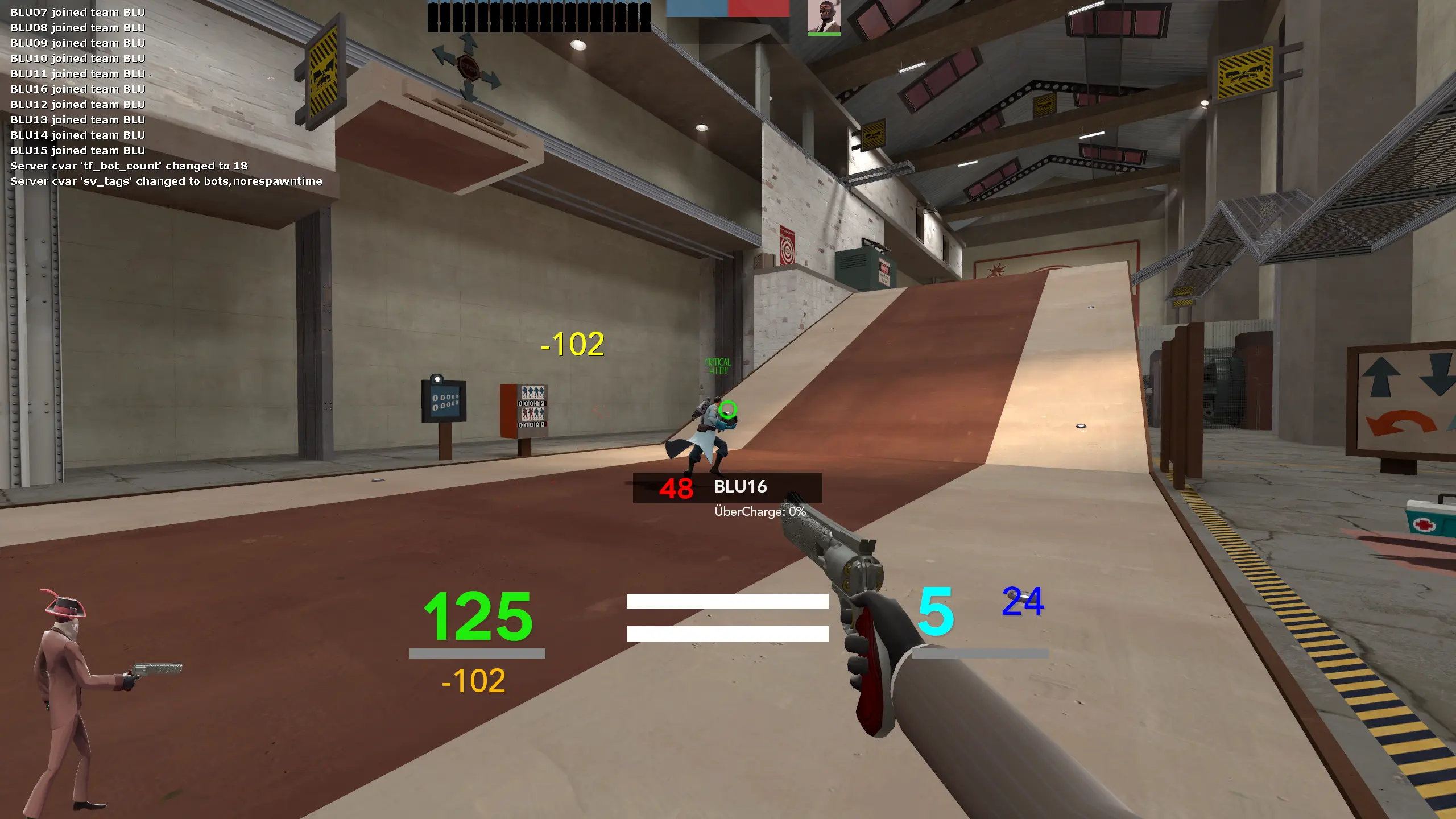
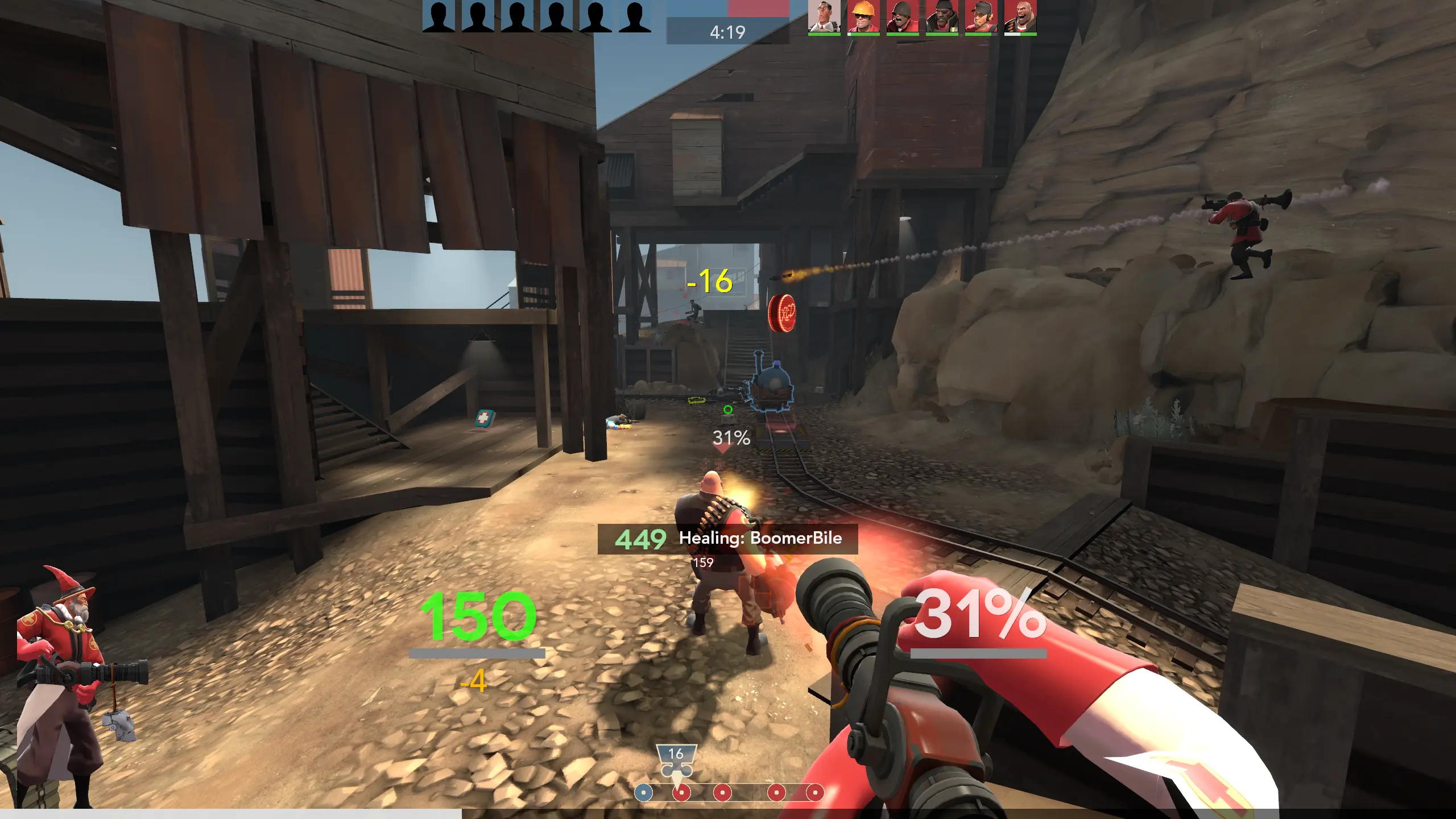
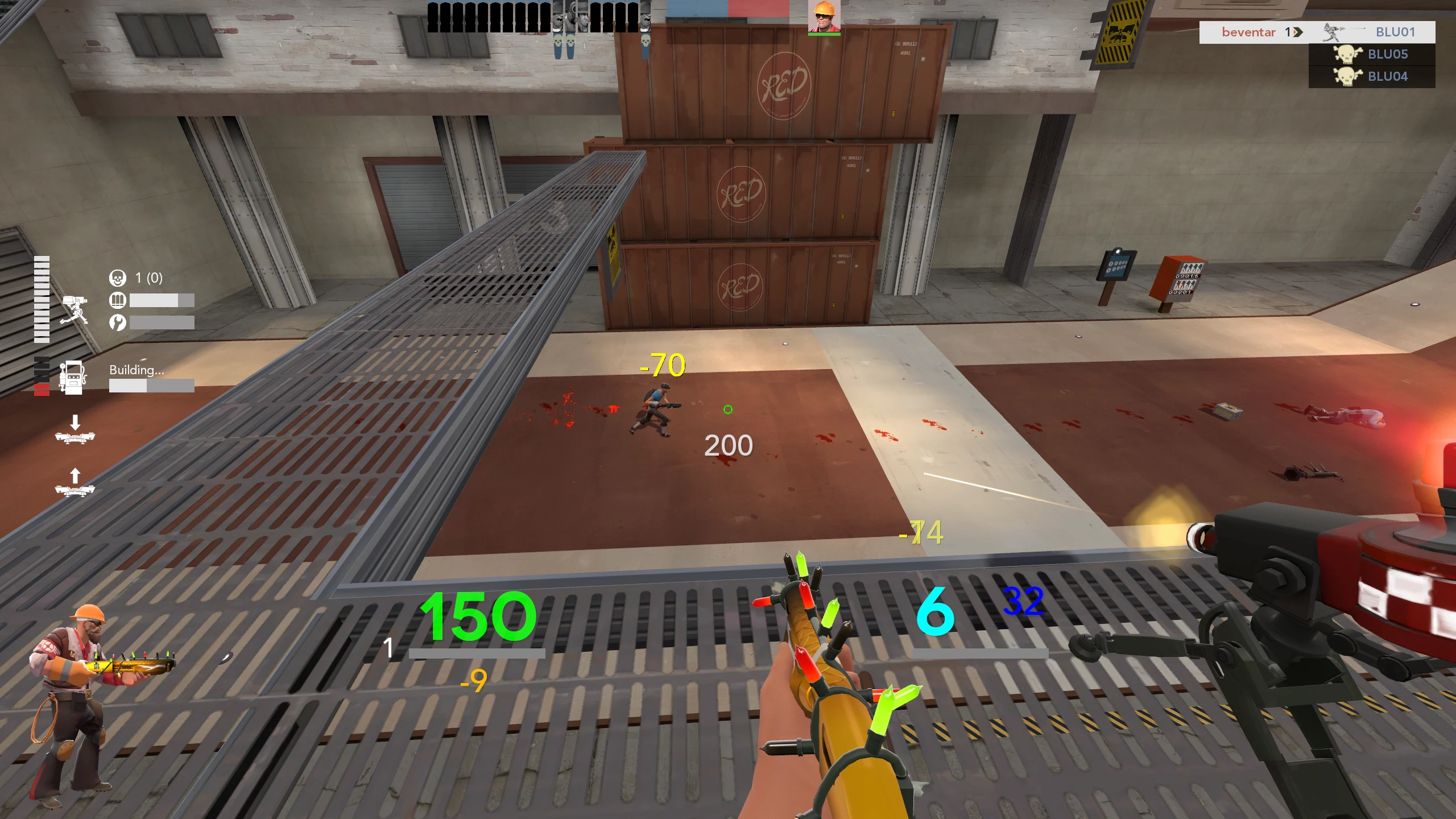
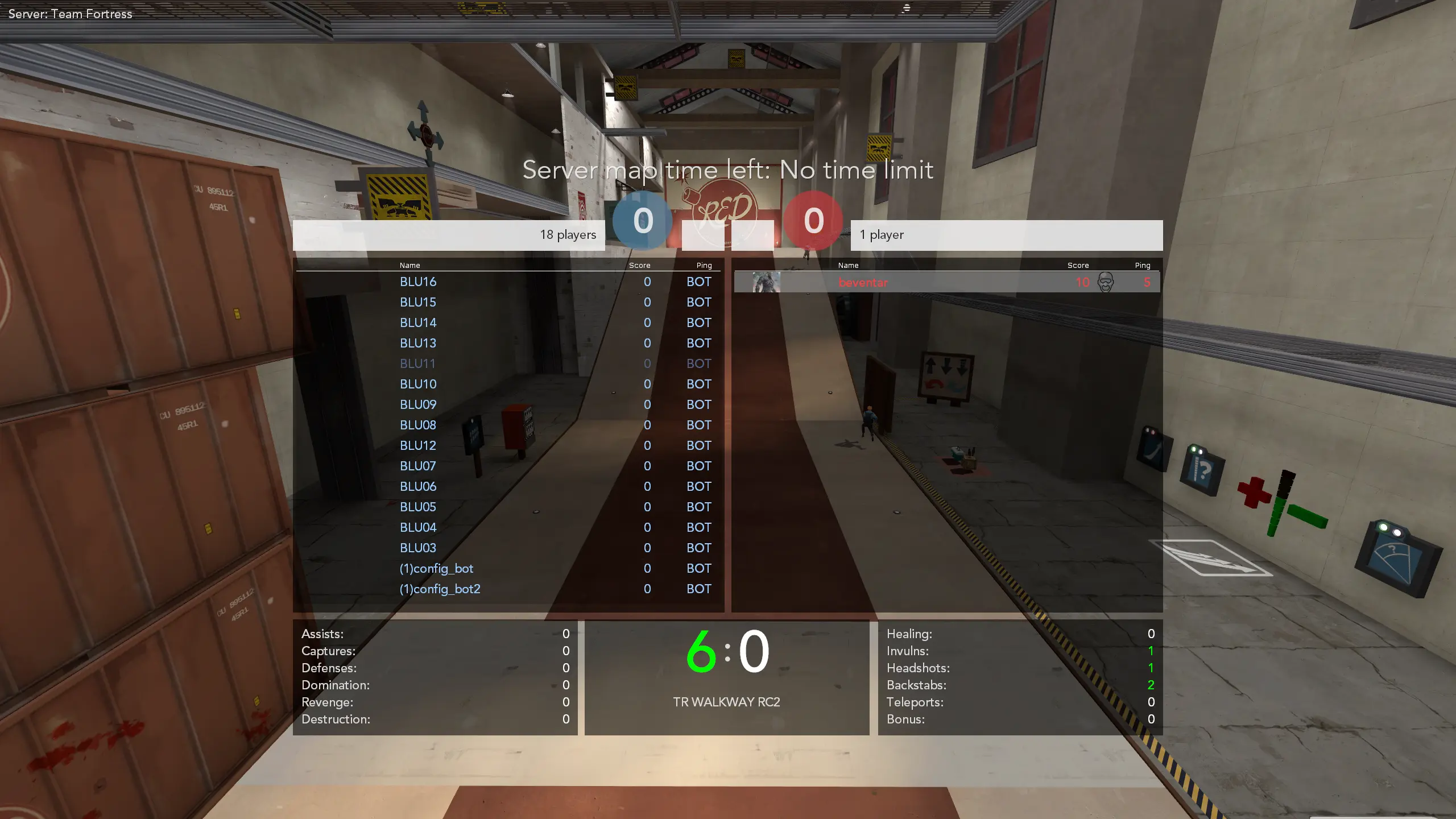
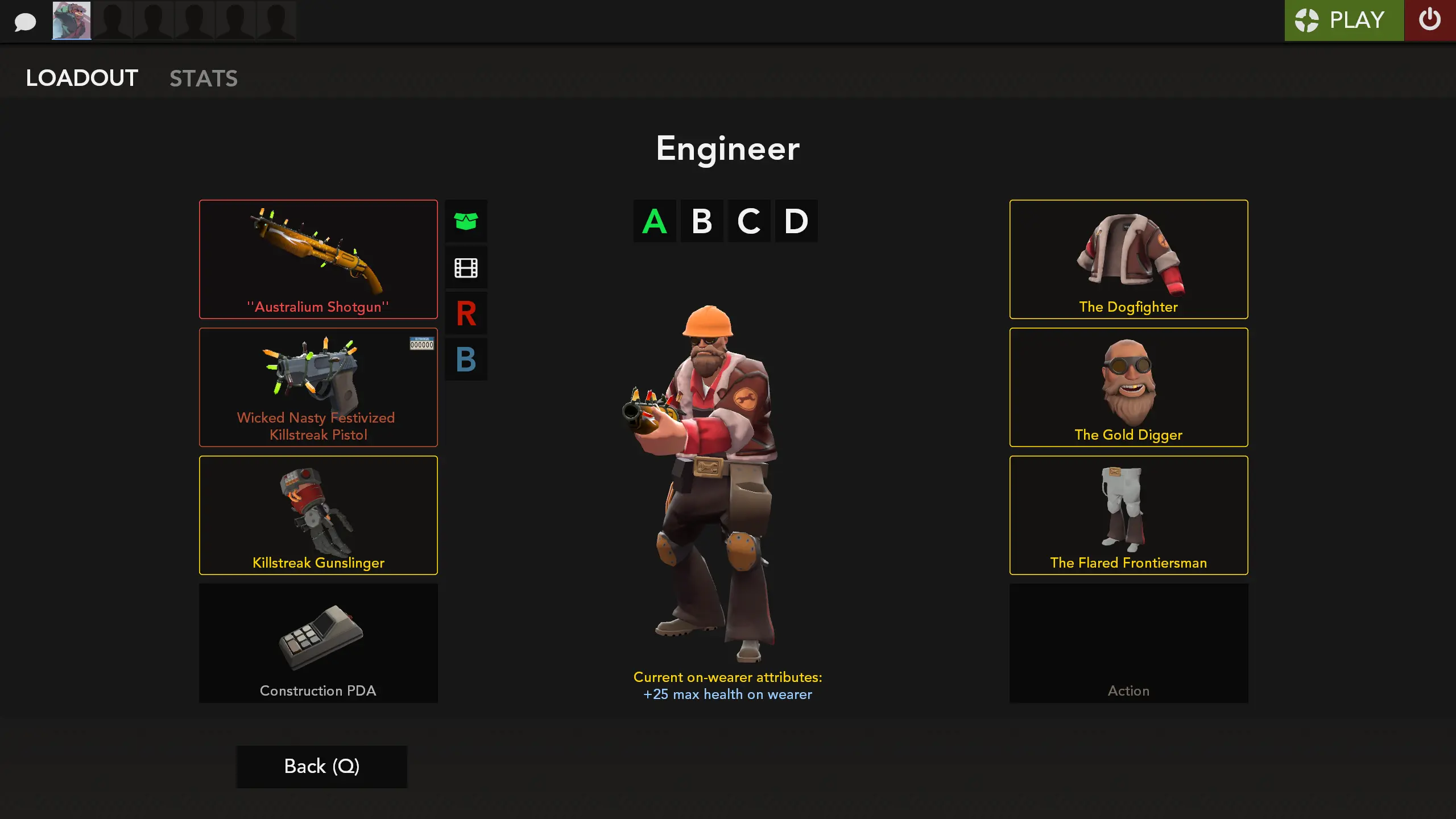
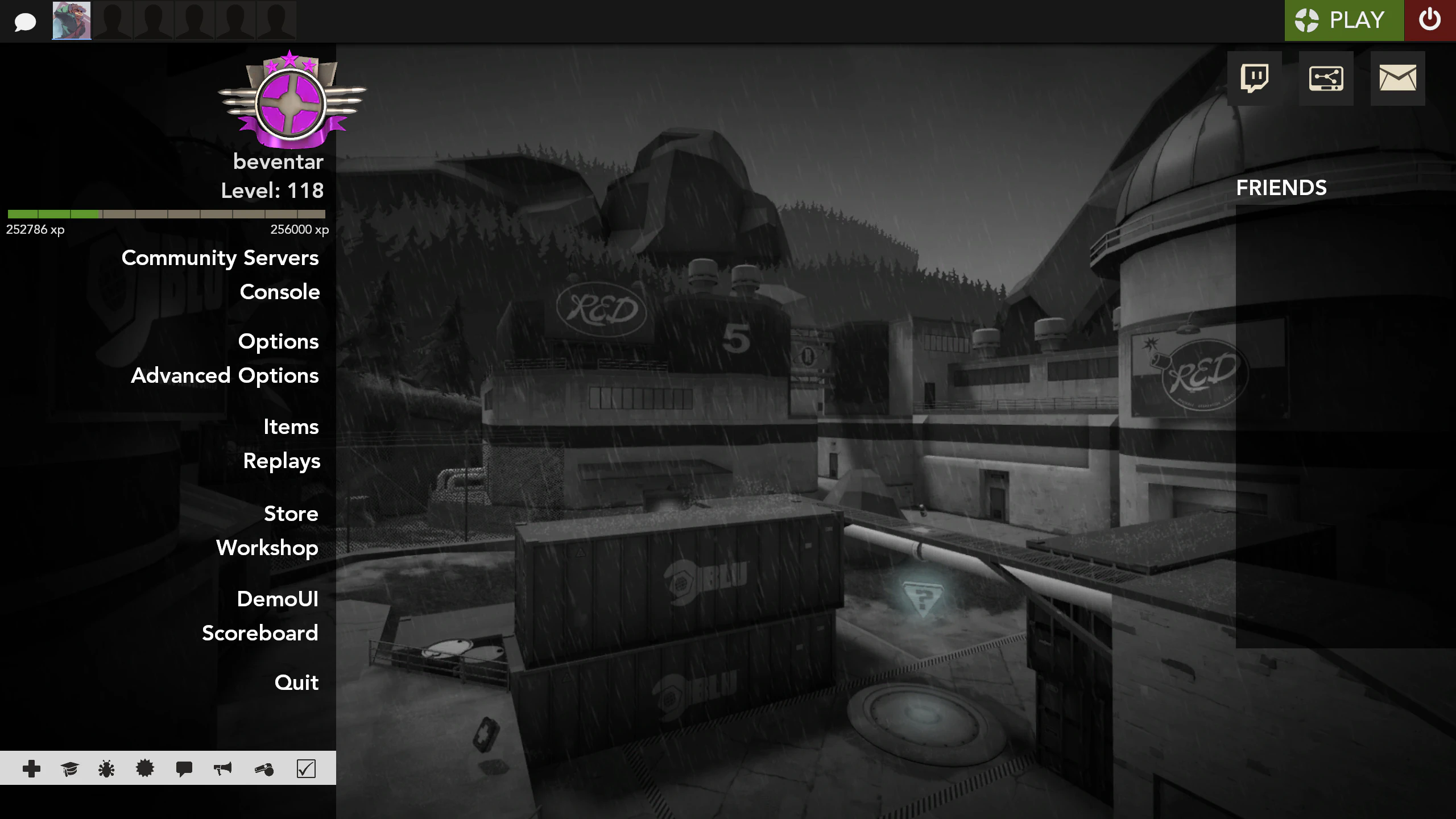
WoolHUD is a custom HUD for Team Fortress 2 by Beventar. It is tagged minimal, clean, and competitive. It includes custom menus, a custom scoreboard, built-in crosshairs, a minmode layout, streamer mode support, and customization options. It supports 4:3, 16:9, and 16:10 aspect ratios on Windows, Mac, and Linux. Health and ammo sit in the center of the screen.
Check GitHub for the latest version
A highly accurate and complete replica of Woolen's TF2 HUD - a minimal, gameplay-focused HUD, with added customizations.
How to install | Screenshots | Wiki | GitHub
Overview
This HUD aims to be the best recreation of Woolen's HUD while fixing various issues.
Some things may differ slightly from the original if they were bugged, inconsistent or visually unclear.
The HUD includes optional customizations:
#alternatives- elements from older versions of Woolen's HUD#customizations- improvements not present in the original HUD
By default, the most used/iconic version of the HUD is used (with some QOL #alternatives). * Take a look at other possible versions.
Note: Screenshots show the HUD with recommended customizations.
Recommended customizations
For the best possible experience, I recommend enabling:
#alternatives
#customizations
- More Themed Elements
- options-classloadoutpanel.res
- Cleaner Buildings Panels
- metal-xhair-hudlayout.res
- Centered MVM Money
- Payload Race Panel
Credits
- Used Elements: Whisker, CriticalFlaw & raysfire, Antwan, Jakadak & n0kk, Griever, Sevin
- Crosshairs & Icons: Hypnotize
- Tools: Revan's VS Code VDF Plugin, Cueki's HUD Normalizer
- References: JarateKing, Revan, Hypnotize
- HUD Help: HUDS.TF Discord
- Woolen: Creating his HUD, Giving permission to publish
What is in the WoolHUD download
The numbers here are from version c0a091a of WoolHUD. At that version the HUD's repository has 852 files, 722 of them .res files. There are also 51 images in the VTF format, 10 different font files, and 2 sound files. The font files include avenirltstd-black.ttf, avenirltstd-book.otf, avenirltstd-heavy.otf, avenirltstd-medium.otf, and 6 more.
WoolHUD has files of its own for the backpack, the class loadout, the MvM scoreboard, the crafting menu, the matchmaking dashboard, the advanced options menu, the item inspect menu, and the MvM upgrades menu. The HUD editing guide shows how to find the file that draws a part of the HUD.
info.vdf is at the top of the download, so copy the unzipped folder itself into tf/custom. The install guide has every step.