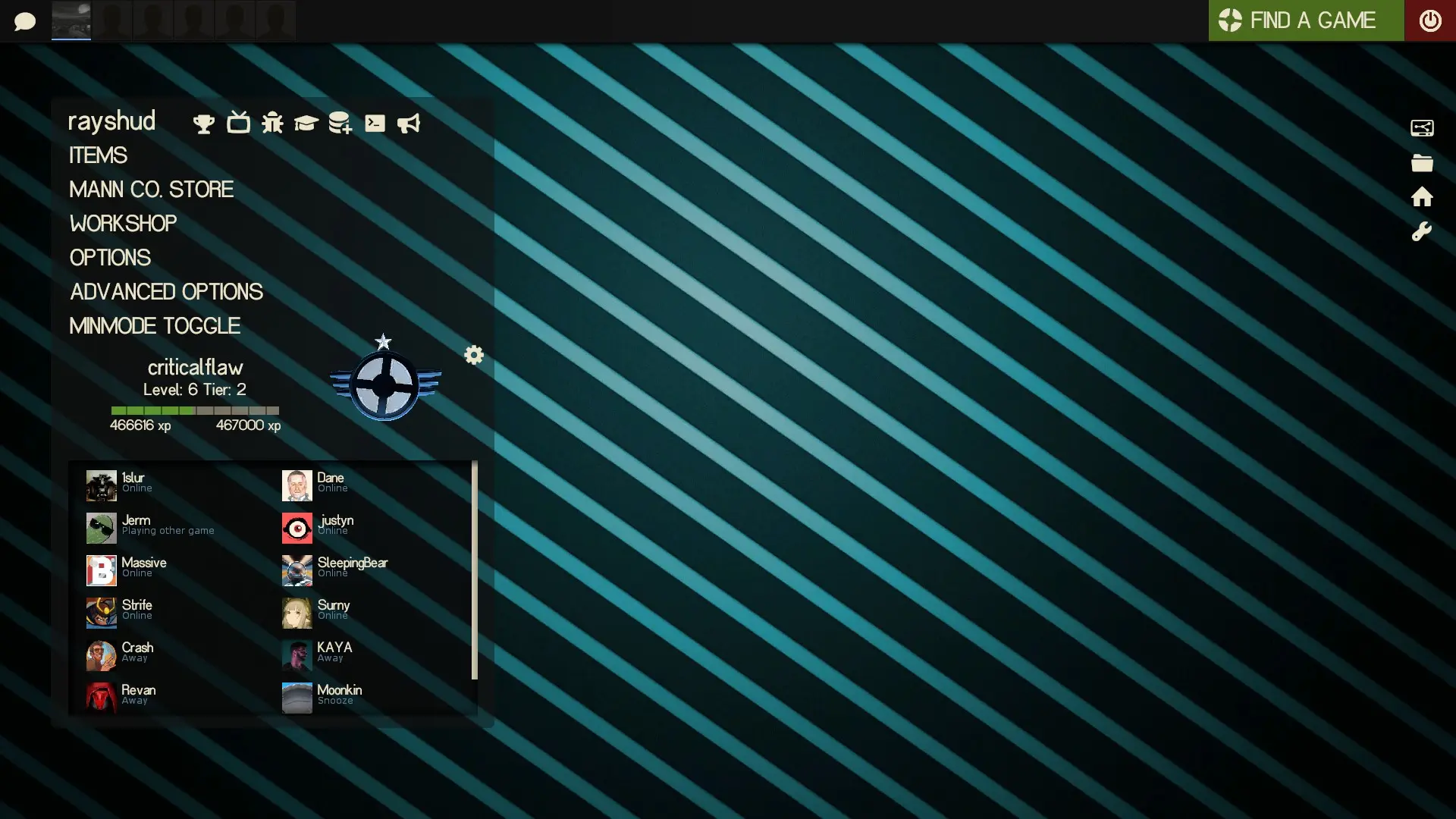
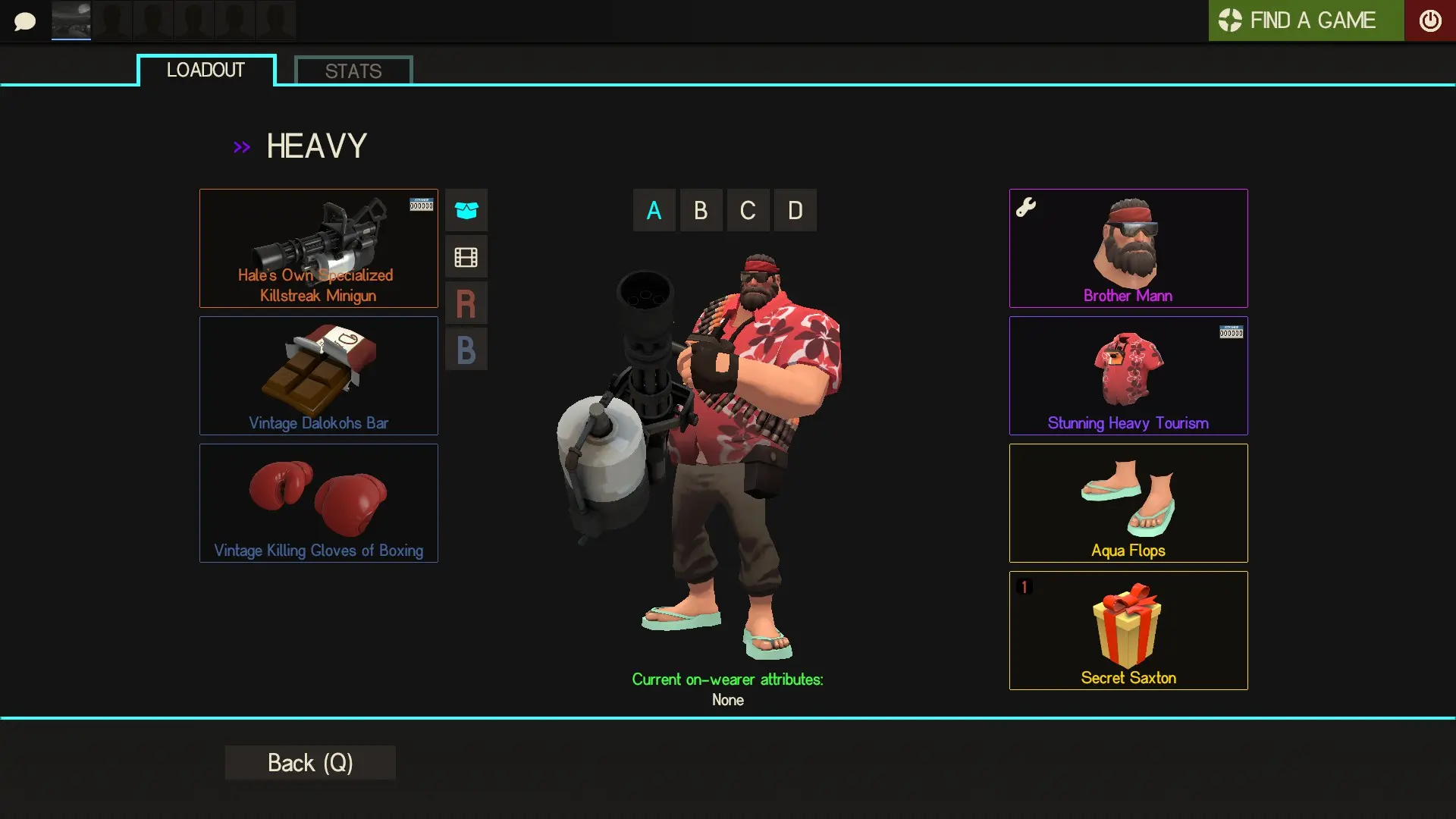
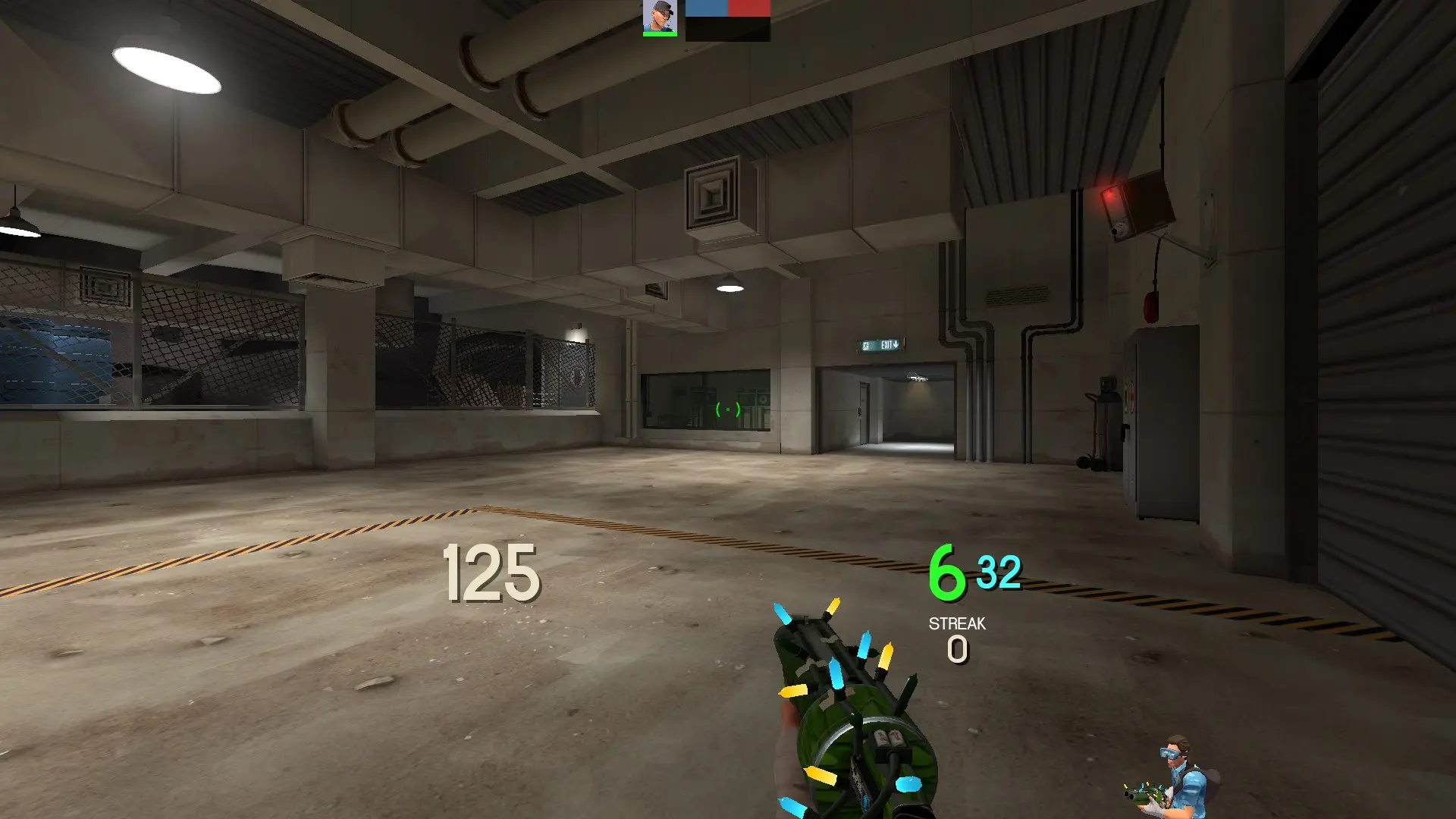
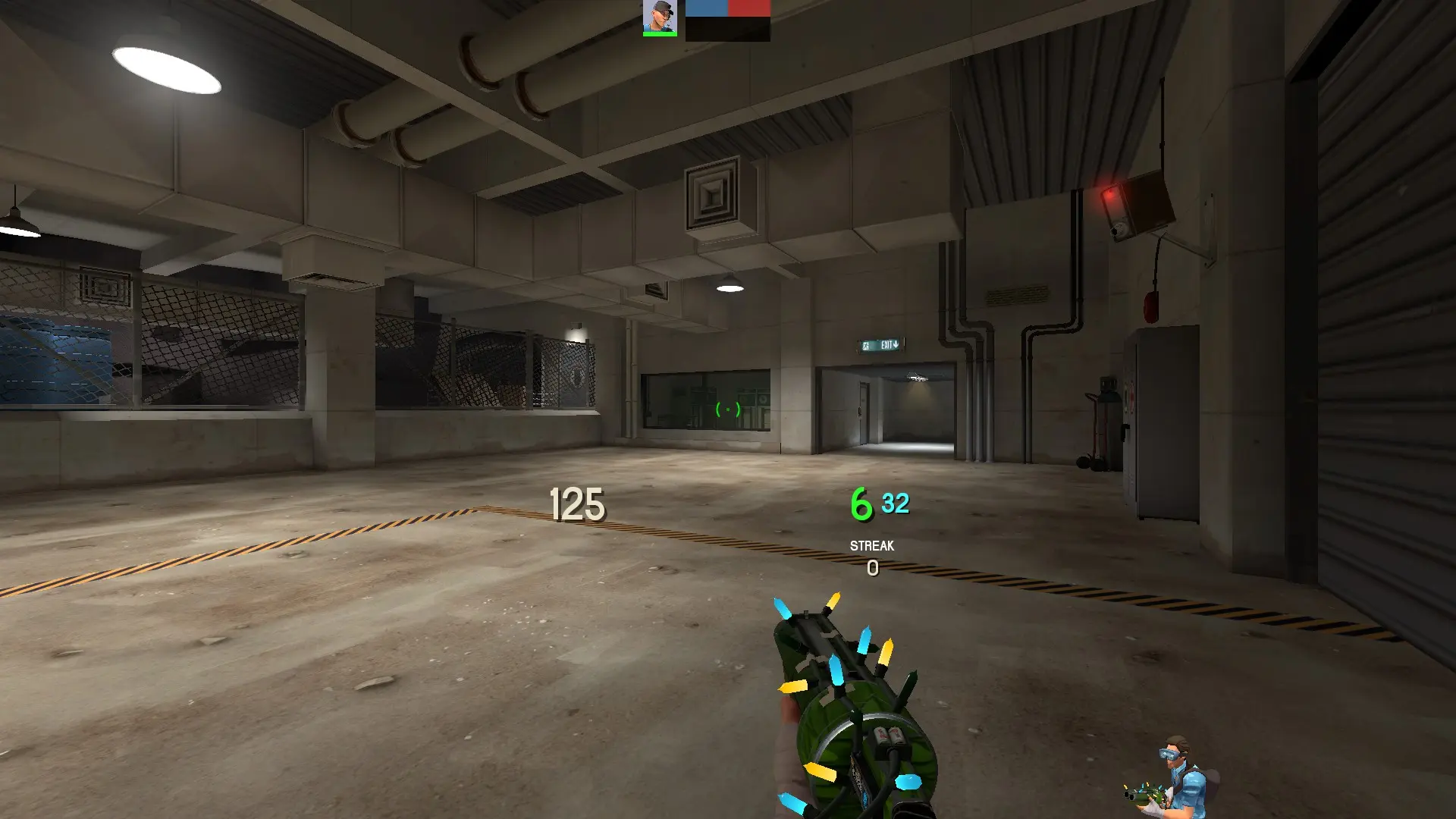
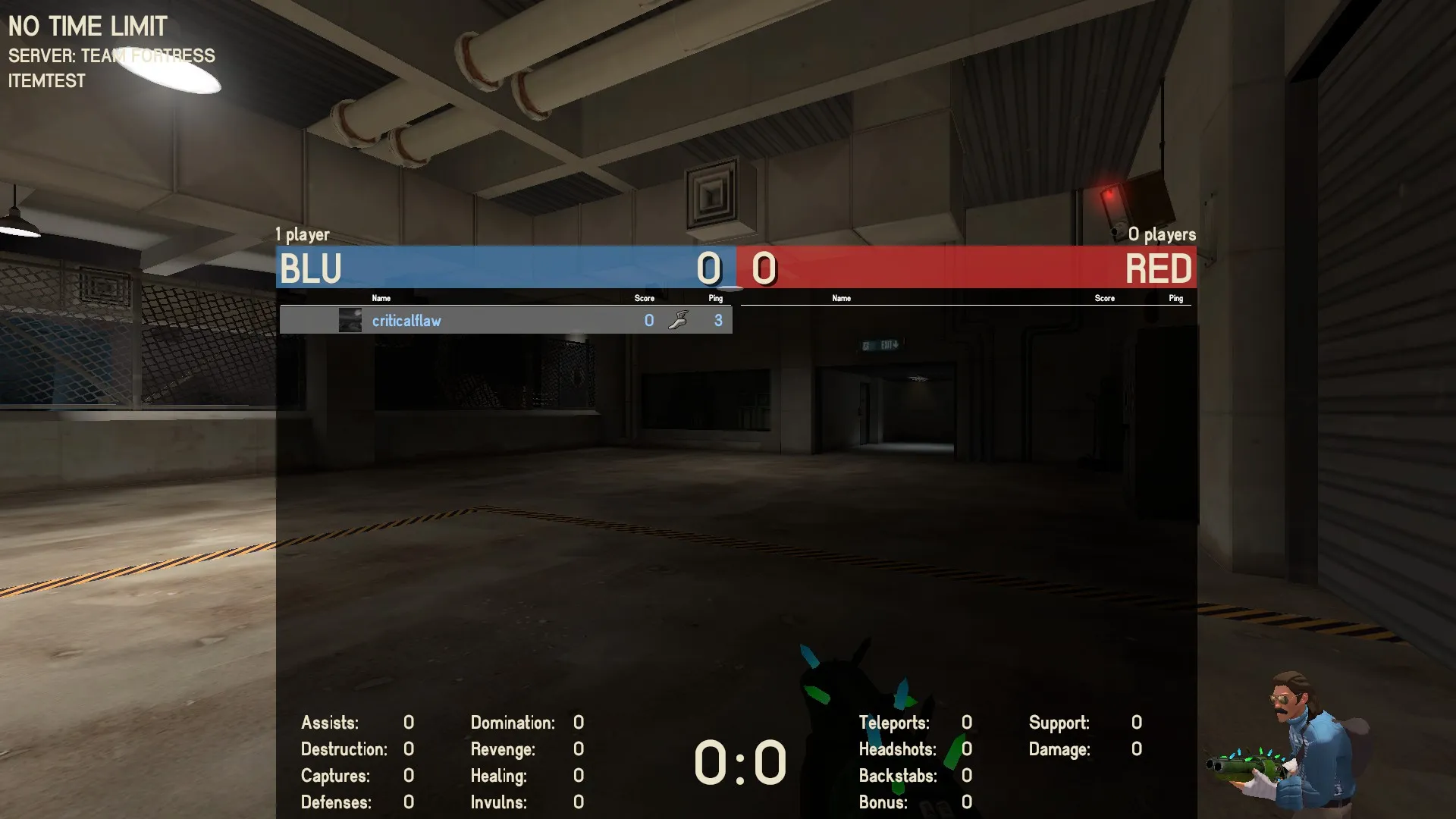
rayshud is a custom HUD for Team Fortress 2 by raysfire. It is tagged minimal. It includes custom menus, a custom scoreboard, built-in crosshairs, a minmode layout, custom materials, and customization options. It supports 1:1, 4:3, 5:4, 16:10, 16:9, 17:9, 21:9, and 32:9 aspect ratios on Windows, Mac, and Linux. Health and ammo sit in the center of the screen.
A simplistic yet bold HUD for Team Fortress 2, made to cut out a lot of clutter included with the stock hud. Includes minimal mode for competitive play and a range of vivid colors associated with both low health, ammo and other useful values.
Issue Tracker
·
Discord
·
Screenshots
·
Editor
Acknowledgements
- omp - For motivating me to start making my own hud, occasional reference, and inspiration.
- m0re - Inspiration, occasional reference.
- povohat - creator of PVHUD, inspiration, occasional reference.
- My team - For dealing with me and giving me constructive feedback all the time.
- Flame - If it weren't for your guide, I couldn't have made this at all. Thanks a million, man.
- clovervidia - For the updated closed captions. Check his Steam Guide on CC here.
...and YOU, for giving raysfire's HUD a shot. <3
What is in the rayshud download
The numbers here are from version a22ede0 of rayshud. At that version the HUD's repository has 502 files, 359 of them .res files. There are also 62 images in the VTF format, 4 different font files, and 2 sound files. The font files are Cerbetica-Bold.ttf, Cerbetica.ttf, TF2Crosshairs.ttf, and TF2Icons.ttf.
rayshud has files of its own for the backpack, the class loadout, the MvM scoreboard, the crafting menu, the matchmaking dashboard, the advanced options menu, the item inspect menu, and the MvM upgrades menu. The HUD editing guide shows how to find the file that draws a part of the HUD.
info.vdf is at the top of the download, so copy the unzipped folder itself into tf/custom. The install guide has every step.
HUDs based on rayshud