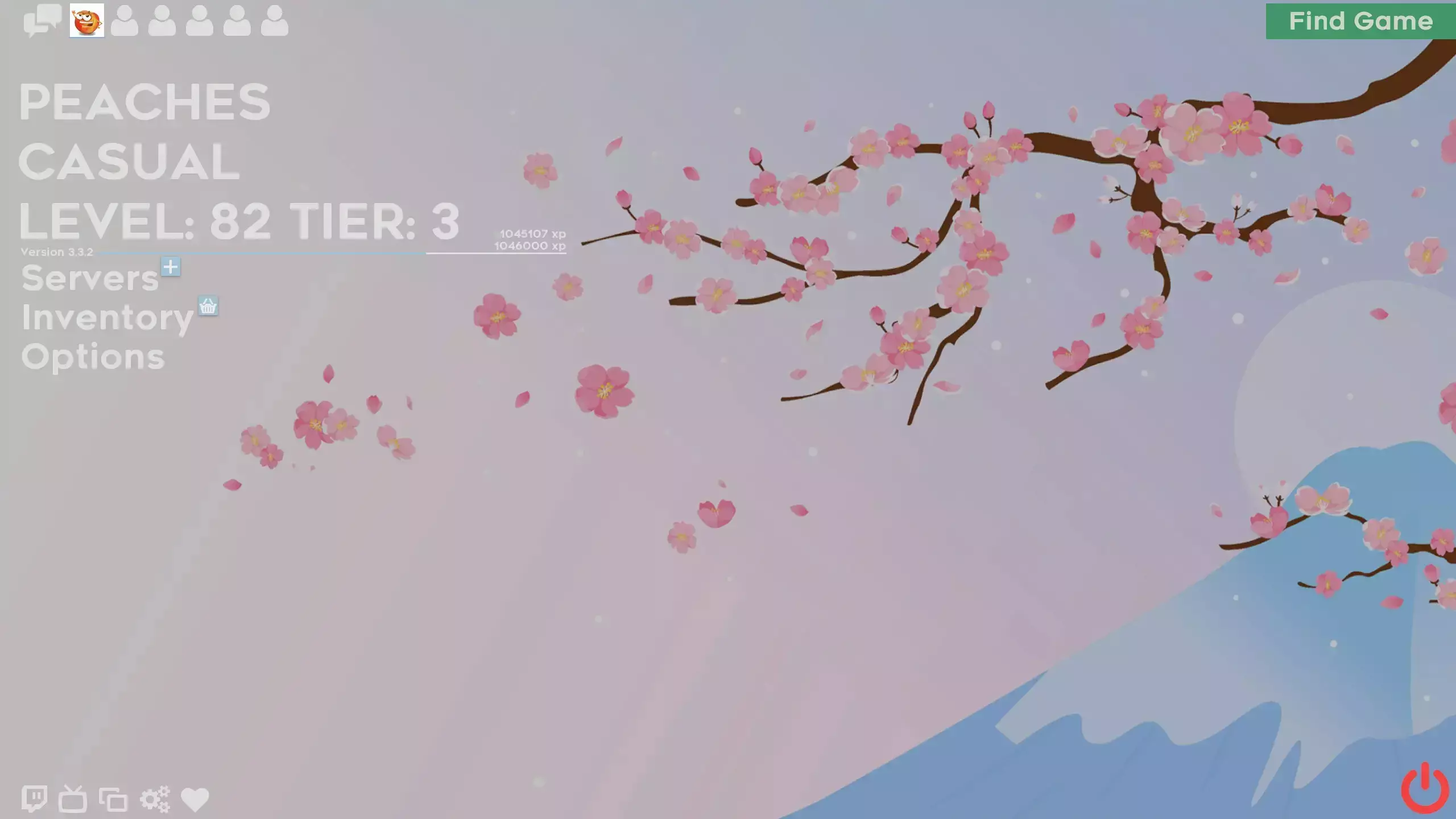
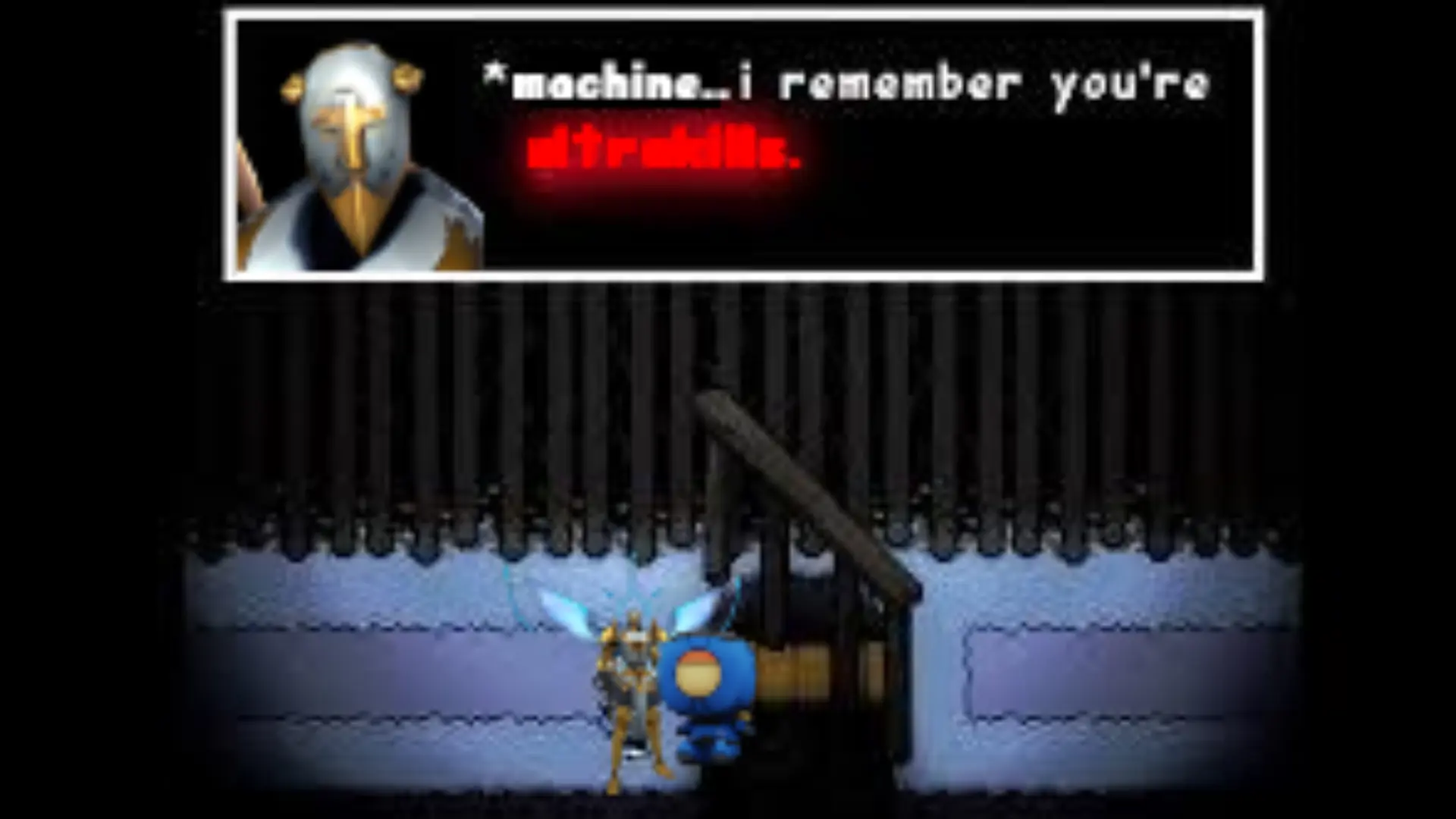
ULTRAHUD is a custom HUD for Team Fortress 2 by Heaven Piercer, released in 2024. It is based on rayshud. It includes custom fonts, custom menus, built-in crosshairs, a minmode layout, customization options, streamer mode support, and custom materials. It supports 16:9, 4:3, and 16:10 aspect ratios on Windows. Health and ammo can sit in the center of the screen or in the corners.
ULTRAHUD-TF2

THE ADMINISTRATOR IS DEAD.
A TF2 Mod that ports the UI seen in ULTRAKILL by Arsi "Hakita" Patala. Features completely reworked menus and HUD faithful to ULTRAKILL.
AUSTRALIUM IS FUEL.
ULTRAHUD features a variety of color customizations to alter the look and feel of the HUD, with a variety of possible color combinations. There also exists a modular streamer mode, to hide whatever you need to. The main menu background can be customized between many of the official album art seen in ULTRAKILL (and some fanmade ones!).
2FORT IS FULL.
Discord Server: https://discord.gg/v8nmUKRX62
Steam Group: https://steamcommunity.com/groups/ultrahudtf2
Installation Guide:
Extract all the contents of the zip file, Place the folder with the HUD contents in your tf/custom folder
- Directory should look like tf/custom/ULTRAHUD-TF2/resource,scripts,materials,etc.
If not already, rename the HUD folder to ULTRAHUD-TF2, (can be lowercase if on linux)
Start TF2 and play.
Full Credits
raysfire & Hypnootize- Rayshud and the tutorials that helped me make this.
Hakita & the ULTRAKILL dev team - Made one of my favorite games and inspired me to pick up HUD development.
VillageGreenPreserver - Healthbar (https://github.com/VillageGreenPreserver/Horizontal-Health-Bar/tree/main) and being a chill dude with divine knowledge about HUDs.
Gurg on Steam - The Terminal backgrounds (https://steamcommunity.com/sharedfiles/filedetails/?id=3124251709)
[deleted] on Reddit - The colored version of V1s head in the UK logo (https://www.reddit.com/r/Ultrakill/comments/xd7w0u/ultrakill_logo_but_its_coloured/)
Tomma - WeirdcoreHUD is a source of inspiration for me. Also let me use his HUD options as a base for the Calibration screen.
TechnoSL - Made plenty of fixes to fonts and made colors consistent across many places.
Goose - Some of the custom menu backgrounds.
ULTRAWIKI - The assets used for SmileOS 2.0.
Max Shortt - The mercenary backgrounds.
What is in the ULTRAHUD download
The numbers here are from version a92d843 of ULTRAHUD. At that version the HUD's repository has 695 files, 362 of them .res files. There are also 146 images in the VTF format, 8 different font files, 3 sound files, and 5 .cfg files. The font files include alagard.ttf, BroshKill-Regular.otf, fs-tahoma-8px.ttf, Geizer.otf, and 4 more.
ULTRAHUD has files of its own for the backpack, the class loadout, the MvM scoreboard, the crafting menu, the matchmaking dashboard, the advanced options menu, the item inspect menu, and the MvM upgrades menu. The HUD editing guide shows how to find the file that draws a part of the HUD.
info.vdf is at the top of the download, so copy the unzipped folder itself into tf/custom. The install guide has every step.