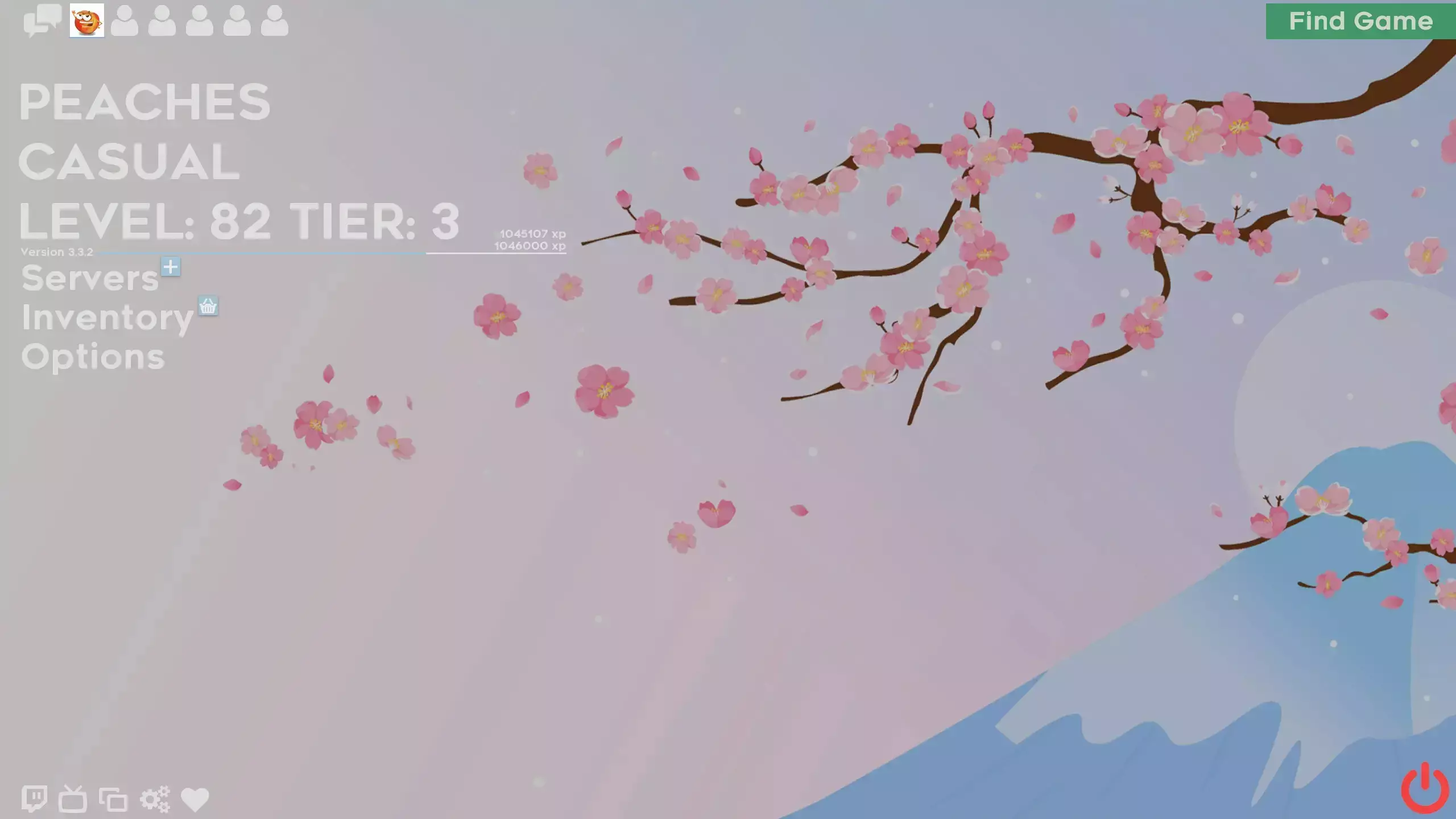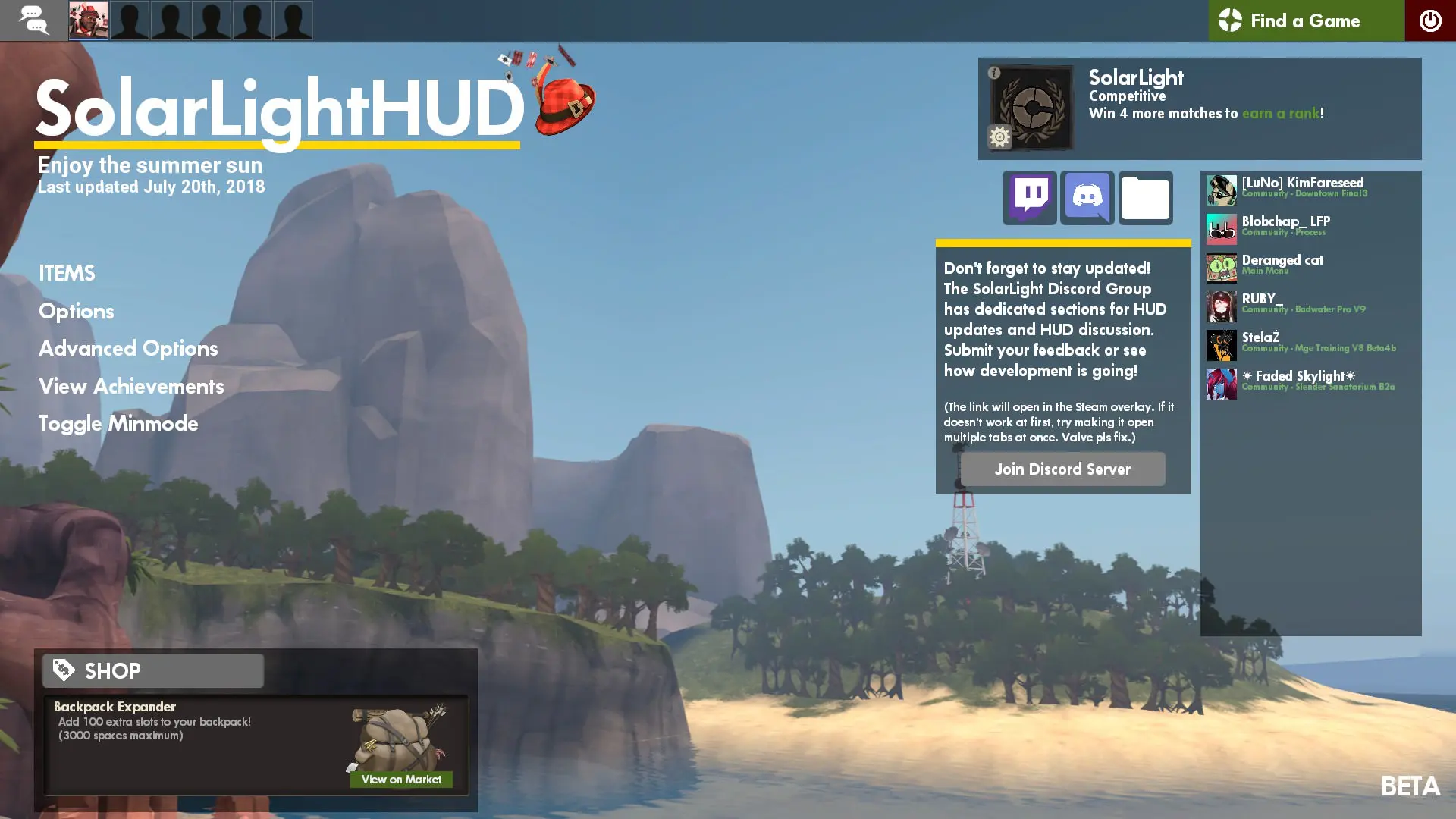
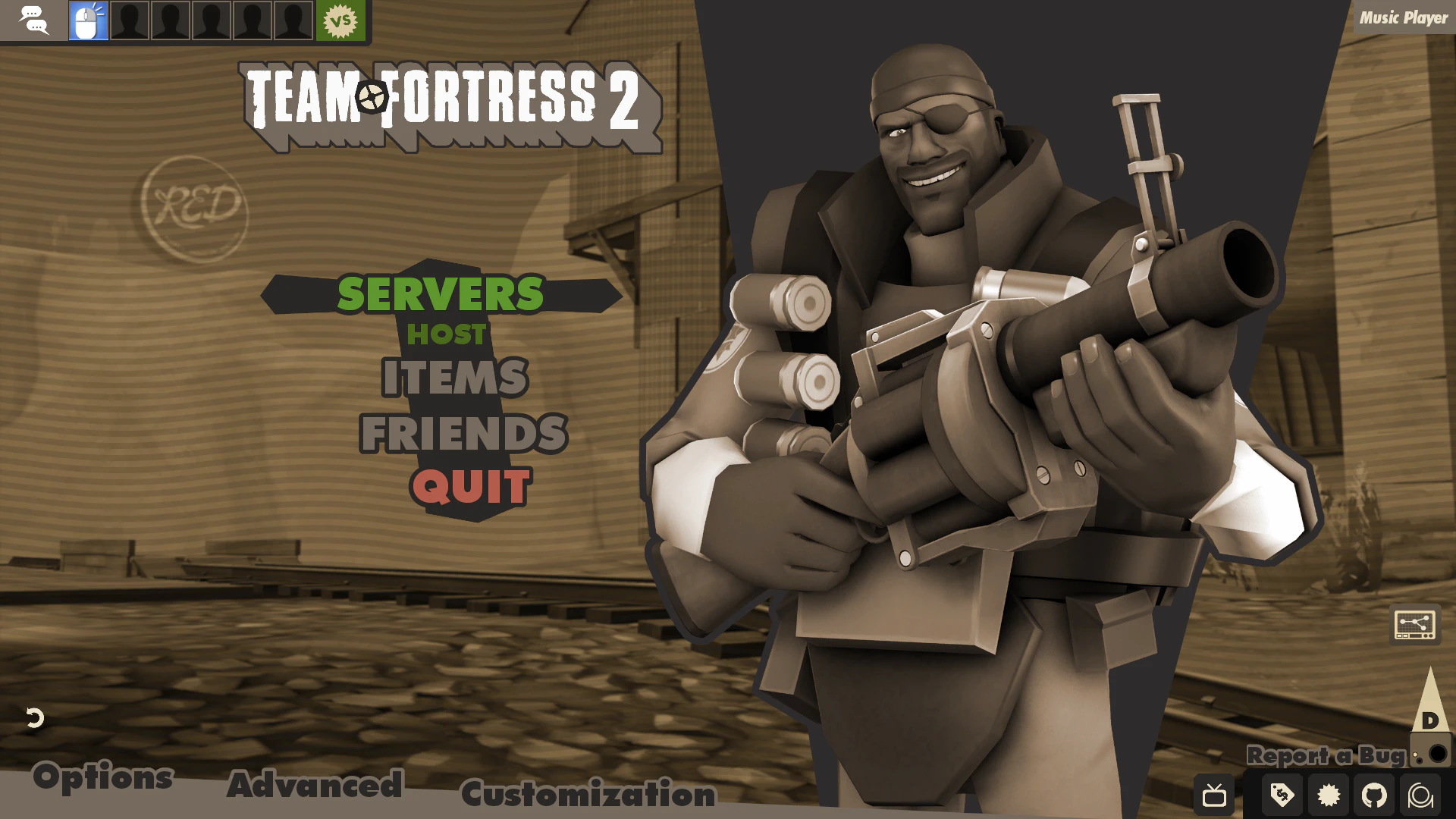
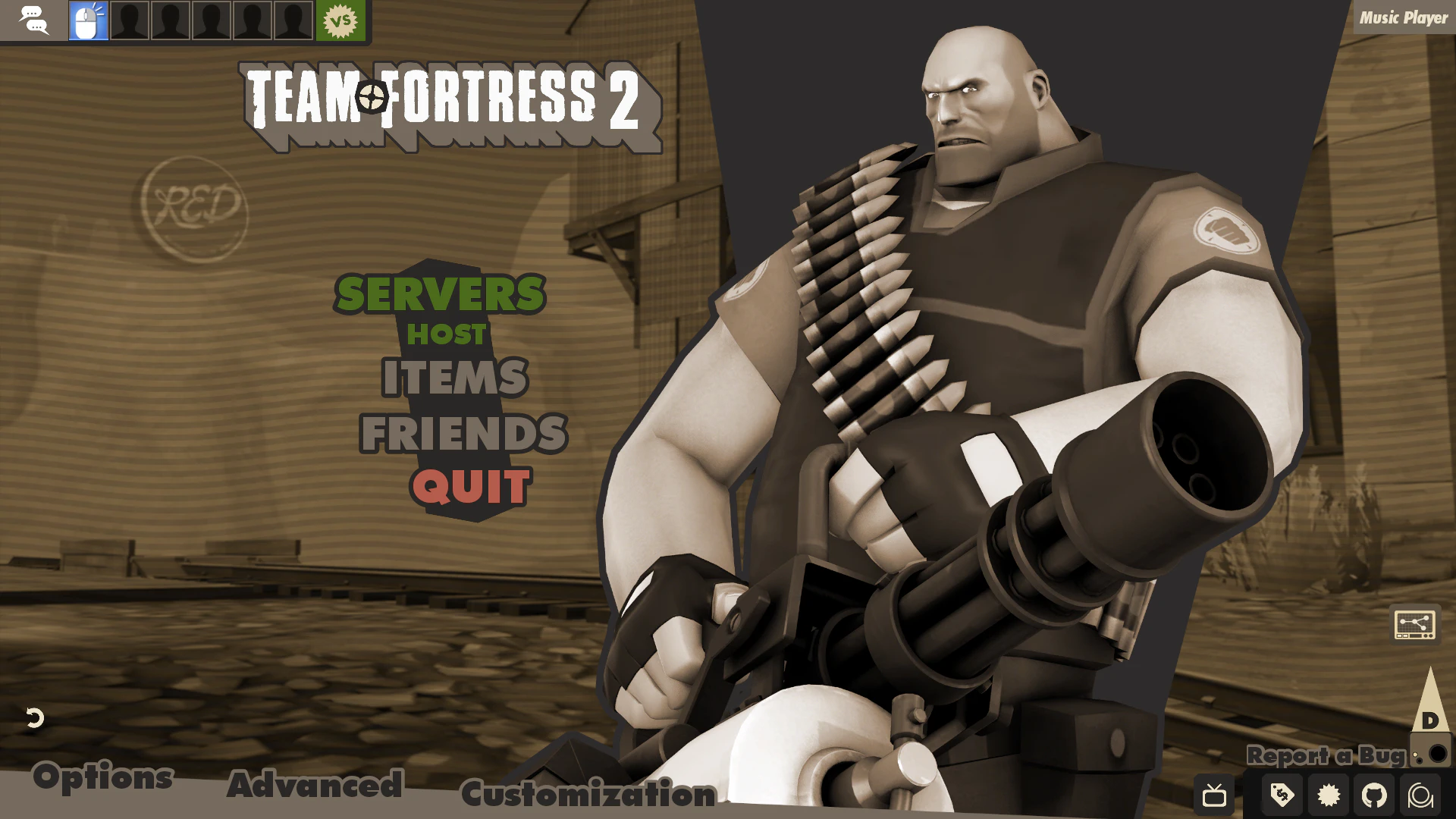
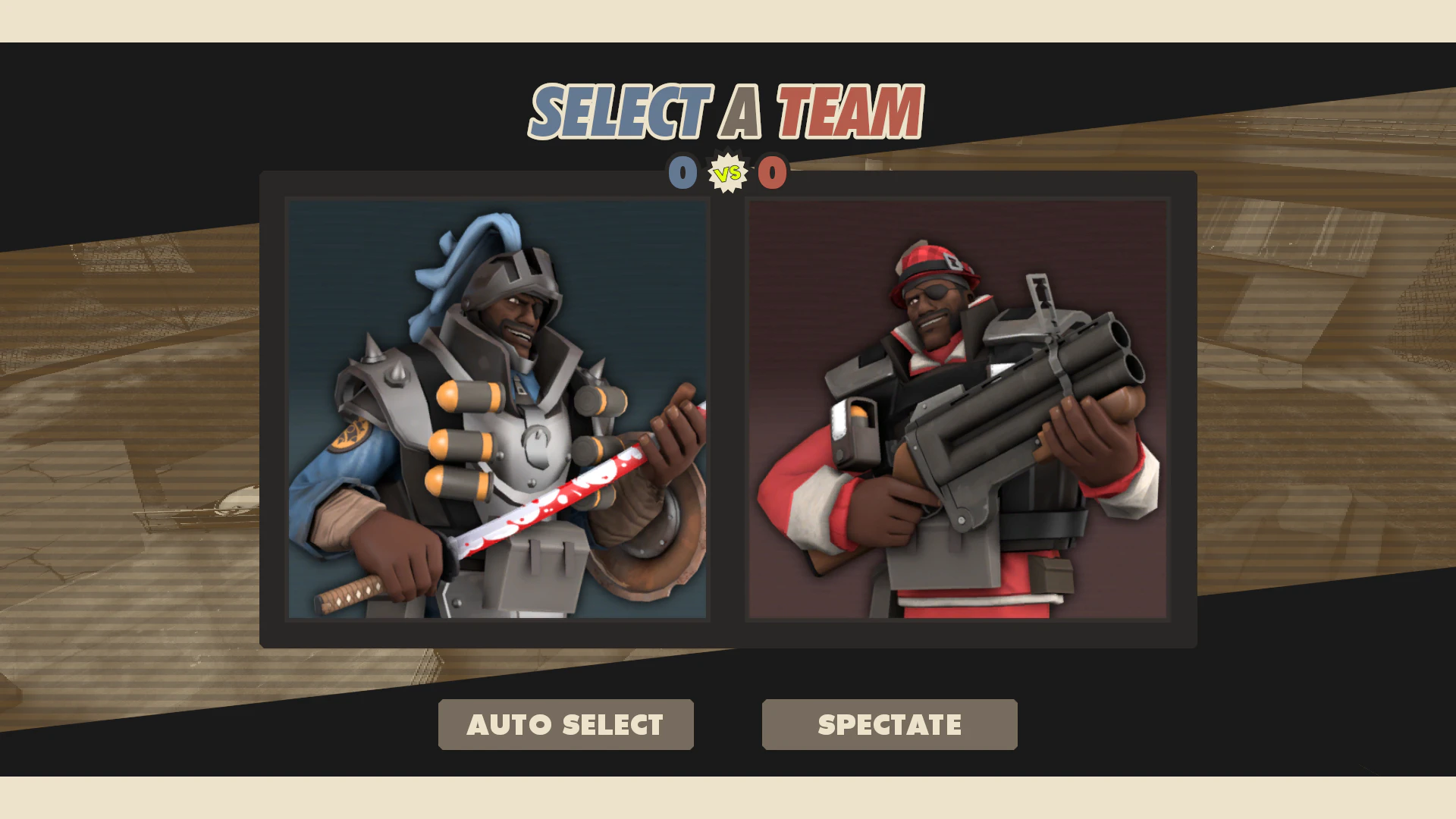
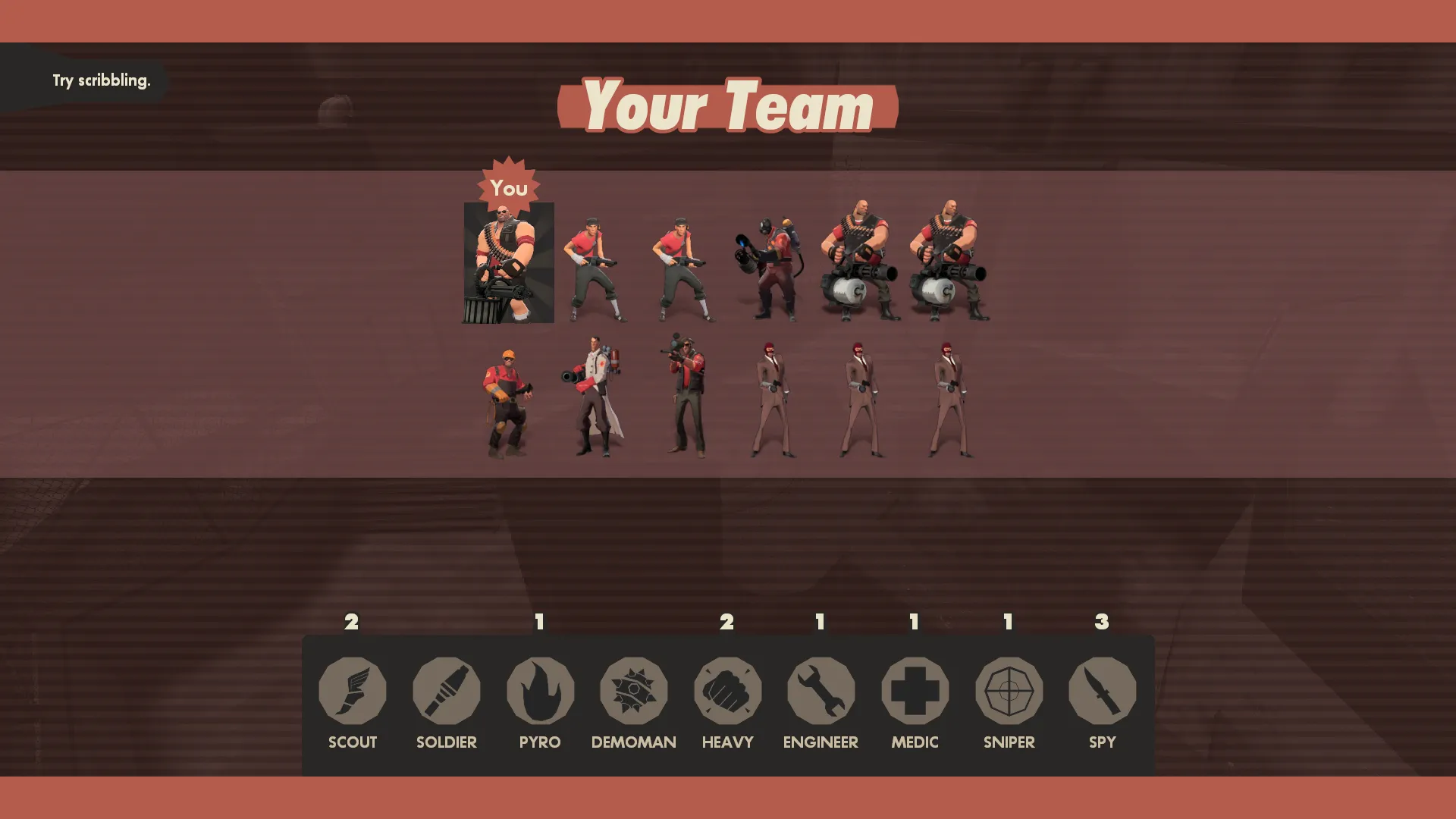
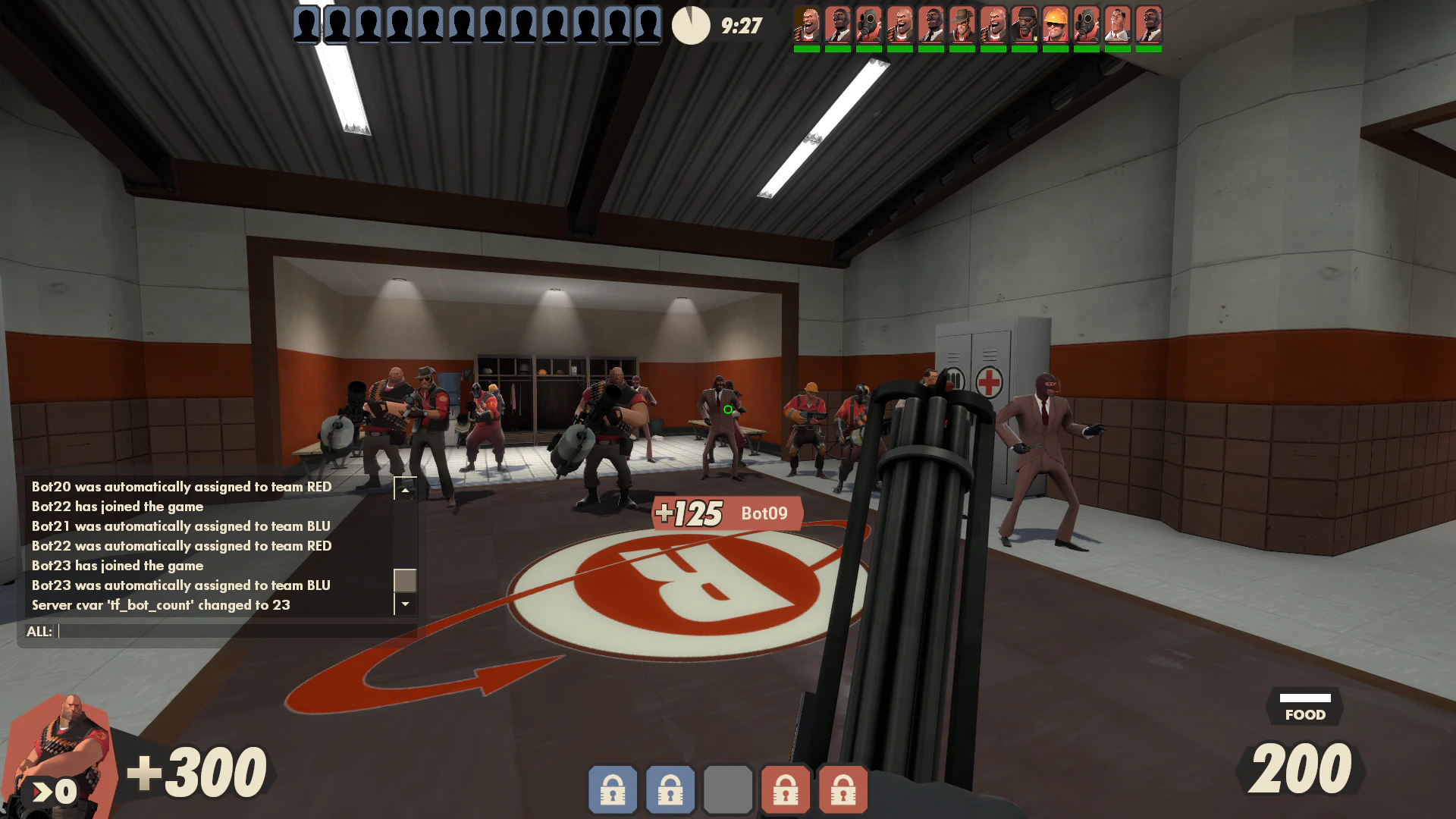
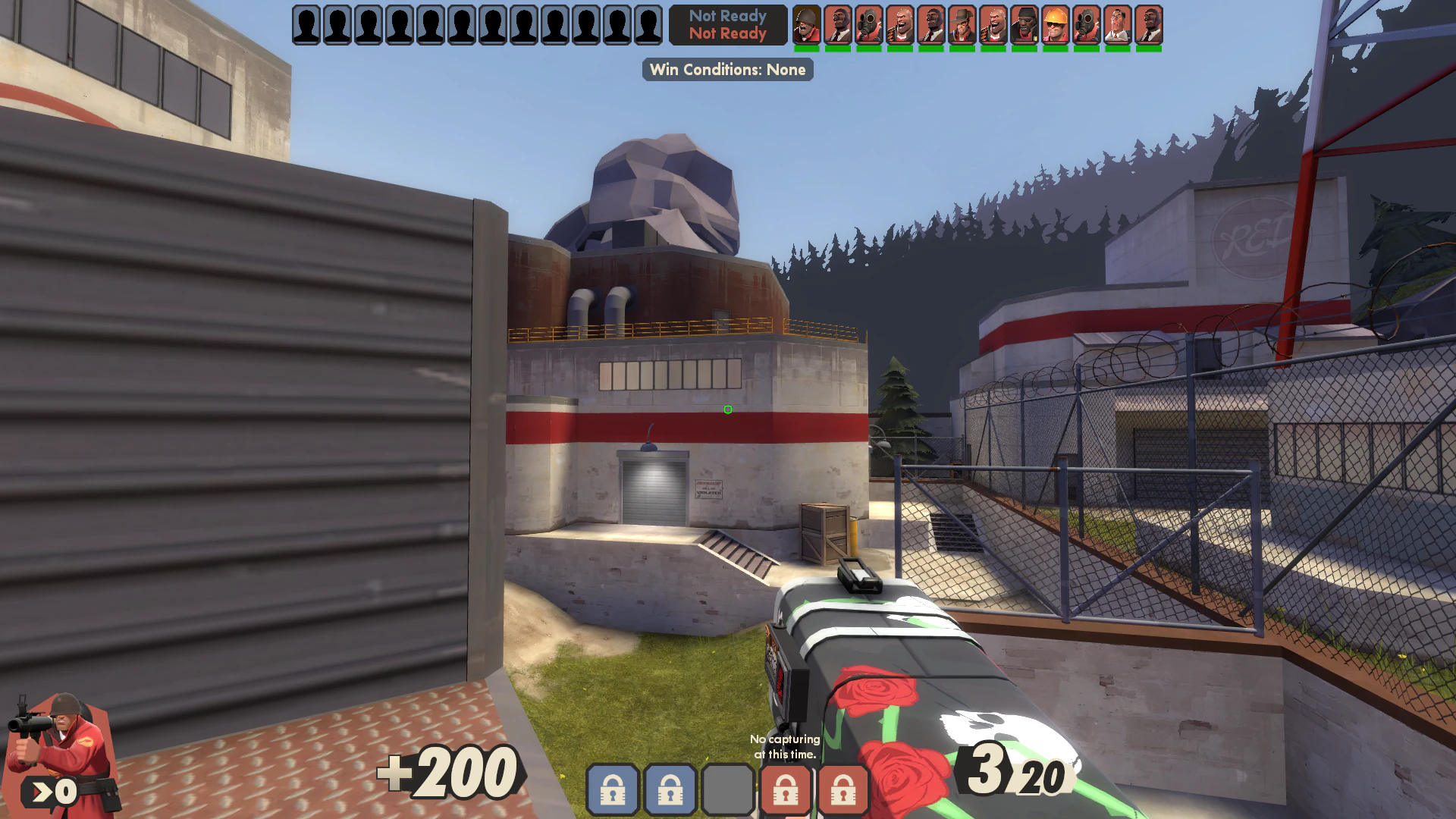
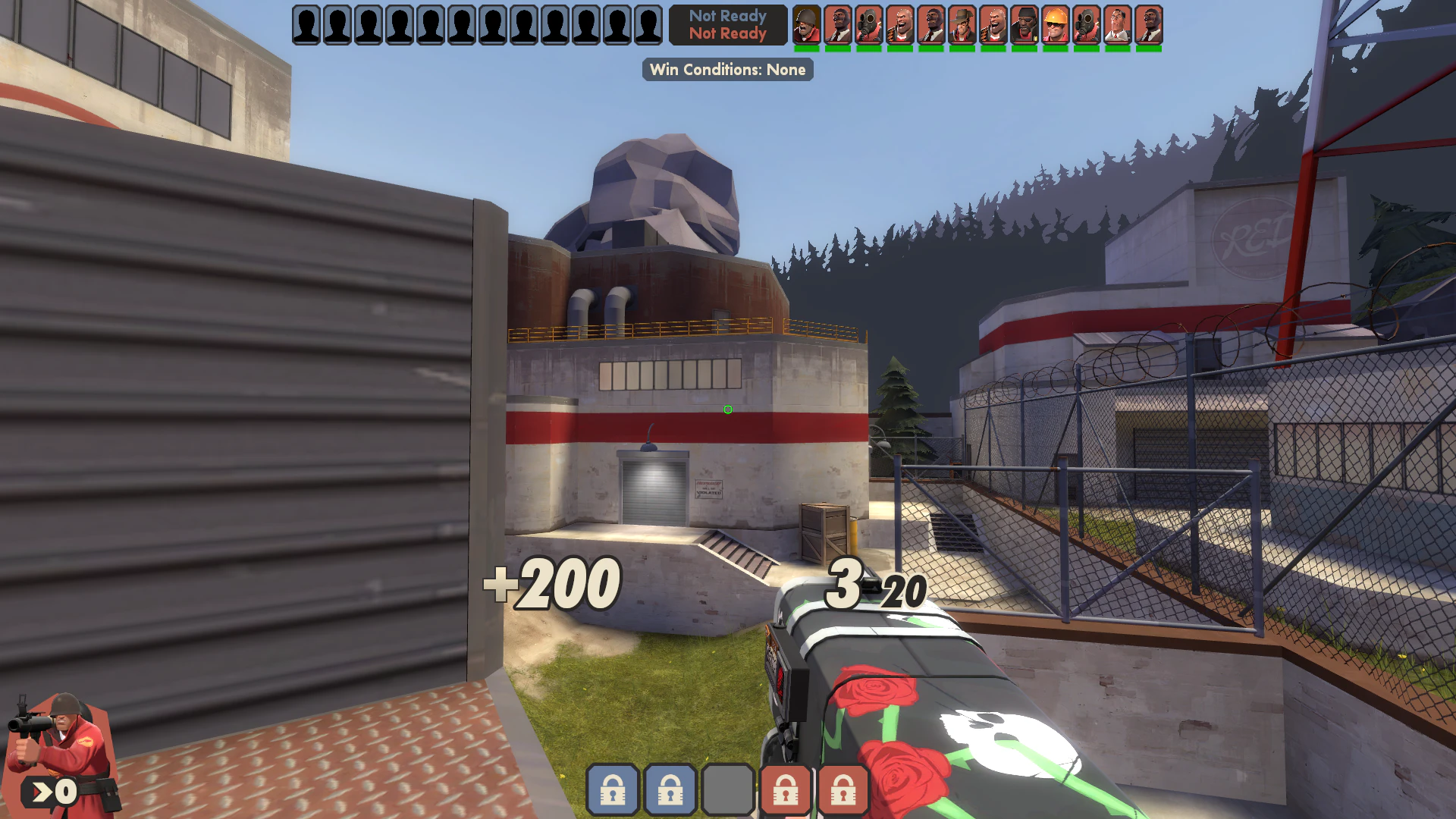
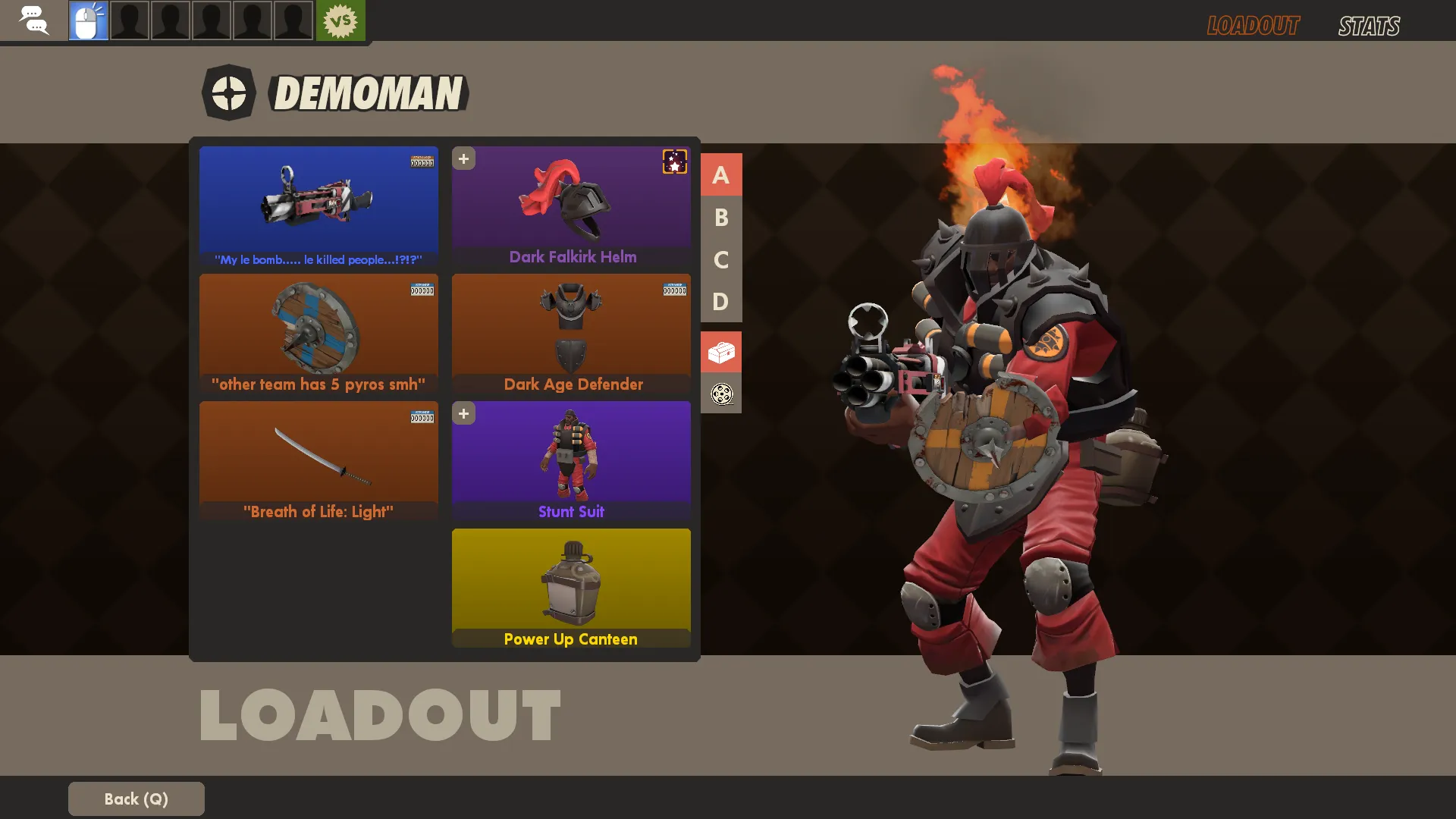
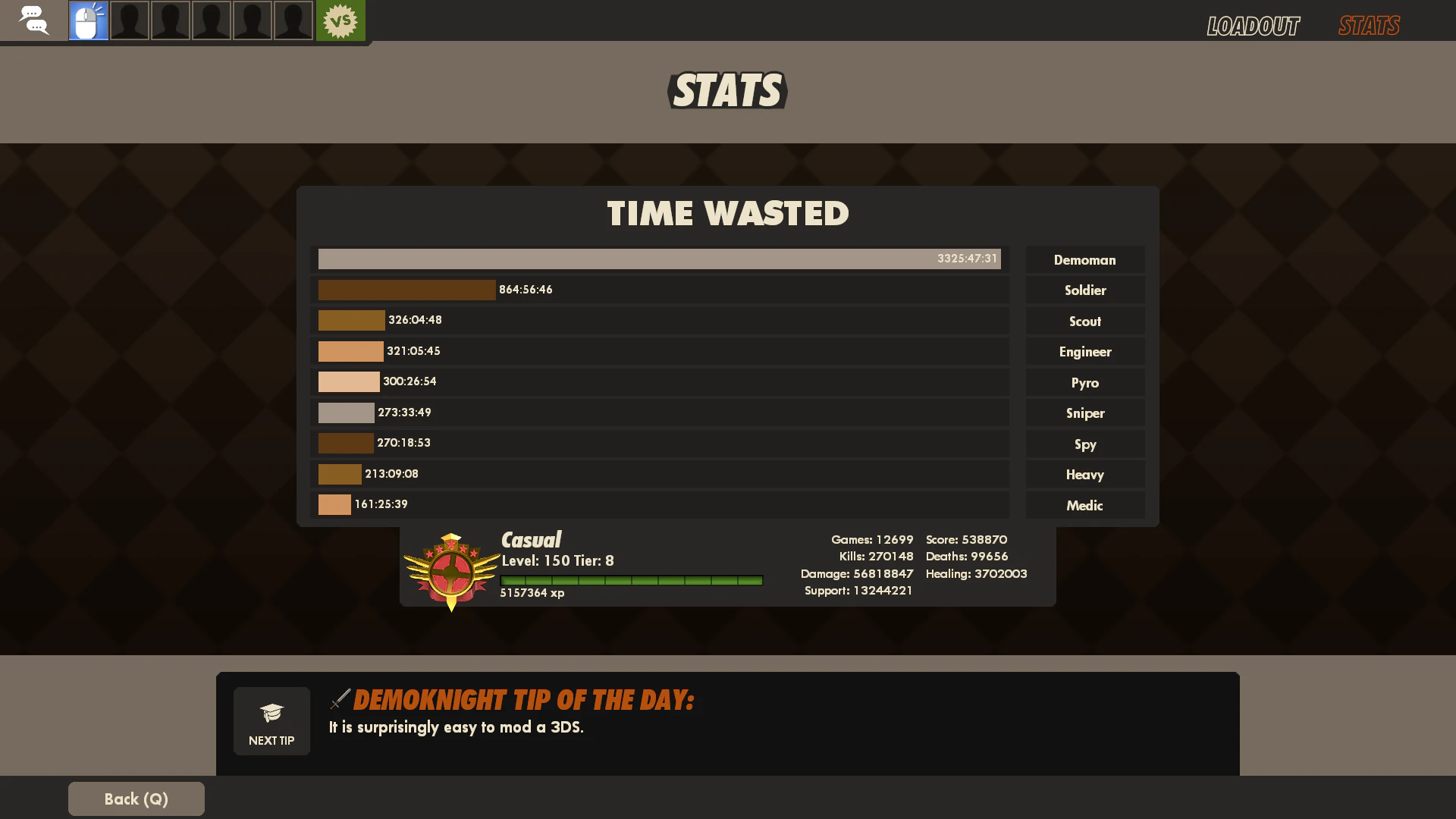
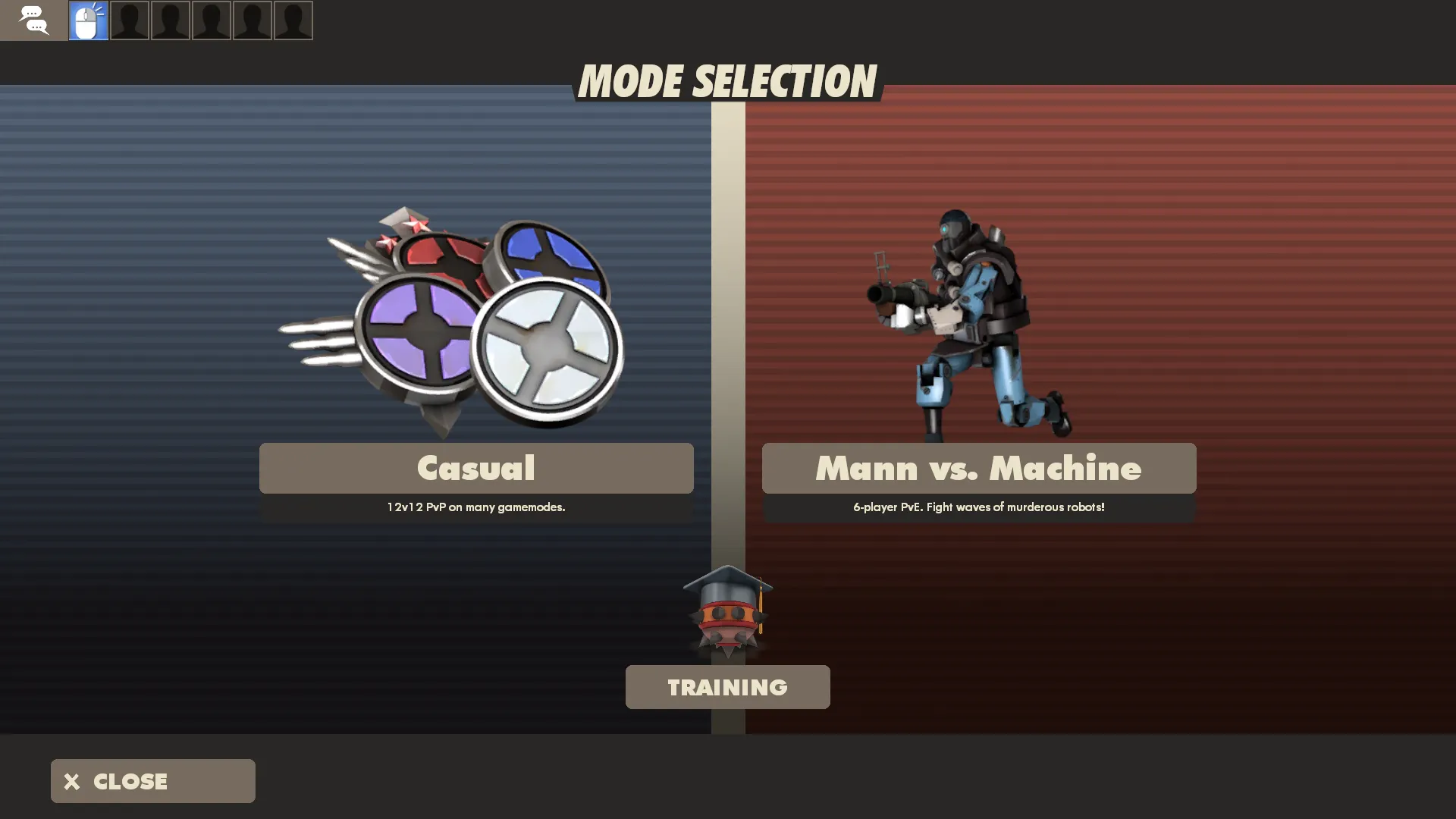
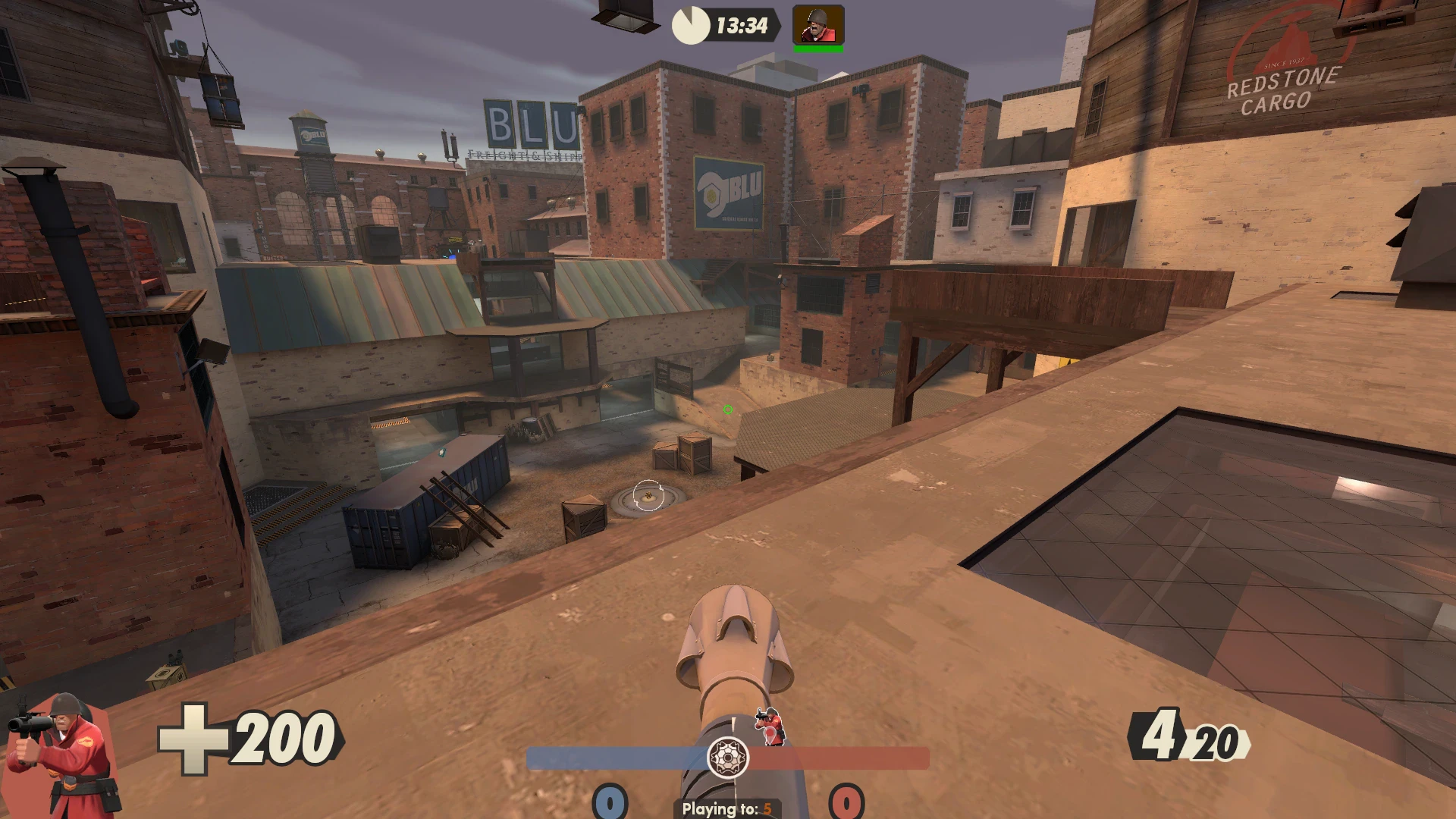
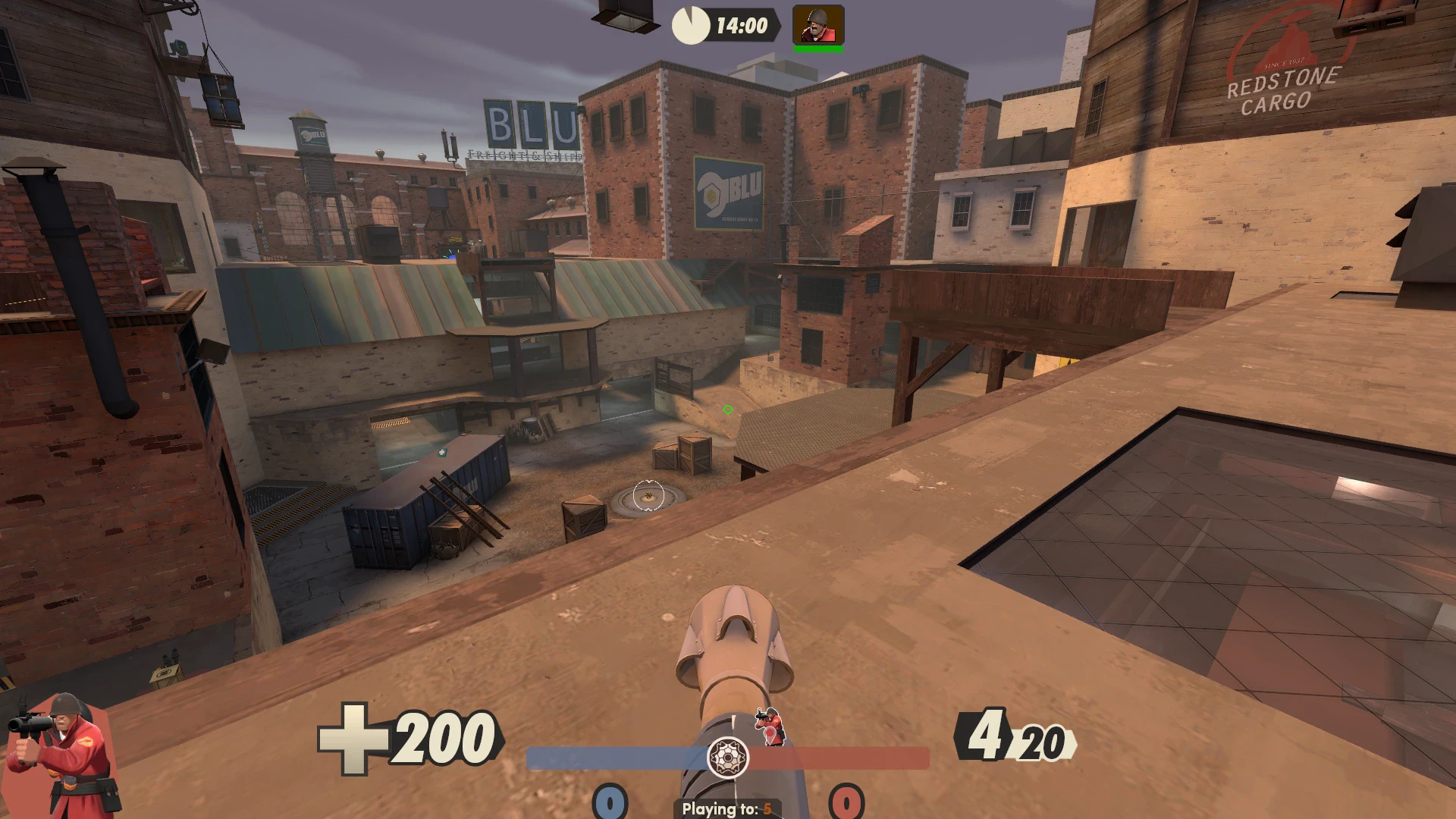
SolarLightHUD REDUX is a custom HUD for Team Fortress 2 by SolarLight, released in 2026. It is based on SolarLightHUD. It is tagged animated, customizable, sepia-tone, graphical, imagery, and stylish. It includes custom fonts, custom menus, a custom scoreboard, a minmode layout, custom materials, and customization options. It supports 4:3, 16:9, and 16:10 aspect ratios on Windows. Health and ammo can sit in the center of the screen, in the corners, or in the default position.
TROUBLESHOOTING
Be wary of using other mods, including preloaders. Sometimes they can prevent important functions, such as the customization menu. If you launch the HUD and you see a first-launch tutorial pop-up window saying "WELCOME TO REDUX!", that's a very good sign that the HUD is working! If you've never seen this pop-up ever... oh dear.
If another mod is causing a conflict, it is a good idea to start with an empty custom folder and then experiment to see which mods cause a breakage.
Bringing the UX to REDUX
Built on top of the old SolarLightHUD from 2018, REDUX is massively overhauled. Style is back on the menu. Scratch that, all of them. ...Almost all of them.
Minimal, yet stylish
When in-game, REDUX gets out of your way and lets you focus on the game, especially when using minmode. Yet, it still looks fancier than a typical custom HUD. Even on the "Classic" floating number mode, outlines were added to fonts to make them easier to read in bright scenarios. Items have been cleaned up, with quality names and levels hidden.
Animated
This HUD likes to express itself with custom animations. Almost every menu screen has movement, Casual Mode's 3D Models have been replaced with 2D equivalents, and animated textures can be found in some places, such as in victory screens.
Customization
Choose between five HUD layouts from the Customization Menu and make various tweaks, with potentially more options on the way. Some of the options attempt to mimic the old SolarLightHUD while retaining the new graphical style.
Add-ons
Available separately, players can add custom sound and graphics packs to match the theme of the HUD. A download link is available within the Customization Menu.
Inspired
REDUX started as a minor font and color update, reintroducing TF2's color scheme and adding font outlines. Inspiration was then taken from 'MEME vs. META', creating the various octagonal and glass shapes. The HUD and menus also borrow ideas from other SolarLight videos, as well as the Persona games, Sonic Heroes, Genshin Impact and a few other places.
What is in the SolarLightHUD REDUX download
The numbers here are from version f37b089 of SolarLightHUD REDUX. At that version the HUD's repository has 1,188 files, 562 of them .res files. There are also 266 images in the VTF format, 20 different font files, 2 sound files, and 2 .cfg files. The font files include asimov.otf, futura damage.ttf, futura extra black extremestroke (old).ttf, futura extra black extremestroke.ttf, and 16 more.
SolarLightHUD REDUX has files of its own for the backpack, the class loadout, the MvM scoreboard, the crafting menu, the matchmaking dashboard, the advanced options menu, the item inspect menu, and the MvM upgrades menu. The HUD editing guide shows how to find the file that draws a part of the HUD.
info.vdf is at the top of the download, so copy the unzipped folder itself into tf/custom. The install guide has every step.
More HUDs by SolarLight