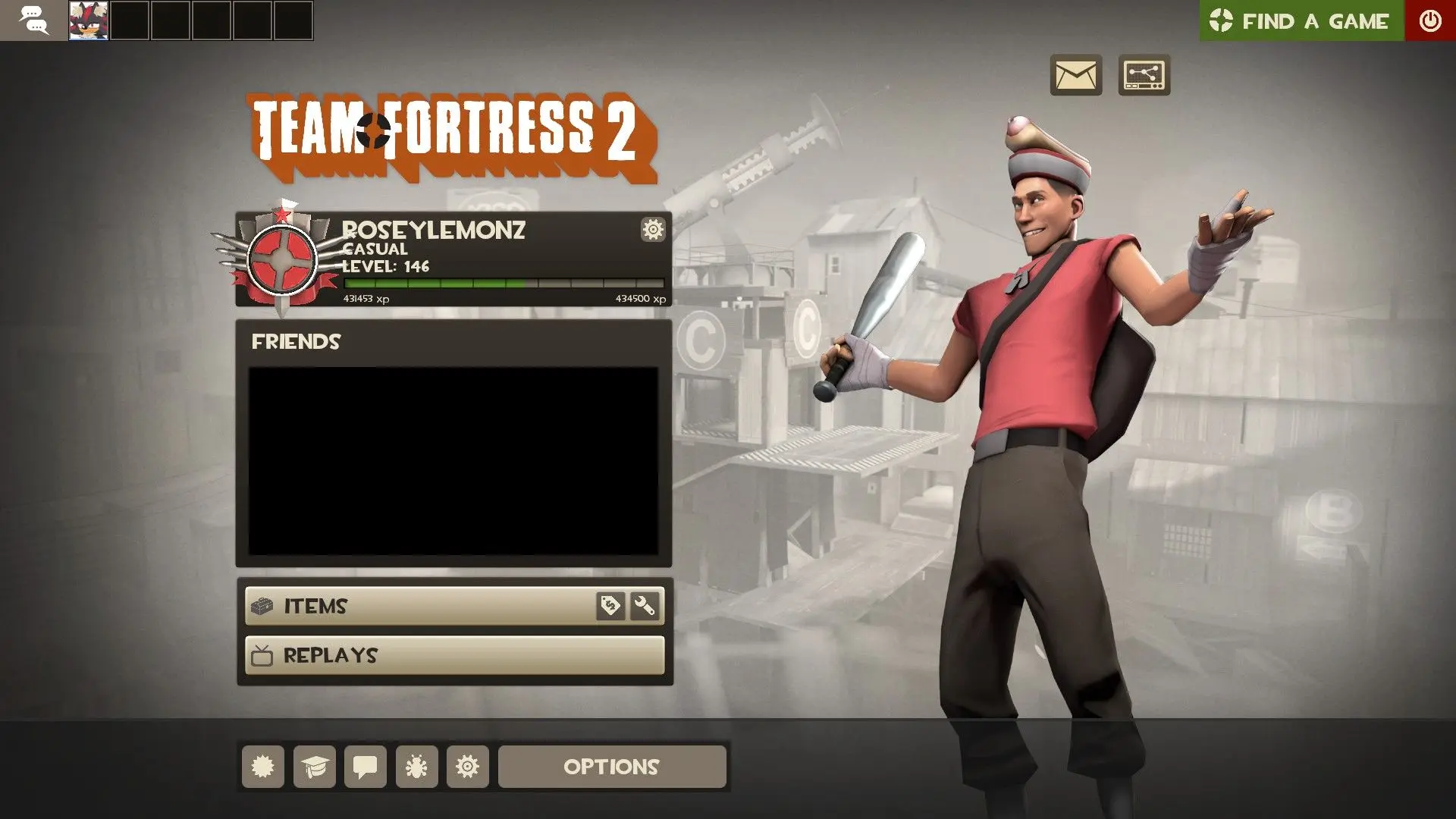
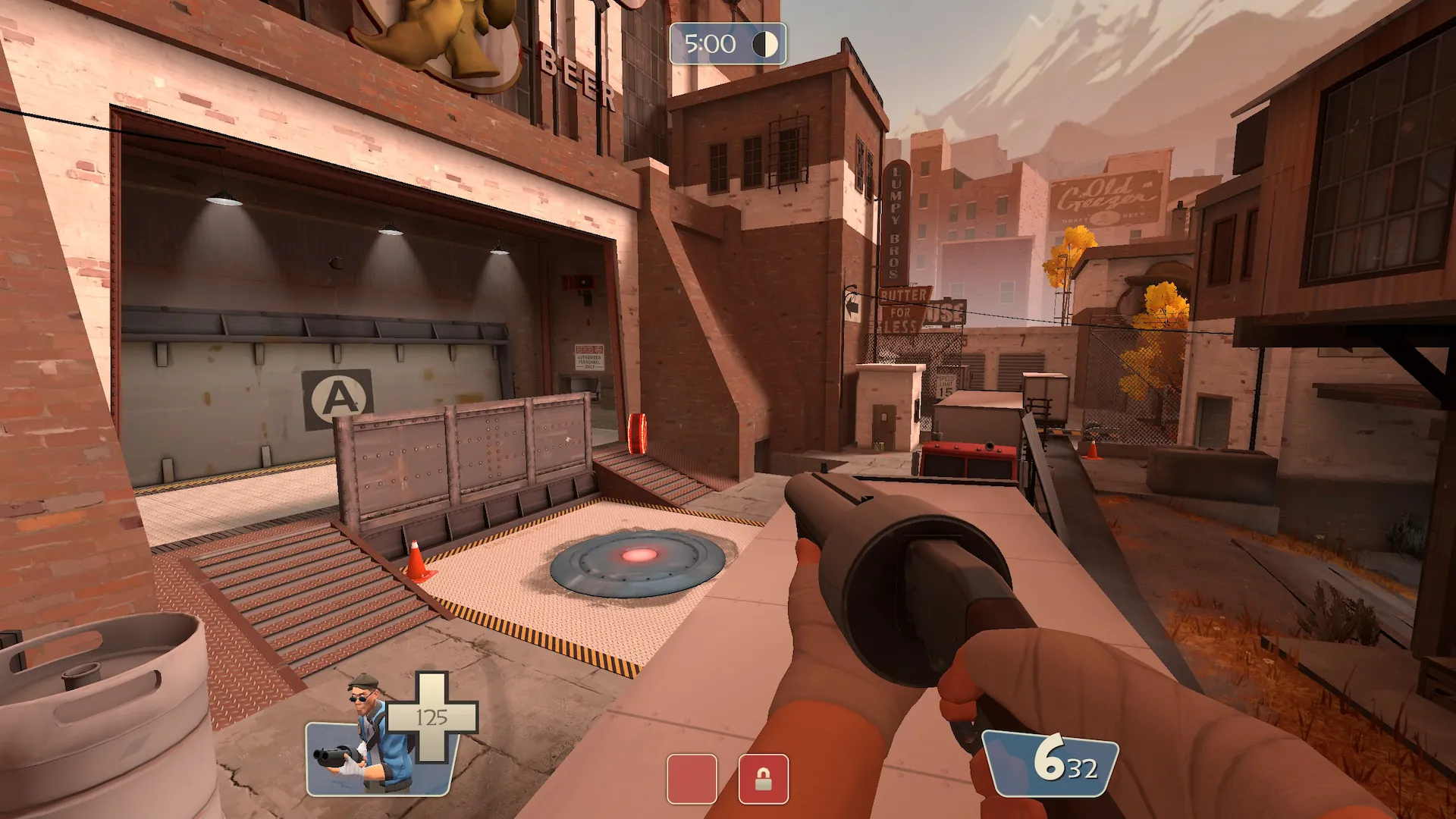
Center HUD is a custom HUD for Team Fortress 2 by RoseyLemonz, released in 2023. It is tagged vanilla and default. It includes custom fonts, custom menus, built-in crosshairs, a minmode layout, custom materials, streamer mode support, and customization options. It supports 4:3, 16:9, 16:10, and 21:9 aspect ratios on Windows and Linux. Health and ammo sit in the center of the screen.
A TF2 HUD focused on putting critical HUD info in the center, while sticking to the style of the default HUD, adding customization and fixing things.
Translators
Everyone that has helped translate Center HUD to other languages, if you're interested in helping, look here.
- grousk (Turkish)
- prettytofugirl (Romanian)
- realFunnyScout (Russian)
- Ashe_tf (Spanish)
- Yellow-Dev1l (Korean)
- chillyy (French)
- Hardingfele2212 (Norwegian)
- UnFunny (Polish)
- Pyromaniax (Portuguese [Brazillian])
- LlamaGR1 (Greek)
Credits
- Community HUD Fixes
- (Deleted) Enhanced Default HUD
- Source Text Refont
- Hypnotize's icon font
- TF2 Extended Fonts
- Repositioned HUD Playermodel
Special Thanks
What is in the Center HUD download
The numbers here are from version a1435b8 of Center HUD. At that version the HUD's repository has 561 files, 367 of them .res files. There are also 59 images in the VTF format, 8 different font files, 3 sound files, and 7 .cfg files. The font files include crosshairs.ttf, ocra.ttf, streamermode.ttf, tf2_linux.ttf, and 4 more.
Center HUD has files of its own for the backpack, the class loadout, the MvM scoreboard, the matchmaking dashboard, the advanced options menu, and the item inspect menu. The HUD editing guide shows how to find the file that draws a part of the HUD.
info.vdf is at the top of the download, so copy the unzipped folder itself into tf/custom. The install guide has every step.