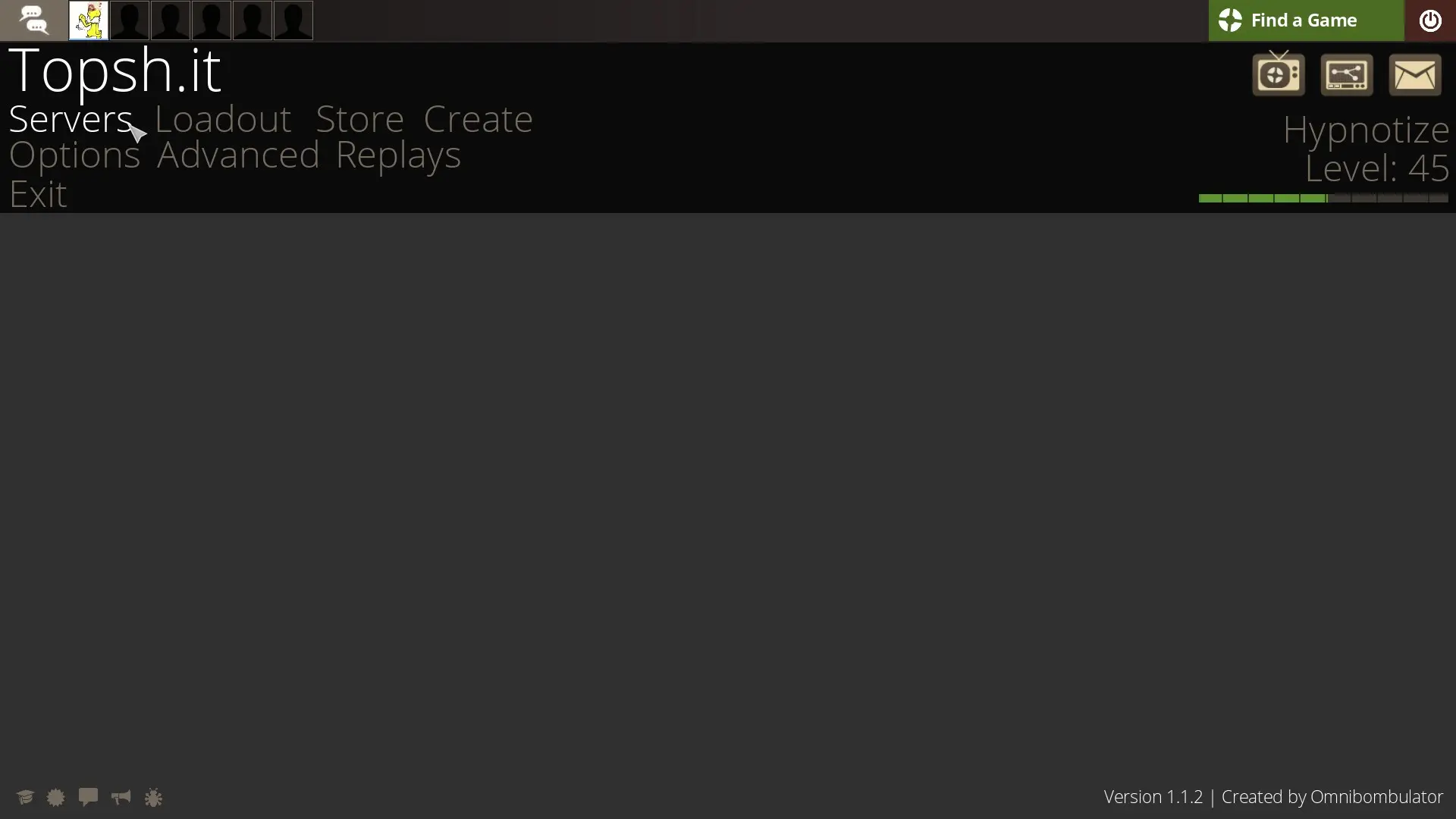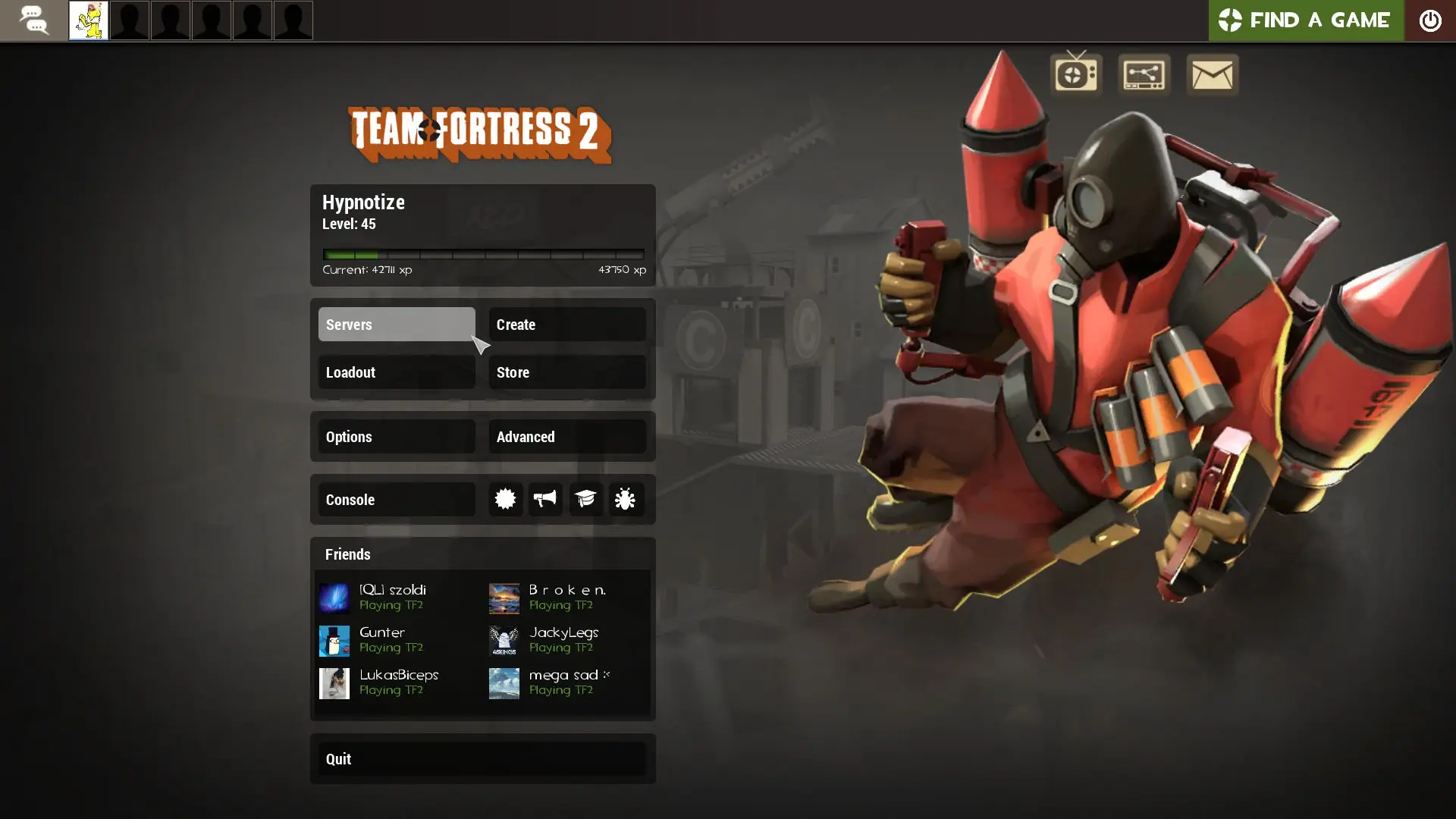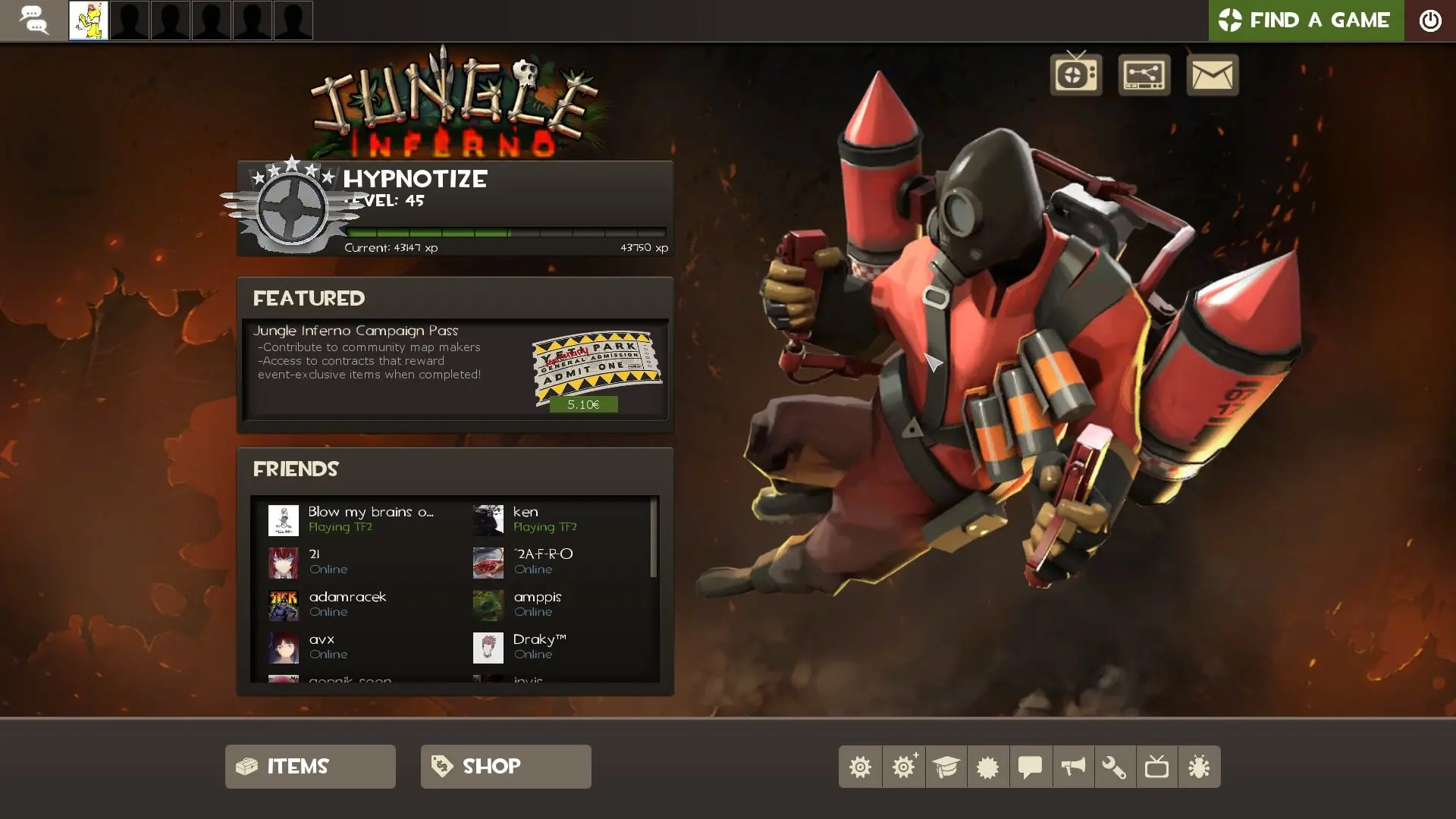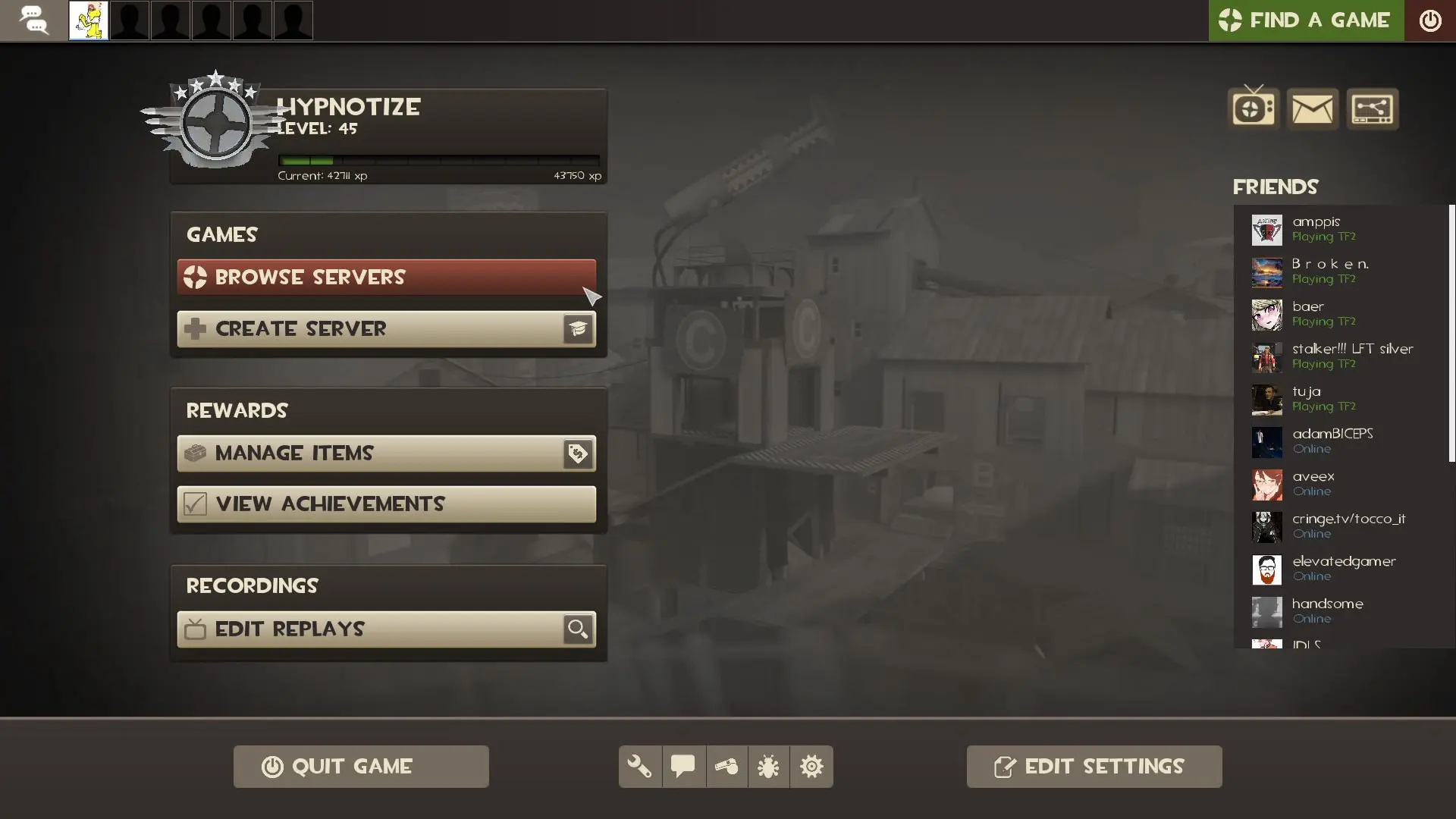
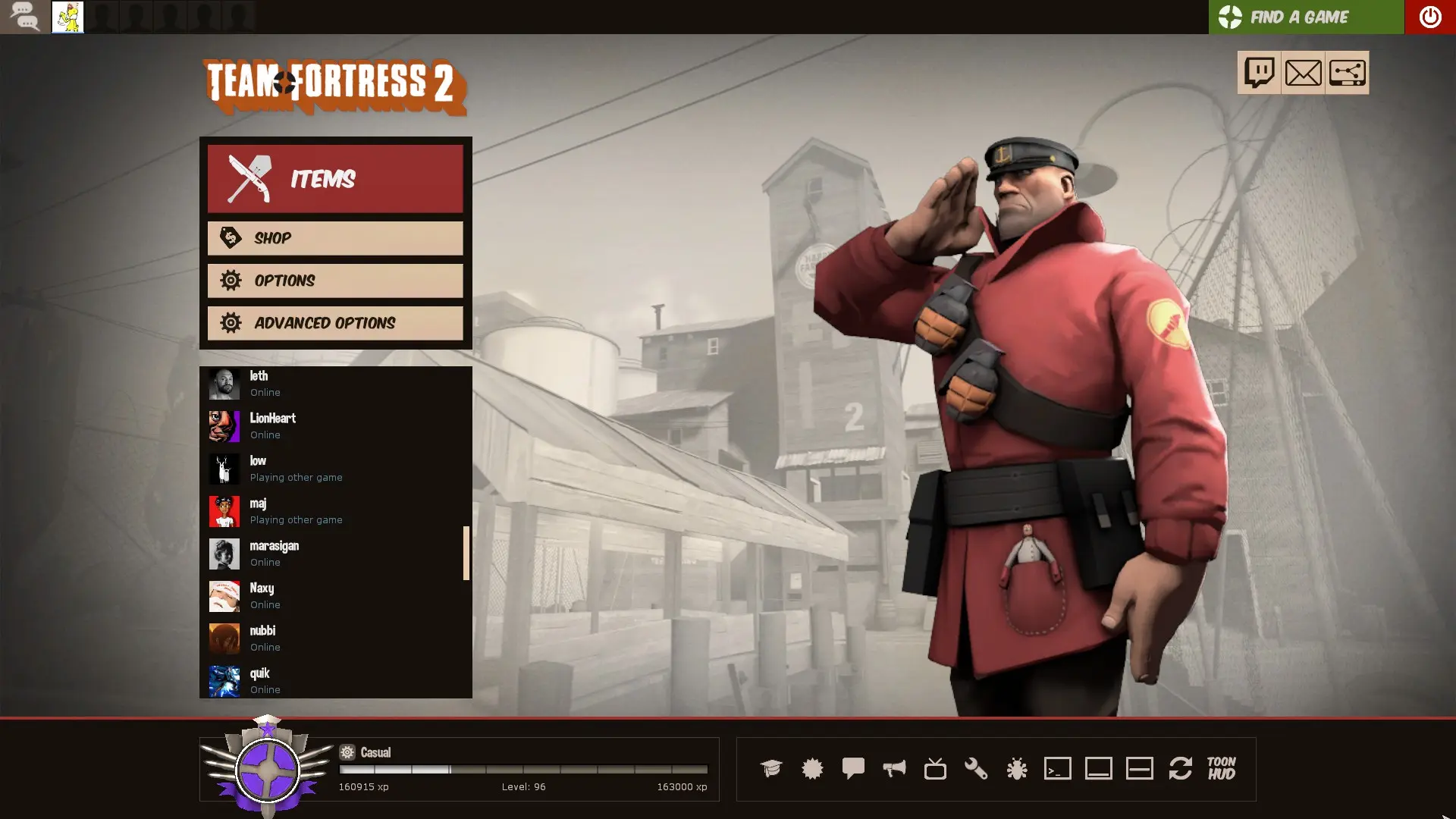
ToonHUD is a custom HUD for Team Fortress 2 by Griever, released in 2013.
ToonHUD is a highly customizable heads-up display for Team Fortress 2.
You can customize ToonHUD with your browser and share your themes with others at toonhud.com.
If you use ToonHUD, feel free to leave some feedback. :)
How to get ToonHUD
ToonHUD is not downloaded as one ready file. On toonhud.com the steps are: sign in with Steam, type a username, create a theme, then edit, save and download it. The site also has premade themes and the themes other users made public. The Download button fetches the ToonHUD zip and adds the theme to it, so the file you get already has your theme. ToonHUD's guide says Safari cannot do this download; creating and editing themes works there.
Unzip the file and move the toonhud folder into tf/custom. The guide says to take out any HUD that is already there, and to repeat the same steps when you update. Our install guide shows where tf/custom is on Windows, Mac and Linux.
toonhud.com is at version 11.5 since 13 October 2024. Its changelog lists fixes for the game's Halloween 2024 update, font scaling changes and fonts for Linux. ToonHUD has a default and a centered layout: the game's minimal HUD option switches to the centered one. If the screen is all white in the game, ToonHUD's FAQ names the cause: transparent viewmodels on DirectX 8. Questions go to ToonHUD's Steam group.