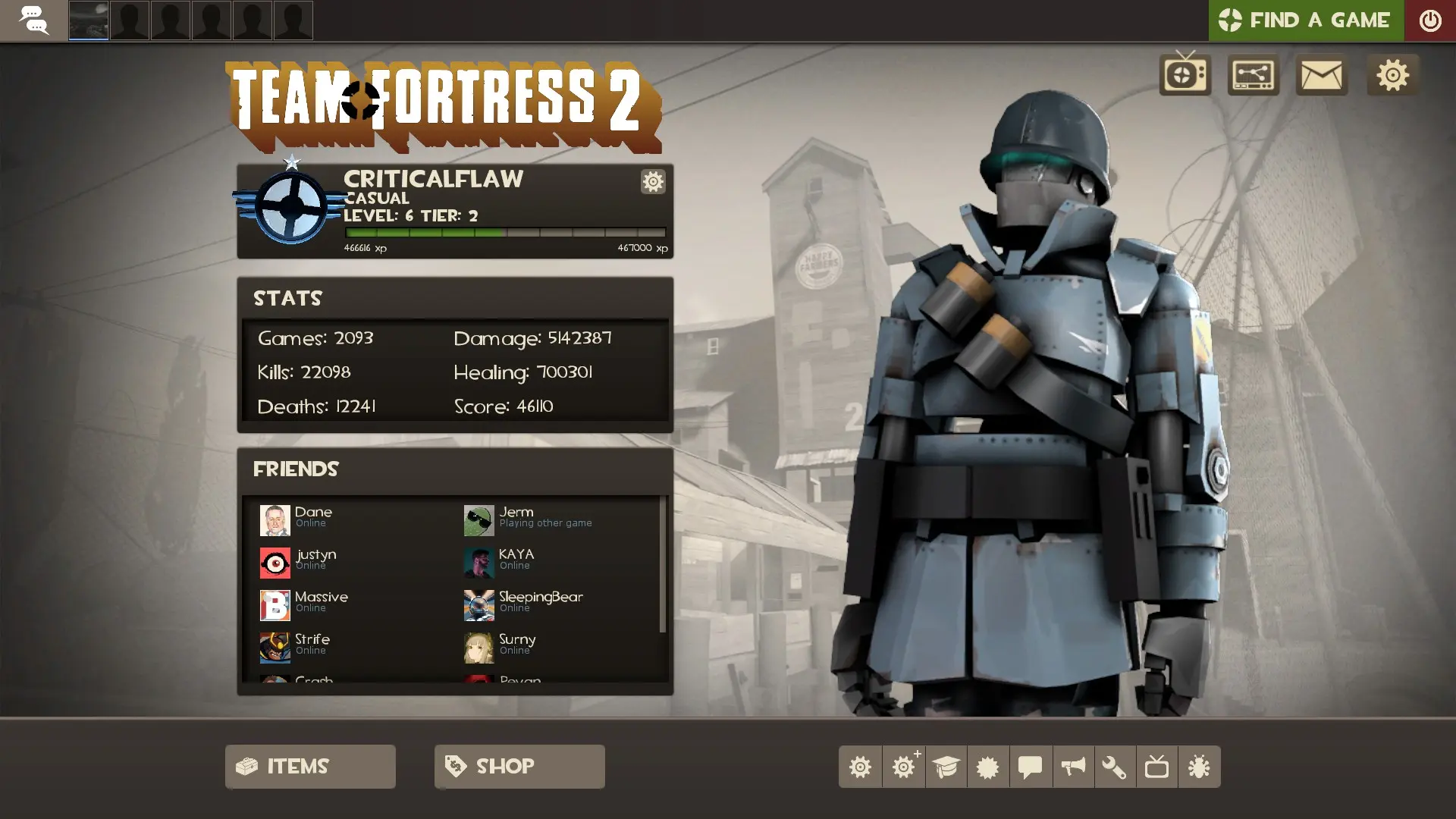
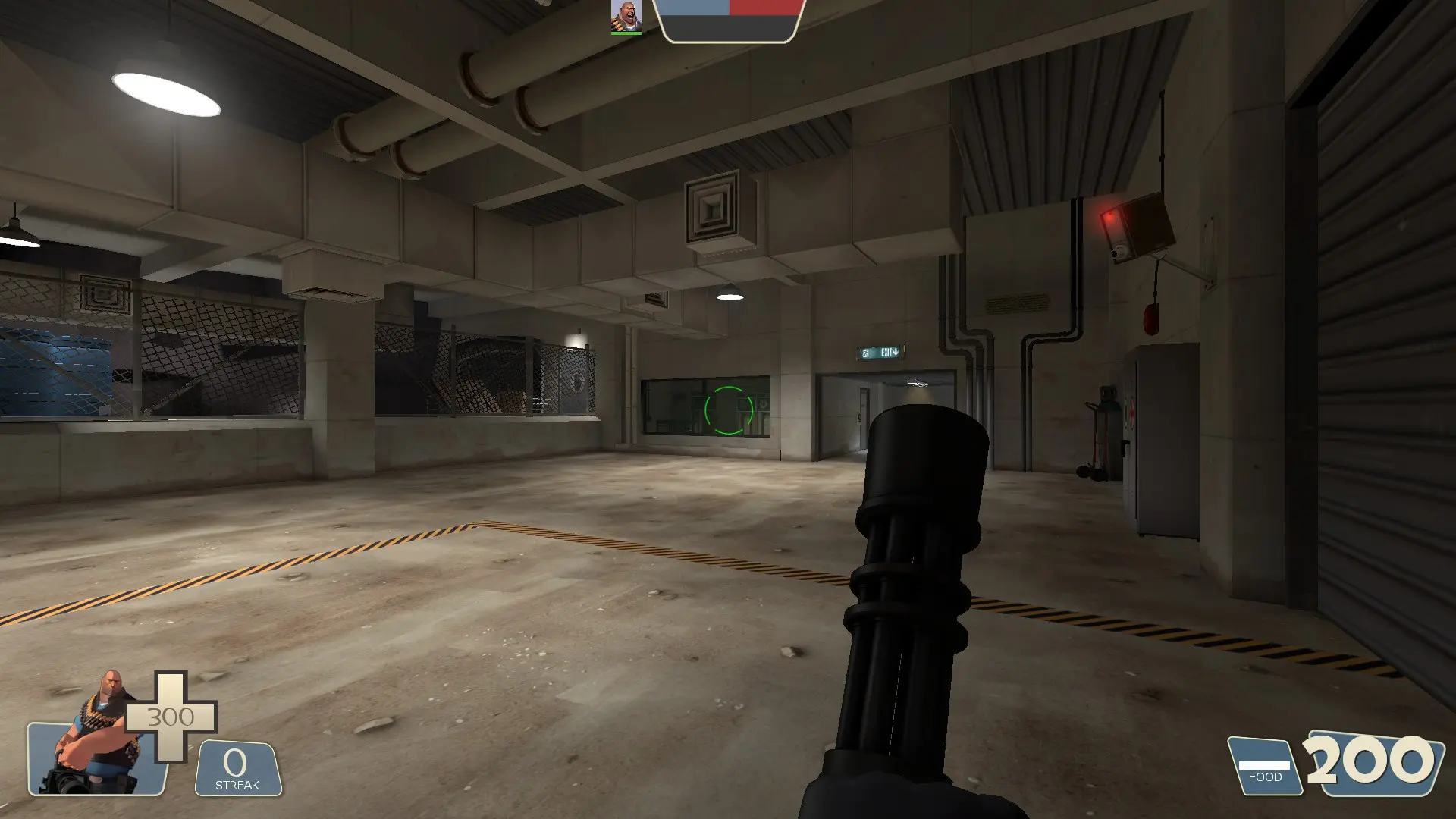
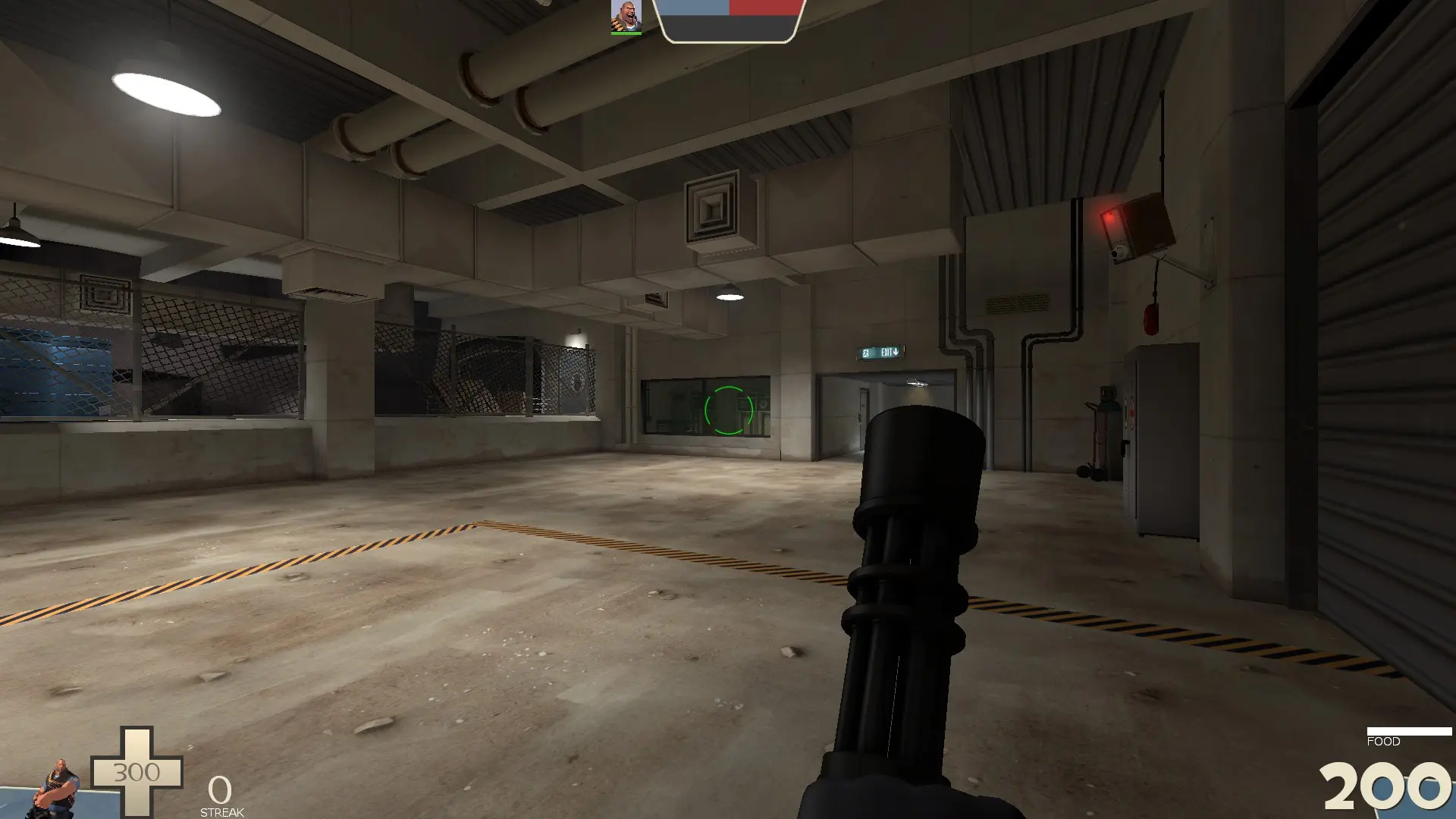
Community HUD Fixes is a custom HUD for Team Fortress 2 by CriticalFlaw. It is tagged default. It includes built-in crosshairs, a minmode layout, custom materials, and customization options. It supports 1:1, 4:3, 5:4, 16:10, 16:9, 17:9, 21:9, and 32:9 aspect ratios on Windows, Mac, and Linux. Health and ammo sit in the default position.
Bug fixes and minor visual improvements to the default Team Fortress 2 HUD.
Steam Workshop · TF2 Community Fix-Up Pack · GameBanana · comfig huds · TF2HUDS
Notables Fixes
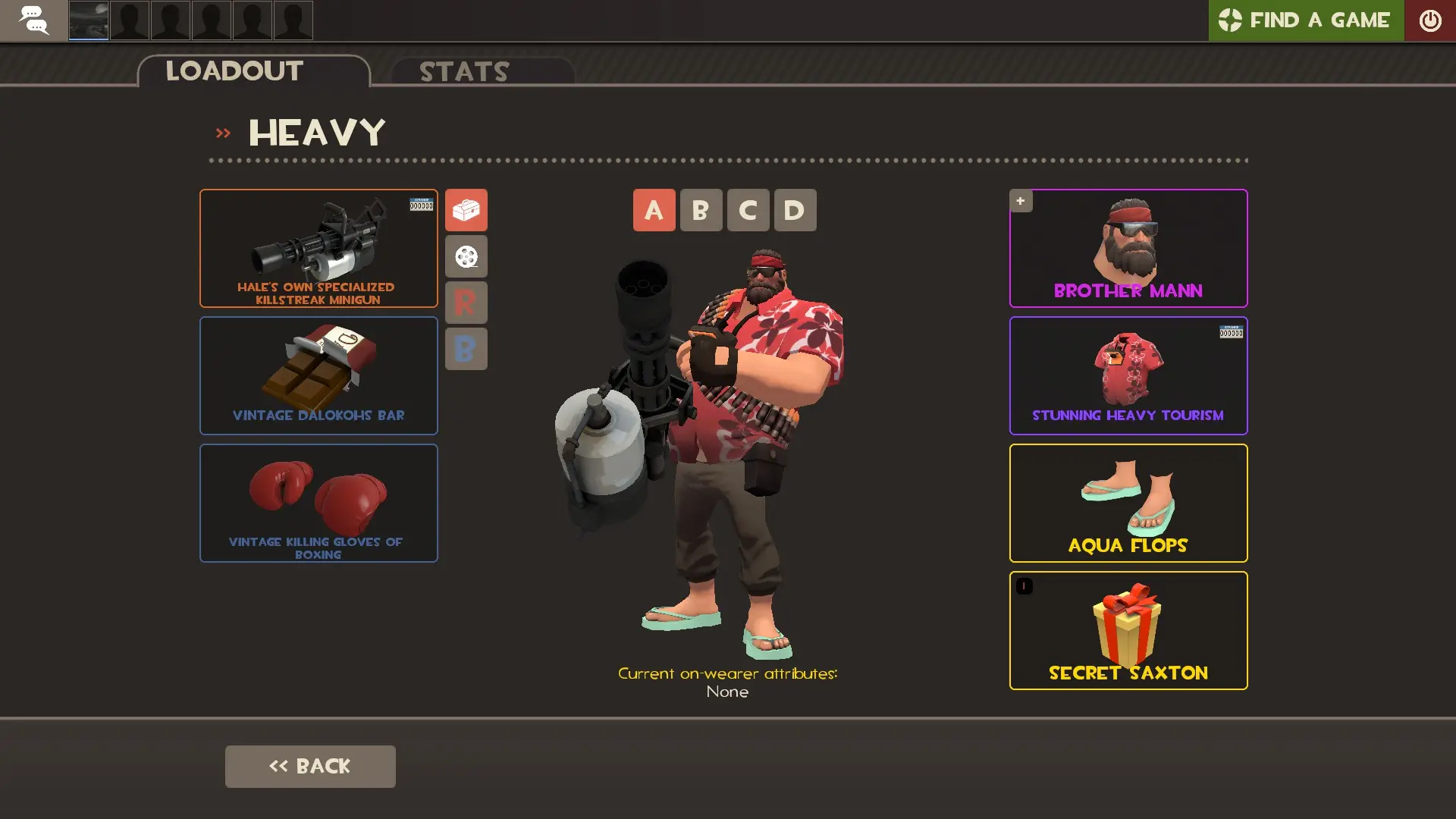
- Added back the passive attributes text to the Loadout screen.
- Added minmode UI for Capture the Flag, Player Destruction, PASS Time and Arena Hybrid game-modes.
- Added missing font definitions to the client scheme.
- Fixed Backpack screen header not displaying correctly when applying a tool.
- Fixed Scout and Soldier labels not changing color when hovered over on the Class Selection screen.
- Fixed black bars appearing on skinned weapon panels in higher resolutions.
- Fixed certain item meters missing their labels while in minmode.
- Fixed console errors relating to missing files.
- Fixed control point countdown when playing Arena in minmode.
- Fixed cutoffs appearing on the ammo counter when playing on Linux.
- Fixed inconsistent size and placement of item meters and counters.
- Fixed incorrect pickup icons being used for pl_selbyen.
- Fixed item containers appearing misaligned on the Loadout Quickswitch panel.
- Fixed item tooltips breaking after viewing newer items in the Armory.
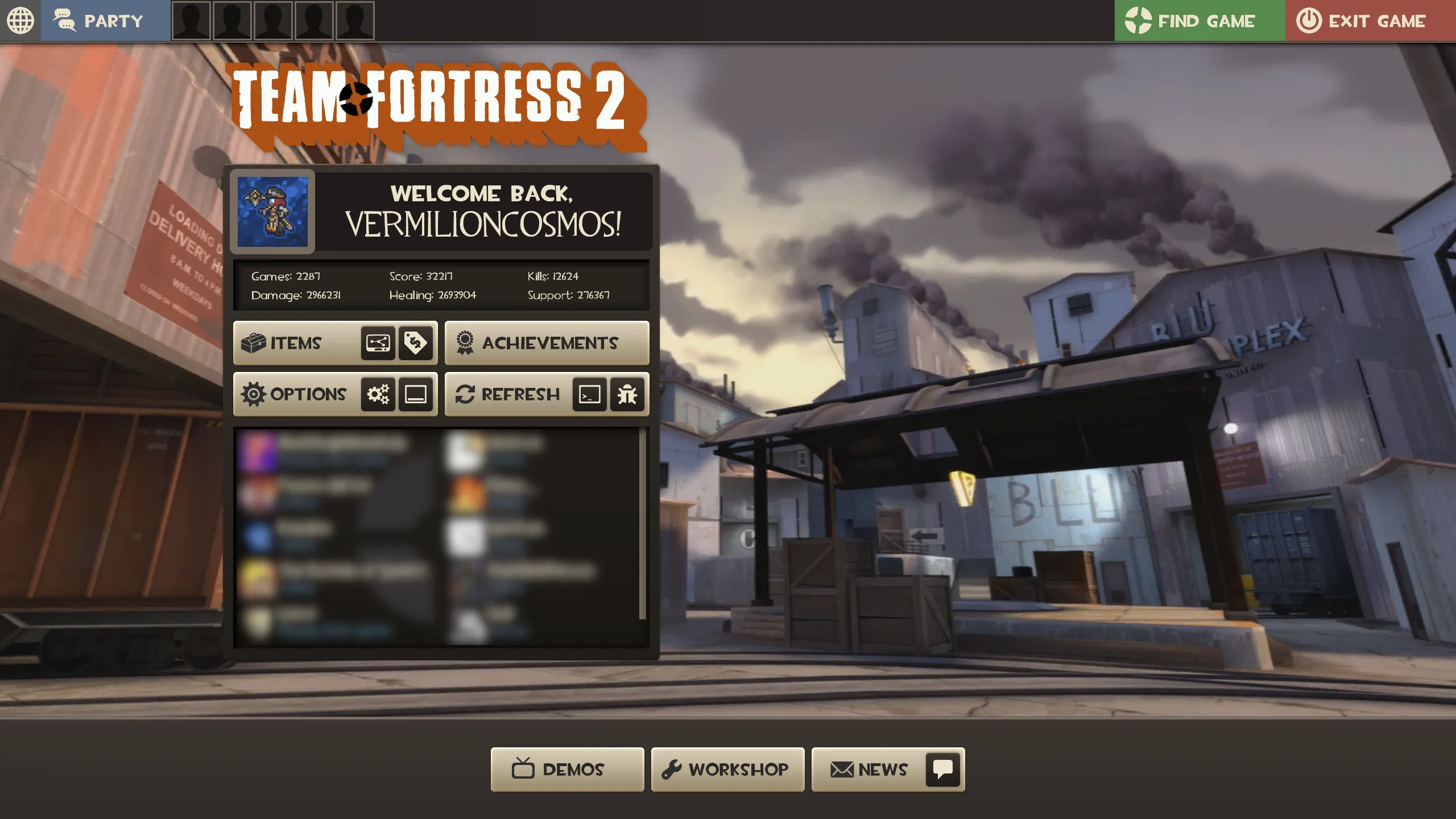
- Fixed main menu screen header appearing too high.
- Fixed multiple cases of overlapping HUD elements, including...
- Disguise panel over killstreak and spell counters.
- MvM cash counter over the killstreak counter in minmode.
- Promotional Codes button over the MOTD panel.
- Stopwatch over the player list in competitive spectator mode.
- Thermal Thruster meter over the MvM canteen counter.
- Achievement tracker over the mini-sentry panel.
- Match score over the matchmaking panel on the match summary screen.
- Tournament setup and Replay reminder over the match HUD.
- Target ID killstreak icon overlapping the killstreak value in minmode.
- Various elements on the MvM scoreboard when playing on large waves.
- Fixed positions of medal icons in the Competitive match history menu.
- Fixed the 3D player model not displaying correctly on the scoreboard after refreshing the HUD.
- Fixed the Tournament Setup panel not using localized text.
- Fixed tooltips getting cutoff by the footer on the Item Selection screen.
- Improvements to the Mann vs. Machine UI.
- Wave number not appearing while in minmode.
- Upgrade panel boxes and text appearing cutoff.
- Reward item panel cutoff for right most player.
- Improvements to the Tournament Spectator.
- Removed the "unknown" label appearing when viewing player items in competitive spectator mode.
- Removed unused "style" and "paint" labels seen when previewing map stamps.
- Updated the Replay page header and footer to match other main menu screens.
Quality of Life Changes
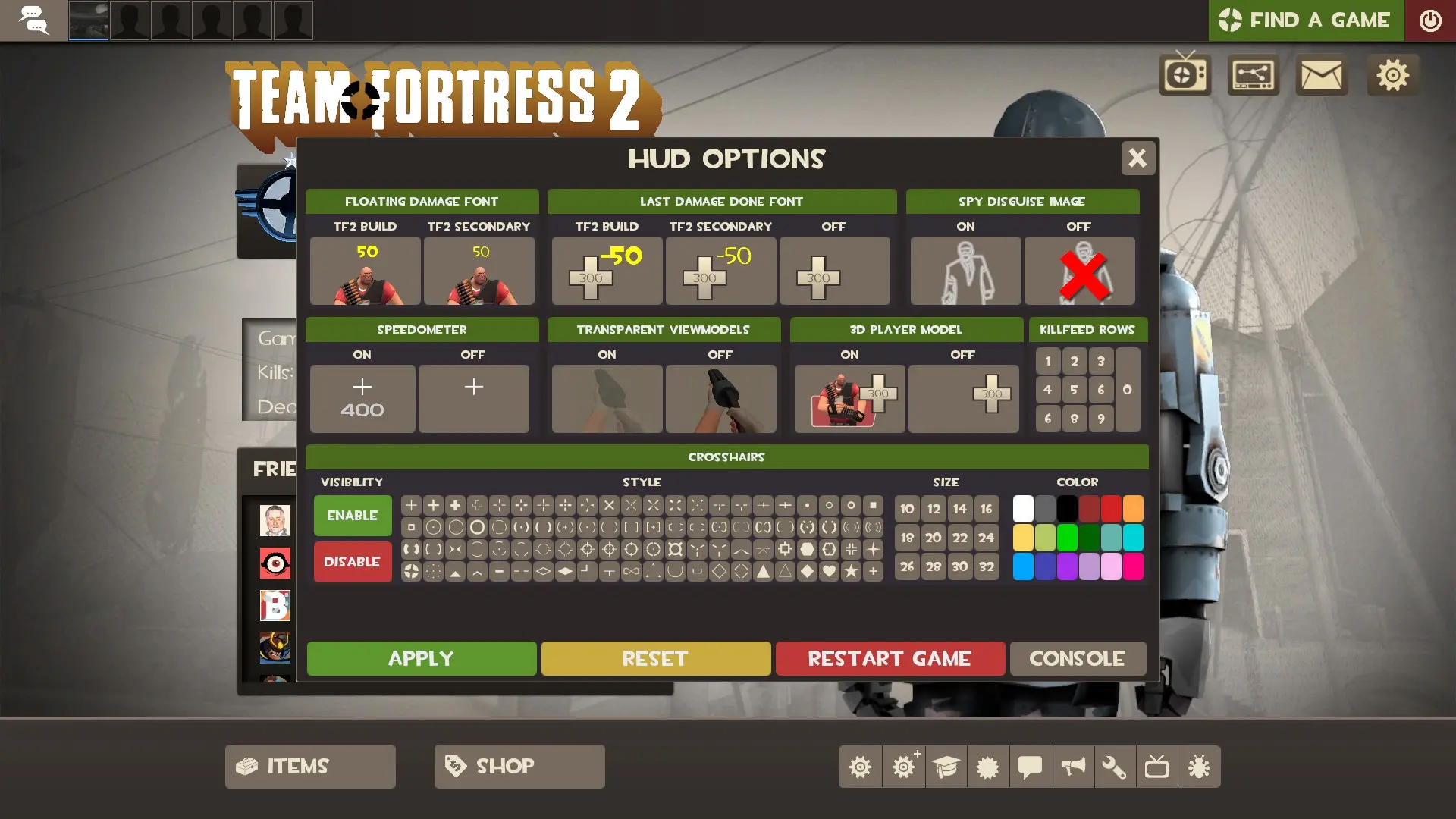
- Added a menu for toggling the crosshair, speedometer, damage numbers, transparent viewmodels and more.
- Added buttons for changing team colors on the Loadout screen.
- Added casual and competitive stats to the main menu.
- Added damage numbers near the player model.
- Added navigation shortcut keys (A,D,Q) for multiple menu screens.
- Added player icons to the voice chat.
- Enabled the ability to manipulate the player model on the Loadout screen.
- Expanded the match HUD player list to accomodate large teams.
- High quaility item images, loading screen background and game logo.
- Increased font size for engine panels; console, server browser etc.
Acknowledgements
This mod is made possible thanks to many community contributes, all of who are listed here.
- PapaPeach and Hypnootize for log-based customizations method and panel.
- Tkain for the high-quality TF2 Logo and Loading Screen.
- Hypnootize for the HUD Crosshairs.
- Jofre-Problem for the matchmaking stats on the main menu.
- quickkennedy for the quake-style speedometer.
What is in the Community HUD Fixes download
The numbers here are from version c6a6252 of Community HUD Fixes. At that version the HUD's repository has 211 files, 151 of them .res files. There are also 22 images in the VTF format, 1 font file, 1 sound file, and 2 .cfg files. The font file is crosshairs.ttf.
Community HUD Fixes has files of its own for the backpack, the class loadout, the MvM scoreboard, and the item inspect menu. The HUD editing guide shows how to find the file that draws a part of the HUD.
info.vdf is at the top of the download, so copy the unzipped folder itself into tf/custom. The install guide has every step.
HUDs based on Community HUD Fixes