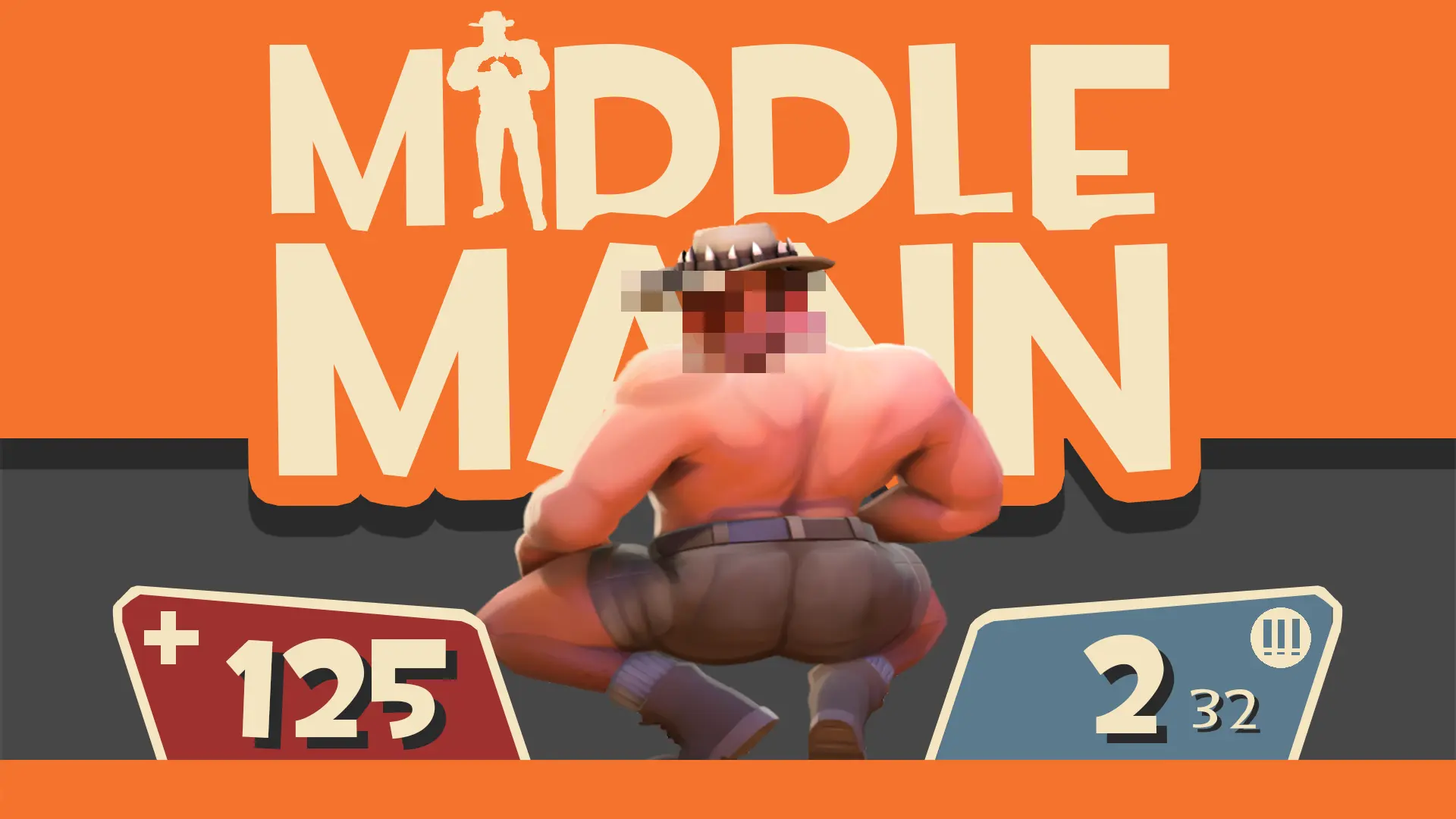
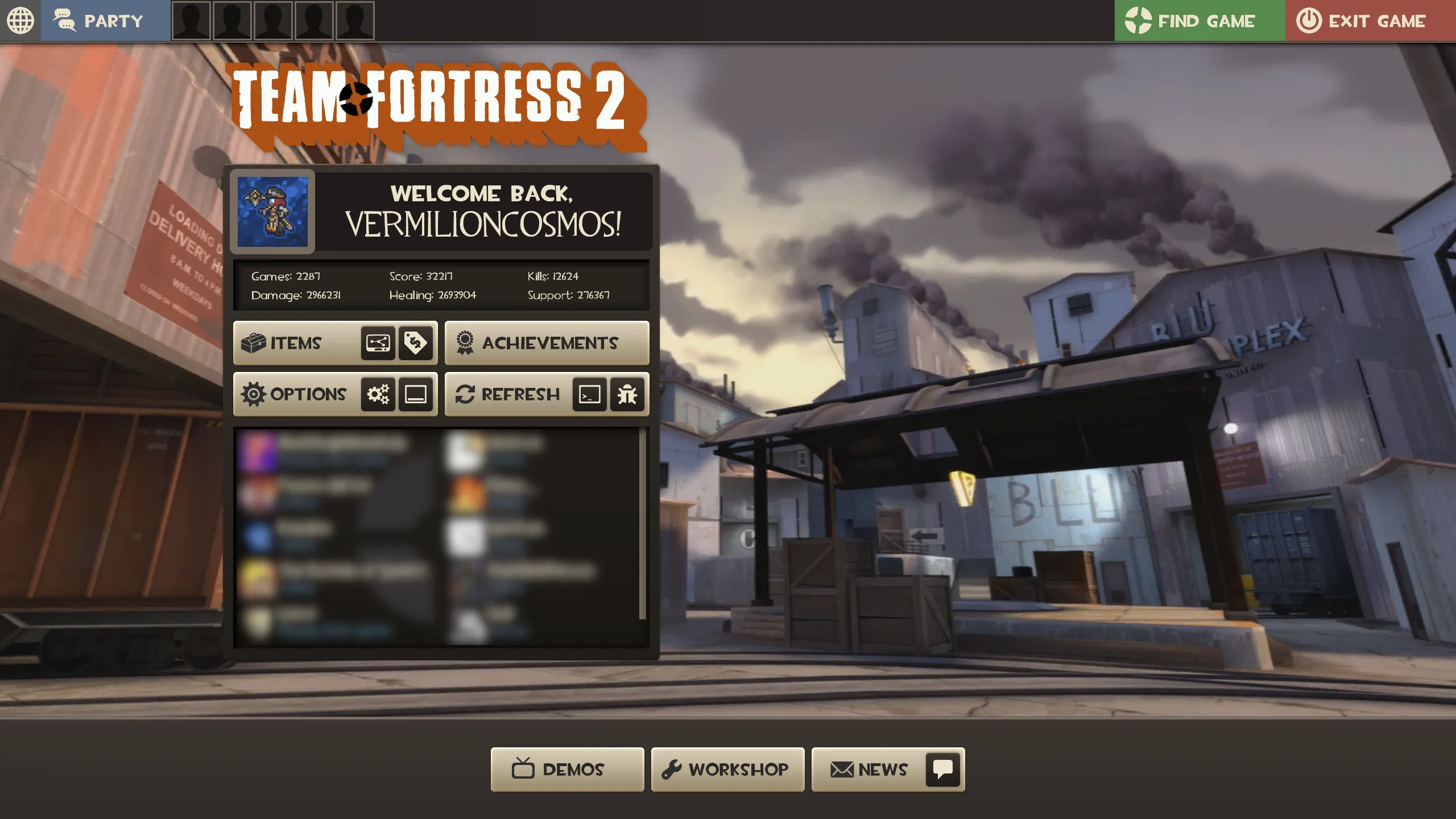
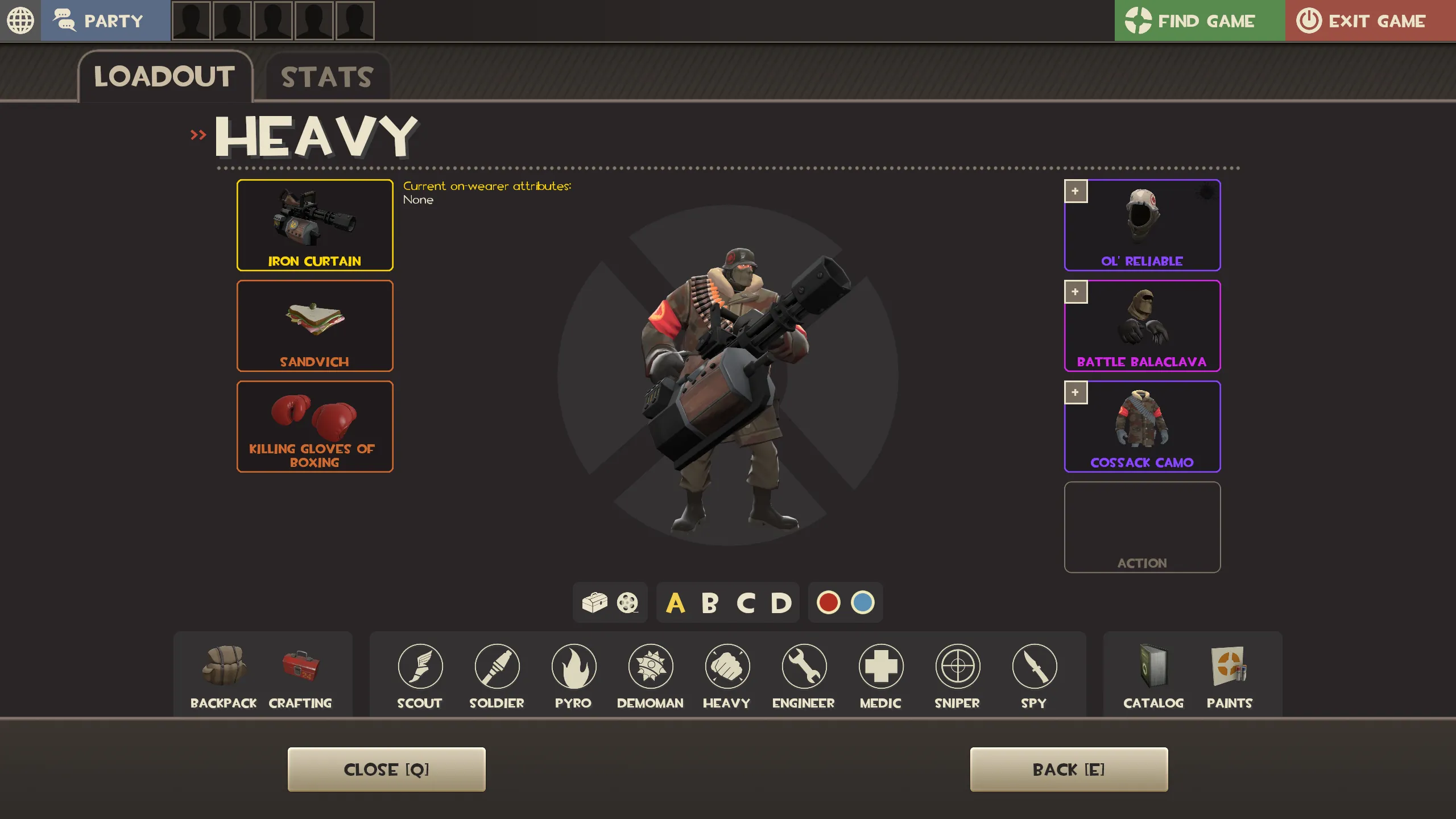
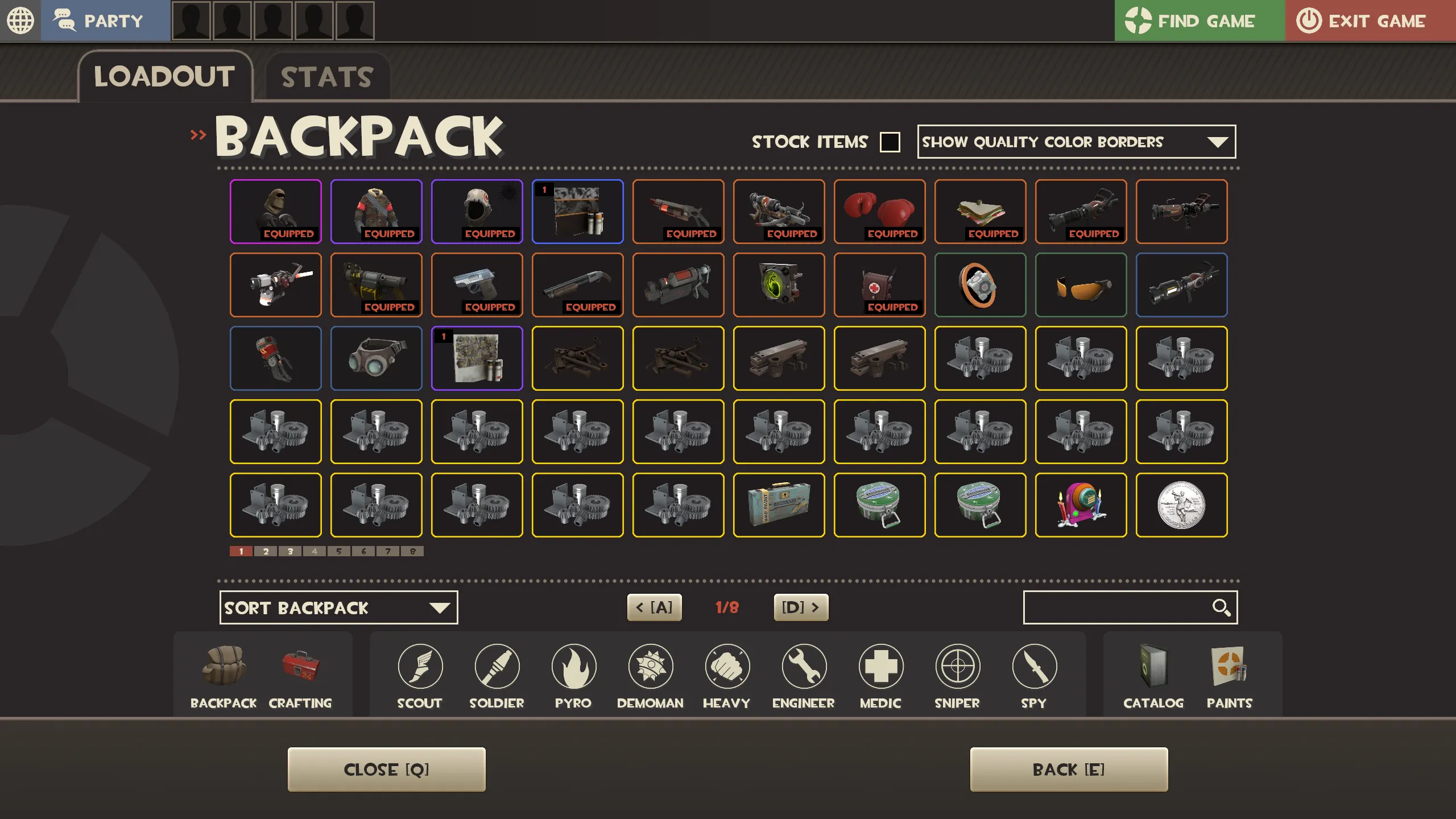
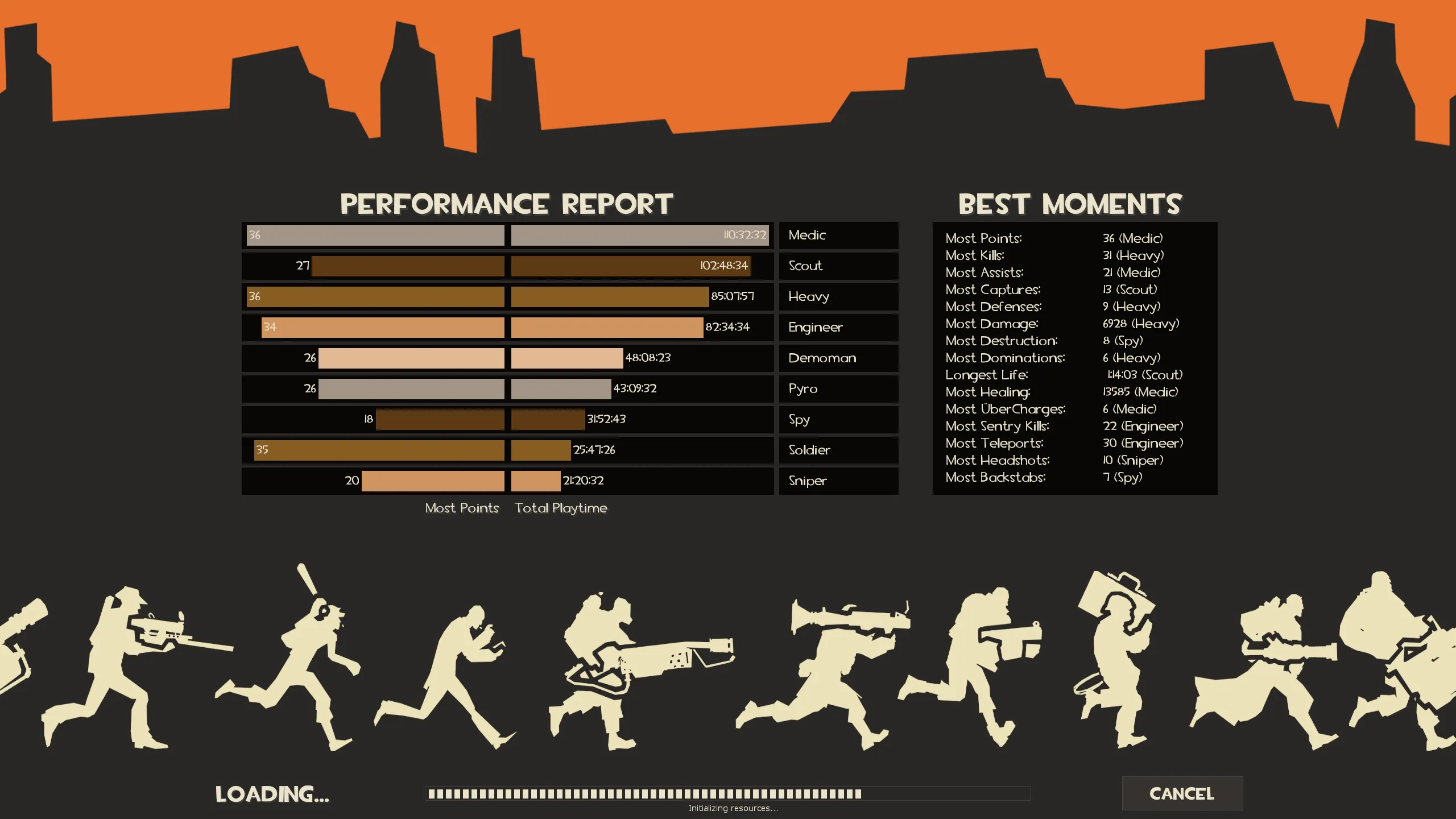
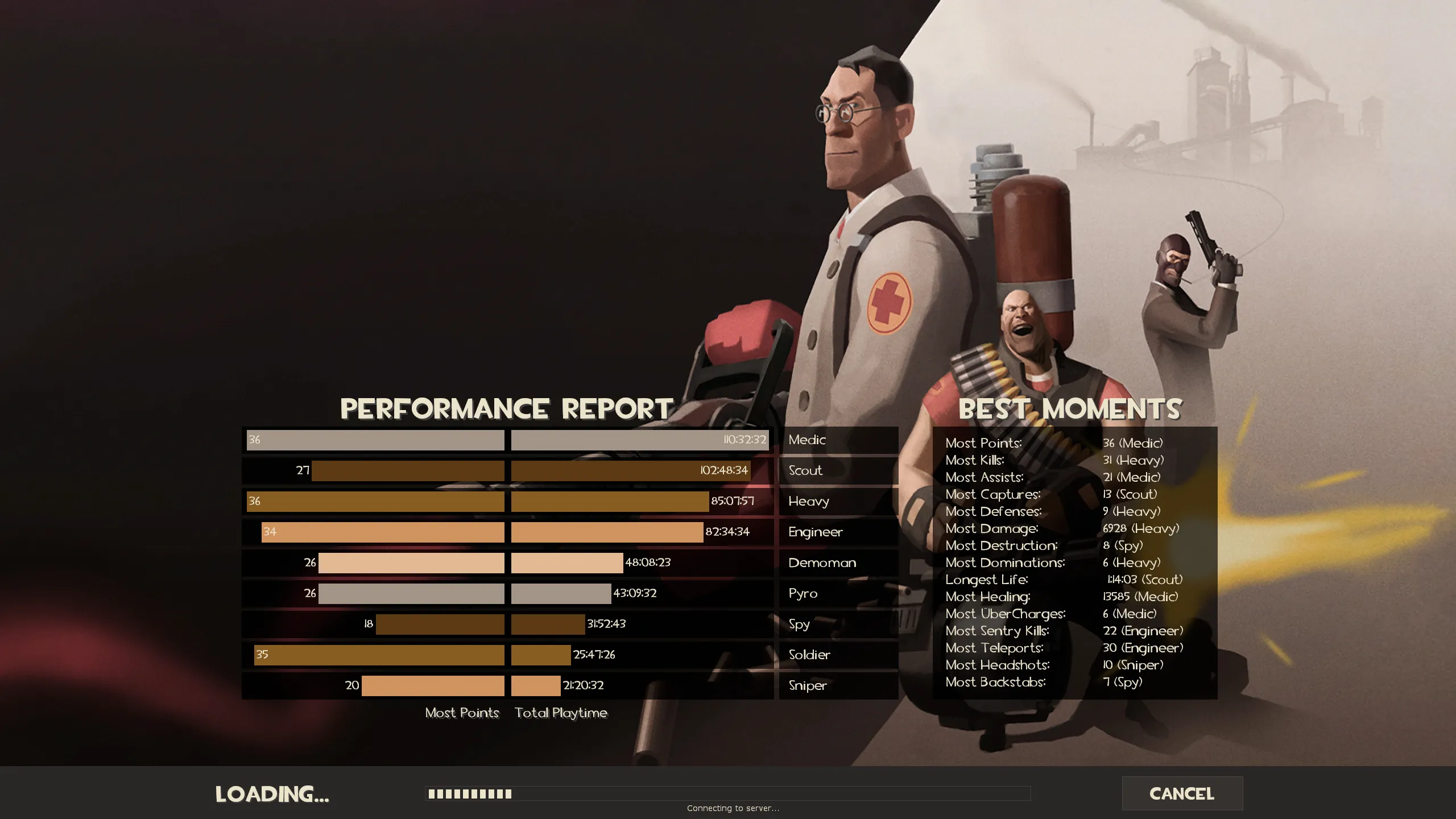
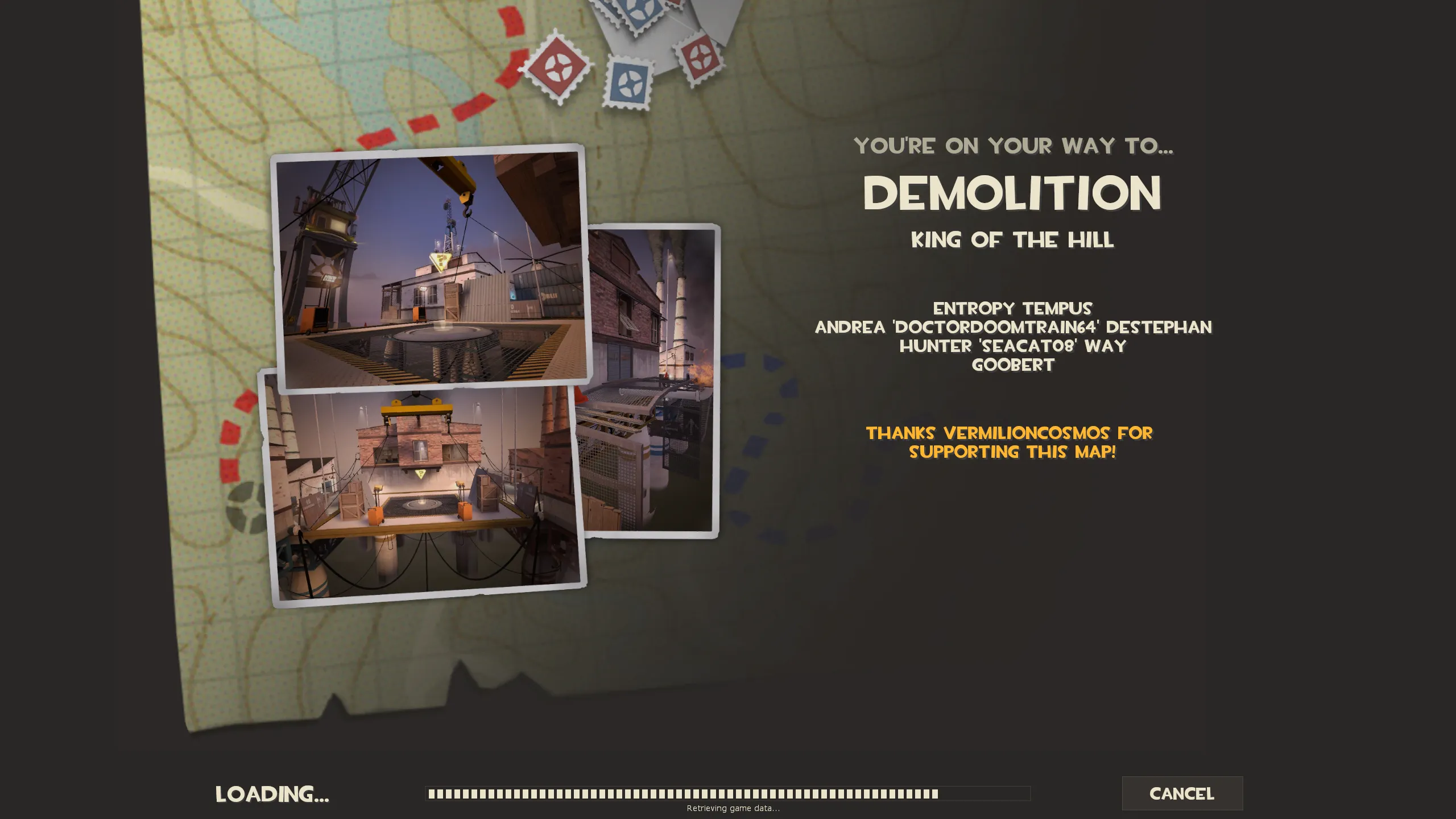
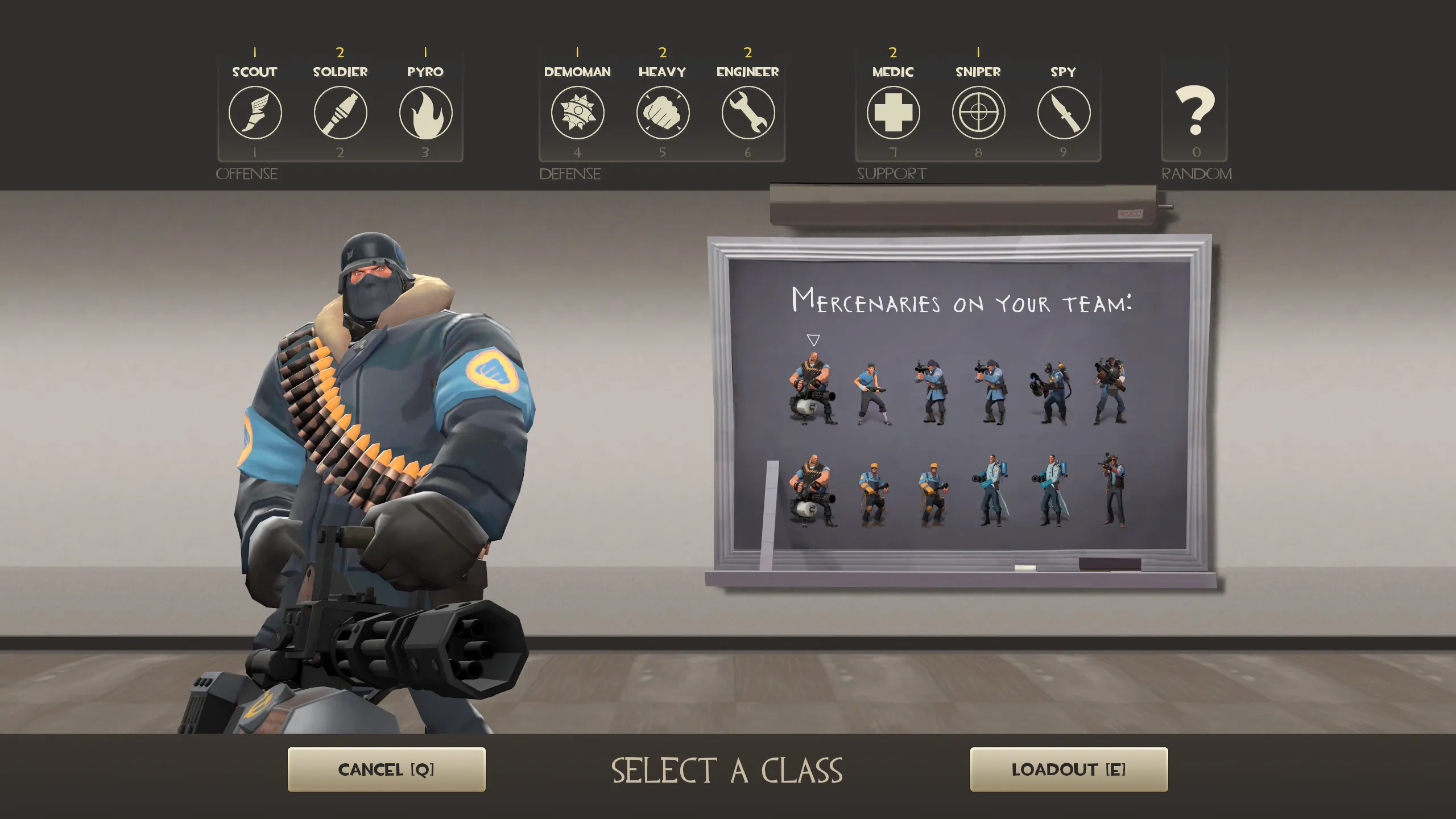
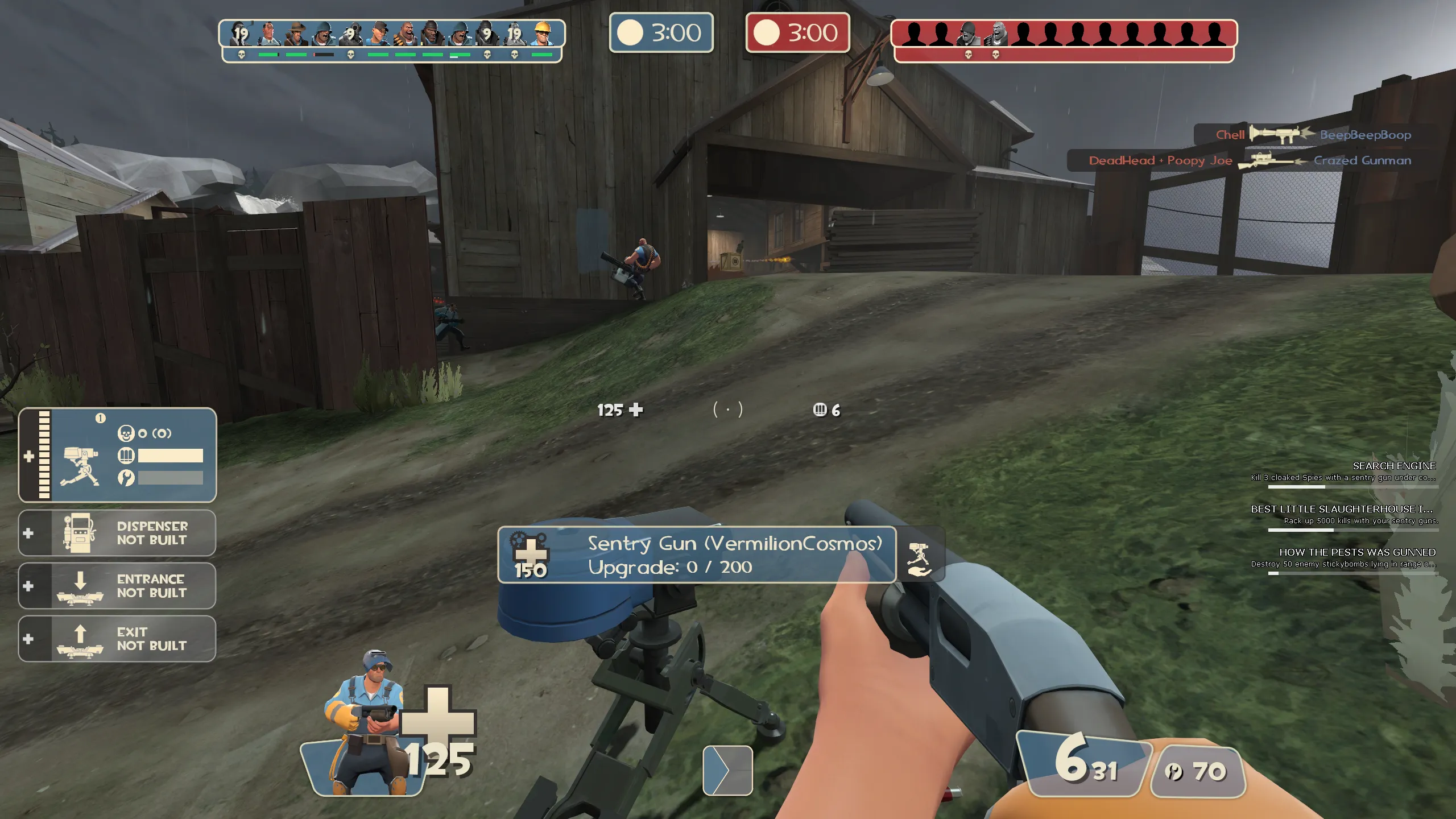
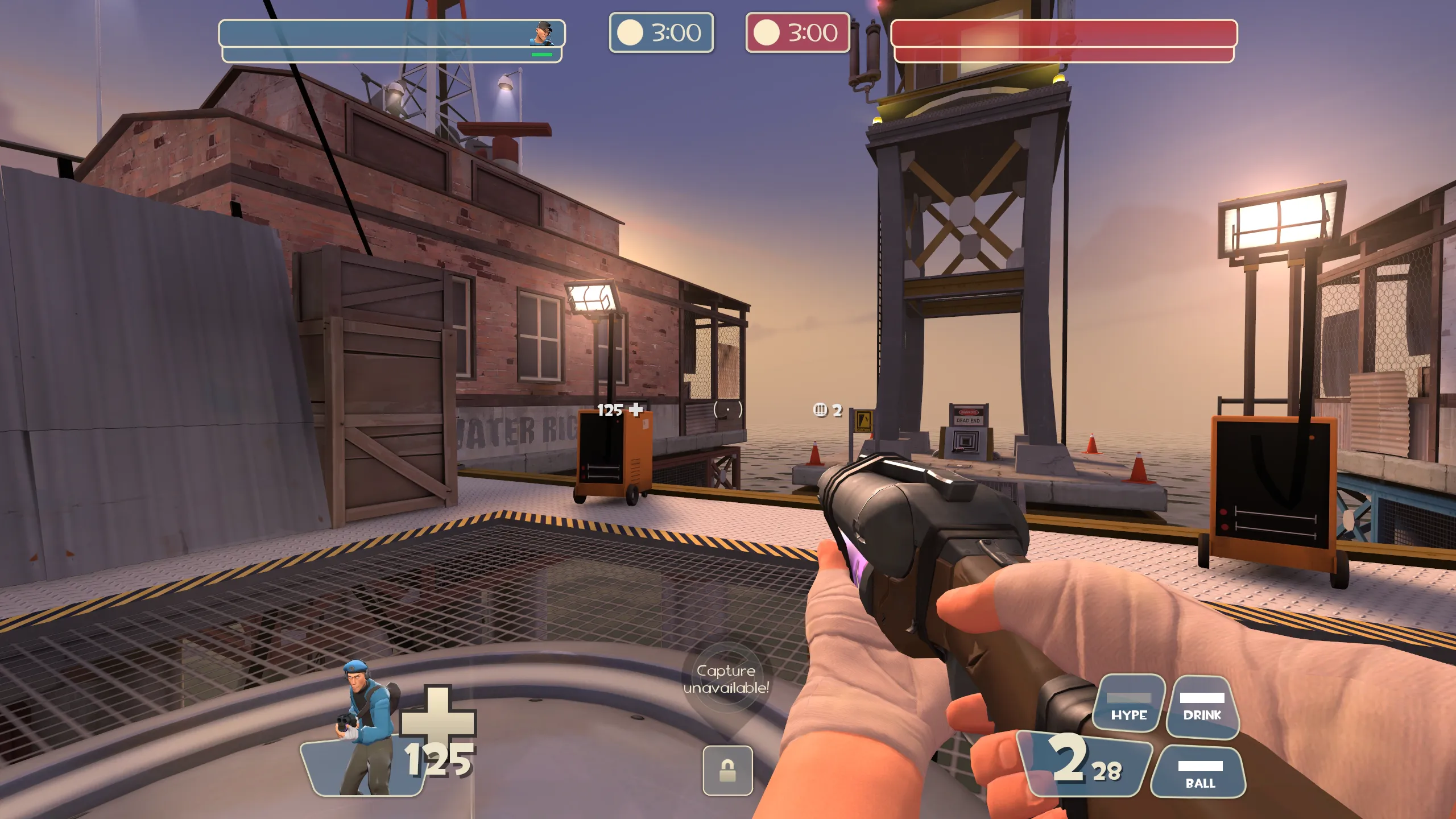
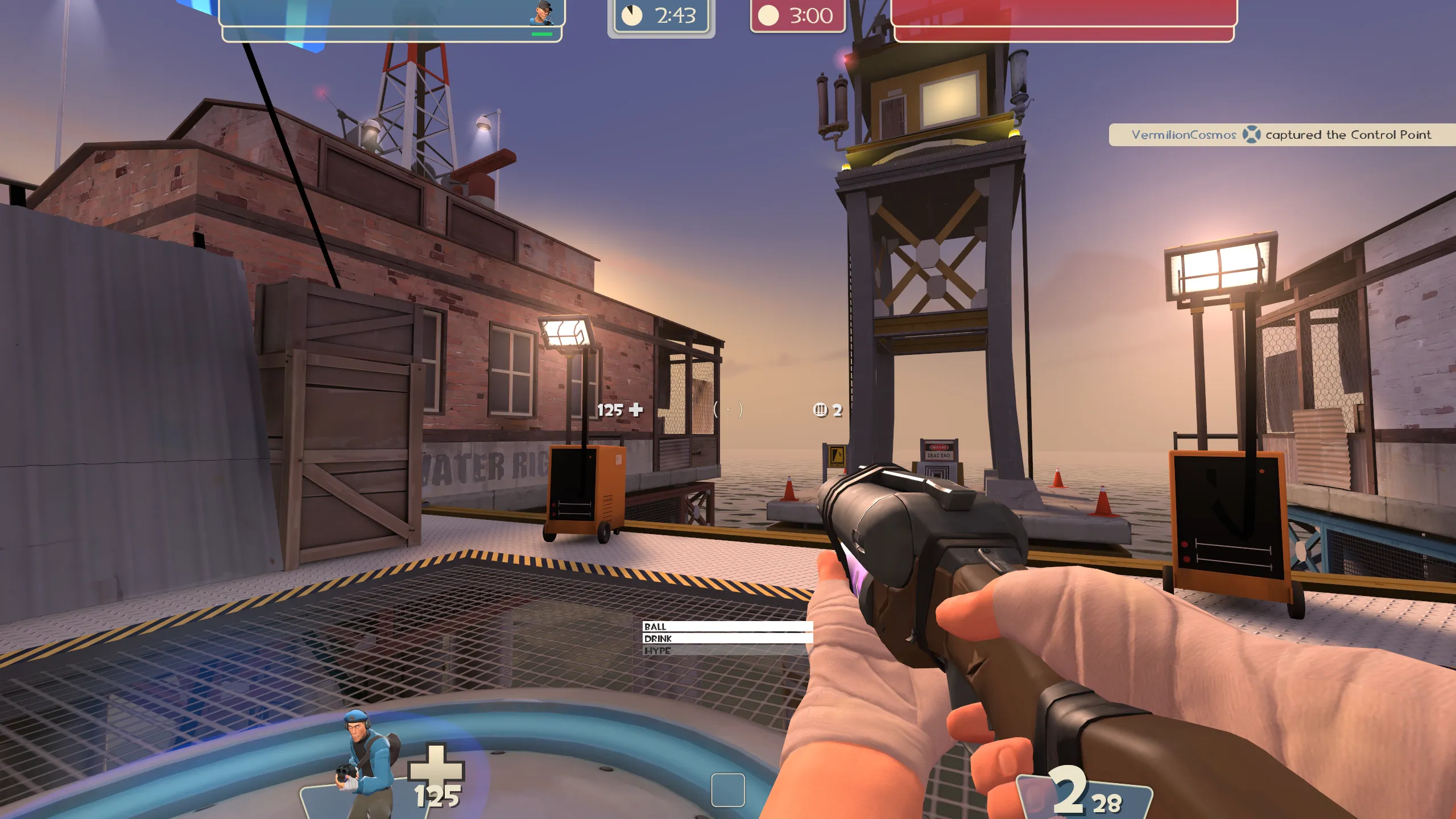
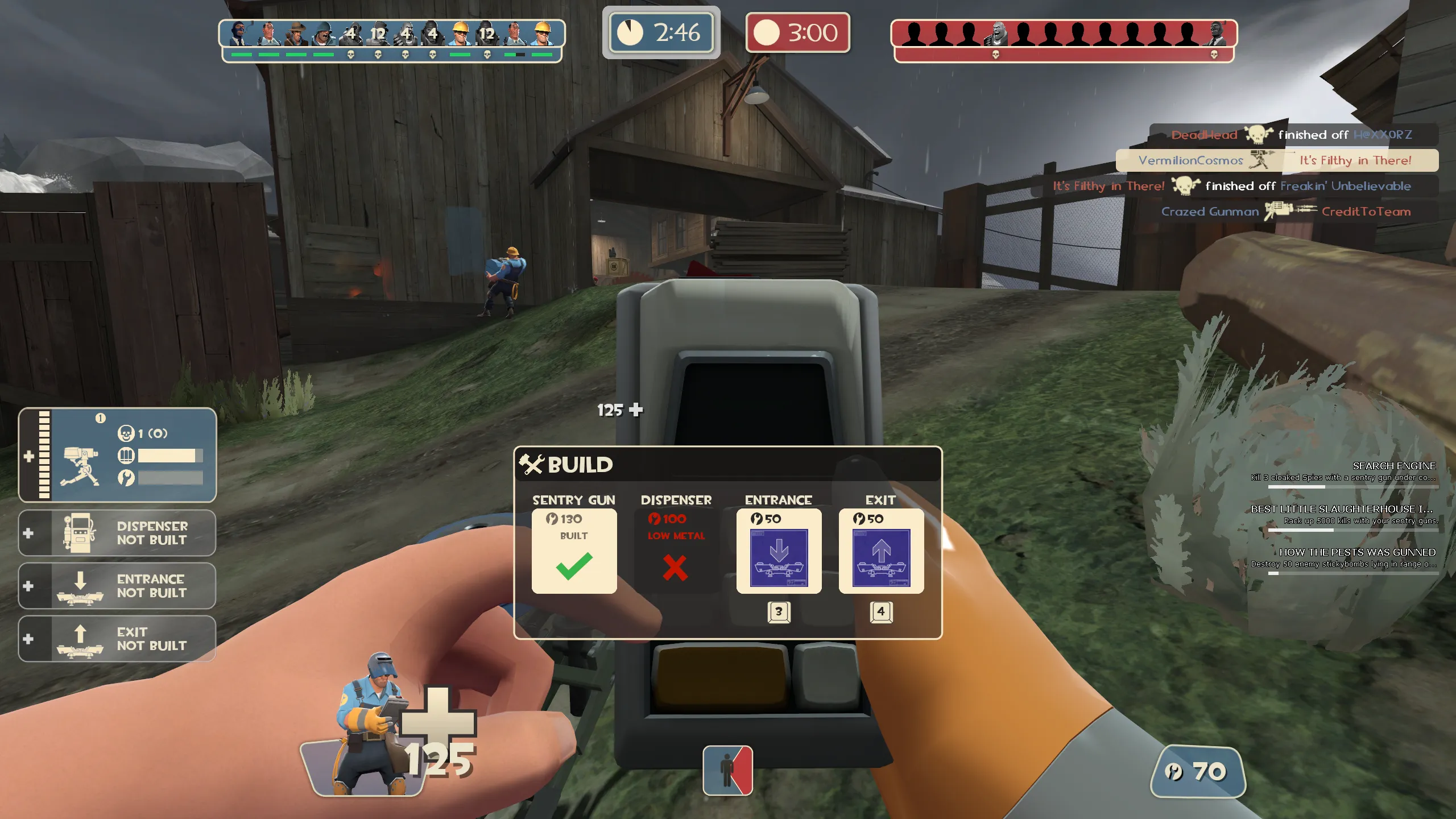
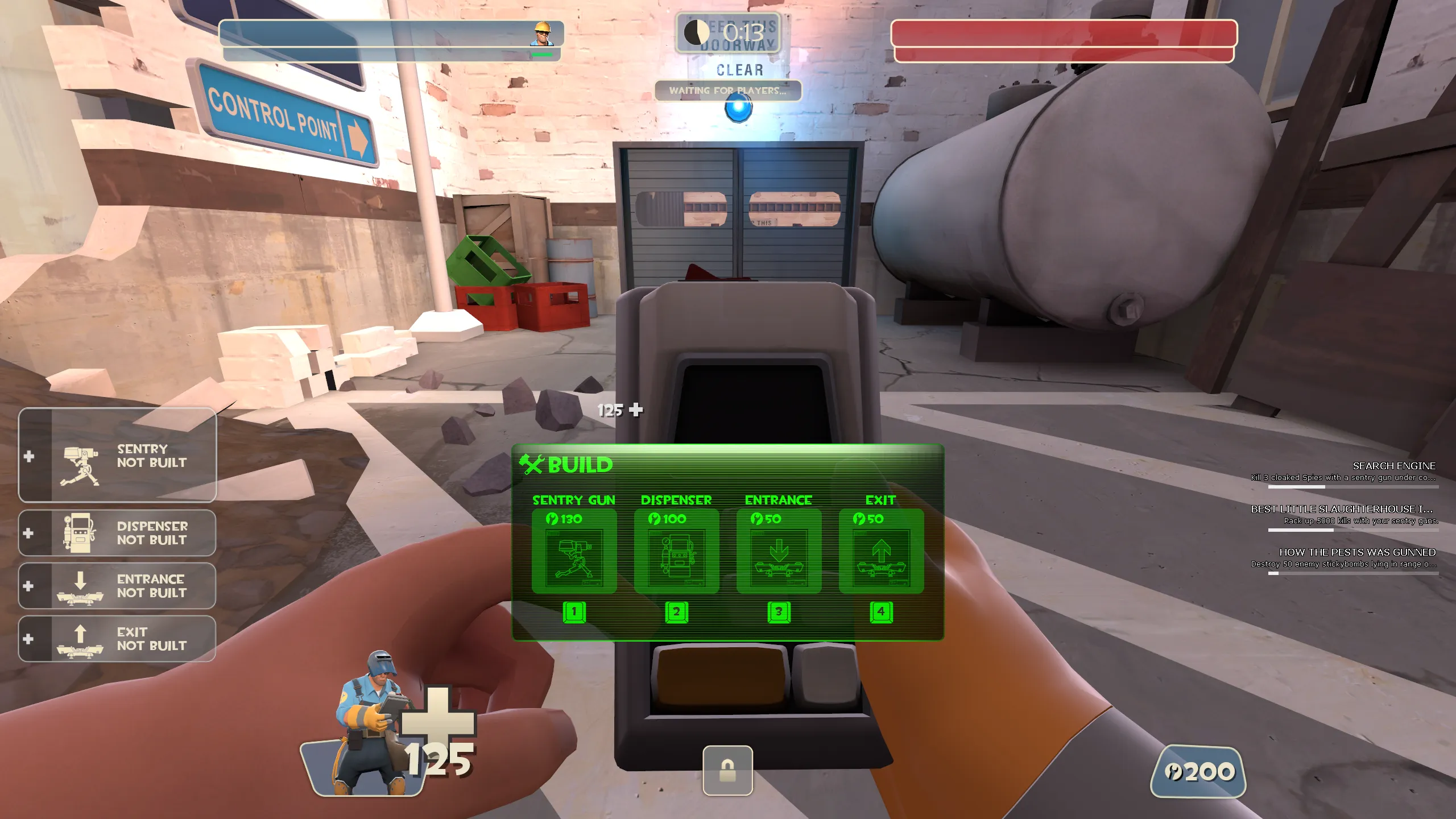
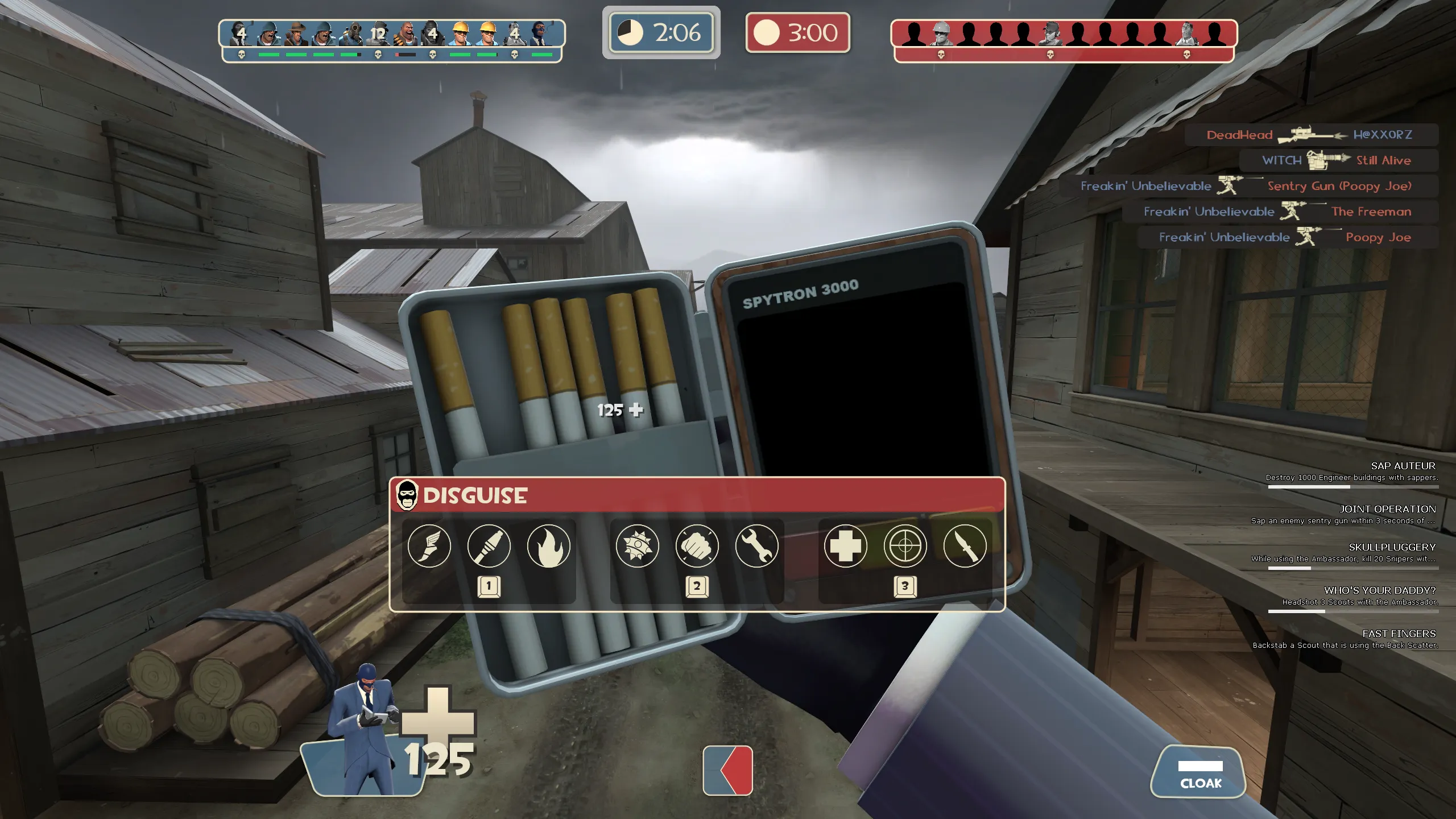
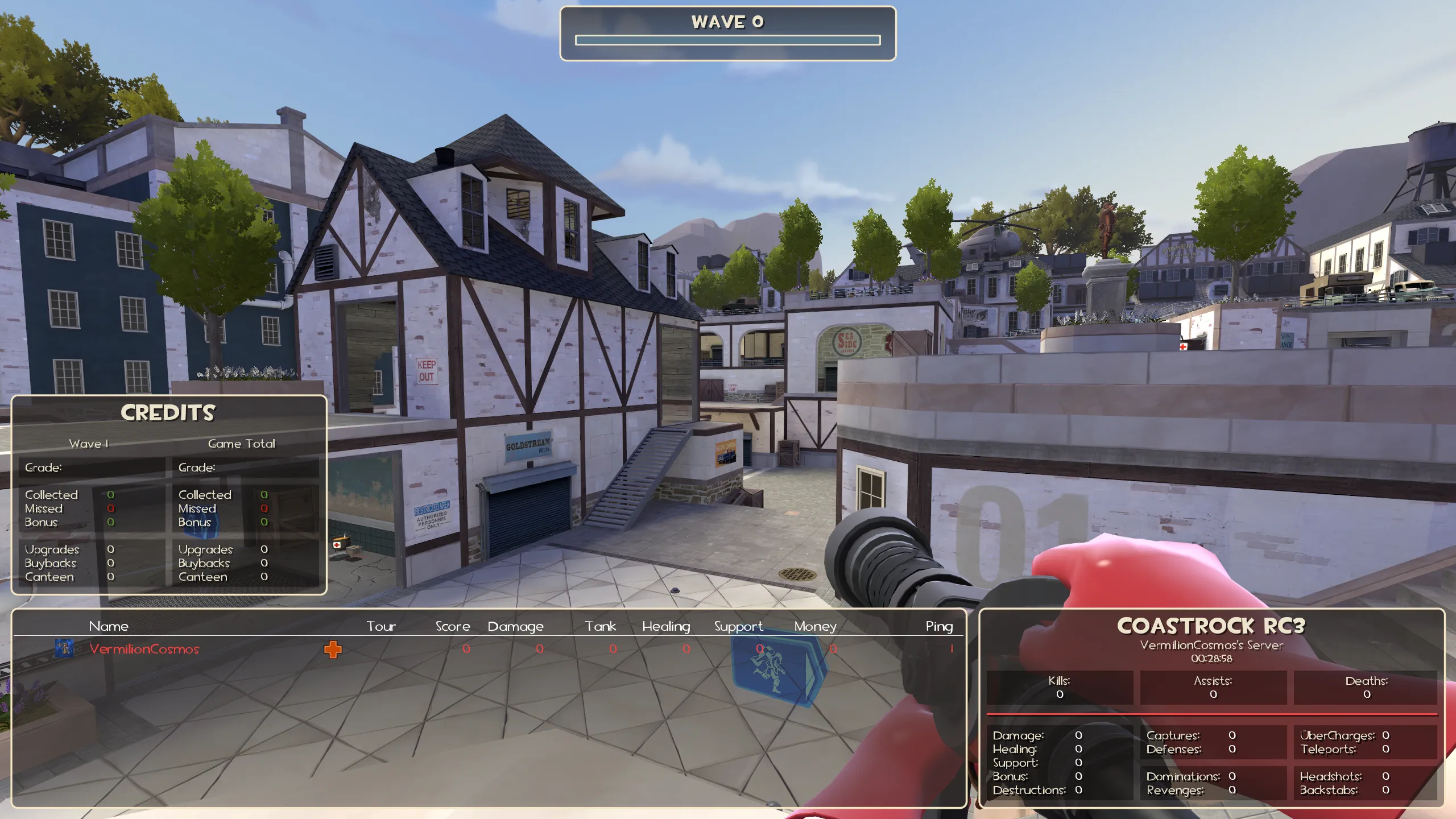
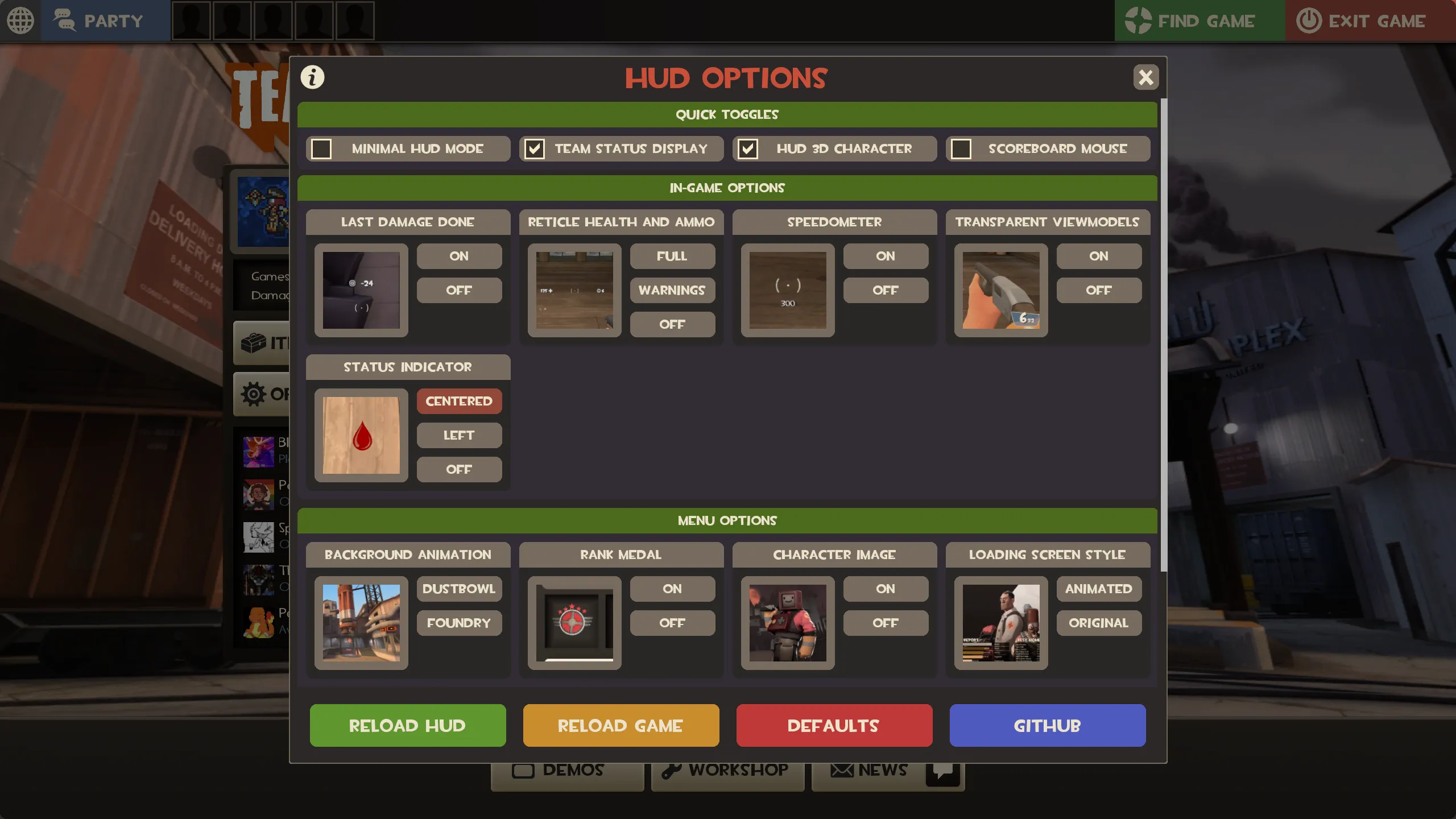
CosmosHUD is a custom HUD for Team Fortress 2 by VermilionCosmos, released in 2025. It is tagged vanilla, modern, and minimal. It includes a minmode layout, custom materials, and customization options. It supports 4:3, 16:10, 16:9, 17:9, 21:9, and 32:9 aspect ratios on Windows, Mac, and Linux. Health and ammo can sit in the center of the screen or in the default position.
Images | GameBanana | TF2 HUDs
CosmosHUD
This HUD is an attempt to bring old TF2 and new TF2 together. If you are looking for a HUD that feels like it belongs in TF2 and is stylistically consistent, I would be honored if you gave this one a try.
I hope you really enjoy it, and please let me know any feedback you have!
Features
-
Support for various resolutions
-
Improved controller menus
-
Improved UI features and navigability
-
Improved Match HUD (consistent with original TF2 style)
-
Improved Scoreboards
-
Improved loading screens
-
Improved MvM HUD
-
Style consistency improvements across the all HUD elements
-
Functional regular and minmode HUDs
-
Minmode HUD option with centered charge meters
-
Support for the Engineer Pipboy
-
No overlapping UI elements
-
HUD bloat reduced from stock HUD
-
Several bug fixes with the stock HUD
-
A lot of love
Credits
Everything in this HUD has been used with permission.
Based Originally On:
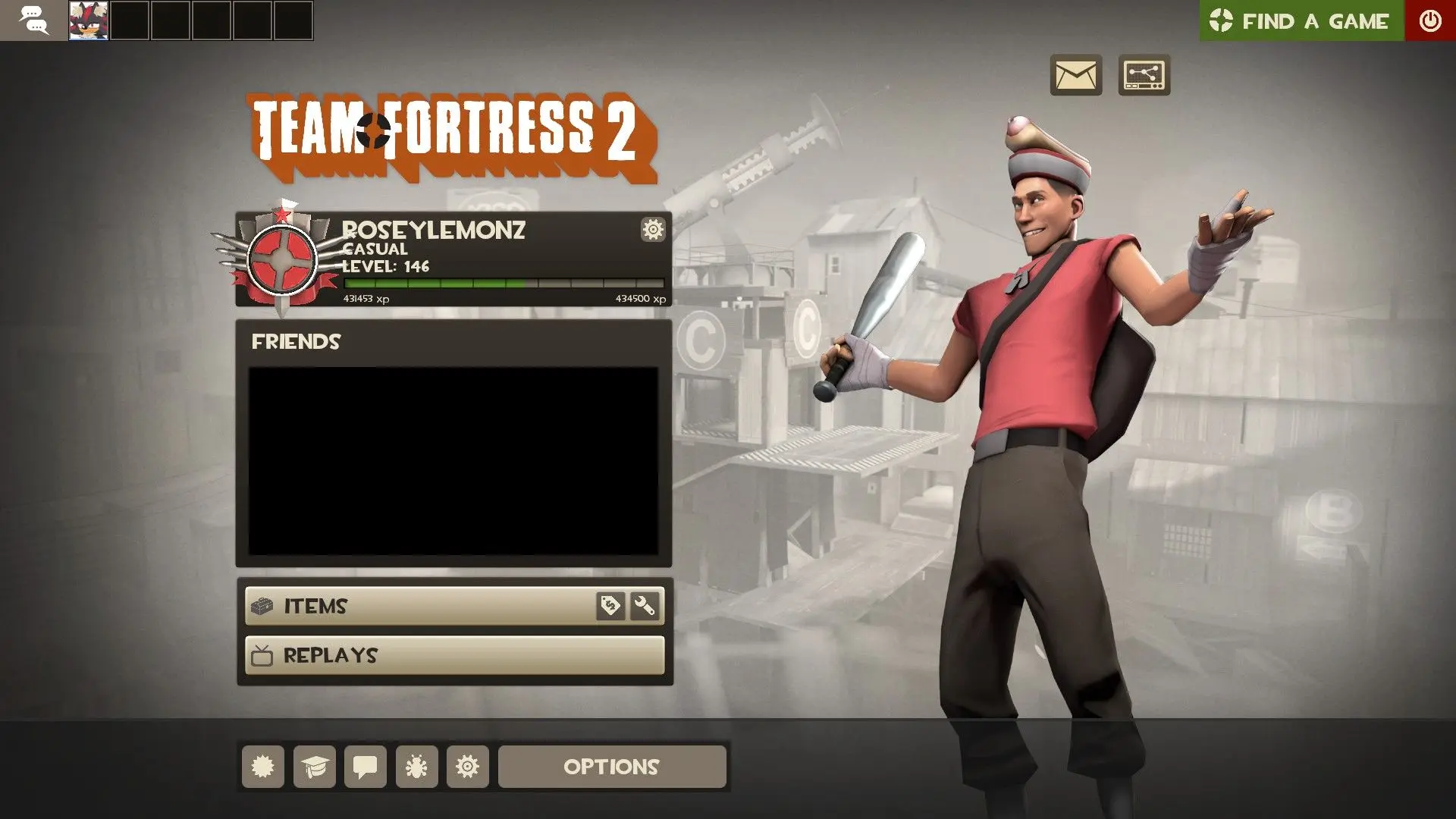
- RoseyLemonz - Center HUD
Materials Used From:
-
Vexcenot - Animated Loading Screens
-
lennyfaic - Consistent & Missing Kill Icons / 16:9 Background Fixes
-
DarSitam - DarHUD
-
SquidEevee - DarHUD (TF2C)
-
Kaia Brodbecker - Kaia's Improved HUD Portraits
-
trowoglodyte - Default VTF Crosshairs Remade
-
jakadak - TF2 Extended Fonts
Inspiration From:
-
Pyromaniax - Cooler HUD
-
sparkless - ViviHUD
Special Thanks
- JarateKing - TF2 HUD Reference
What is in the CosmosHUD download
The numbers here are from version eb51ddd of CosmosHUD. At that version the HUD's repository has 911 files, 396 of them .res files. There are also 189 images in the VTF format, 7 different font files, 23 sound files, and 5 .cfg files. The font files include courier.ttf, ocra.ttf, tf2.ttf, tf2build.ttf, and 3 more.
CosmosHUD has files of its own for the backpack, the class loadout, the MvM scoreboard, the crafting menu, the matchmaking dashboard, the advanced options menu, the item inspect menu, and the MvM upgrades menu. The HUD editing guide shows how to find the file that draws a part of the HUD.
info.vdf is at the top of the download, so copy the unzipped folder itself into tf/custom. The install guide has every step.