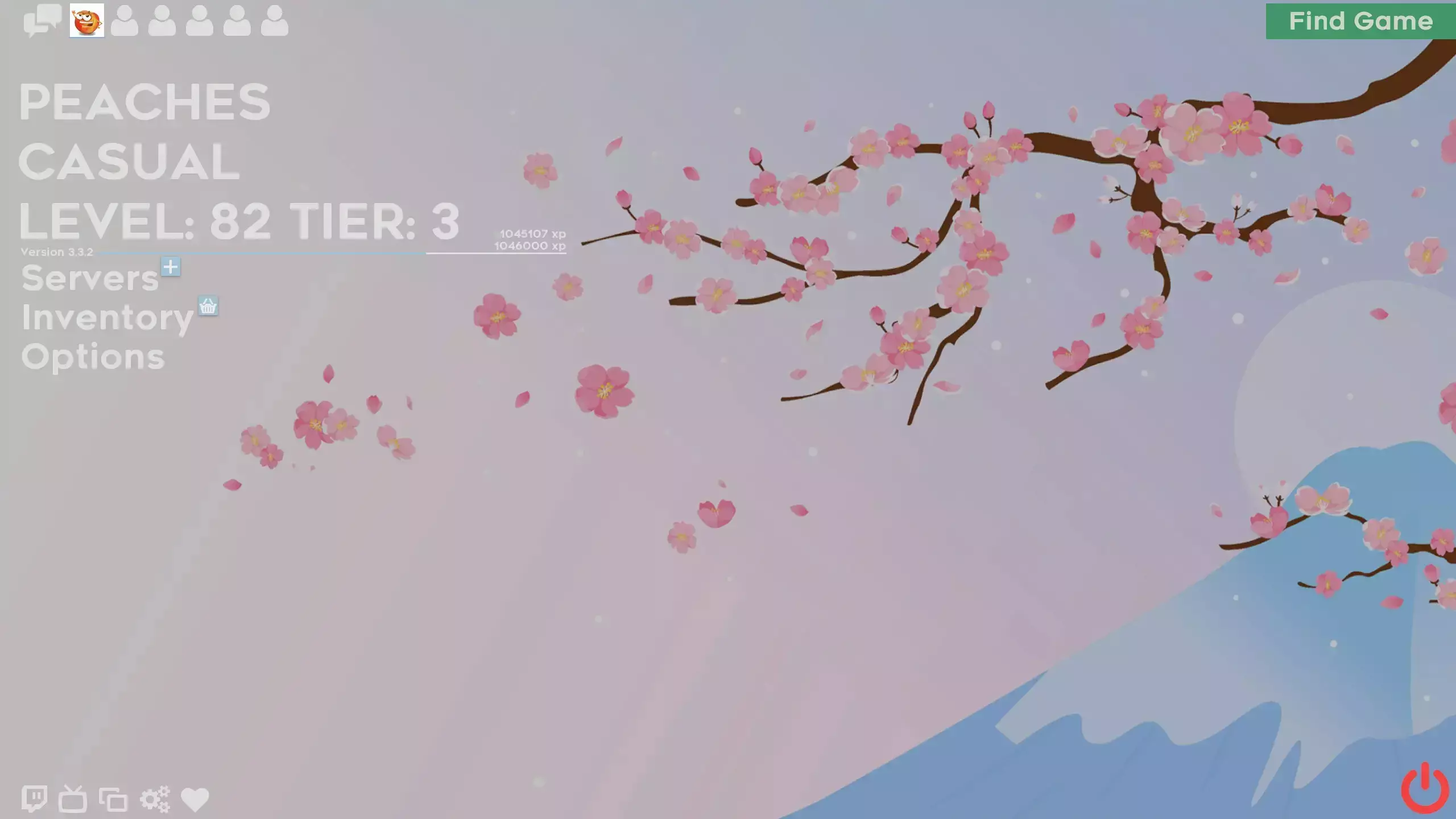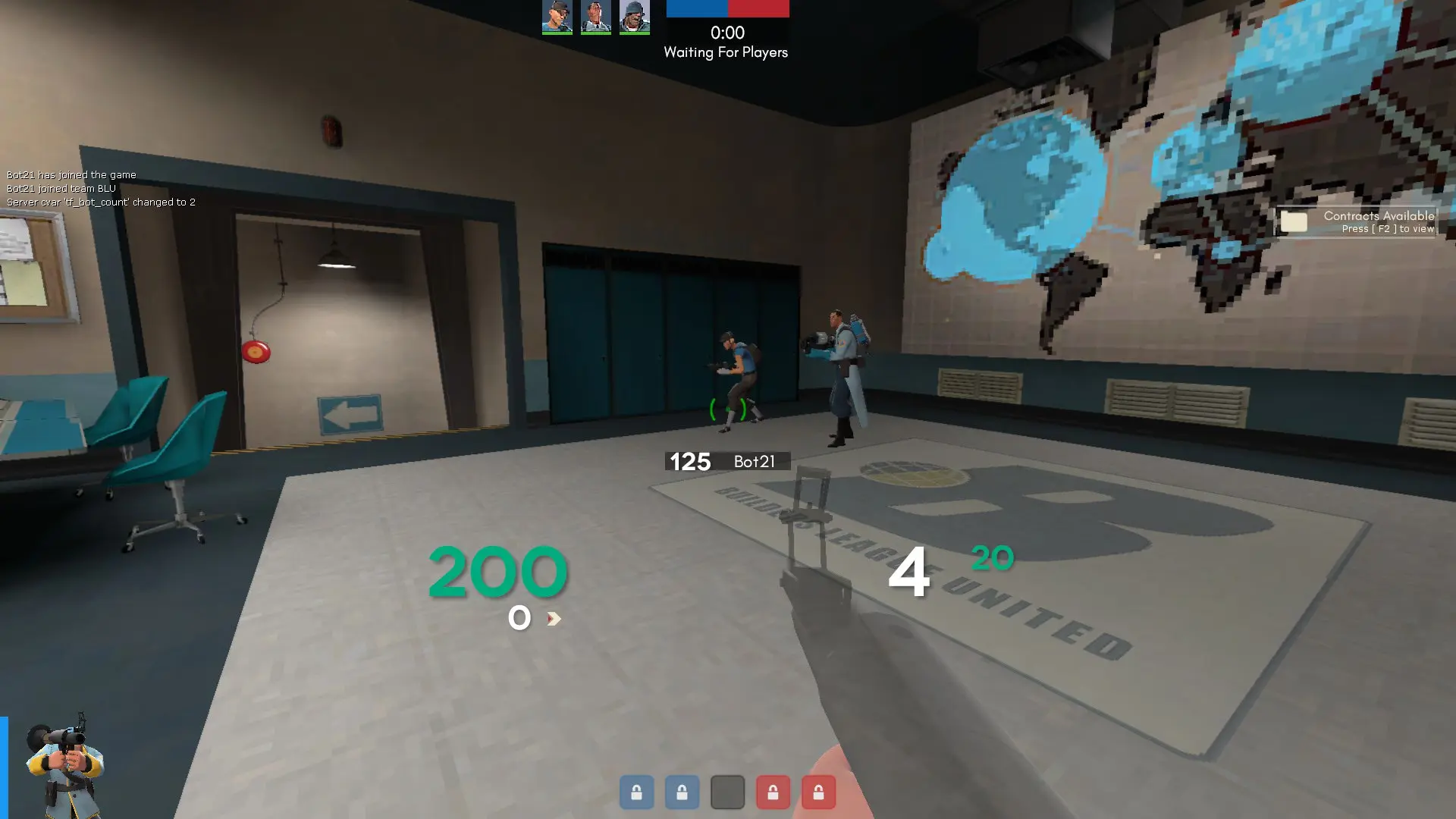
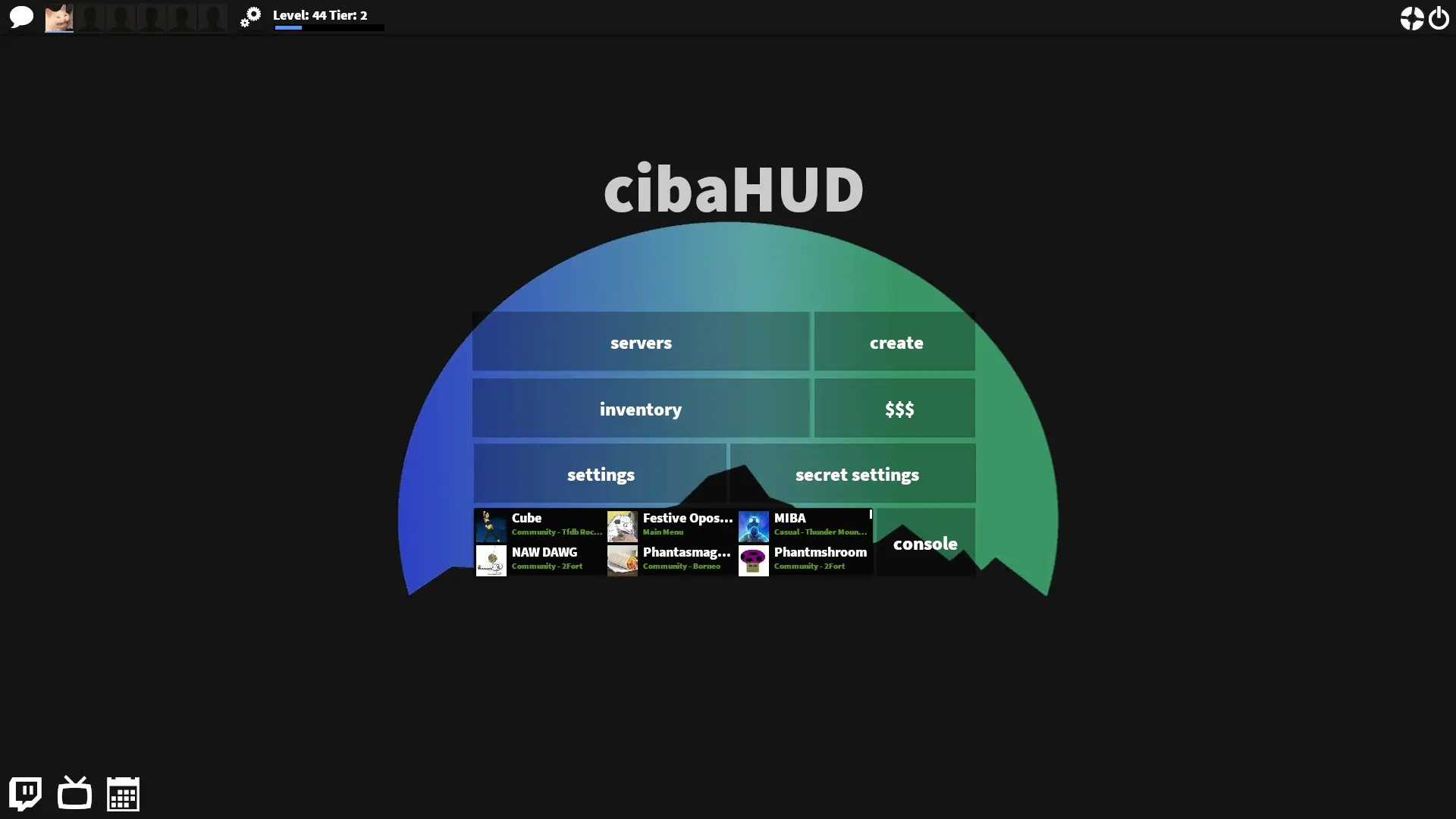
cibahud is a custom HUD for Team Fortress 2 by CibaCity. It includes custom fonts, custom menus, a custom scoreboard, built-in crosshairs, a minmode layout, and custom materials. It supports 4:3, 5:4, 16:9, and 16:10 aspect ratios on Windows.
Description
IMPORTANT: MY REPOSITORY HAS BEEN REORGANIZED. https://github.com/CibaCity/cibahud/releases/ ALLOWS YOU TO DOWNLOAD PREVIOUS RELEASES AS WELL AS THE MOST RECENT ONE.
This hud is a bunch of my favorite features from old/other HUD's that I frankensteined together as an expirement. The tinkering of things quickly turned into editing and changing features and now is a full fledged unique-ish HUD.
Credits
Thank you to all the people who made HUD editing guides, especially these ones:
raysfire HUD editing guide
Flame's HUD editing guide
Doodle's HUD editing guide
JarateKings's HUD positioning guide
What is in the cibahud download
The numbers here are from version 770eb4b of cibahud. At that version the HUD's repository has 530 files, 292 of them .res files. There are also 81 images in the VTF format and 12 different font files. The font files include Blocks.ttf, Emblems.ttf, Garm3nFont.ttf, Heydings Icons.ttf, and 8 more.
cibahud has files of its own for the backpack, the class loadout, the MvM scoreboard, the crafting menu, the matchmaking dashboard, the advanced options menu, the item inspect menu, and the MvM upgrades menu. The HUD editing guide shows how to find the file that draws a part of the HUD.
The HUD folder in the download is cibahud (the one with info.vdf). Copy that into tf/custom. The install guide has every step.