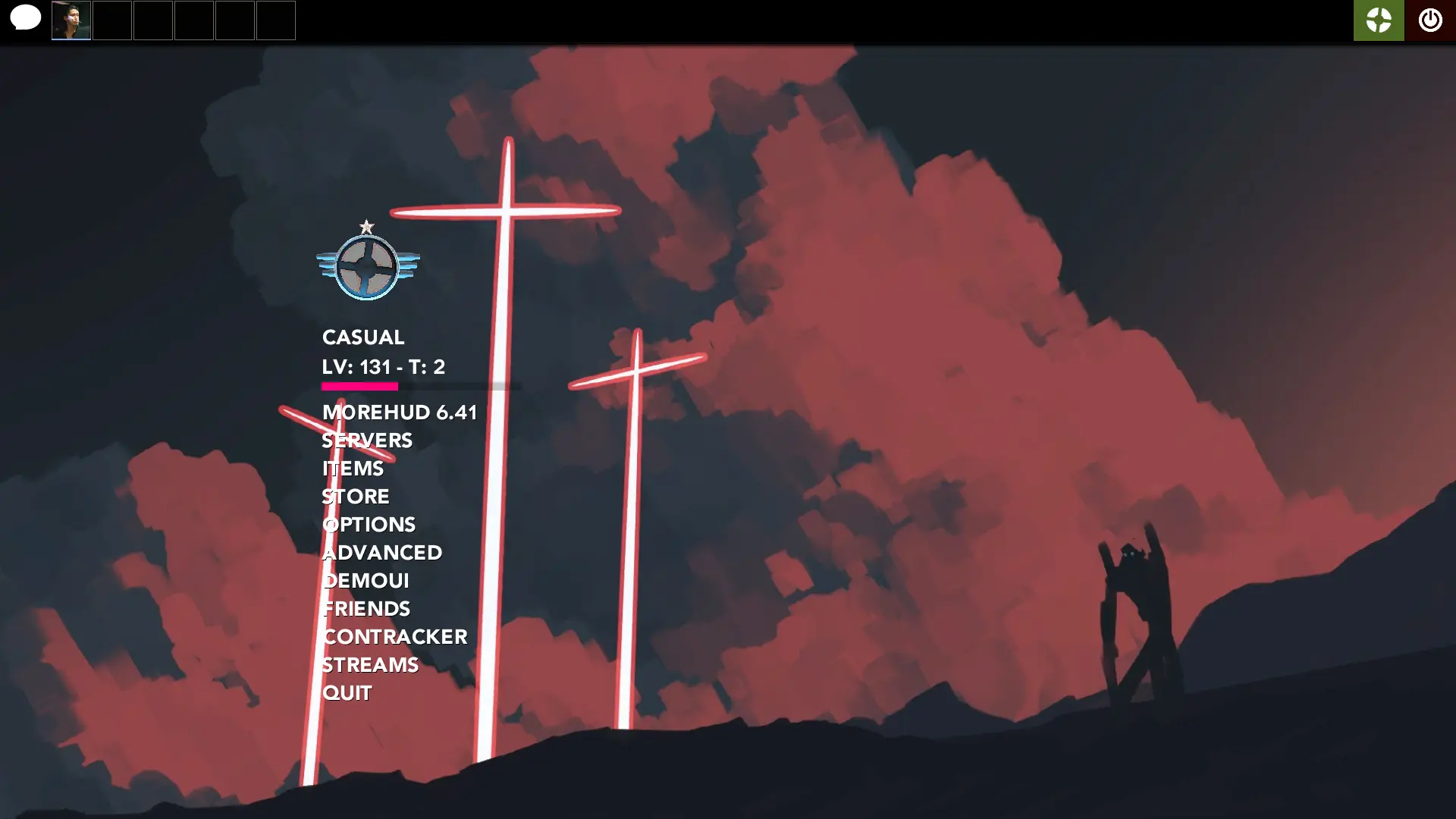
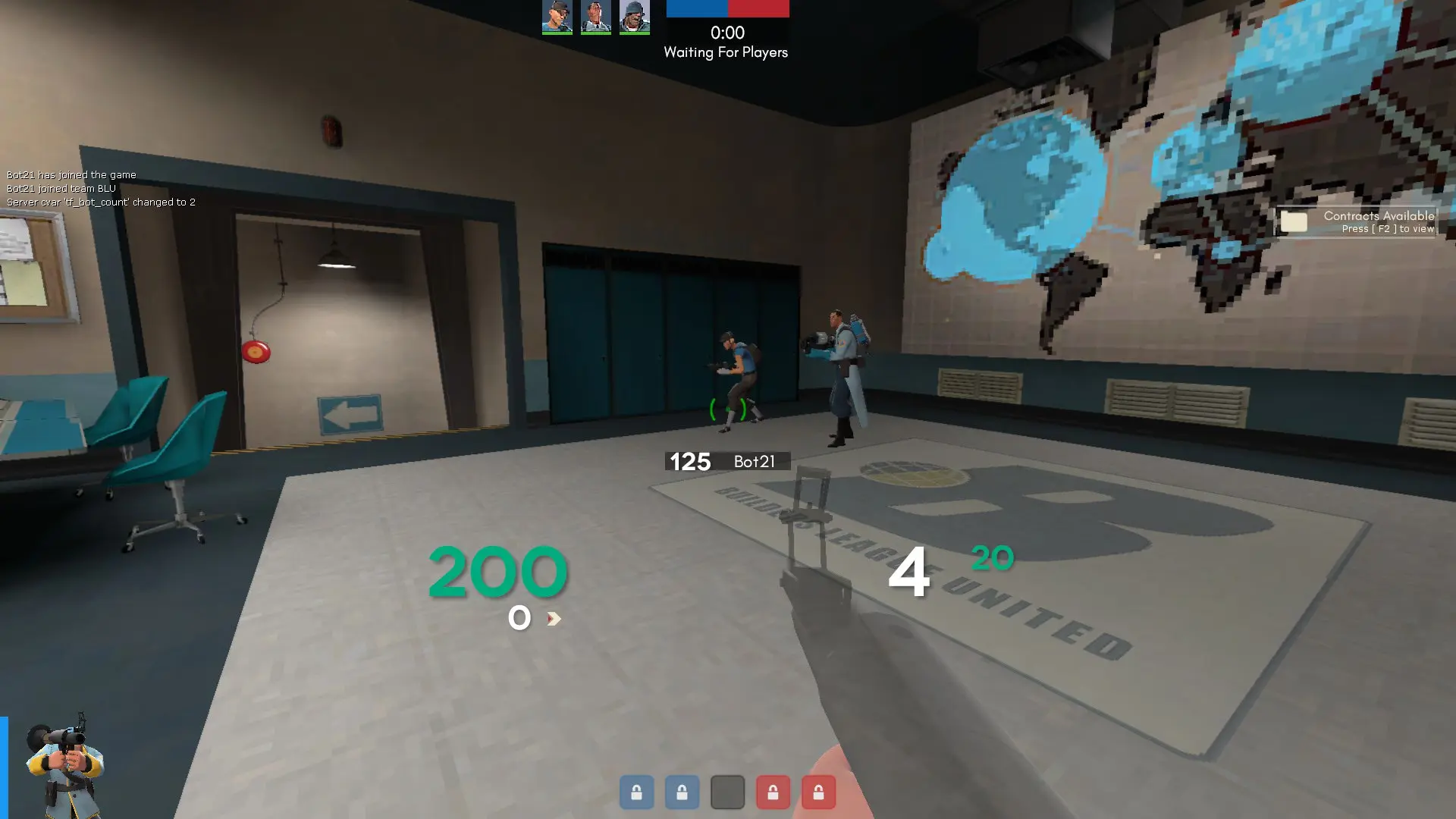
AstroHUD is a custom HUD for Team Fortress 2 by Fricc. It includes custom fonts, custom menus, a custom scoreboard, built-in crosshairs, a minmode layout, custom materials, and customization options. It supports 4:3, 5:4, 16:9, and 16:10 aspect ratios on Windows.
Description
A custom HUD modification, made to the specifications provided by Astroyed.
IMPORTANT: DELETE AstroHUD/scripts/transparent_viewmodels.res file if NOT using dxlevel 90 or above! Otherwise it will result in a white screen COVERING your view completely in-game.
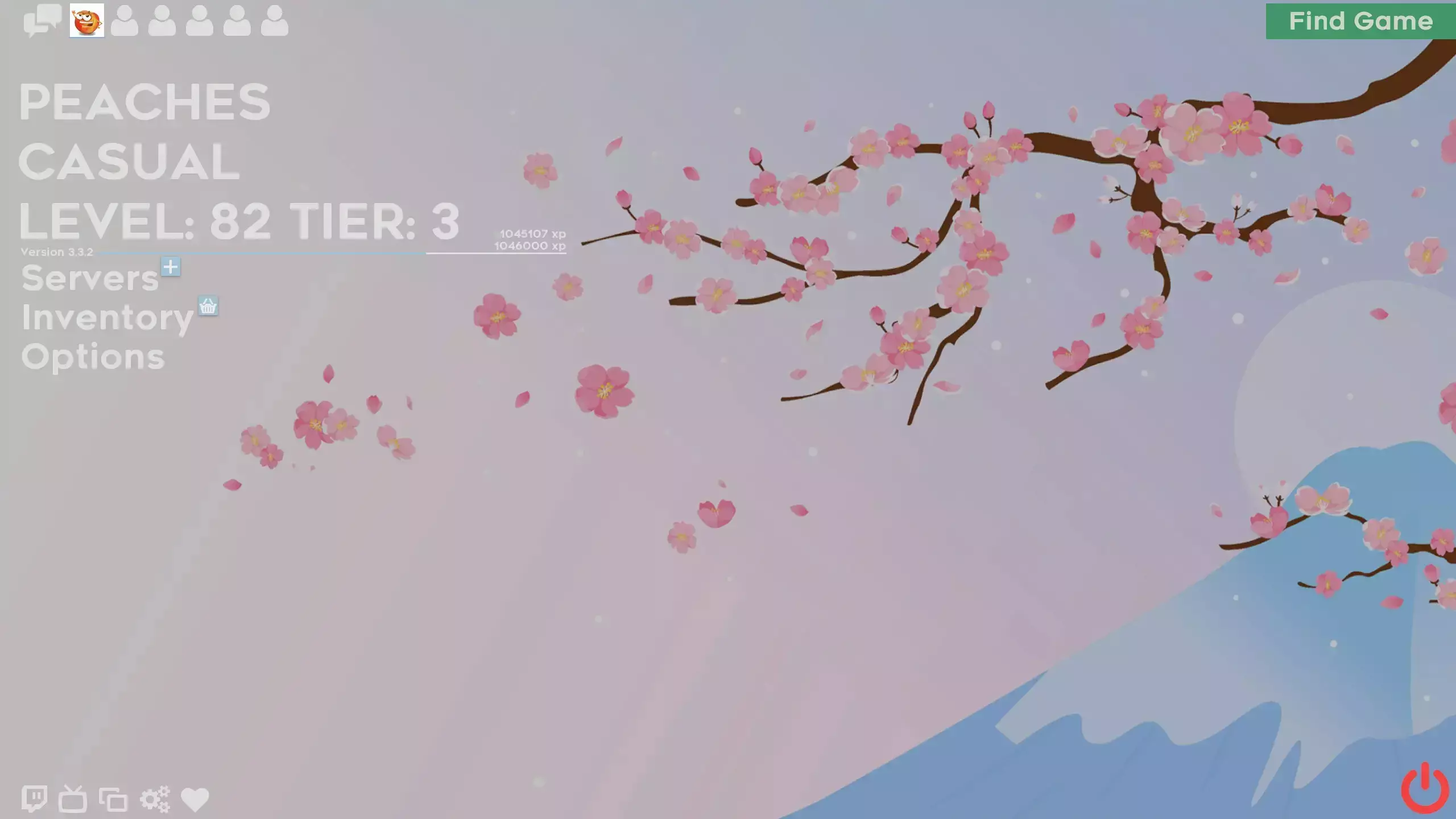
Menu background is optional and can be removed.
Features:
HUD elements do not take up much screen space
Fully functional minmode
Simplistic main menu
Out of the way build/disguise/taunt menus
Customizations:
Engineer metal &/or stickies under ammo
KS at bottom left
Removable menu BG
Side scoreboard
Uber count under crosshair
Bottom left chat
Credits
Astroyed for designing the HUD
Inspirations (in no particular order):
Woolen's HUD, Hypnotize HUD, Flarepunch, aHUD, eveHUD, ToonHUD, RaysHUD
Special Thanks
Astroyed lol
What is in the AstroHUD download
The numbers here are from version 0aae4c8 of AstroHUD. At that version the HUD's repository has 590 files, 367 of them .res files. There are also 80 images in the VTF format and 37 different font files. The font files include AvenirLTStd-Black.ttf, AvenirLTStd-Heavy-edited.otf, AvenirLTStd-Heavy.otf, Cerbetica_bold.ttf, and 33 more.
AstroHUD has files of its own for the backpack, the class loadout, the MvM scoreboard, the crafting menu, the matchmaking dashboard, the advanced options menu, the item inspect menu, and the MvM upgrades menu. The HUD editing guide shows how to find the file that draws a part of the HUD.
info.vdf is at the top of the download, so copy the unzipped folder itself into tf/custom. The install guide has every step.