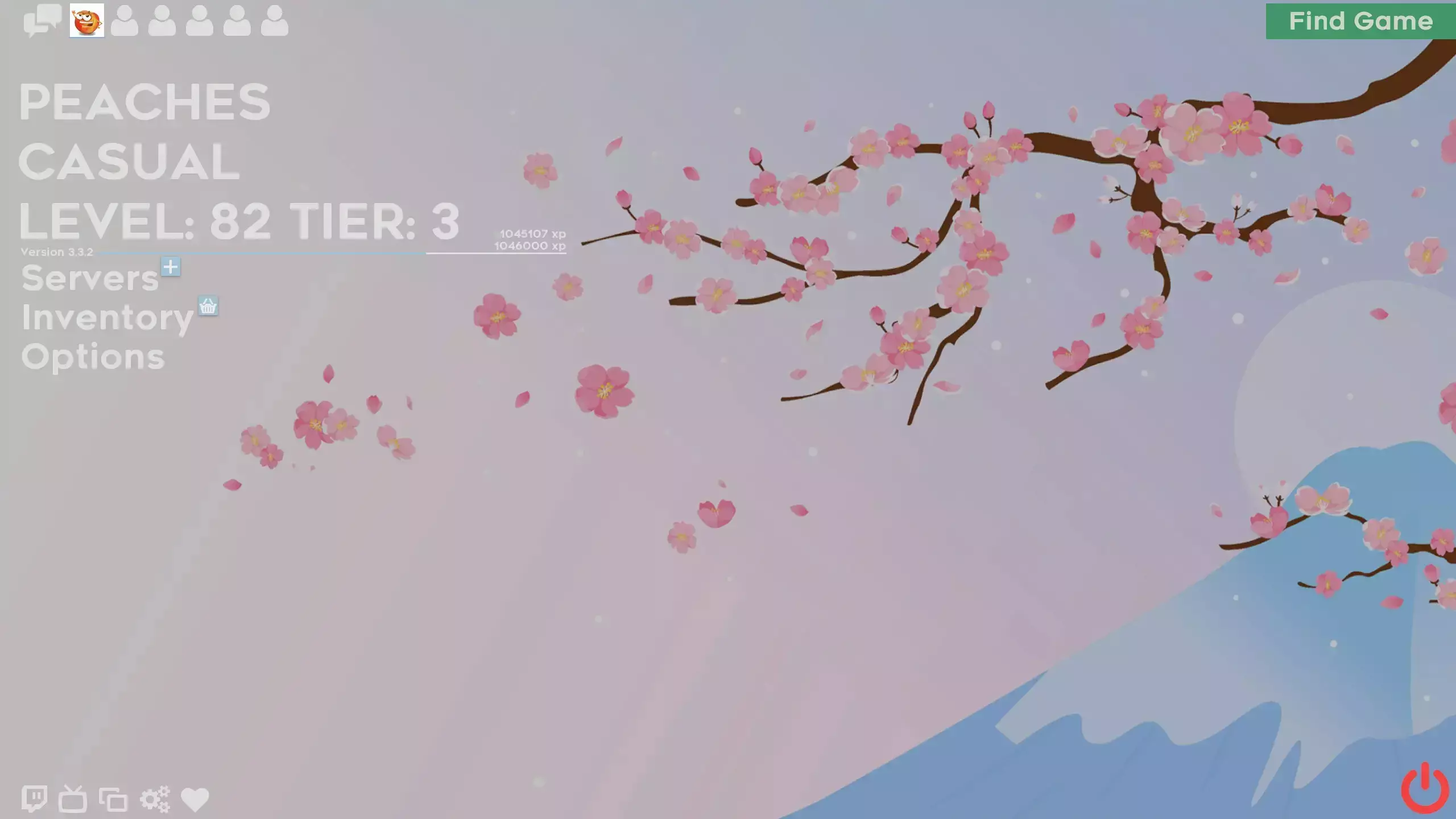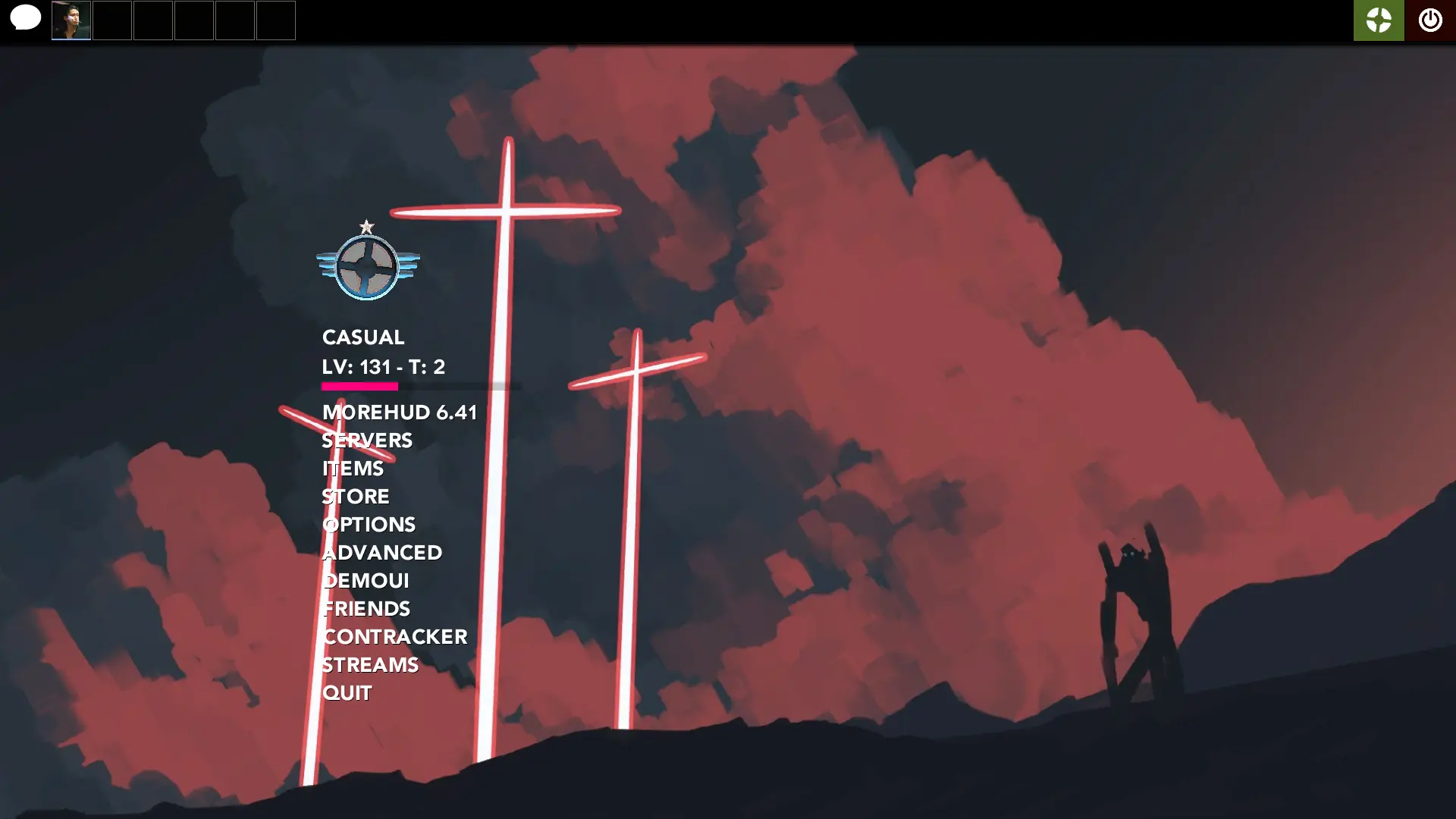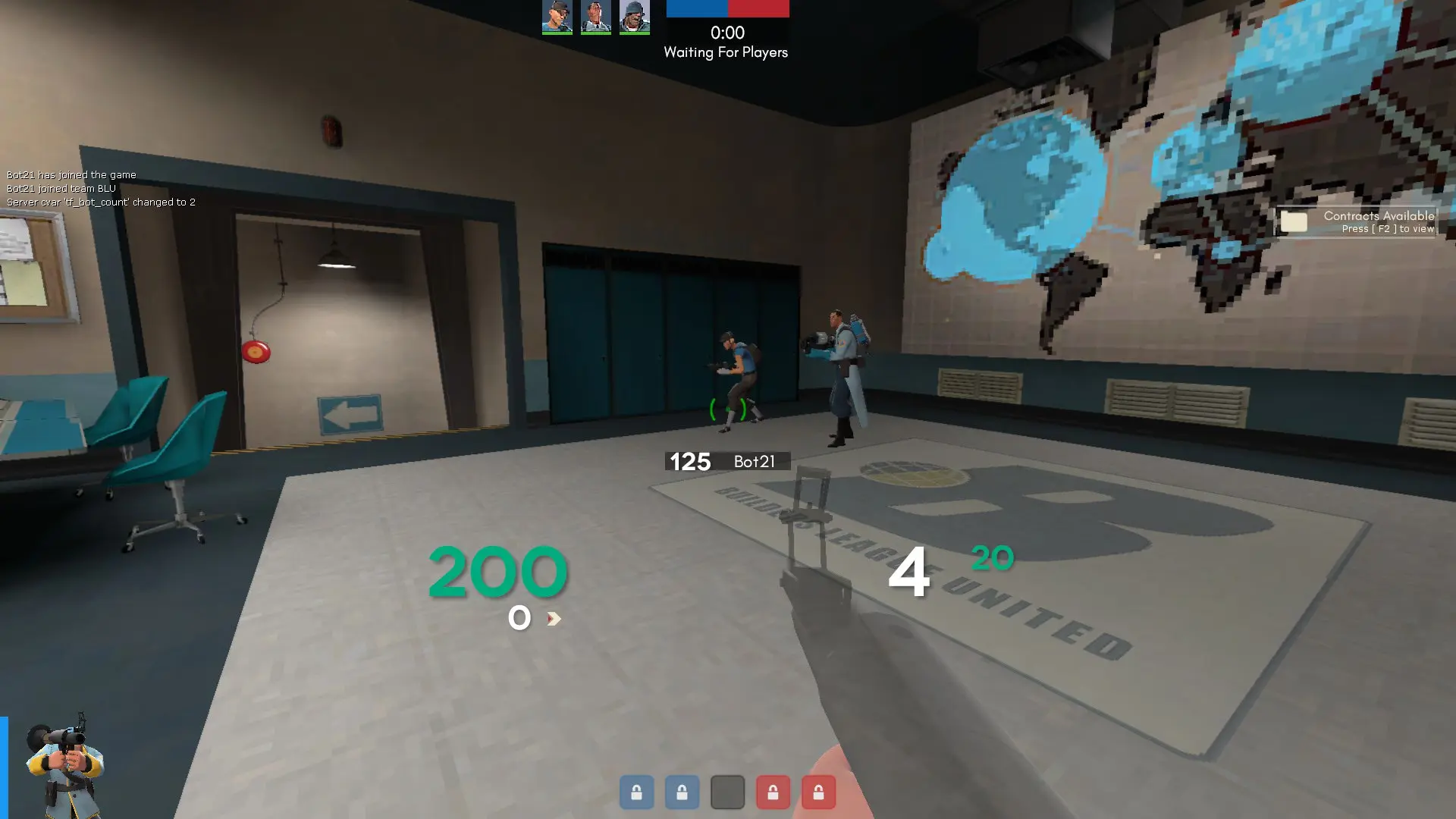
AntsHUD is a custom HUD for Team Fortress 2 by Antwan. It includes custom fonts, custom menus, a custom scoreboard, built-in crosshairs, a minmode layout, custom materials, and customization options. It supports 4:3, 16:9, and 16:10 aspect ratios on Windows.
Description
A HUD with a modern, flat, dynamic design made from a combination of RaysHUD, ahud, and ToonHUD
GitHub:
https://github.com/AsianAntwan/AntsHUD
Gamebanana:
https://gamebanana.com/guis/32745
Screenshots:
https://imgur.com/a/rHpj0ys
Steam Group:
https://steamcommunity.com/groups/antwansants
Steam Profile:
https://steamcommunity.com/profiles/76561198246200638/
Credits
Thanks for friends and HUD Users that were testing out this HUD, giving me feedback, and supporting this.
Special Thanks
Thanks to Raysfiyah and the HUD Editing Community for teaching me how to do HUD editing through YouTube.
What is in the AntsHUD download
The numbers here are from version ed6cb37 of AntsHUD. At that version the HUD's repository has 510 files, 443 of them .res files. There are also 24 images in the VTF format, 10 different font files, and 1 sound file. The font files include AvenirLTStd-Black.ttf, AvenirLTStd-Heavy.otf, AvenirLTStd-Medium.otf, Blocks.ttf, and 6 more.
AntsHUD has files of its own for the backpack, the class loadout, the MvM scoreboard, the crafting menu, the matchmaking dashboard, the advanced options menu, the item inspect menu, and the MvM upgrades menu. The HUD editing guide shows how to find the file that draws a part of the HUD.
info.vdf is at the top of the download, so copy the unzipped folder itself into tf/custom. The install guide has every step.