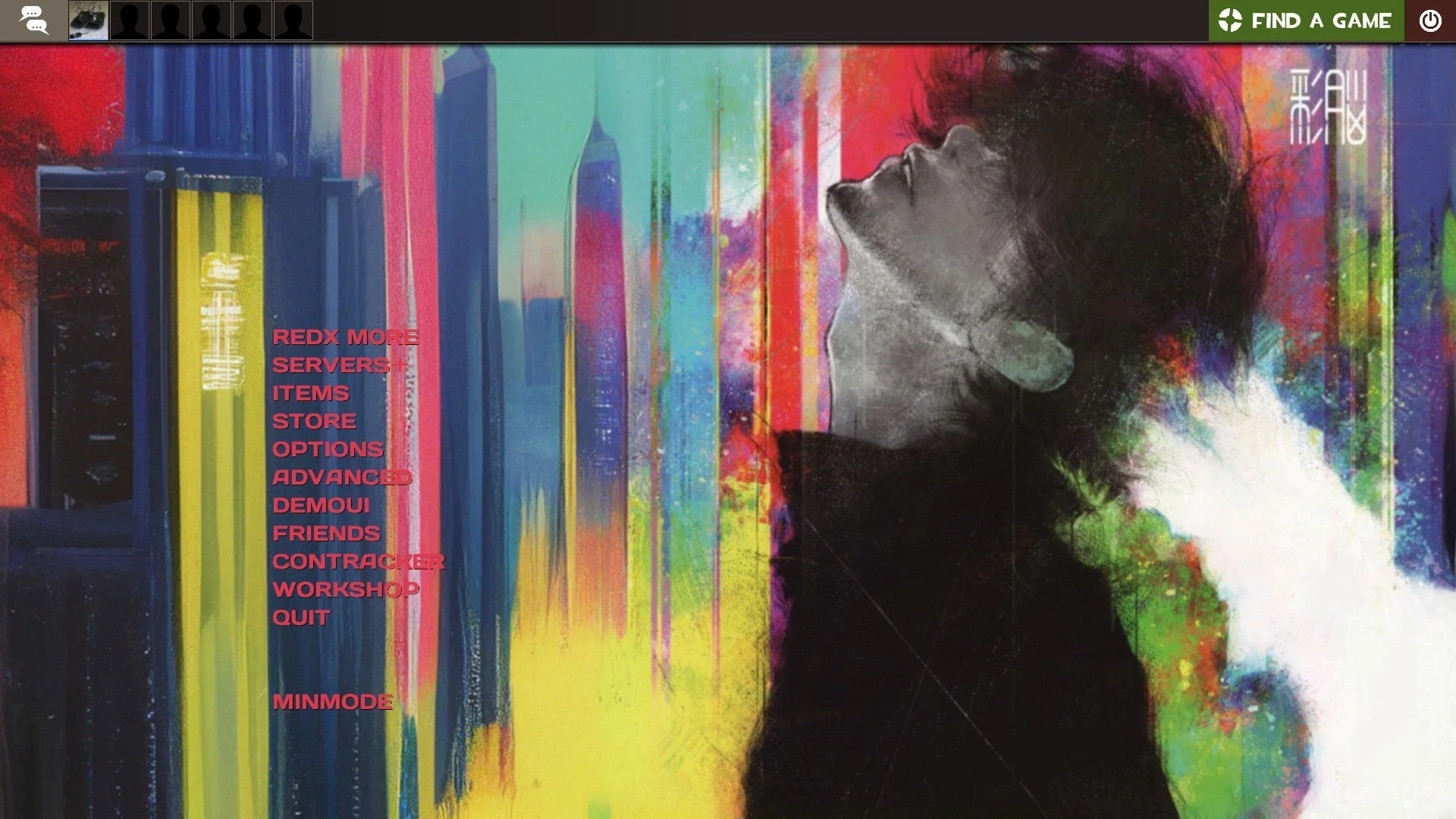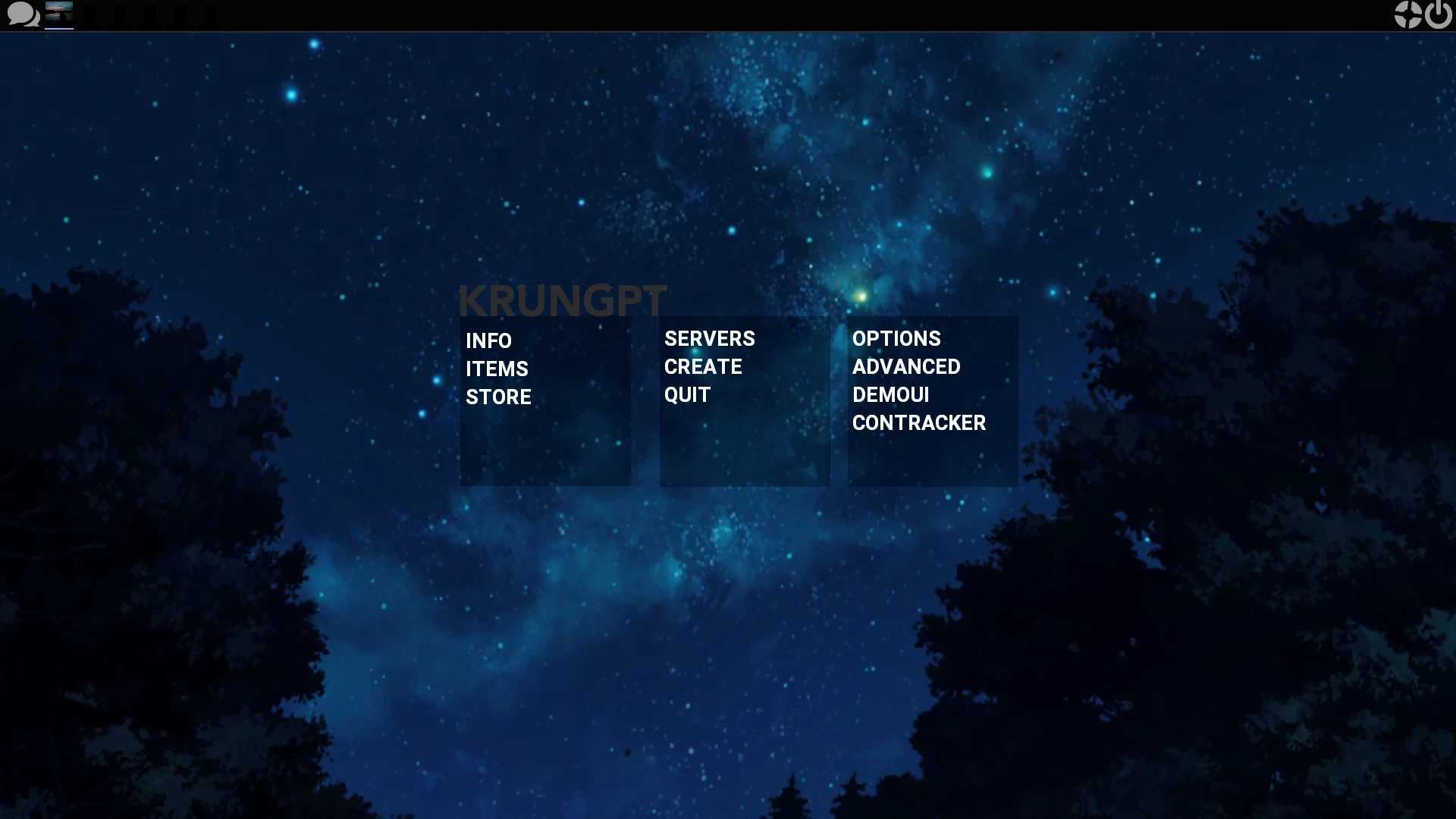
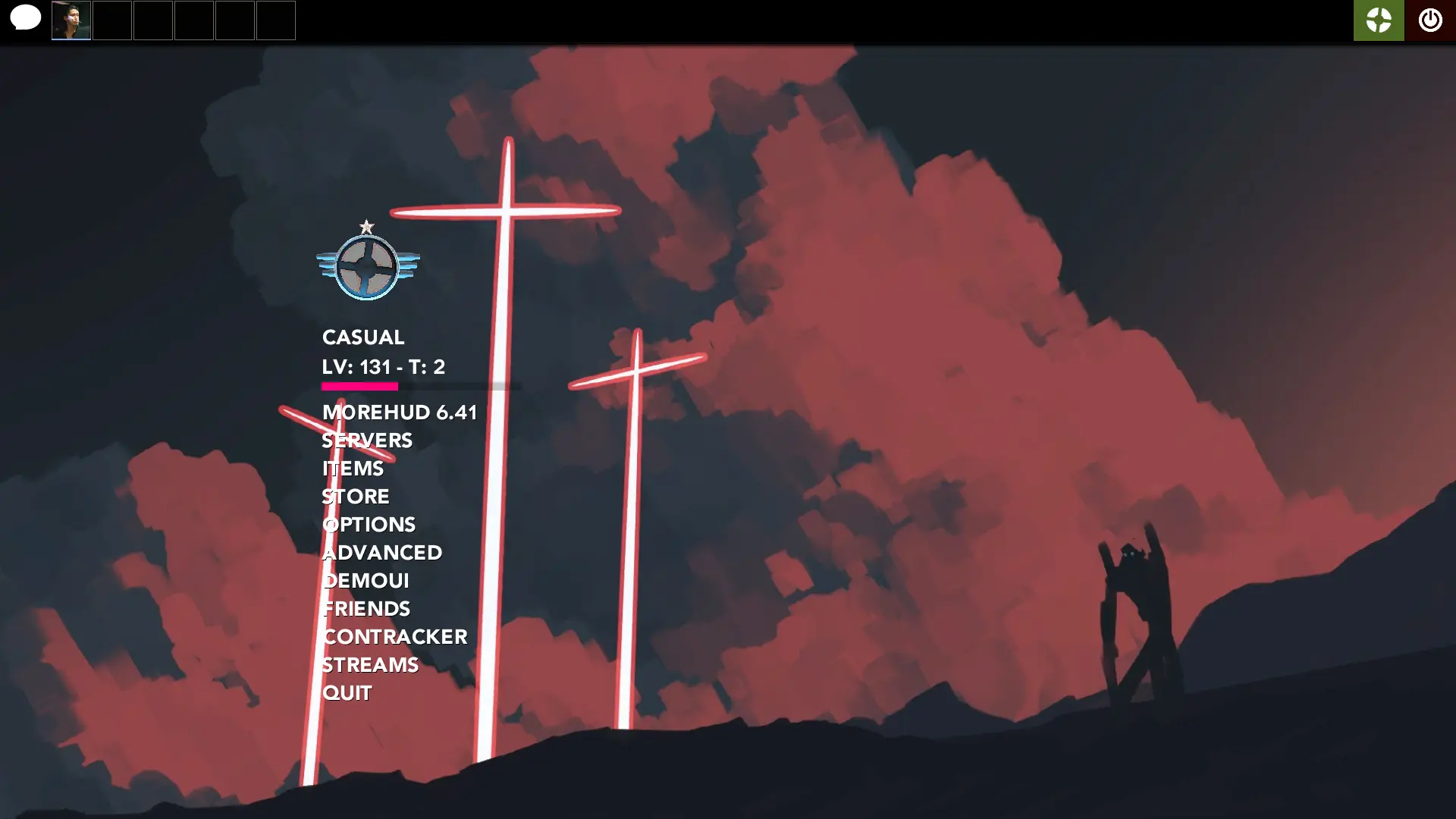
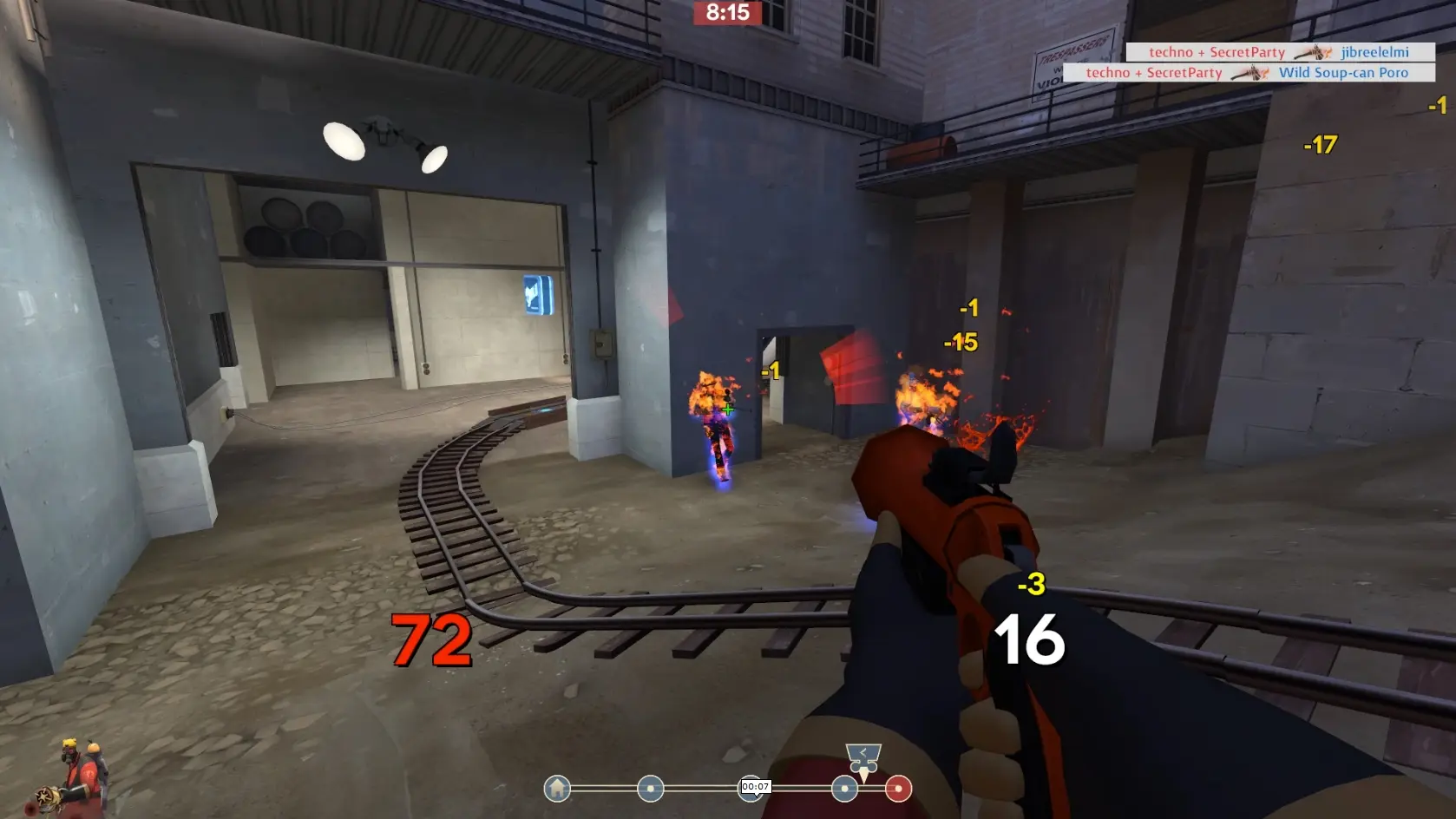
m0re techno is a custom HUD for Team Fortress 2 by techno. It is based on m0rehud. It includes custom fonts, custom menus, a custom scoreboard, built-in crosshairs, a minmode layout, custom materials, and customization options. It supports 4:3, 5:4, 16:9, and 16:10 aspect ratios on Windows and Linux. Health and ammo sit in the center of the screen.
Description
my current tf2 hud as of 18/01/23 based on dqz's version of m0rehud (now using m0rehud 7.1 as a base!)
also mostly a mishmash of various parts from huds i like
Credits
Hypnotize - maintaining m0rehud + this sexy customization menu
dqz - original m0rehud edit this is based off of
CriticalFlaw - FlawHud Loadout Menus, Inventory & Win Panel.
Lead - InsomniaHud level tf_english edit
playmoo - bothud chat tf_english edit
xcd859 - "background_gravelpit" menu background
Niterux - "serenity" menu background from here
and many more i don't recall, very appreciated
Special Thanks
everyone in huds.tf discord for helping me with any issues i had while editing the hud
ps: i might be forgetful to update on comfig, so be sure to check out the actual repo to get the most up-to-date version
note: 99% of customizations are compatible, the only thing that might not be are the fonts, wich are different from m0rehud's.
What is in the m0re techno download
The numbers here are from version 2cc1792 of m0re techno. At that version the HUD's repository has 1,157 files, 700 of them .res files. There are also 182 images in the VTF format, 45 different font files, 2 sound files, and 8 .cfg files. The font files include AndroidInsomnia.ttf, avenir_numbers.ttf, avenir.ttf, azuki.ttf, and 41 more.
m0re techno has files of its own for the backpack, the class loadout, the MvM scoreboard, the crafting menu, the matchmaking dashboard, and the item inspect menu. The HUD editing guide shows how to find the file that draws a part of the HUD.
info.vdf is at the top of the download, so copy the unzipped folder itself into tf/custom. The install guide has every step.
More HUDs by techno