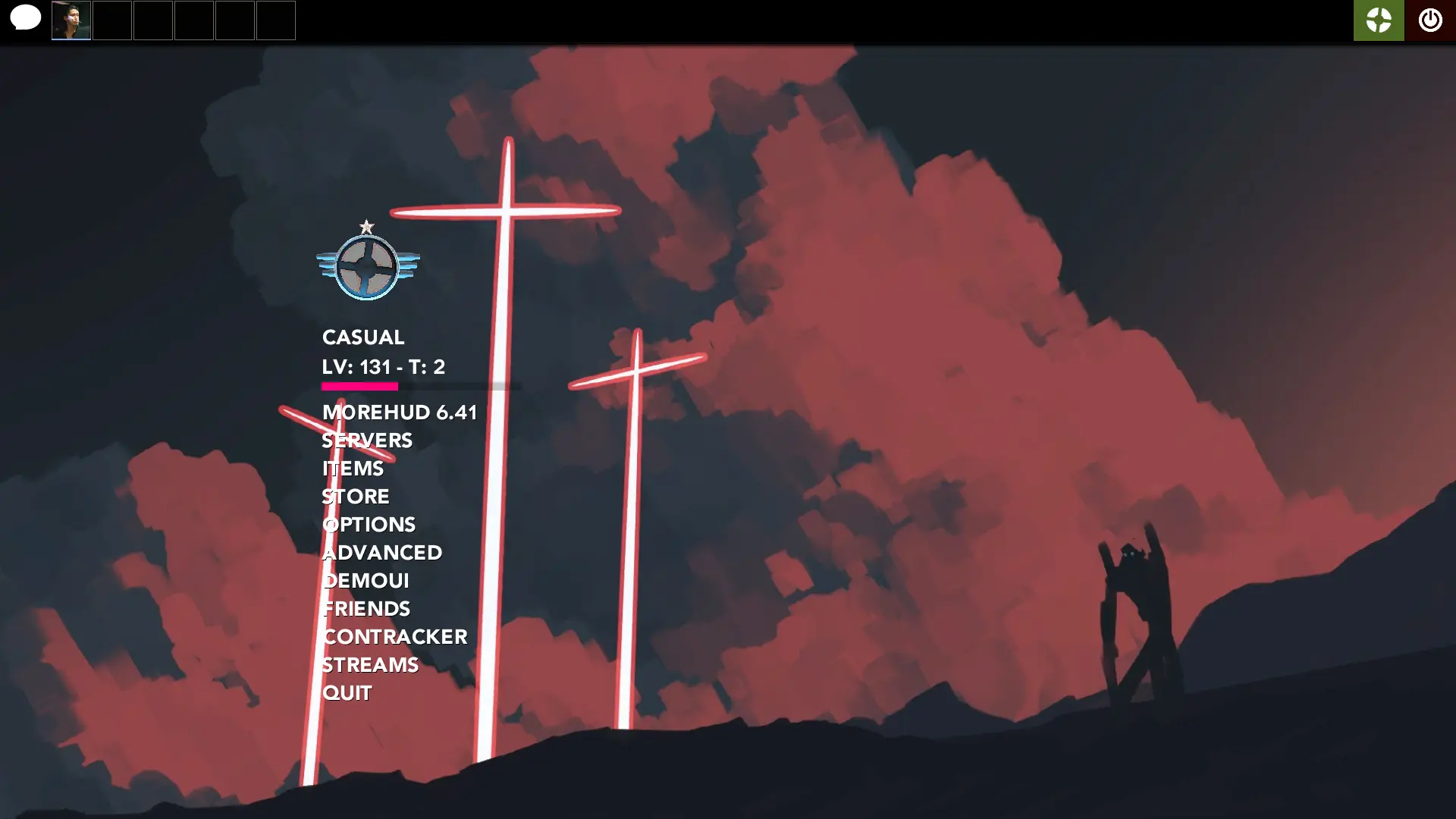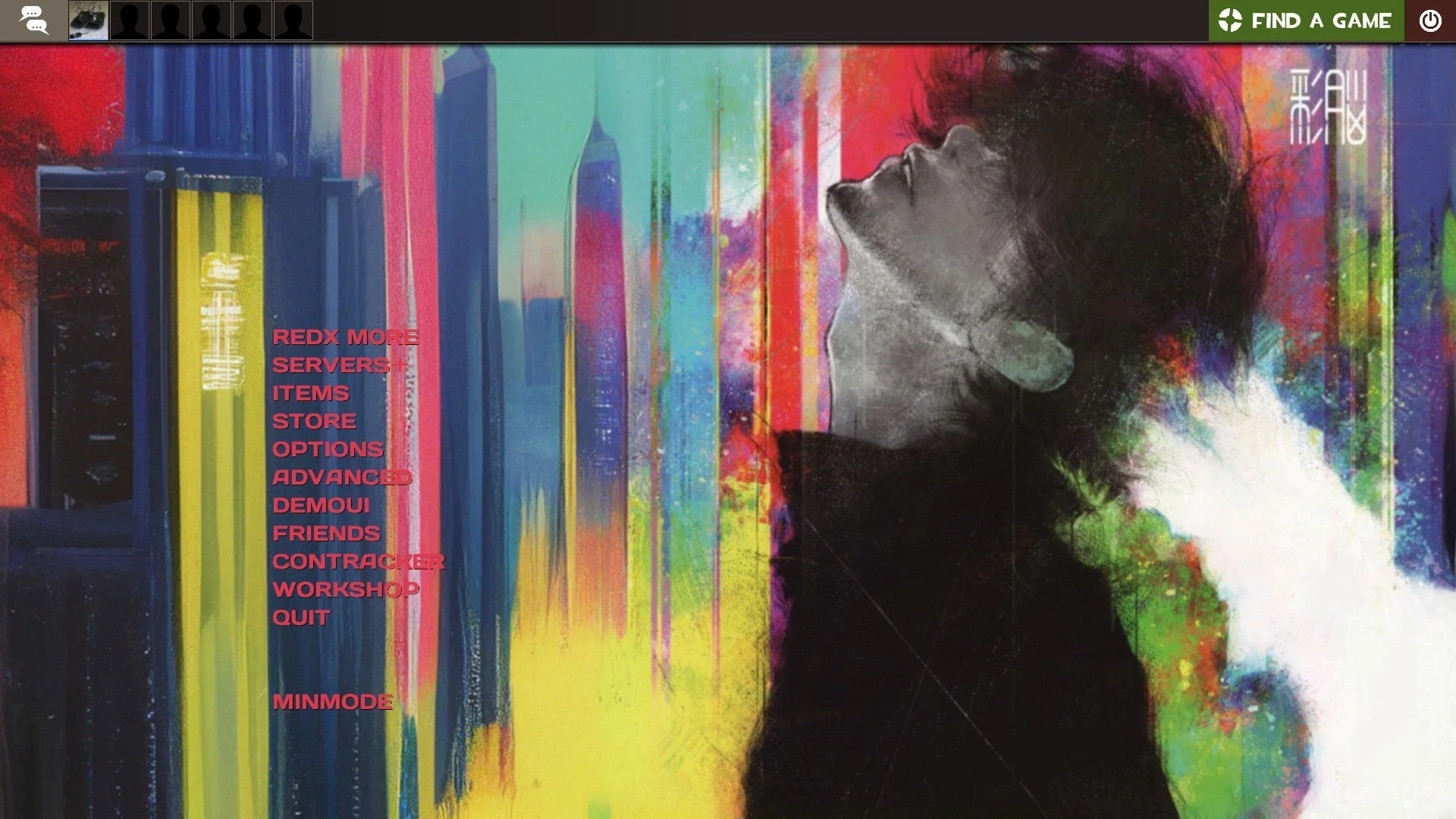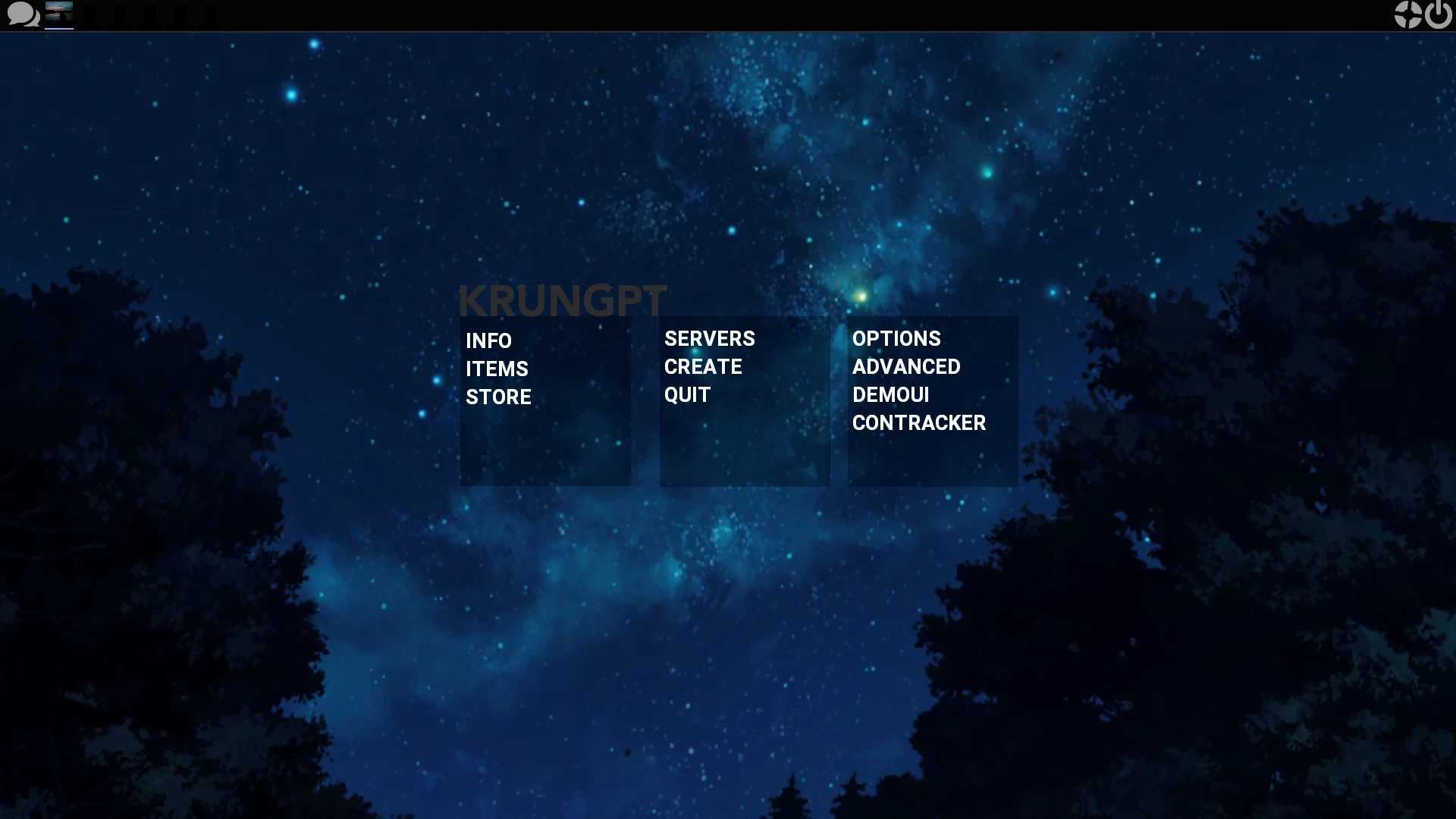
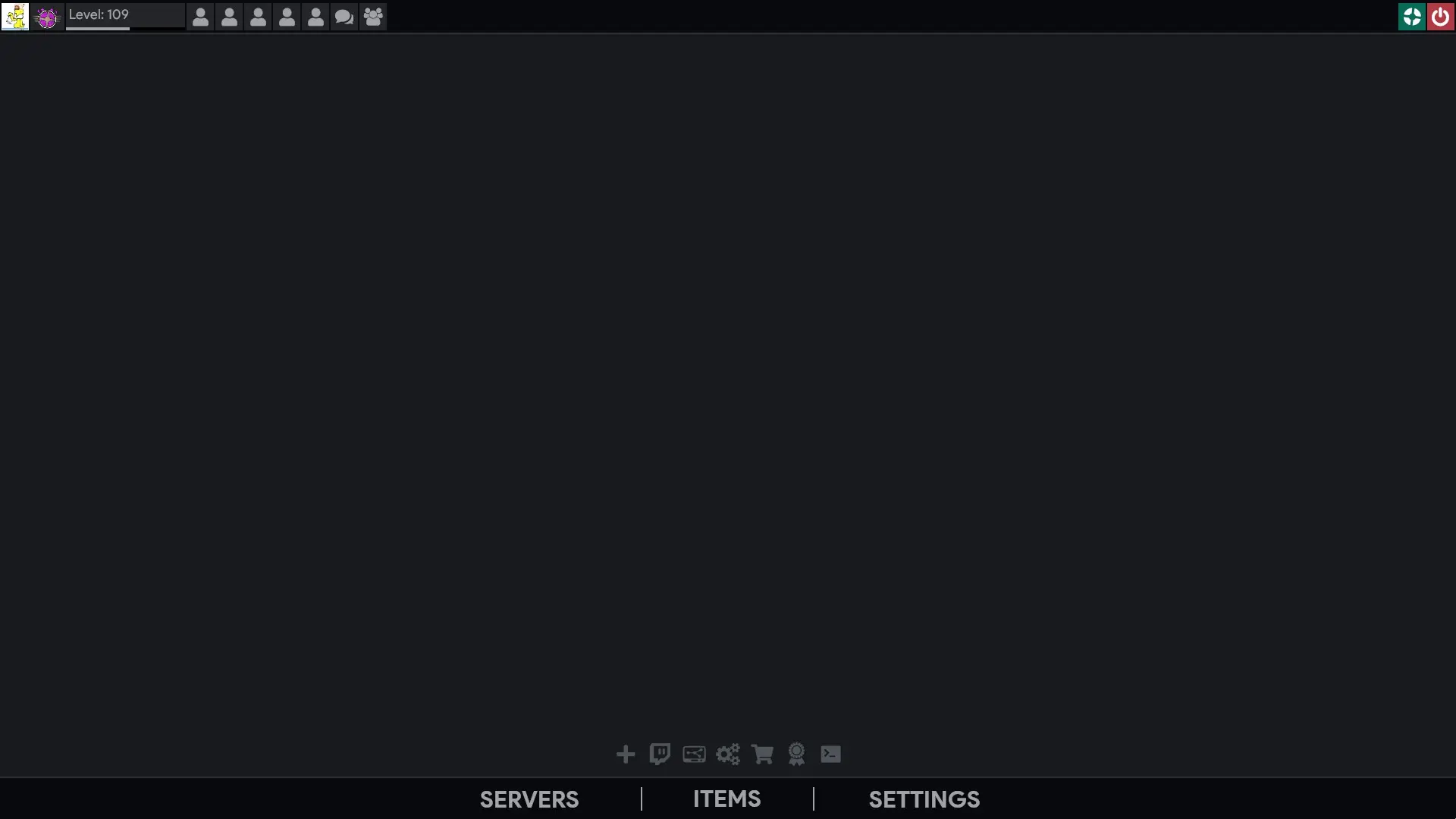
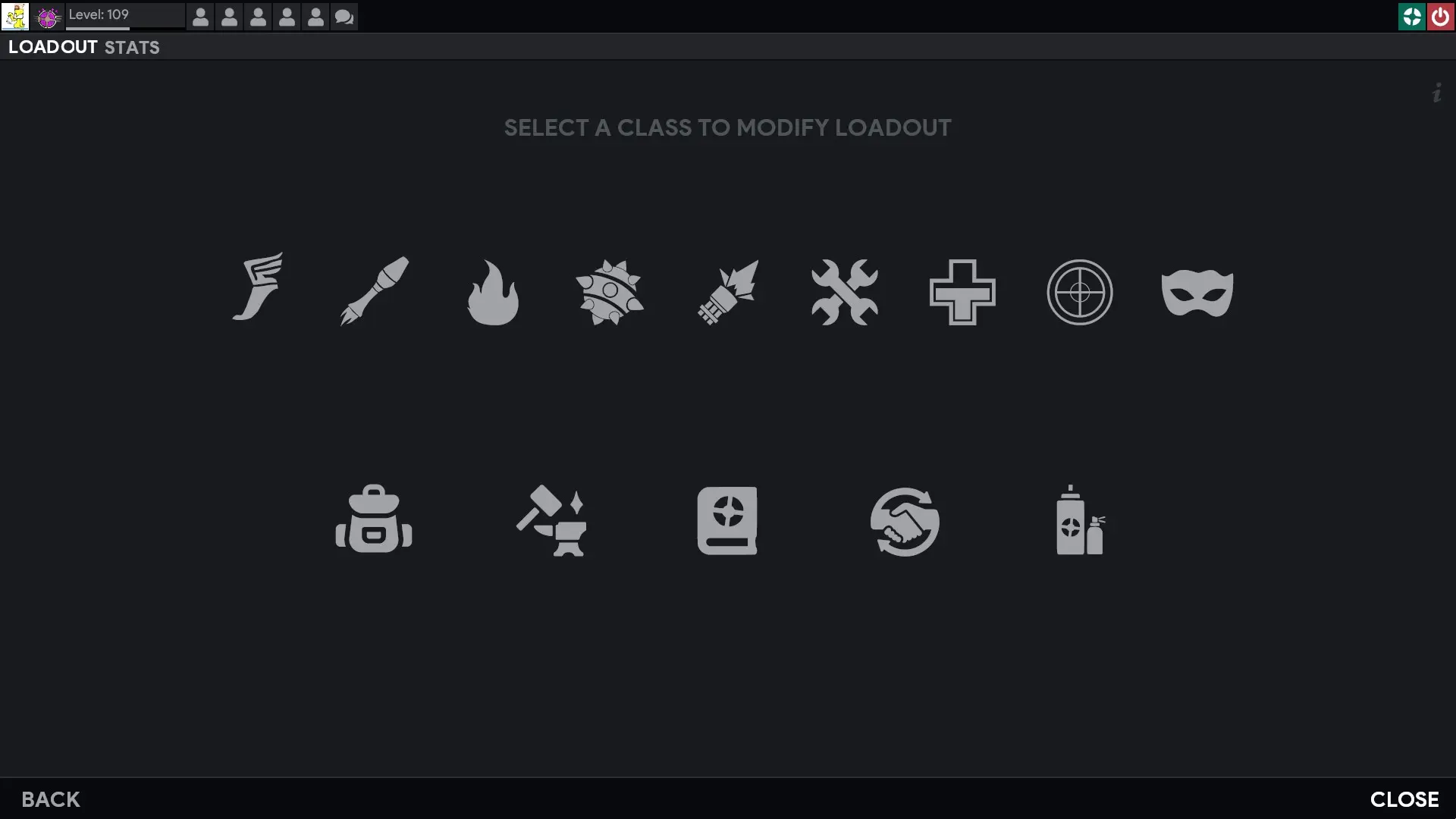
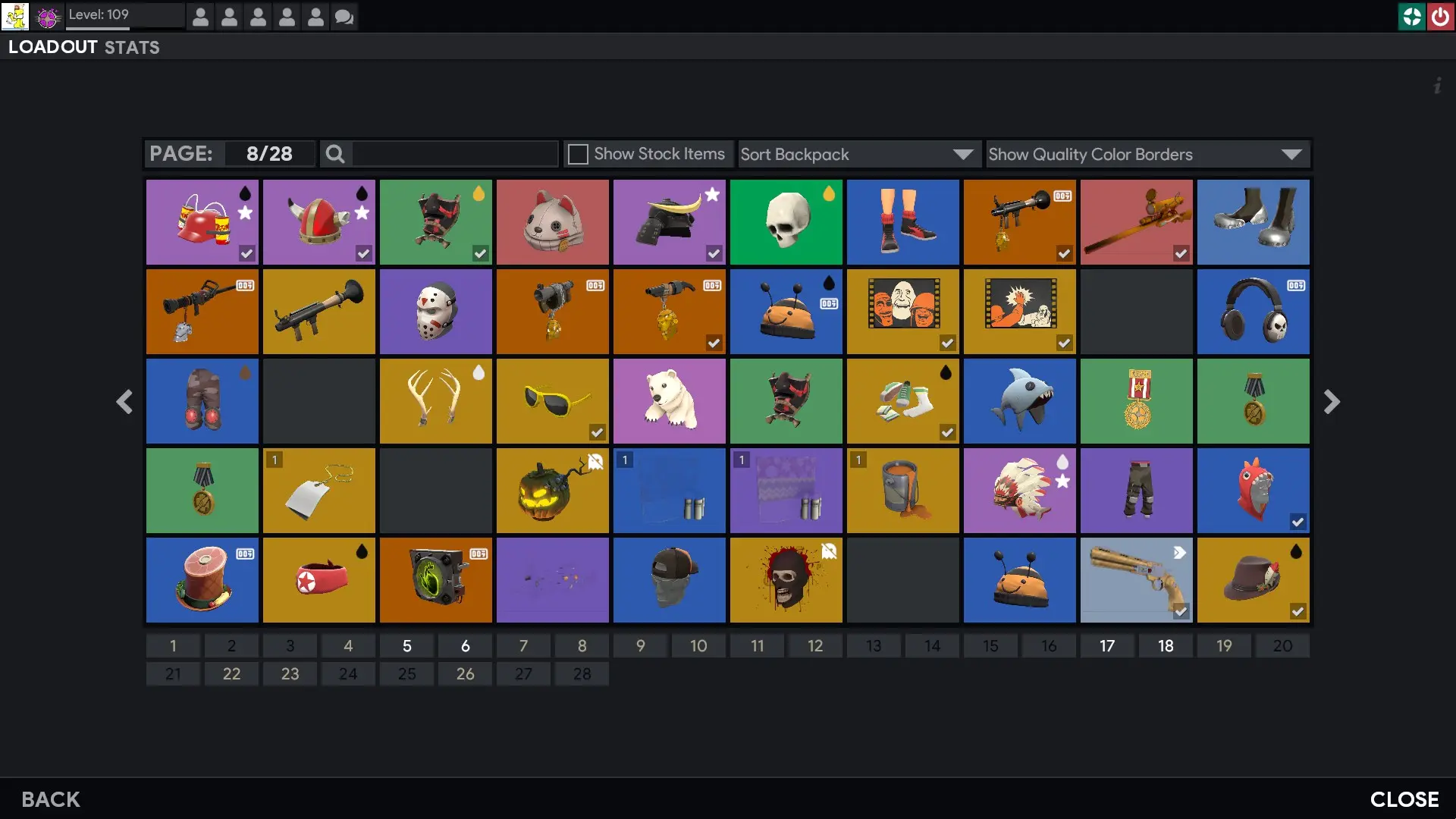
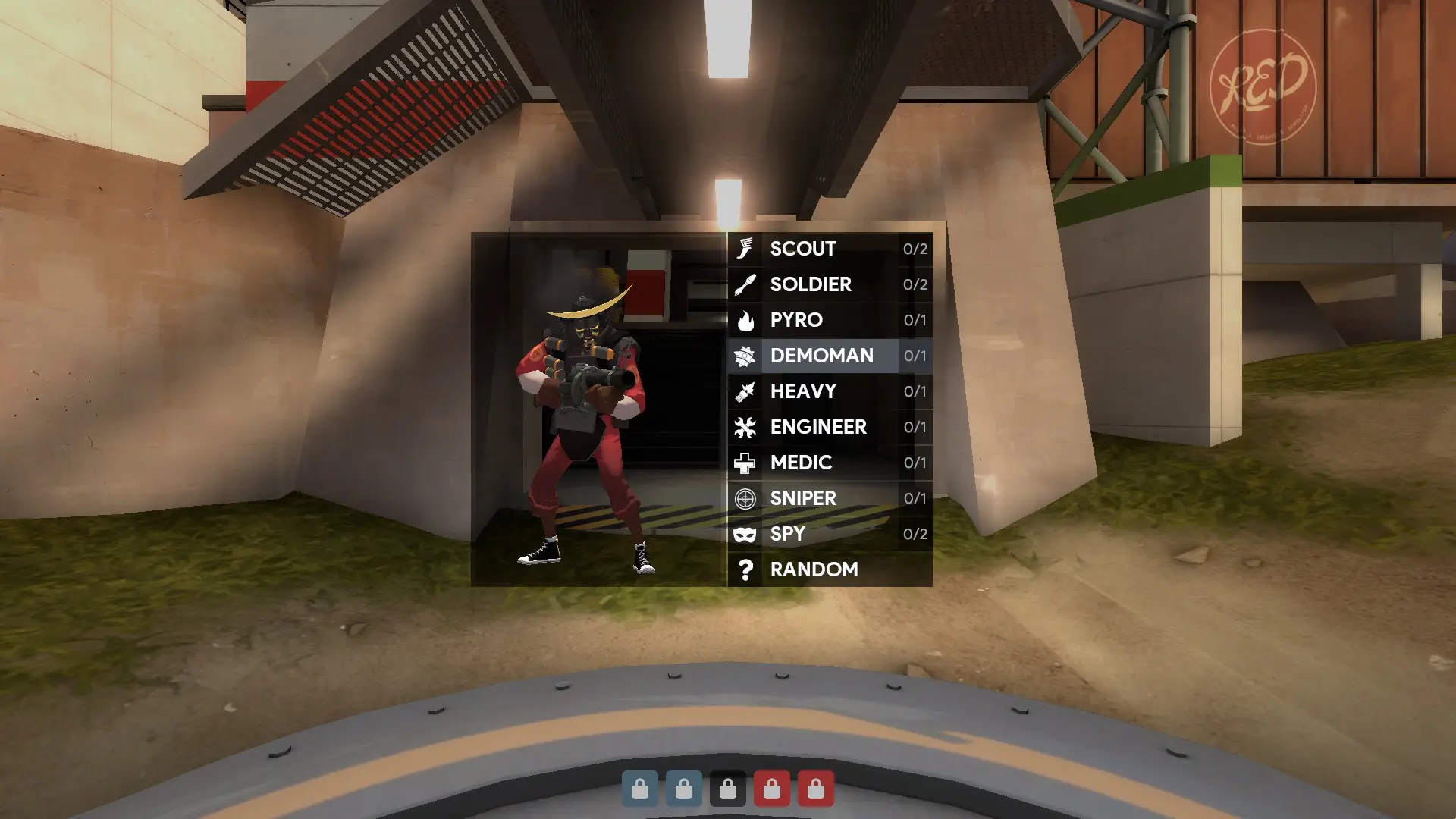
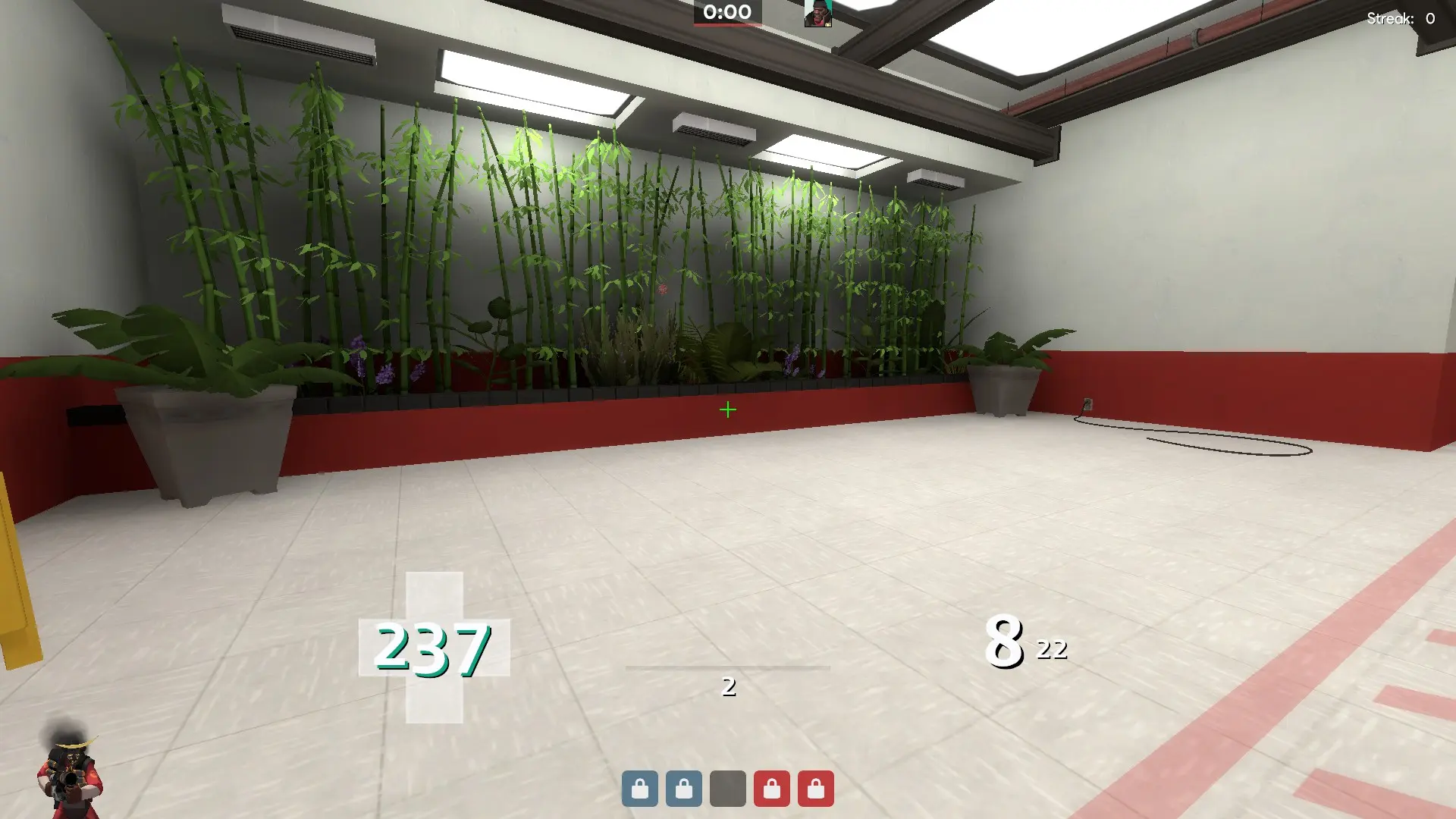
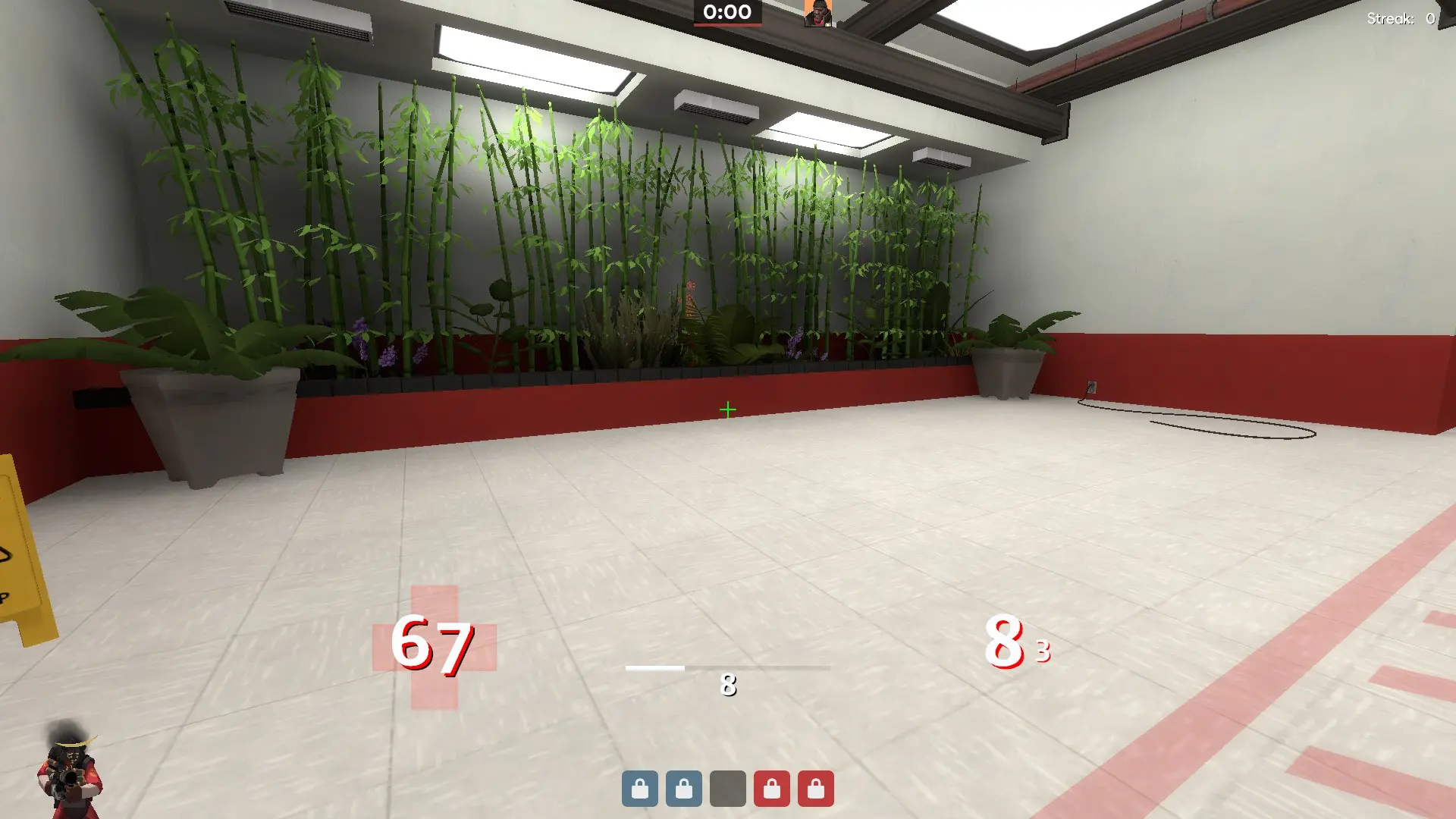
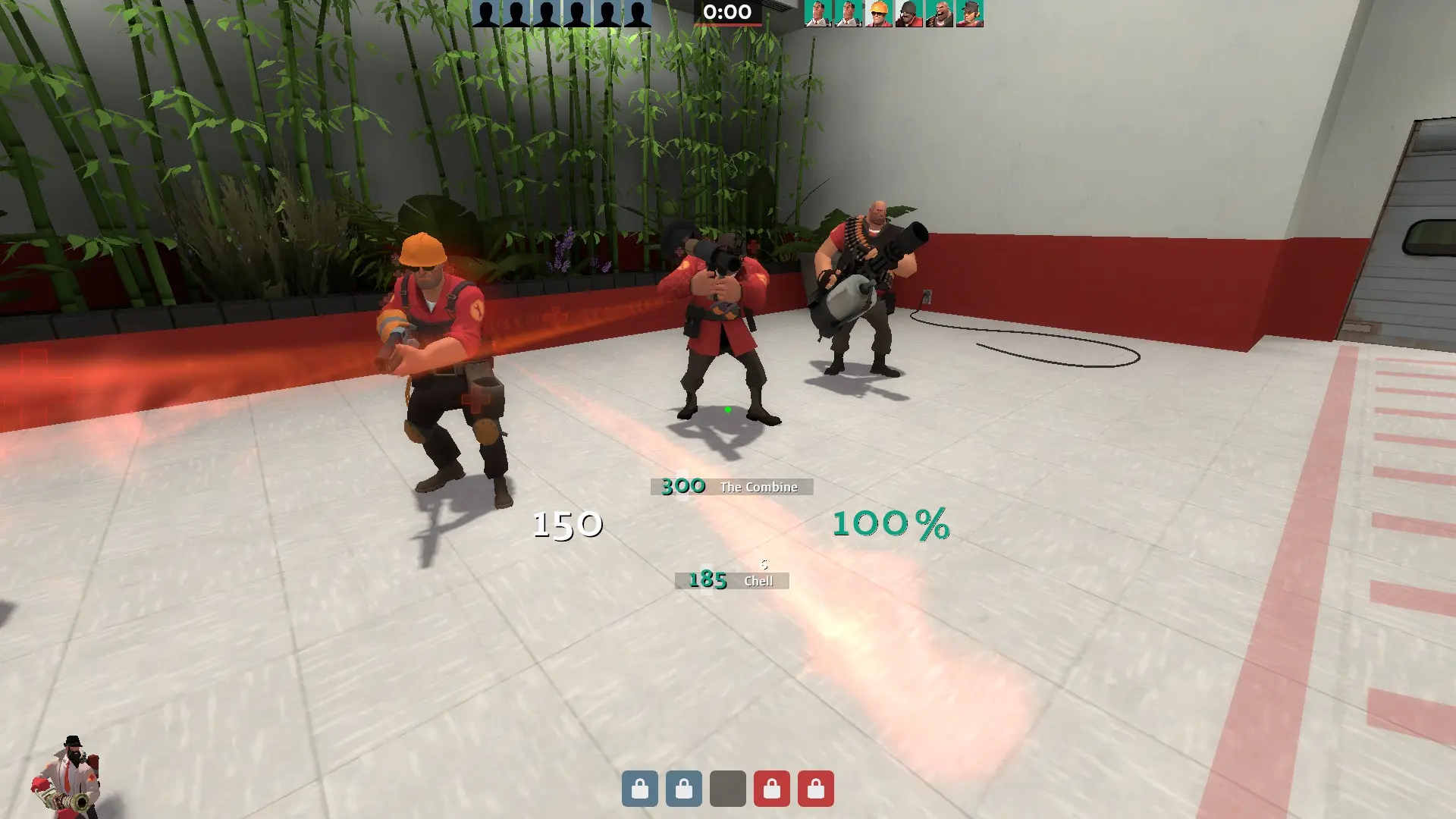
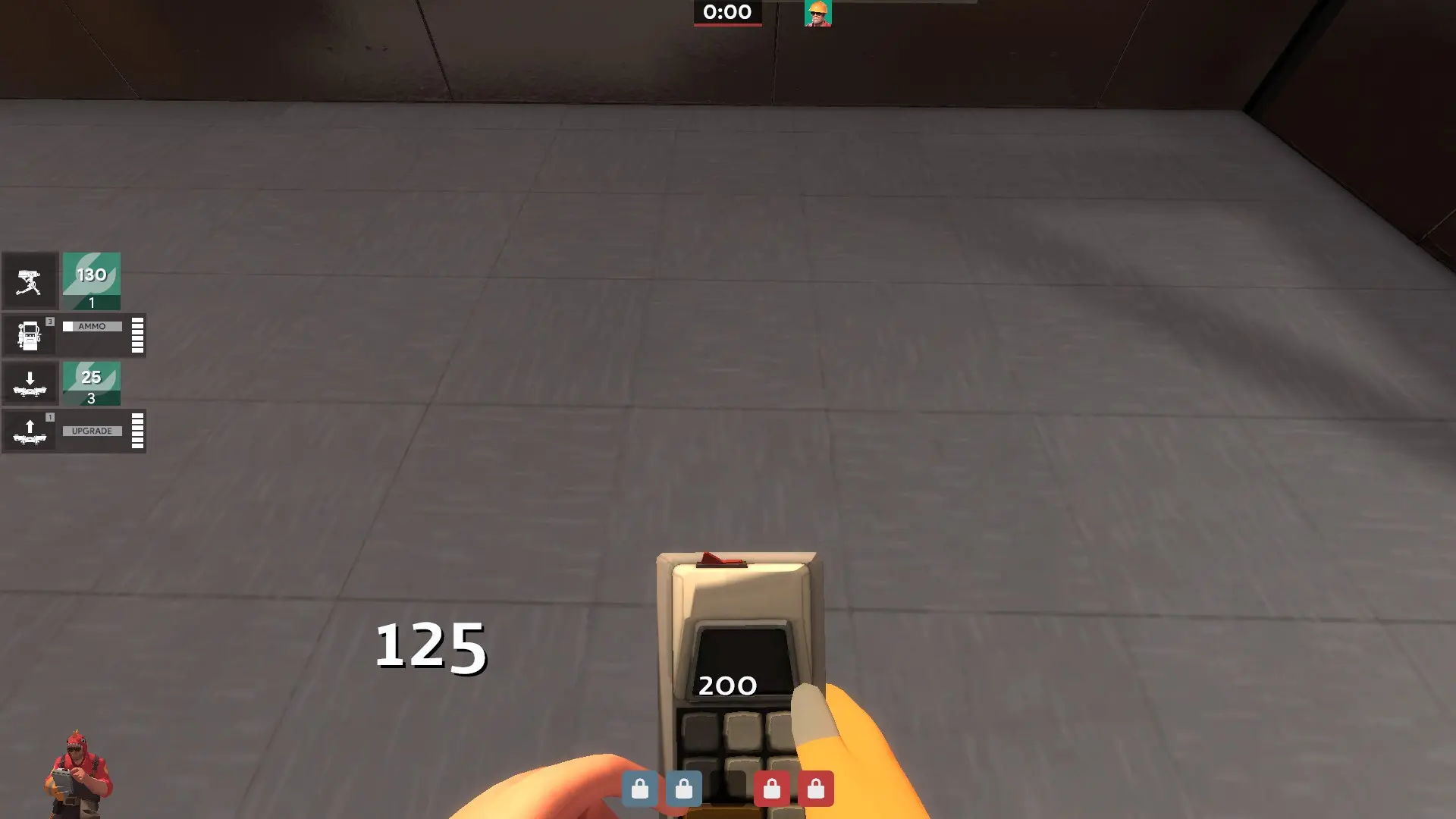
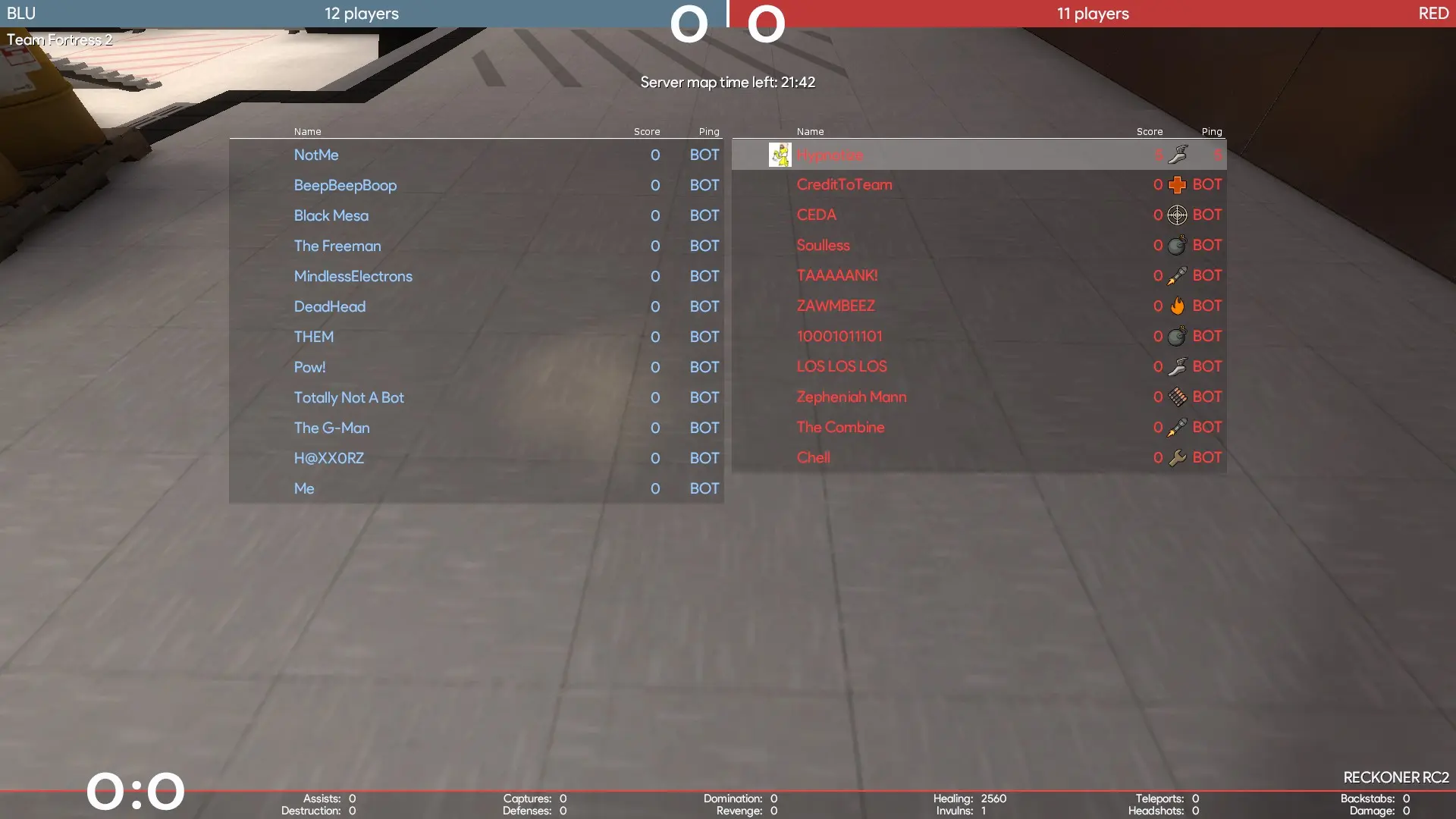
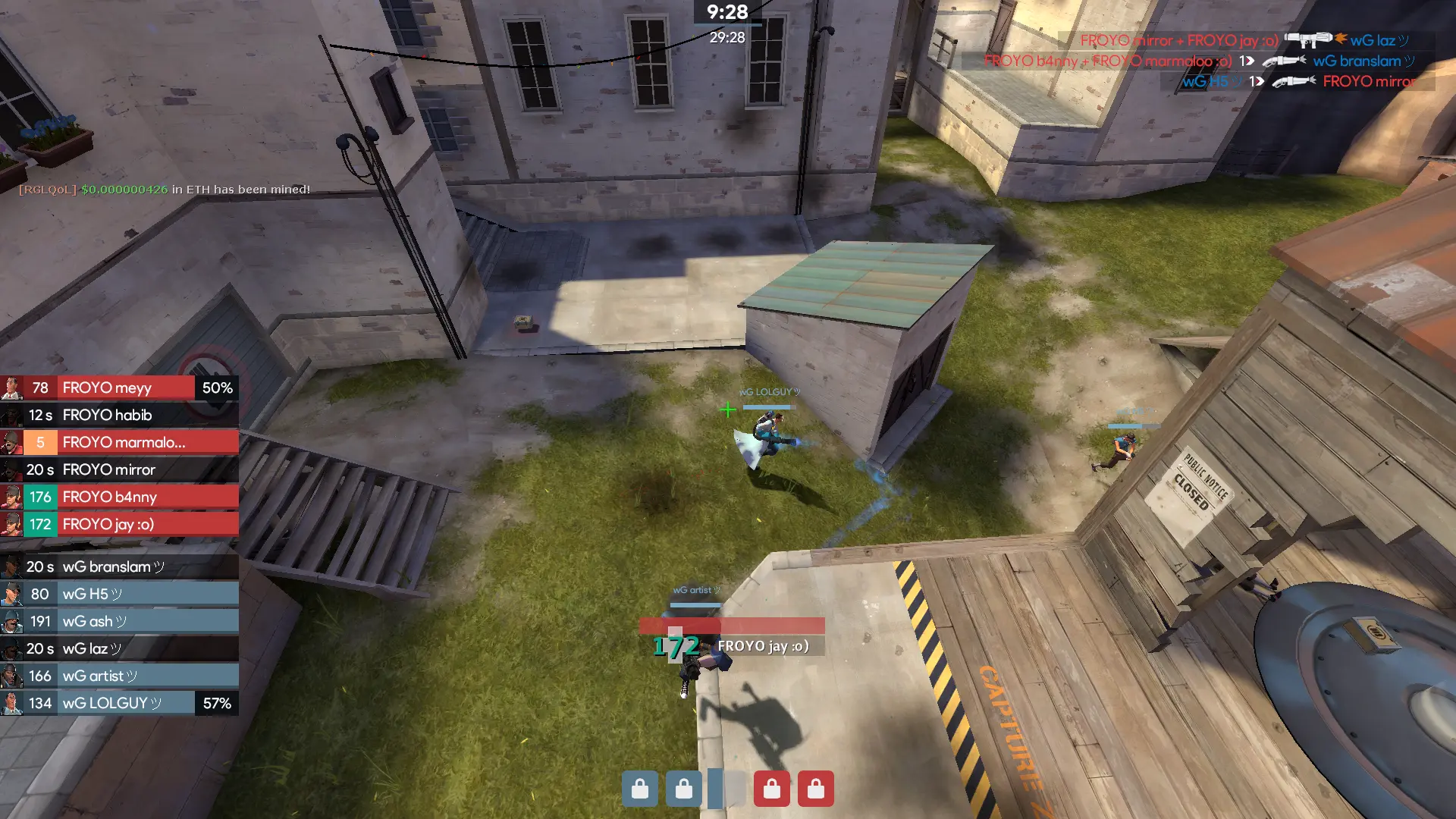
m0re Hypnotize is a custom HUD for Team Fortress 2 by Hypnotize. It is based on m0rehud. It includes custom fonts, custom menus, a custom scoreboard, built-in crosshairs, a minmode layout, custom materials, and customization options. It supports 4:3, 5:4, 16:9, and 16:10 aspect ratios on Windows and Linux. Health and ammo sit in the center of the screen.
What is in the m0re Hypnotize download
The numbers here are from version 21e7c15 of m0re Hypnotize. At that version the HUD's repository has 839 files, 393 of them .res files. There are also 153 images in the VTF format, 9 different font files, 1 sound file, and 1 .cfg file. The font files include blocks.ttf, hypnotize icons.ttf, product bold.ttf, product.ttf, and 5 more.
m0re Hypnotize has files of its own for the backpack, the class loadout, the MvM scoreboard, the crafting menu, the matchmaking dashboard, the advanced options menu, the item inspect menu, and the MvM upgrades menu. The HUD editing guide shows how to find the file that draws a part of the HUD.
info.vdf is at the top of the download, so copy the unzipped folder itself into tf/custom. The files include one script or program, compiler.bat. The install guide has every step.