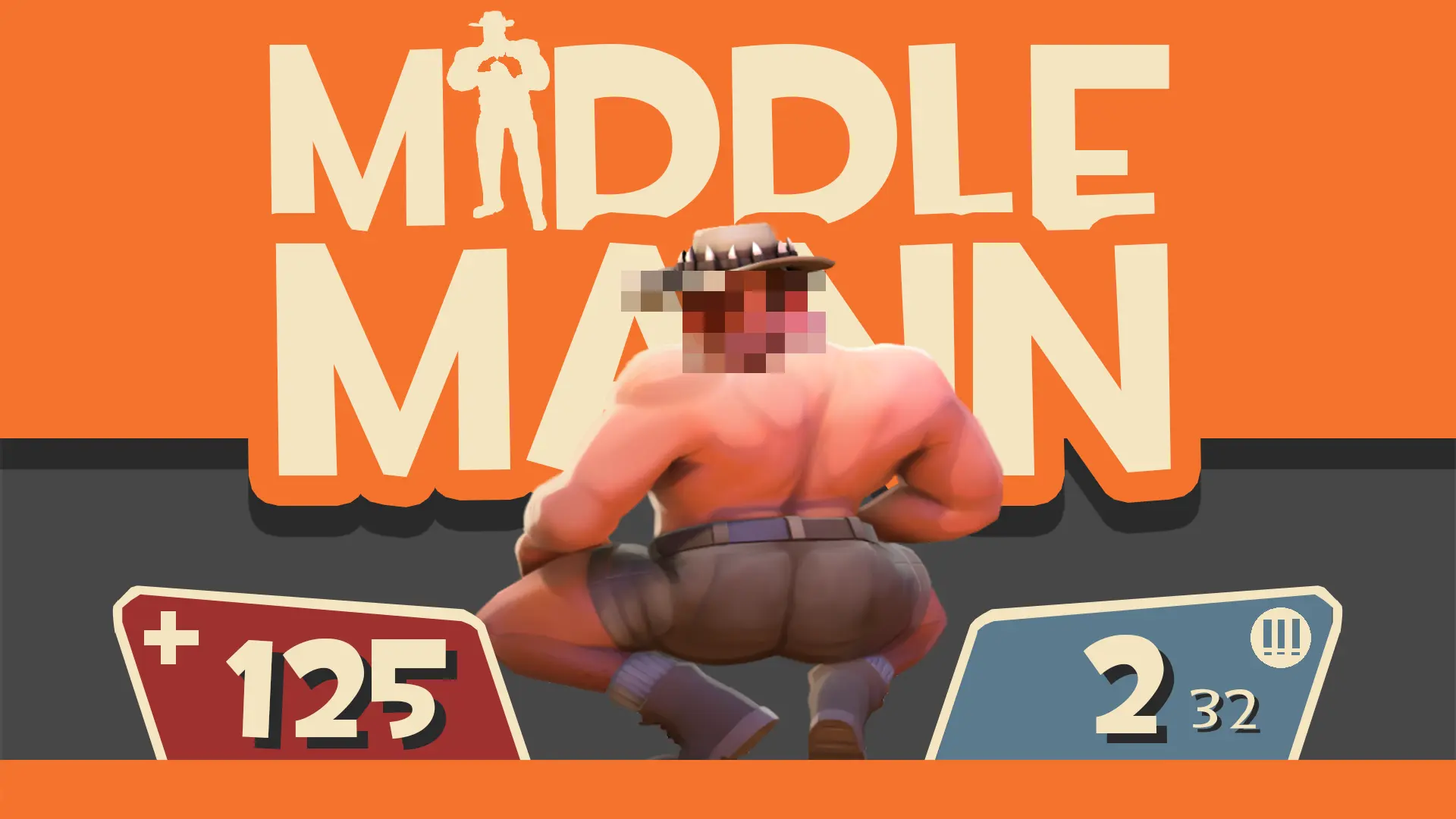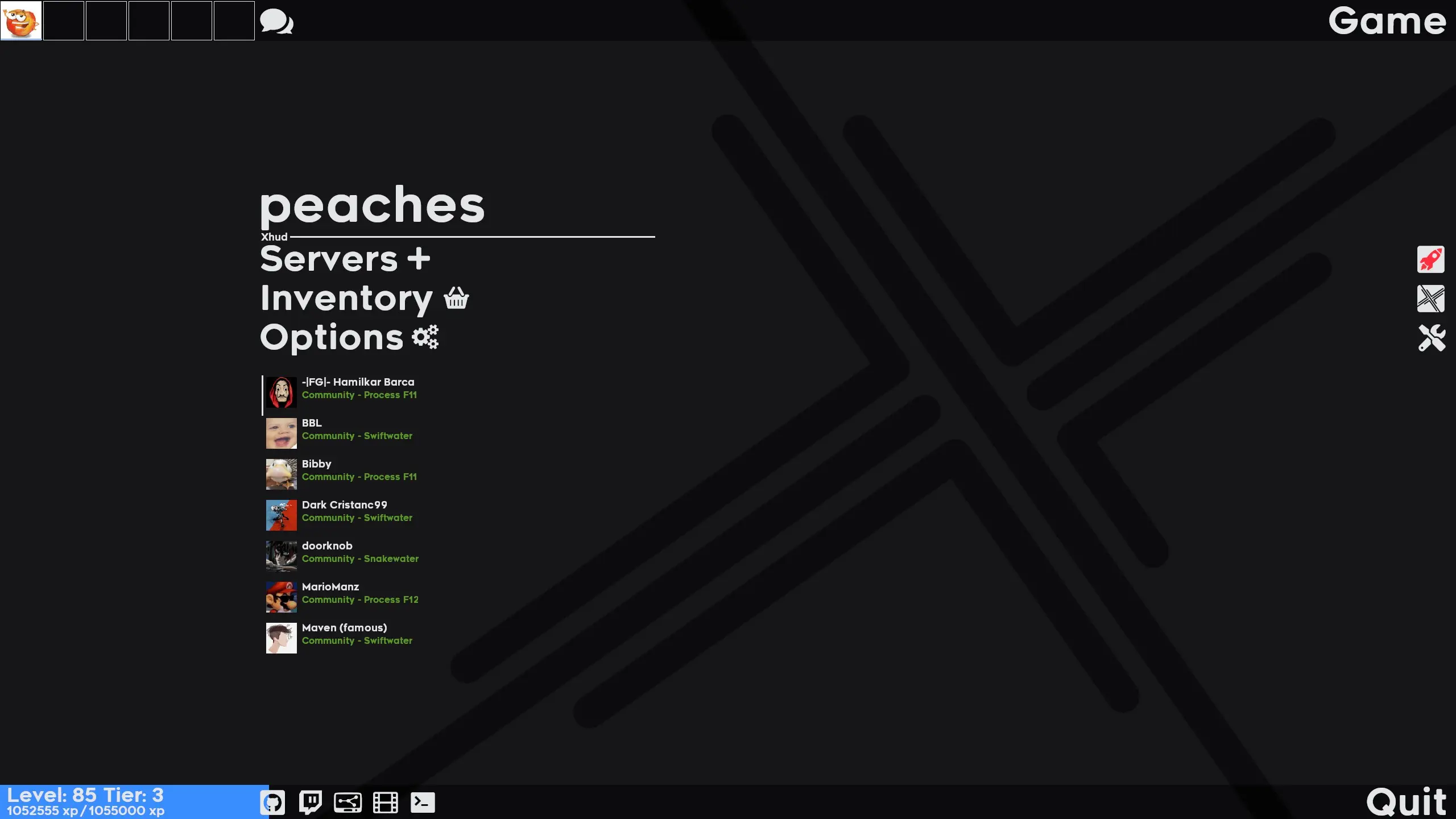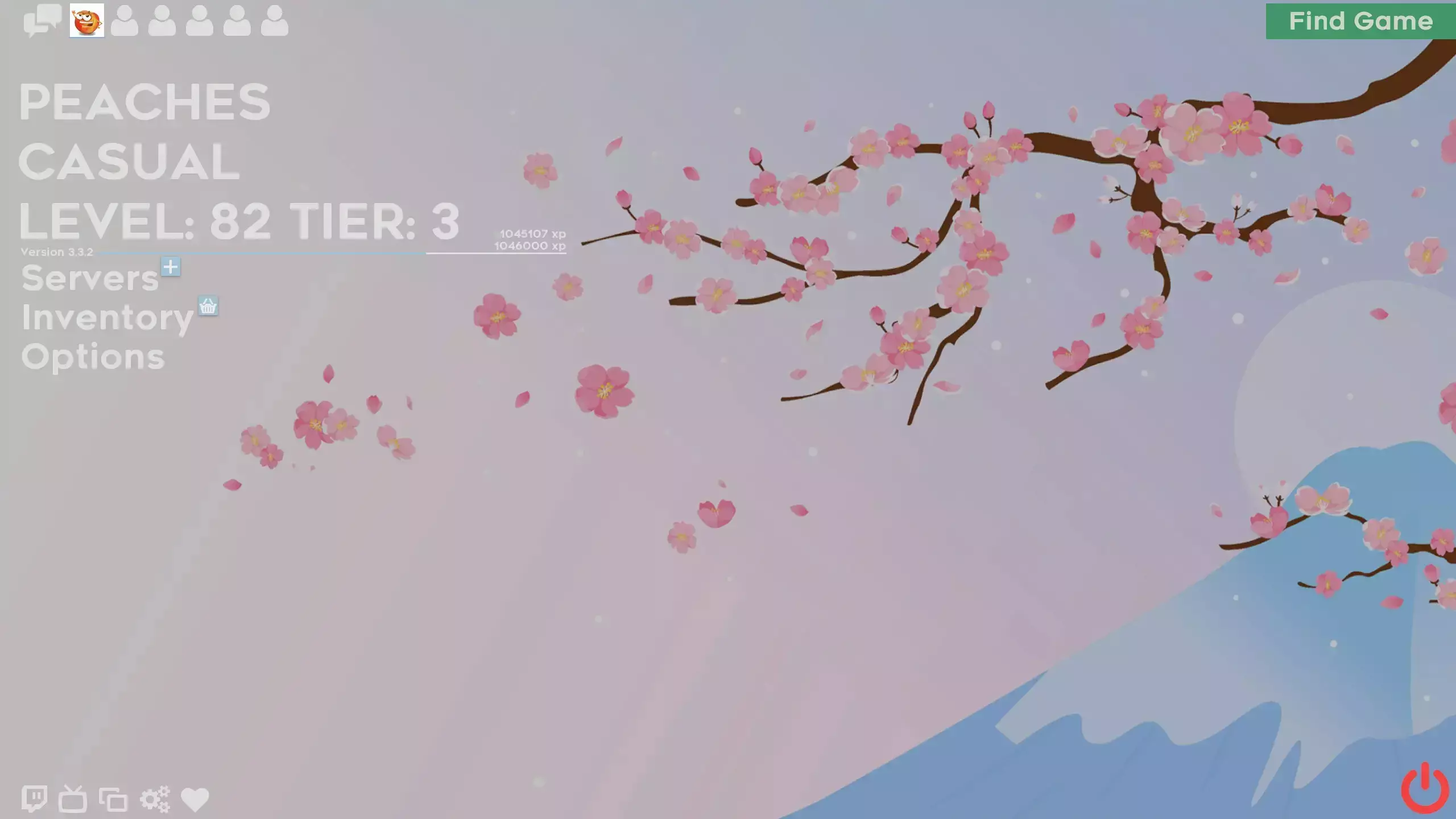
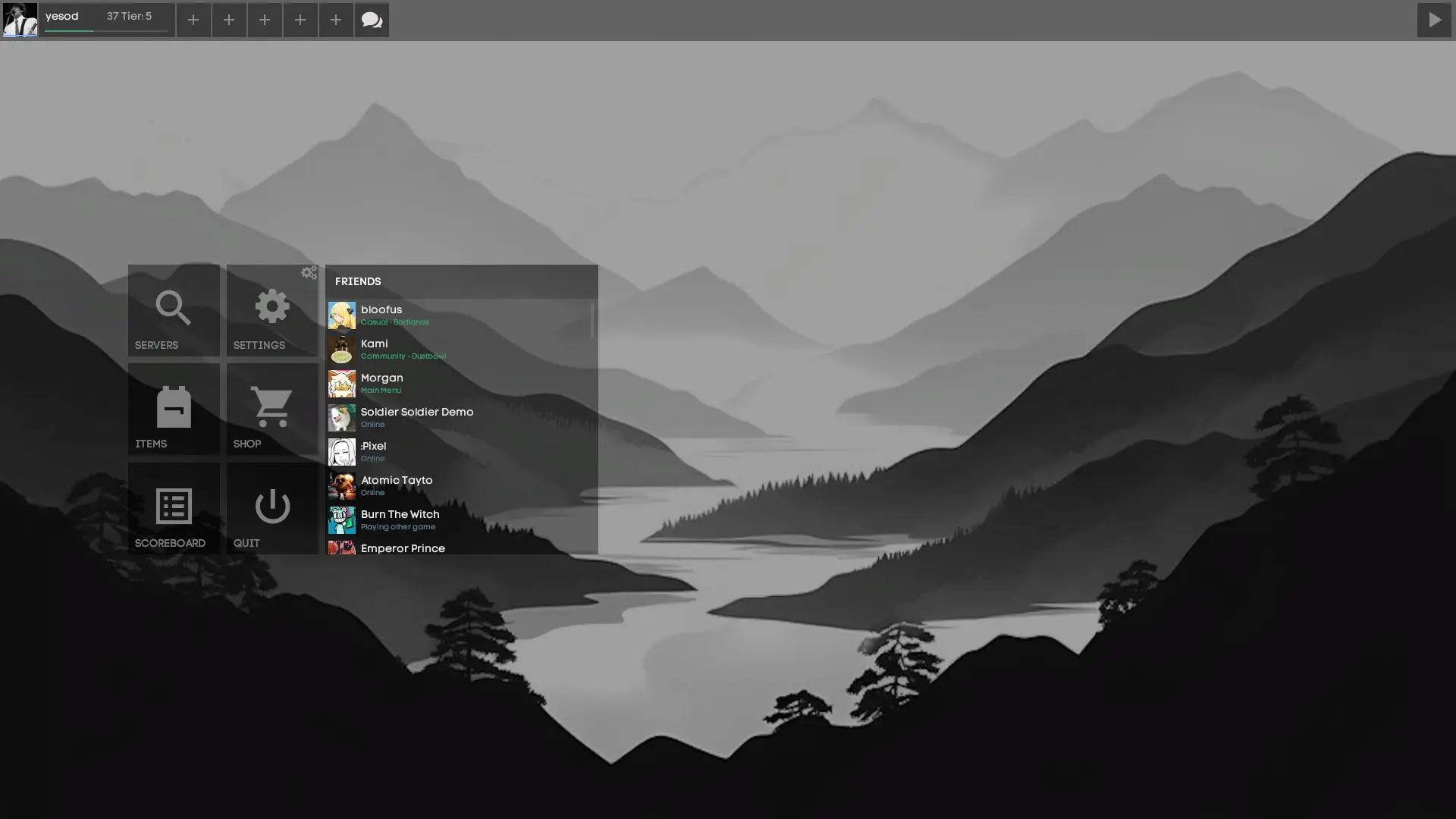
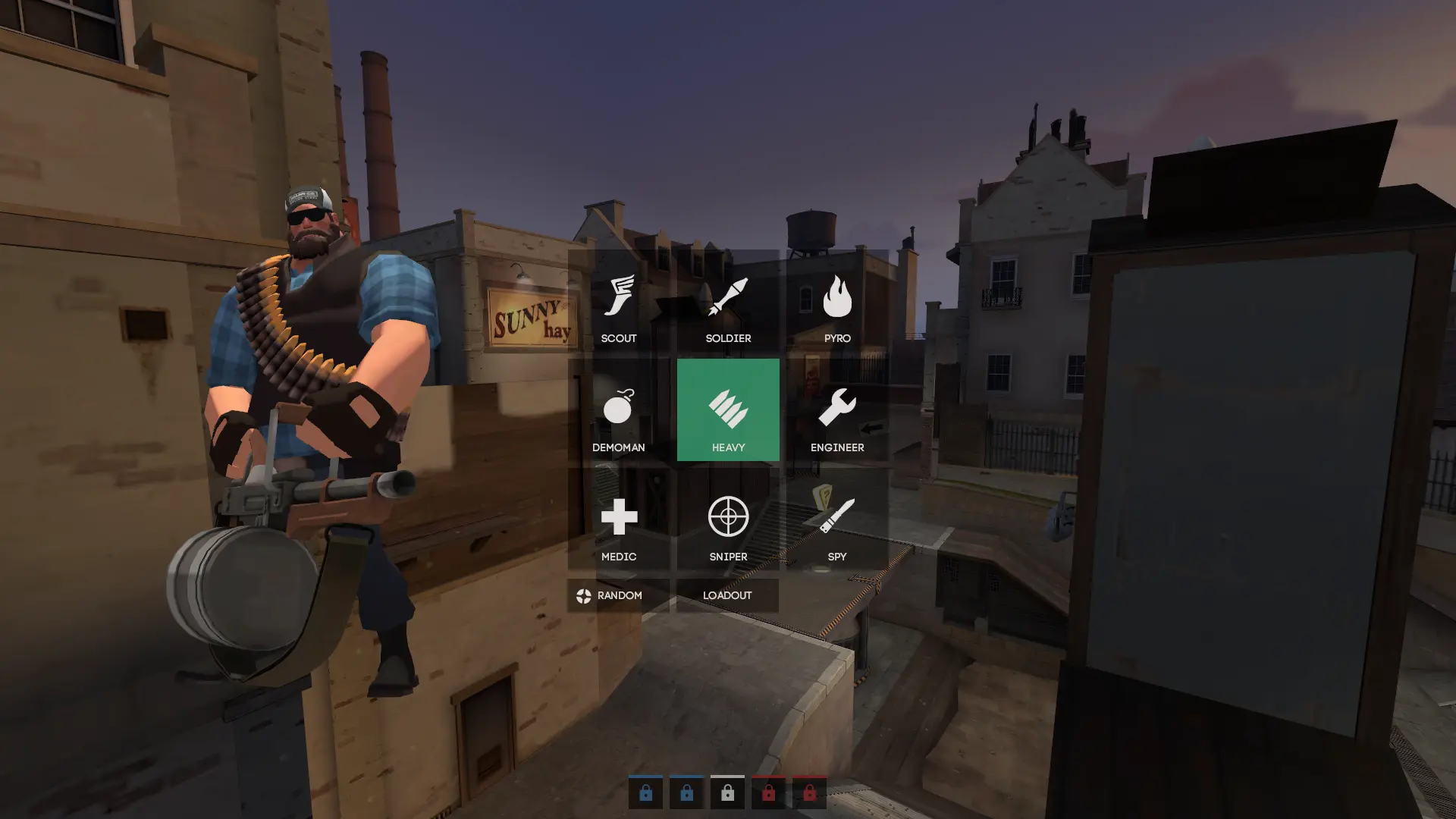
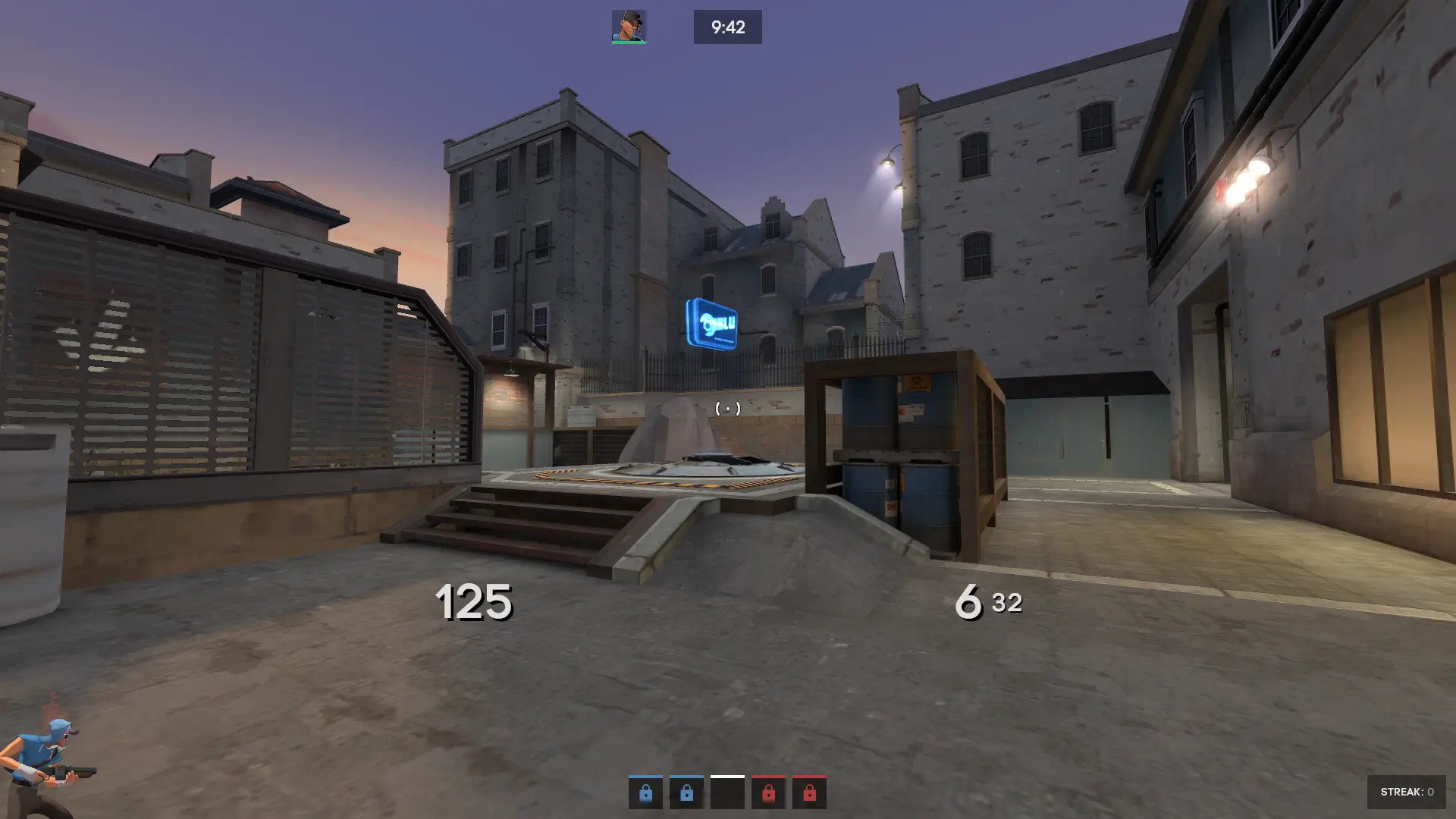
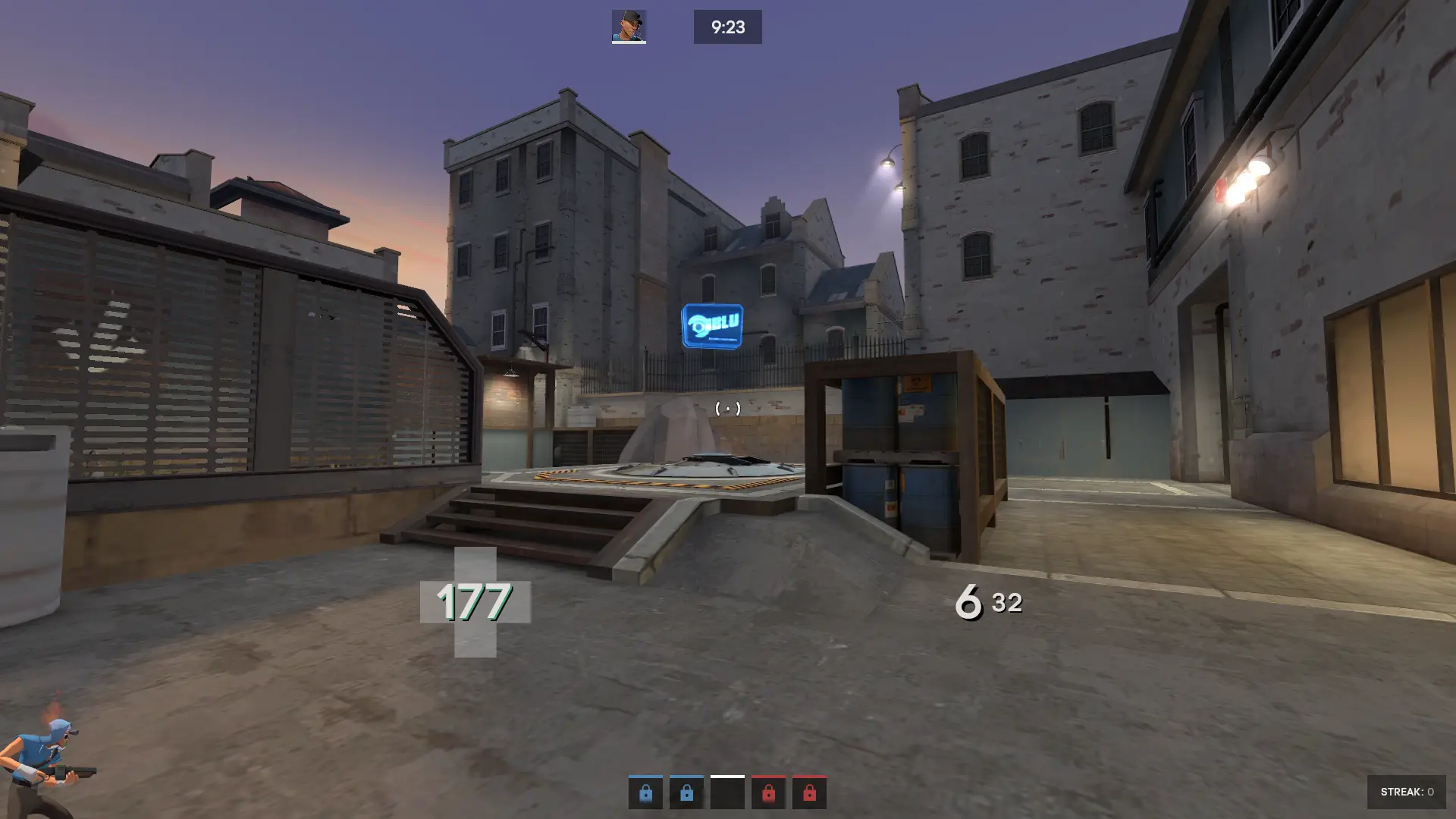
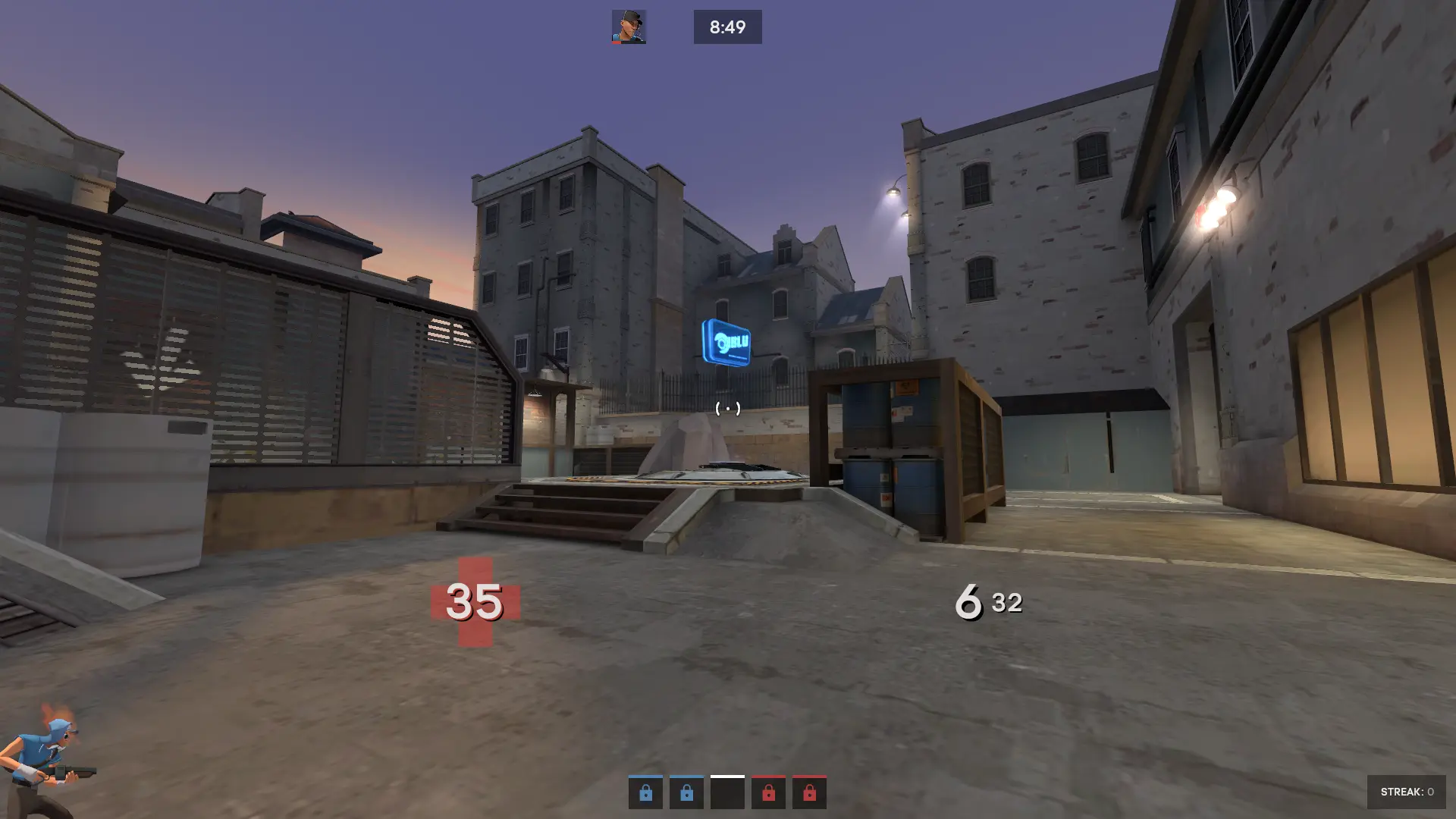
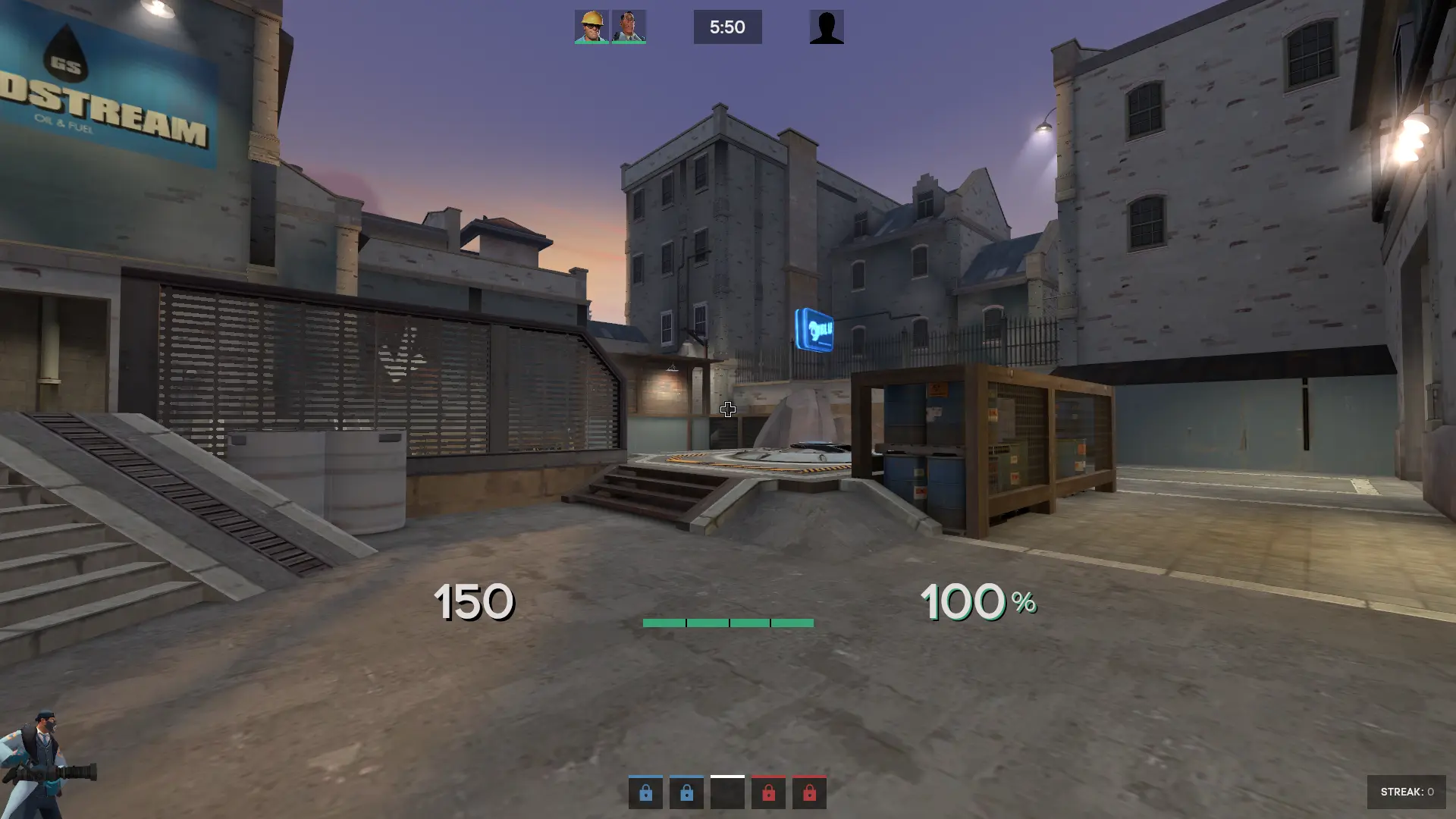
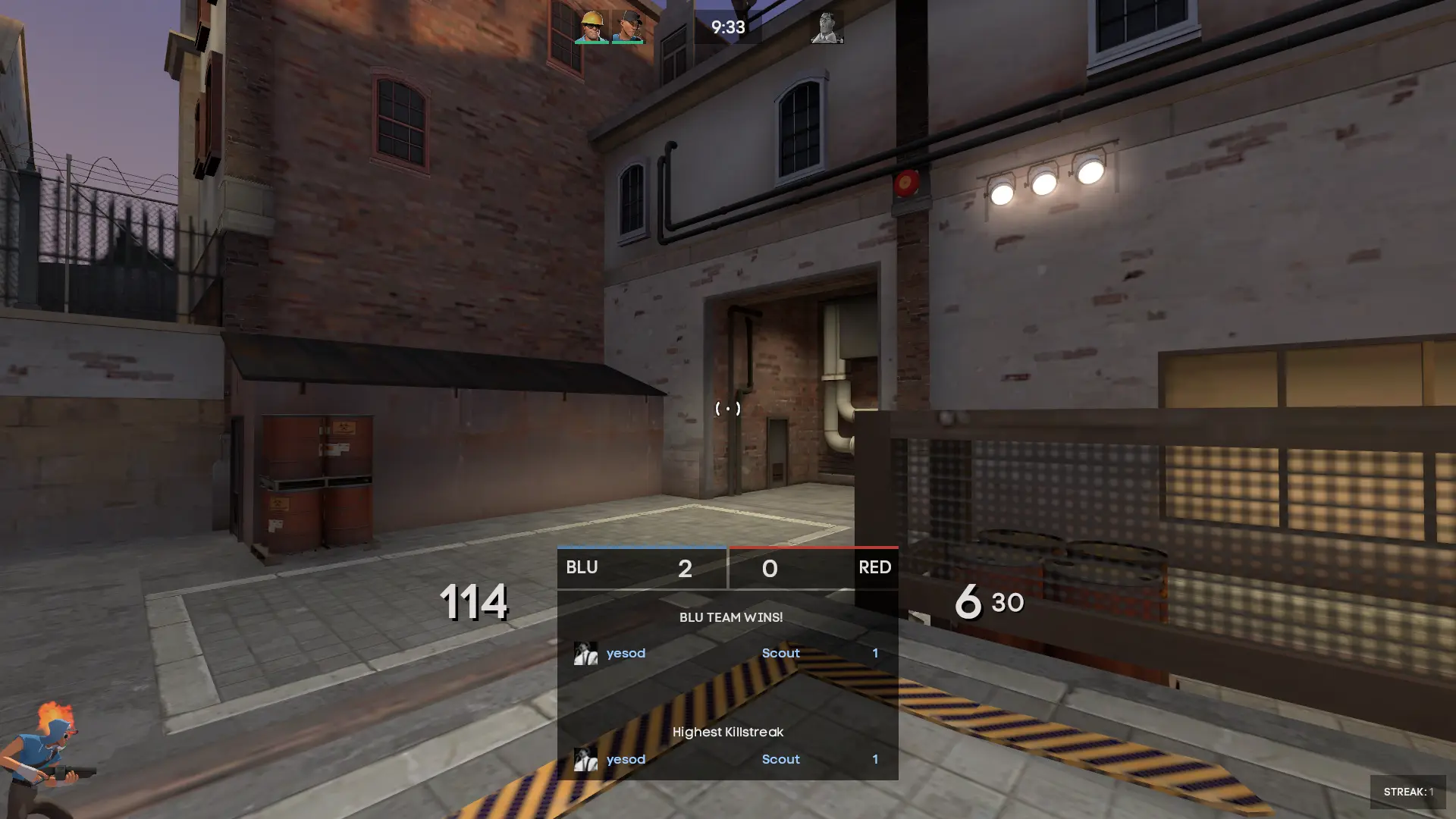
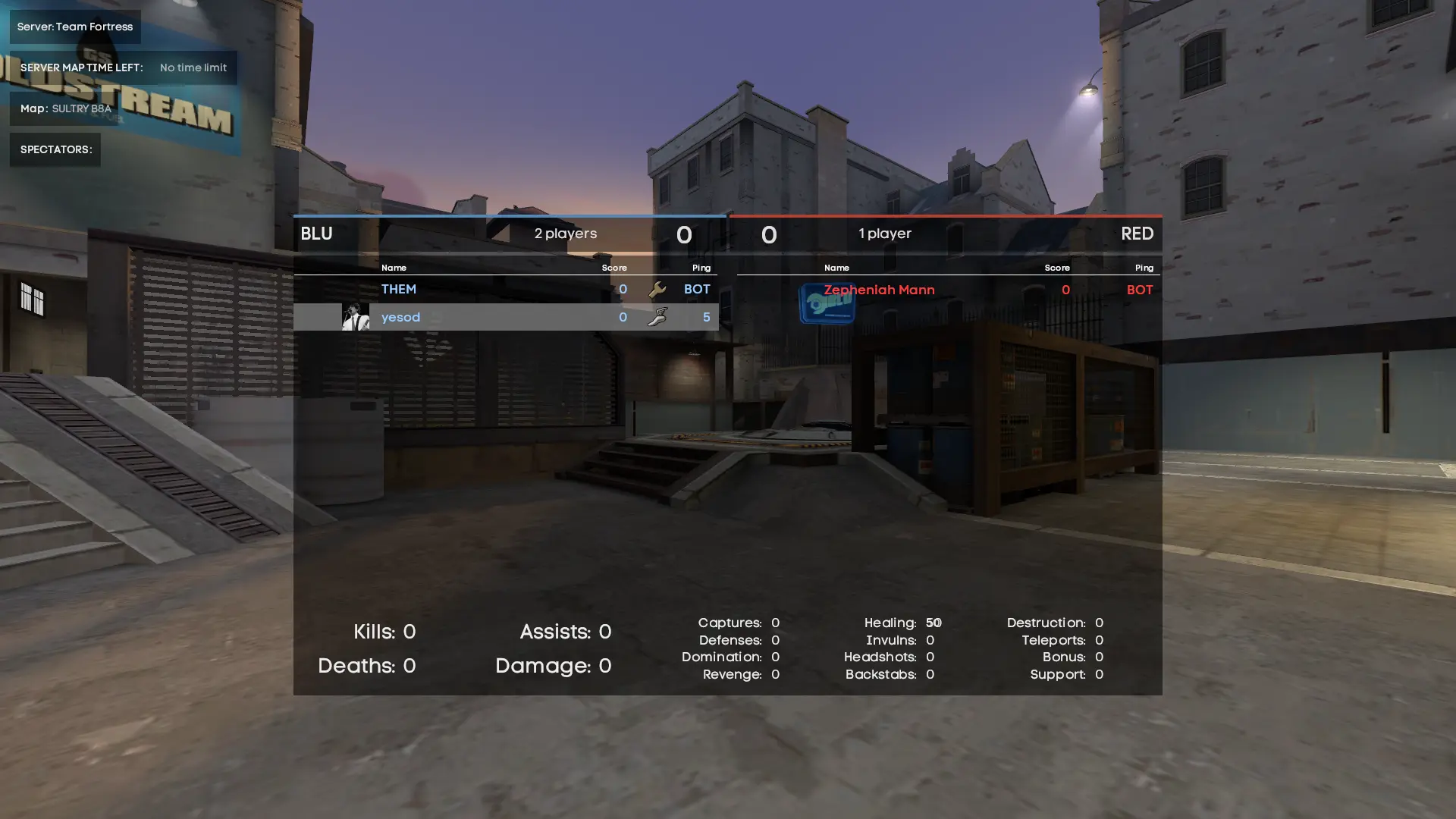
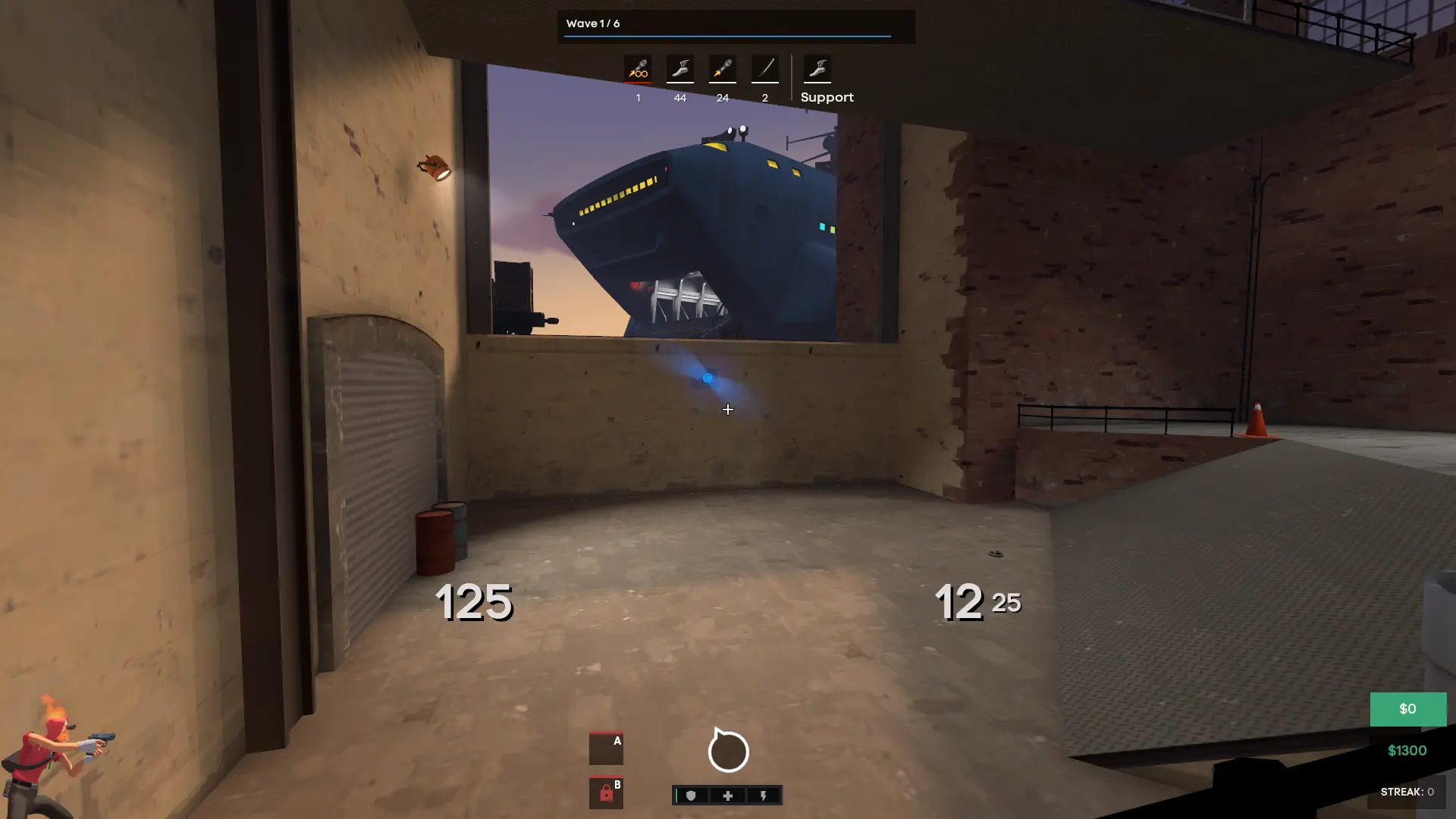
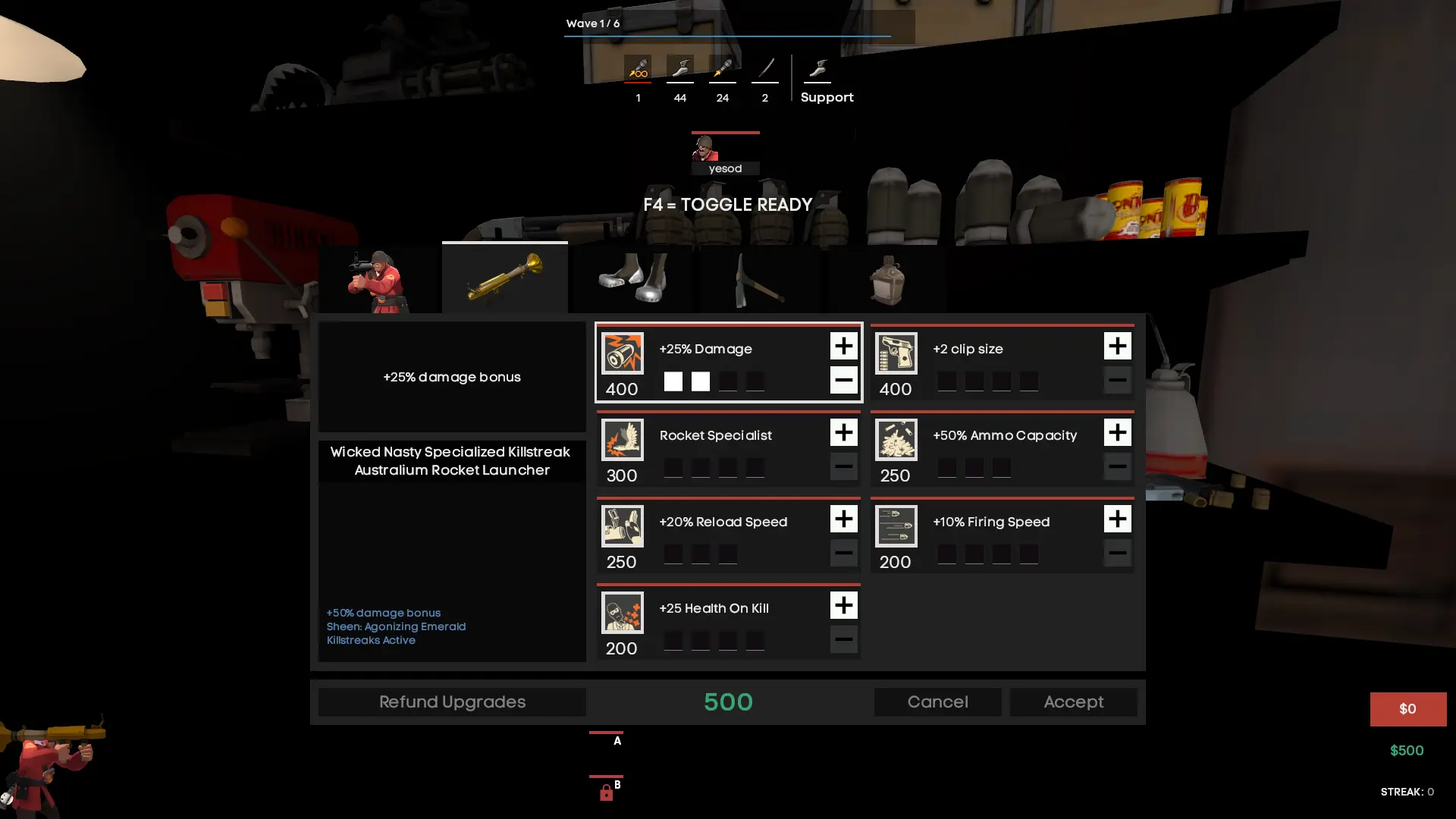
yesodHUD is a custom HUD for Team Fortress 2 by yesod, released in 2024. It is tagged minimal. It includes custom fonts, custom menus, a custom scoreboard, custom materials, and customization options. It supports 4:3 and 16:9 aspect ratios on Windows and Linux. Health and ammo sit in the center of the screen.
yesodHUD
A minimalistic custom HUD for Team Fortress 2, base was collyhud created by colly. This HUD was my approach at reworking/updating collyhud, as it is pretty outdated. This originally started as a HUD for myself, but decided to expand it for others.
The customizations include:
- Ammo
- Color Scheme
- Medigun
- Spy Disguise
- fonts
- Chat positions
- Damage
- Health styles
- 3D Model
- Scoreboard
Links
Compatibility
This HUD supports every gamemode, including hybrids. Supported customization with fonts, health styles, and many more. This HUD supports 4:3 as well.
Credits
- ahud by n0kk
- sammyhud by sammy
- Sayo3 by Iatgink
- KBNHud by Jötunn
- HexHud by Hypnotize
- TF2 Symbols by Hypnotize
I have much appreciation for all of the members of HUDS.TF for being incredibly polite and helpful. However, big thanks to:
- techno
- Village Green Preserver
- kogasa
- Revan
- Hypnotize
- Ace is High
- techno
This project would not have been completed without them :)
What is in the yesodHUD download
The numbers here are from version 195b3a5 of yesodHUD. At that version the HUD's repository has 1,401 files, 517 of them .res files. There are also 440 images in the VTF format and 39 different font files. The font files include ace_icons.ttf, acre_bold.ttf, acre_medium.ttf, avenir_black.ttf, and 35 more.
yesodHUD has files of its own for the backpack, the class loadout, the MvM scoreboard, the crafting menu, the matchmaking dashboard, the advanced options menu, the item inspect menu, and the MvM upgrades menu. The HUD editing guide shows how to find the file that draws a part of the HUD.
info.vdf is at the top of the download, so copy the unzipped folder itself into tf/custom. The install guide has every step.