
skyhud
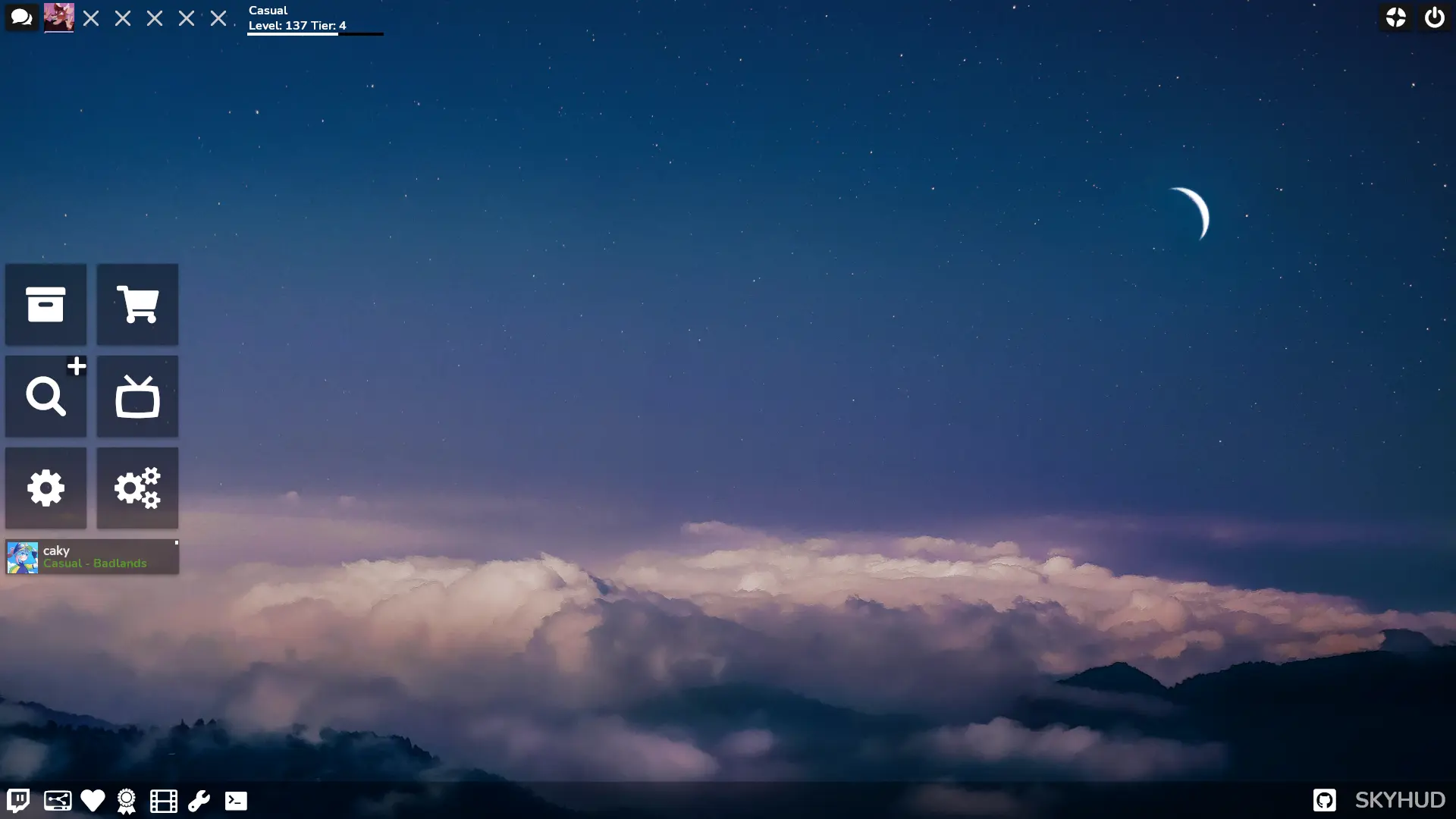
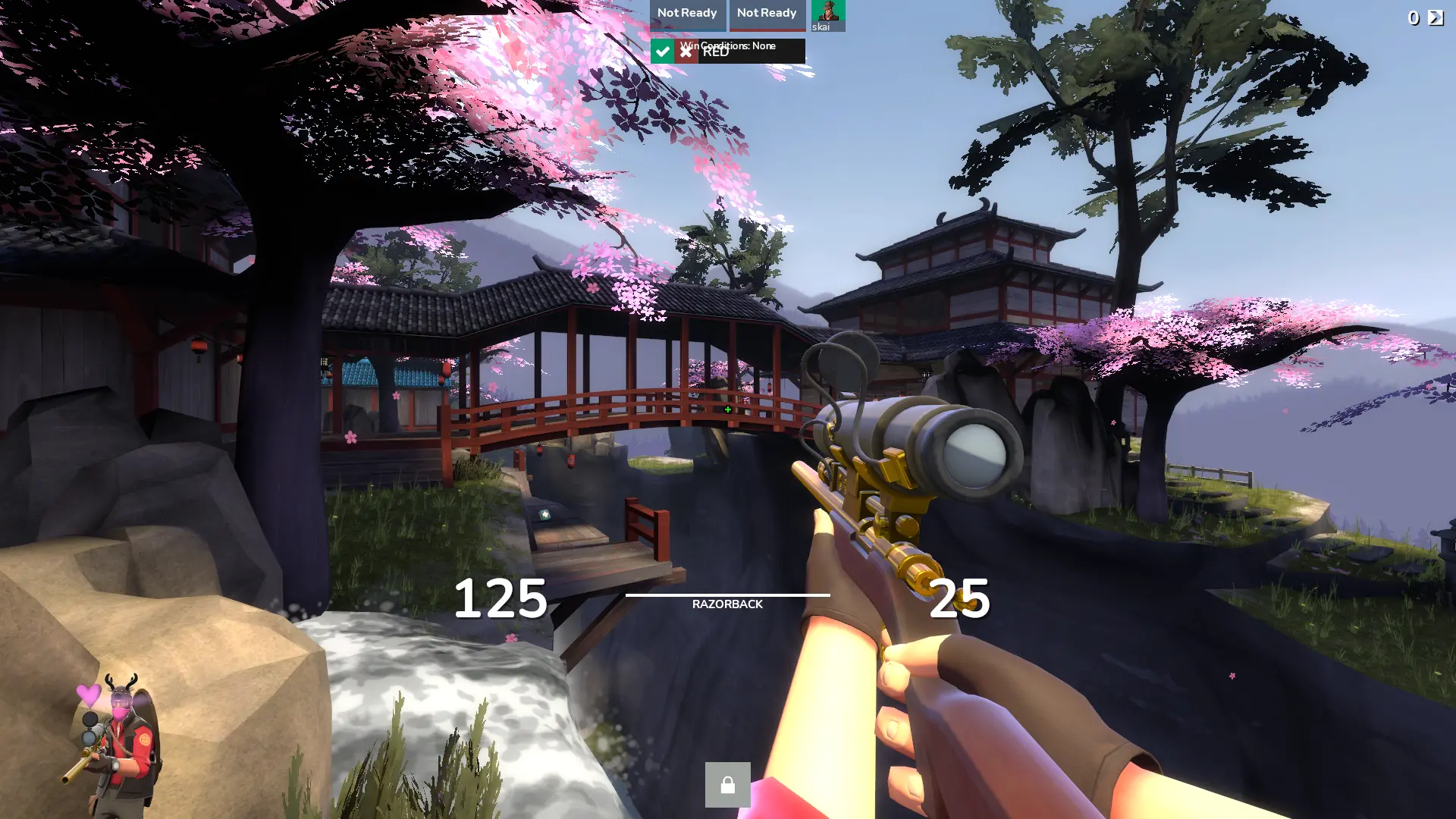
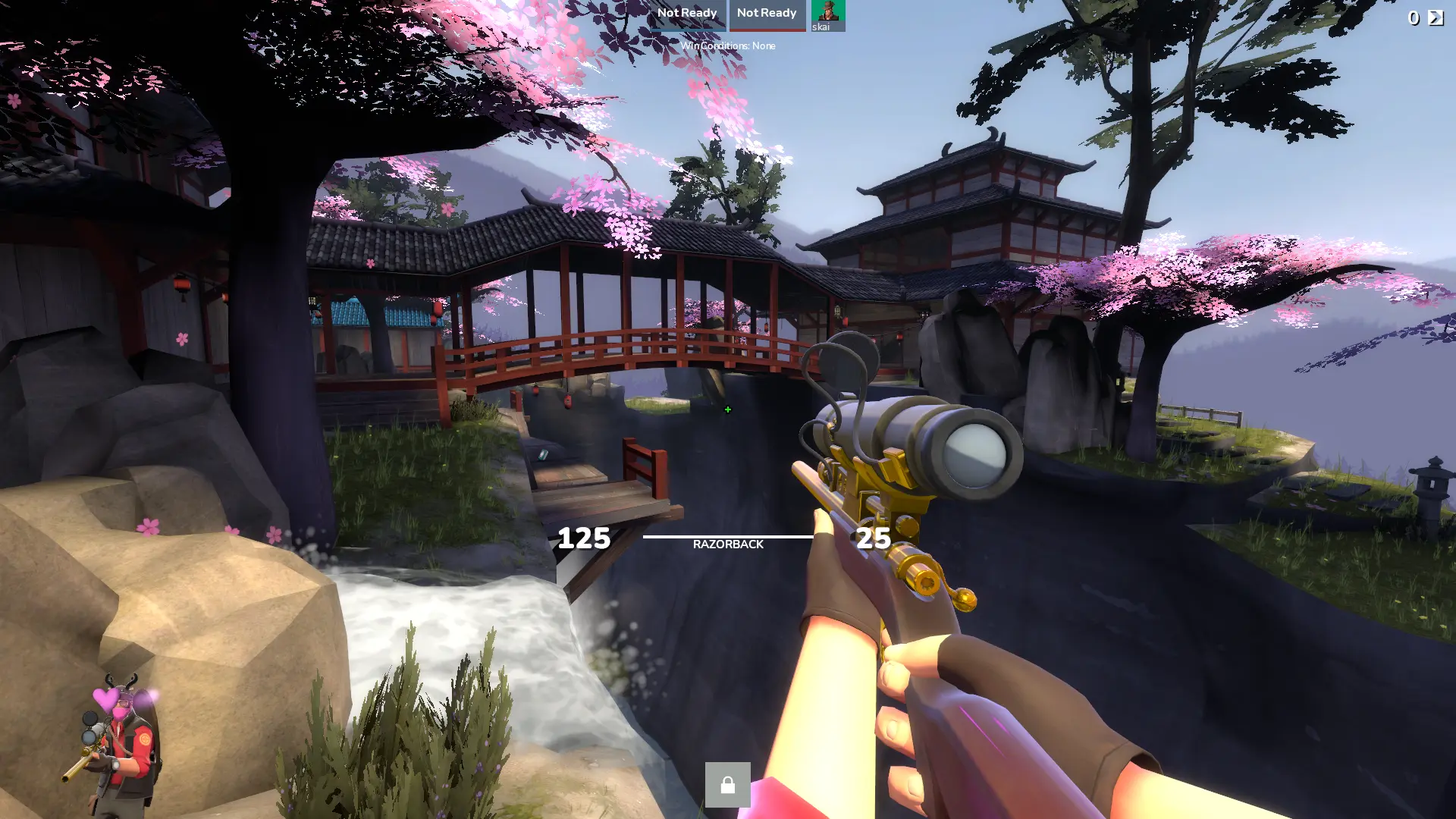
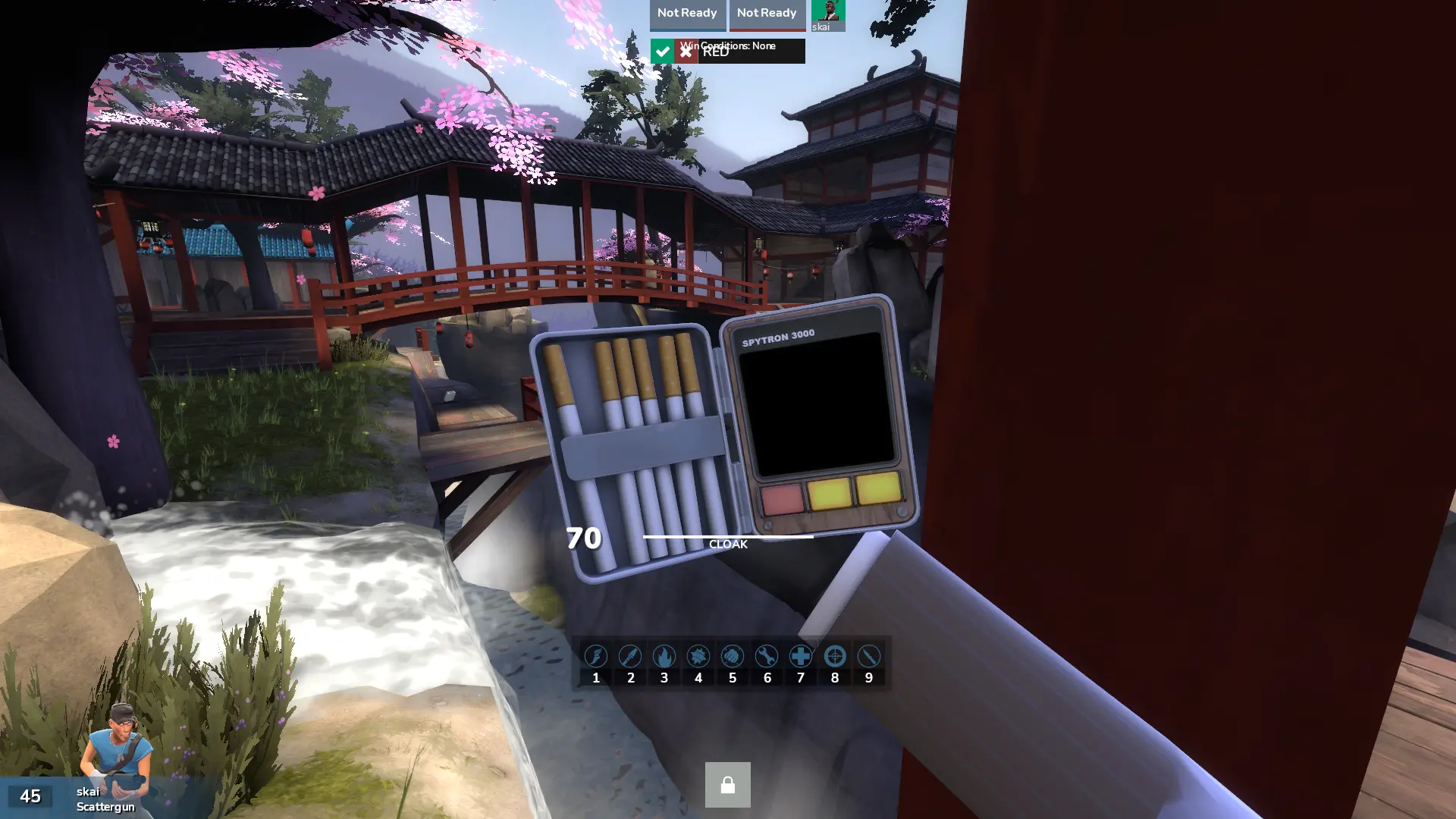
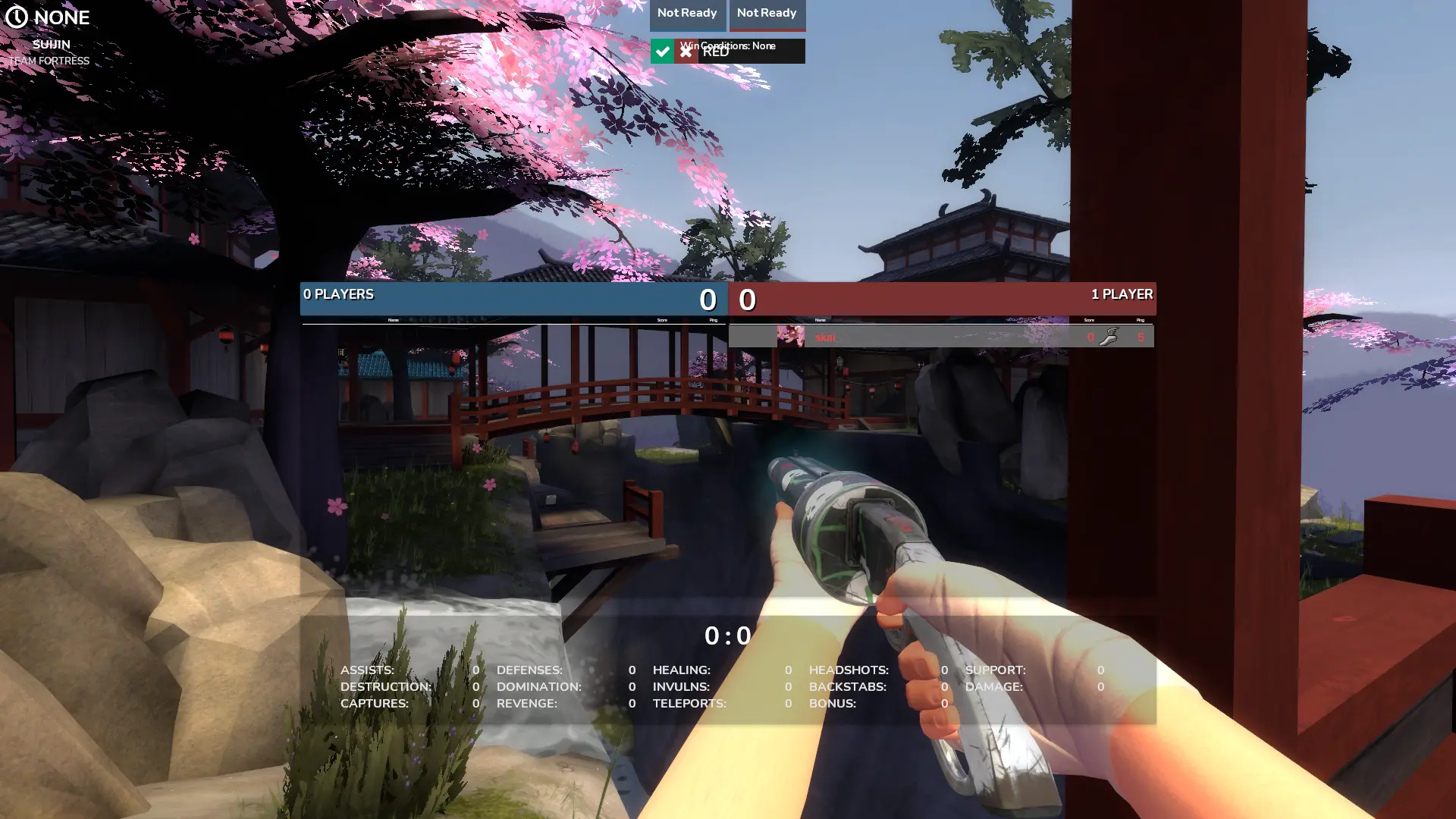
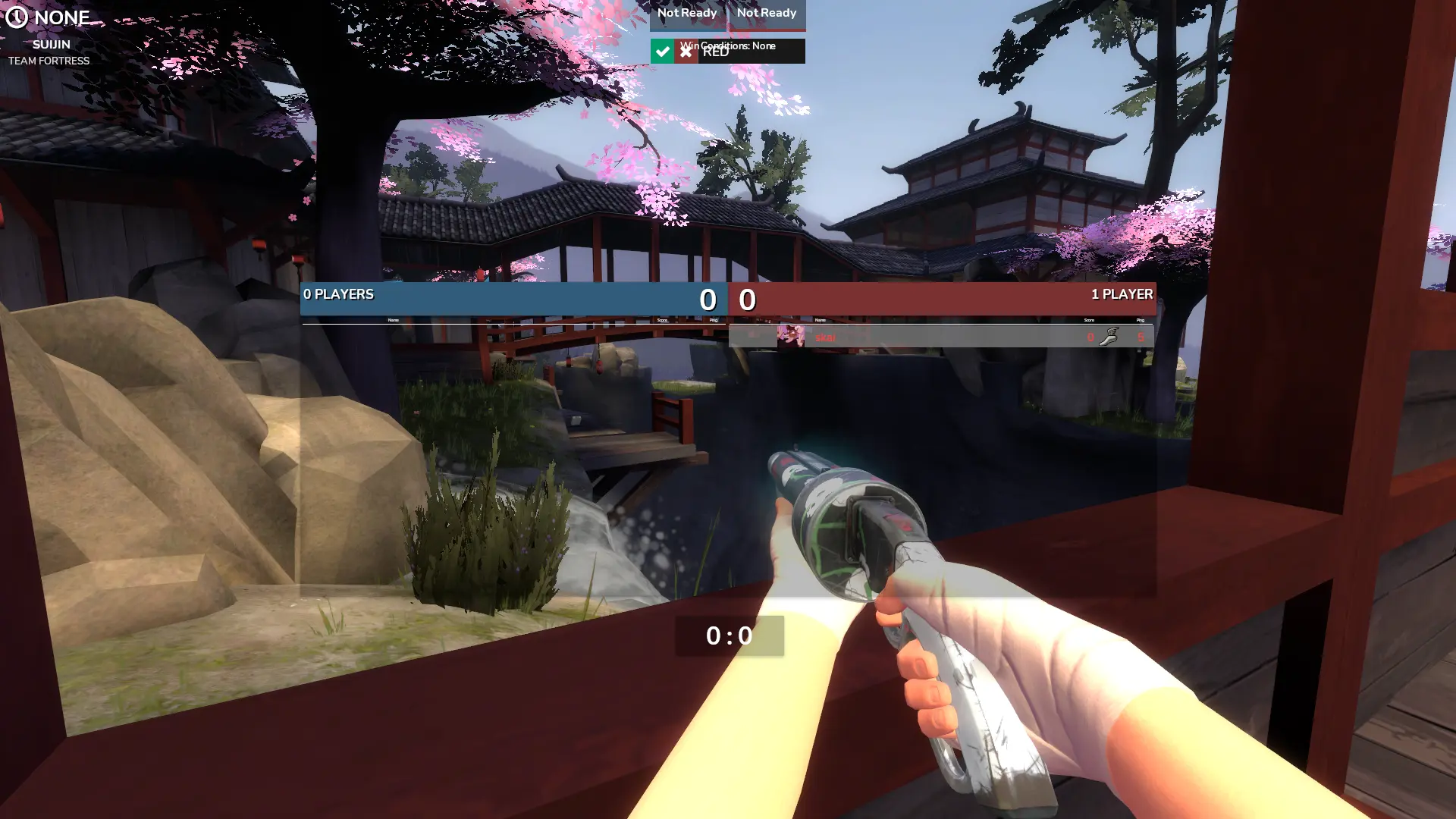
A TF2 Head's Up Display, inspired by many other existing huds, and focused on simplicity.
Installation
Download the HUD .zip file and extract the main file (named "skyhud-master") into your TF2 custom folder in the following file path: steam/steamapps/common/teamfortress2/tf/custom Also make sure that skyhud is the only hud present in the custom folder, otherwise you might experience issues and even game crashes.
Customization
All customizations are in the "customization" folder and are fully documented. If you intend to use any customizations, please read ALL "README.txt" files
Credits
- Inspiration : collyhud, FlarePunch, budhud, Sunset Hud, FlawHUD, KBNHud, Hypnotize Hud, m0re Hud, ahud, 7HUD, PeachHUD, HEx HUD.
- TF2 HUD Icons : Hypnotize
- TF2 HUD Crosshairs Pack : Hypnotize
- Crosshairs & Hitmarkers : Broesel, Knuckles, Seeker, m0re, Fog, ToonHud, Garm3n
- Material Design VTFS : extracrispy & Rawsor
- Main Menu Background : Mehdi MeSSrro (obtained from unsplash.com)
- Closed Captions : clovervidia
- Font : Nunito by Vernon Adams (https://sansoxygen.com)
Special Thanks
- Wingo: for always helping me with design ideas, testing the hud and making suggestions.
- HUDS.tf discord server: for having amazing and talented people always willing to help.
- References & Guides : Doodle, Jarateking, Rays, Flame.