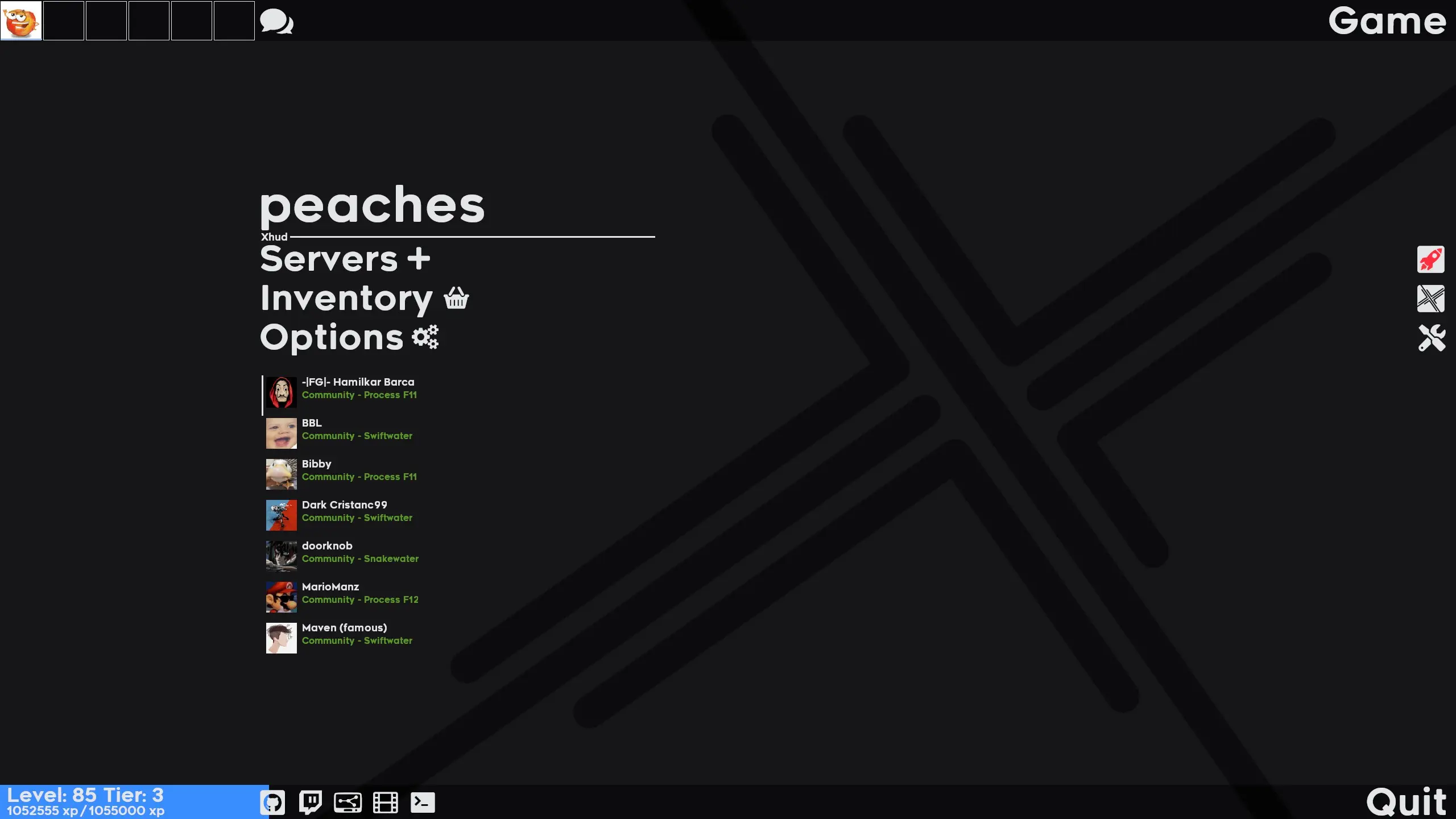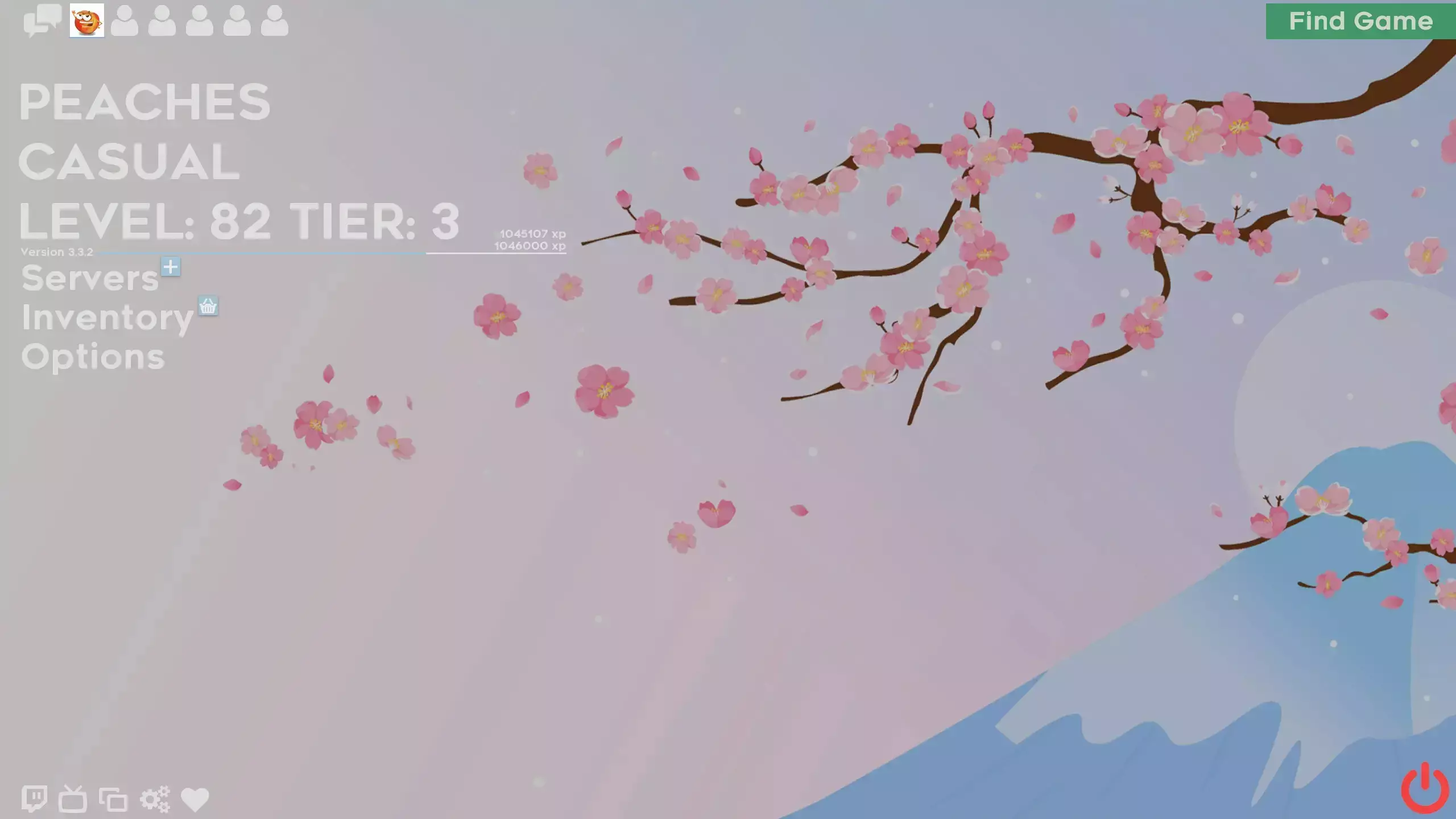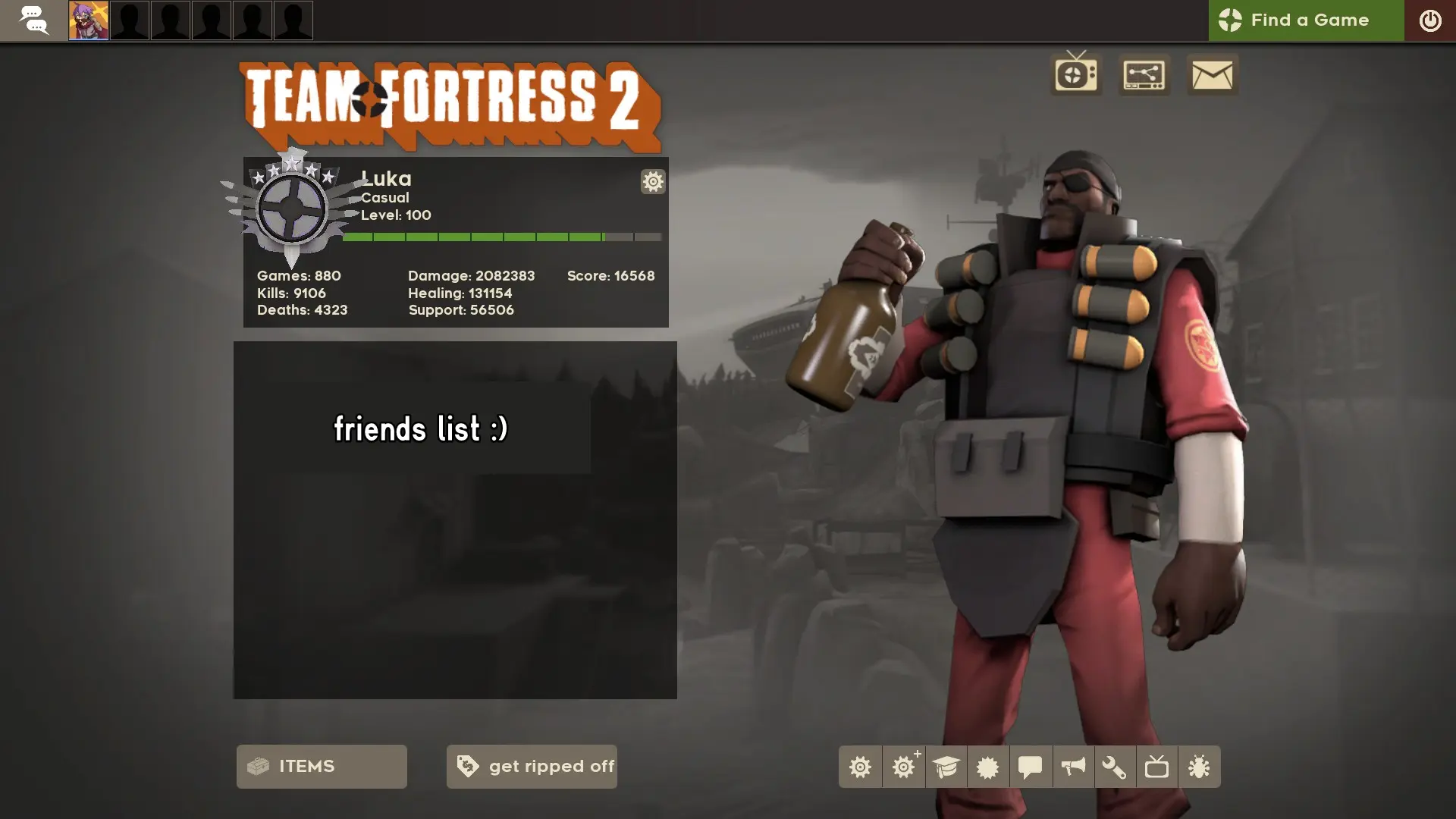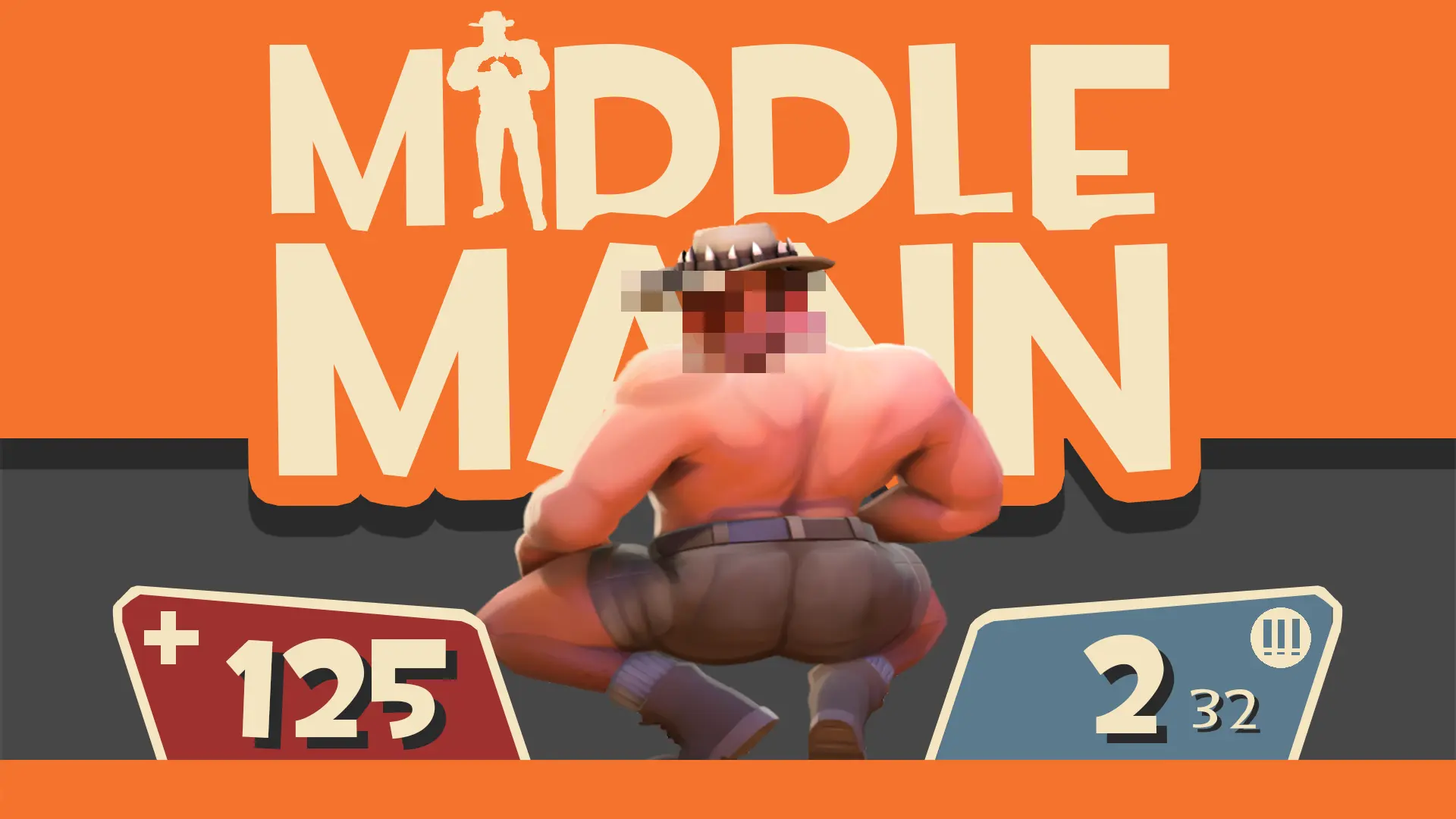

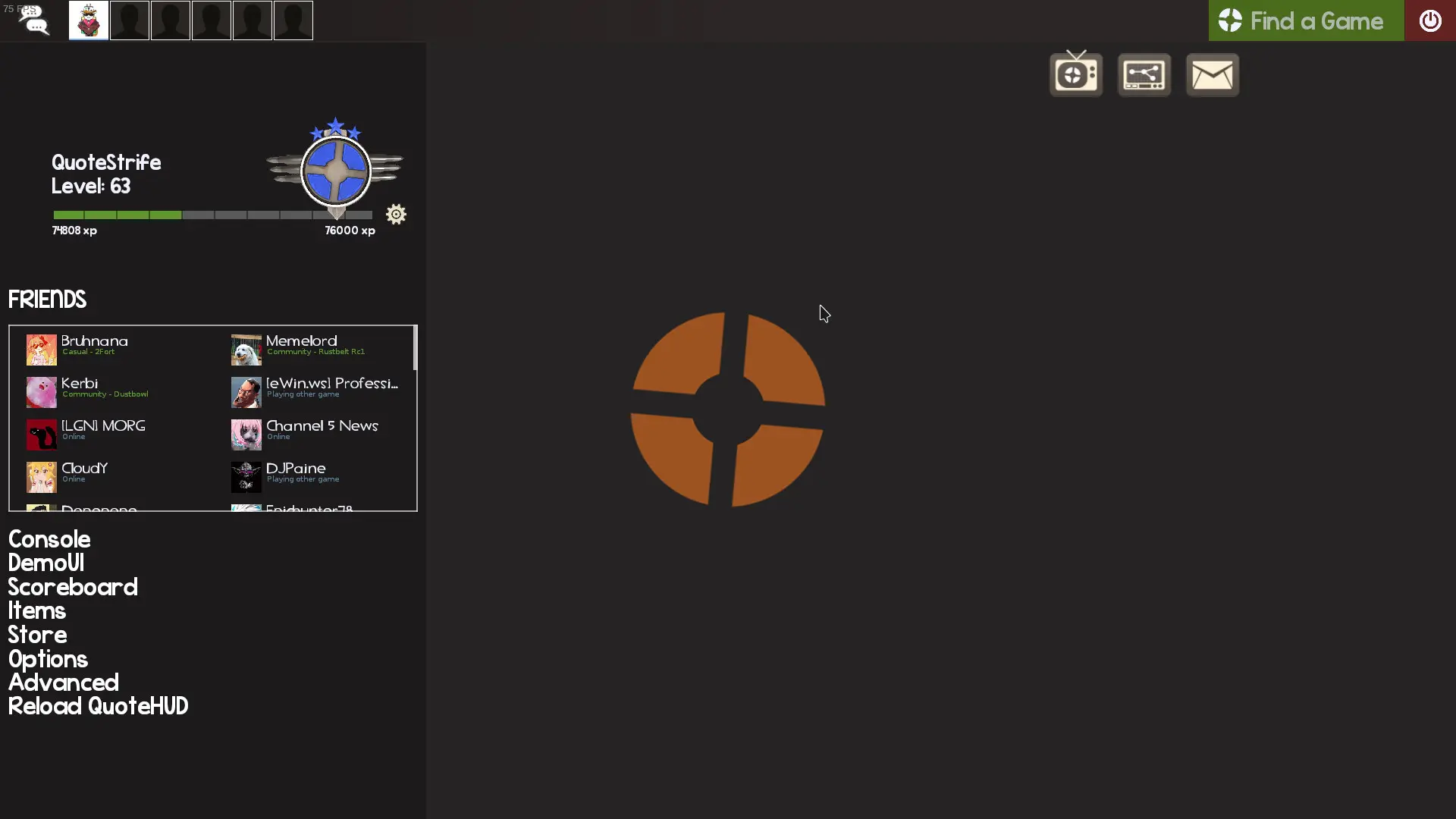
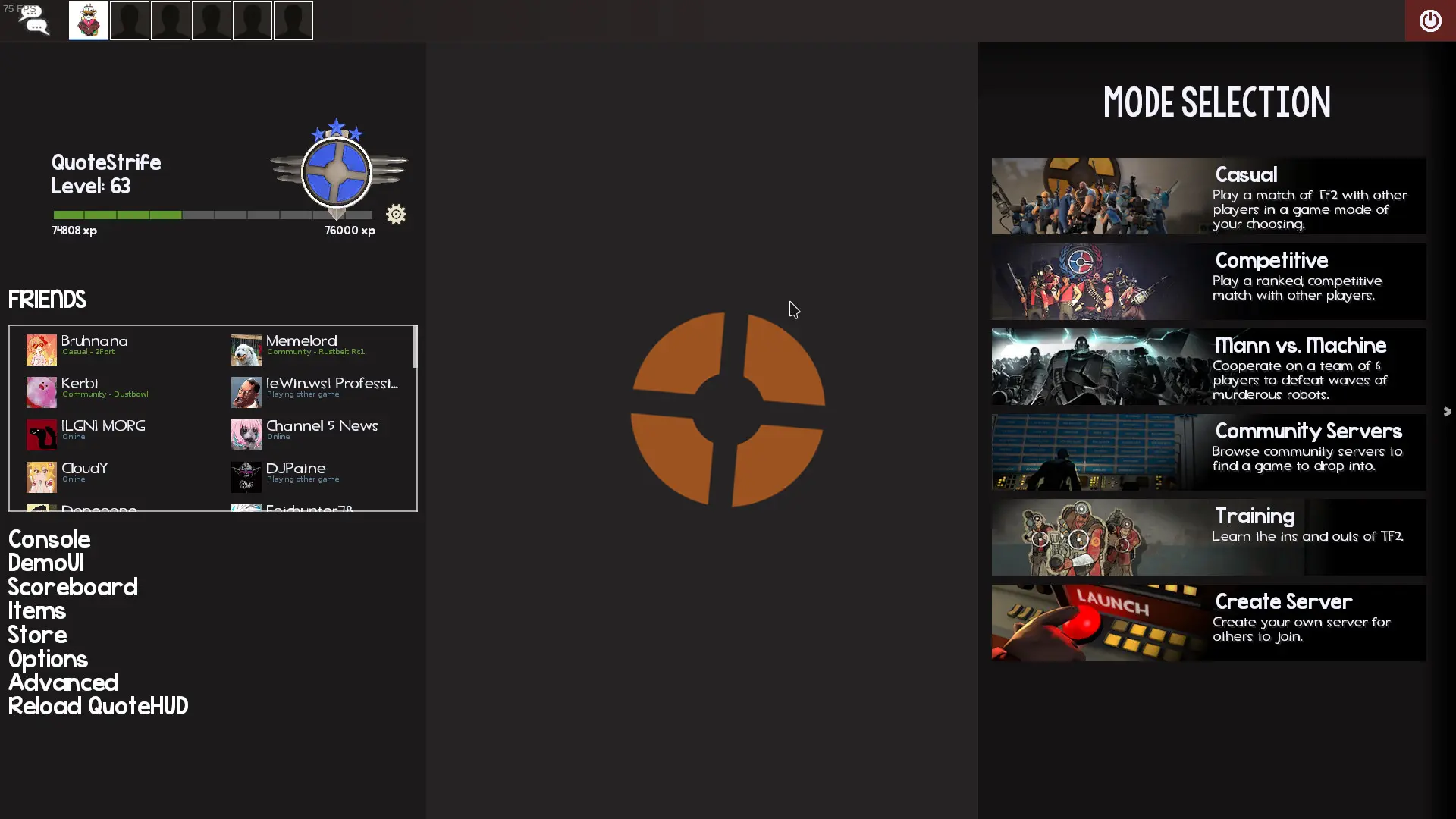
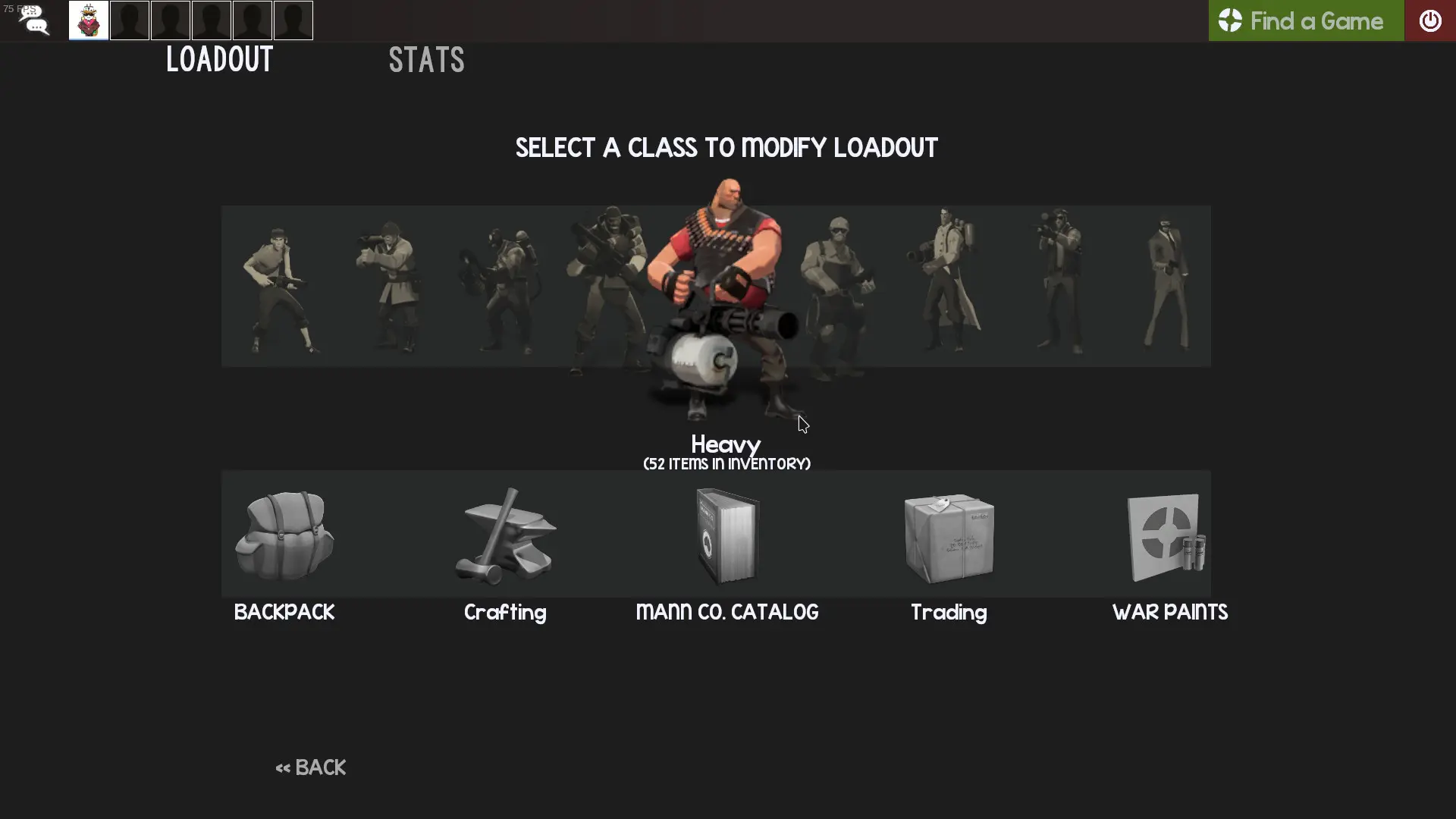
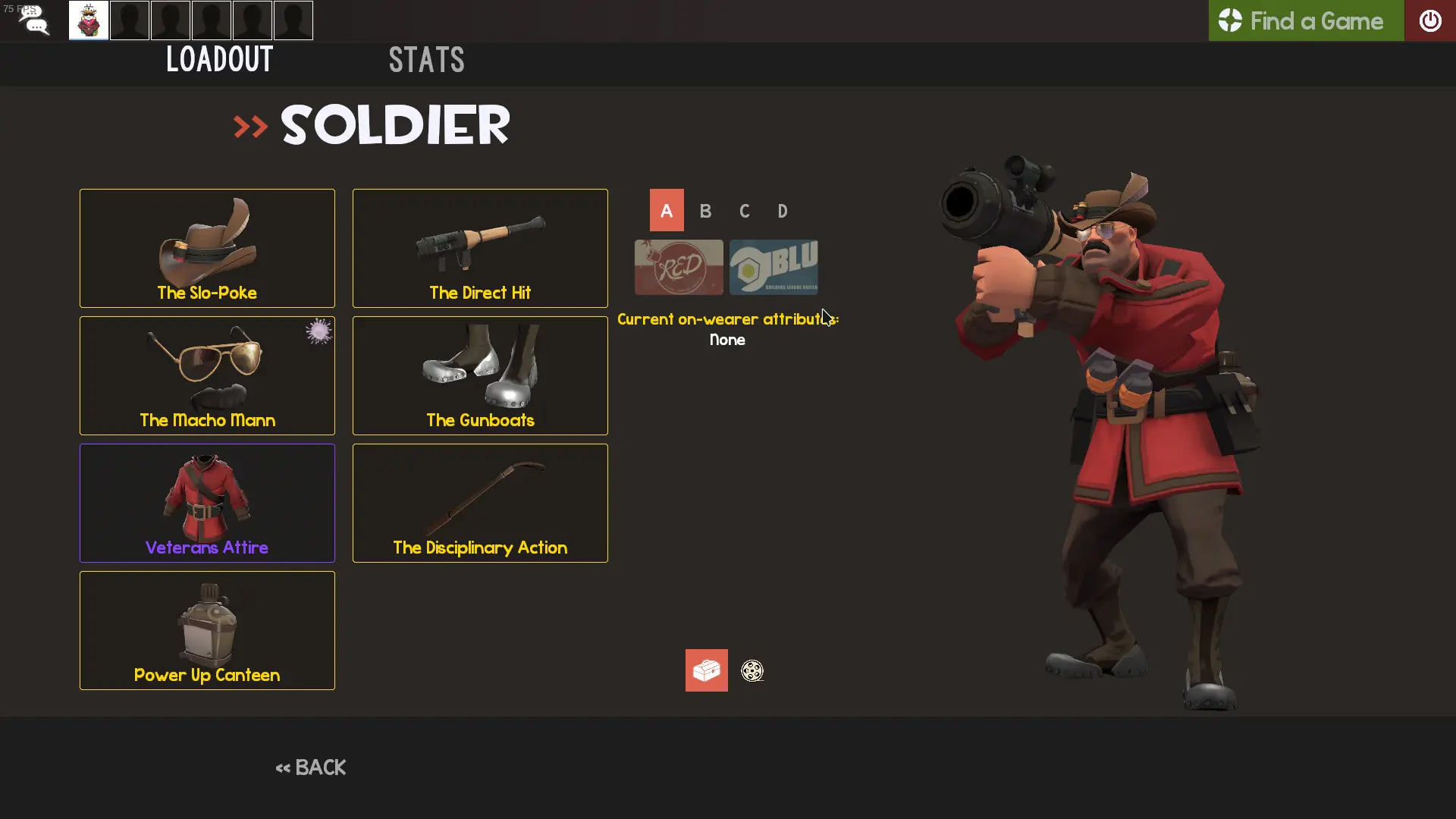
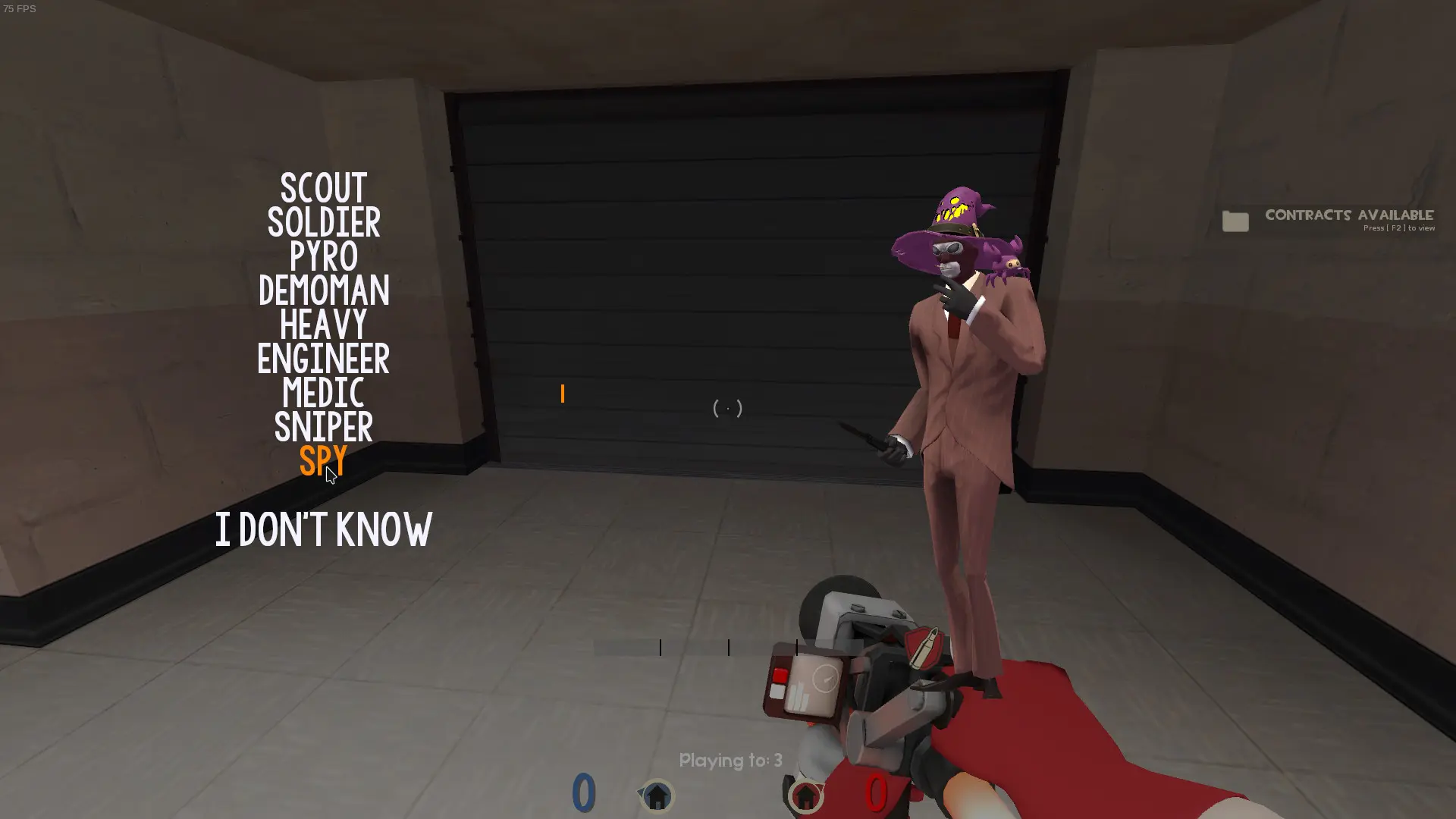
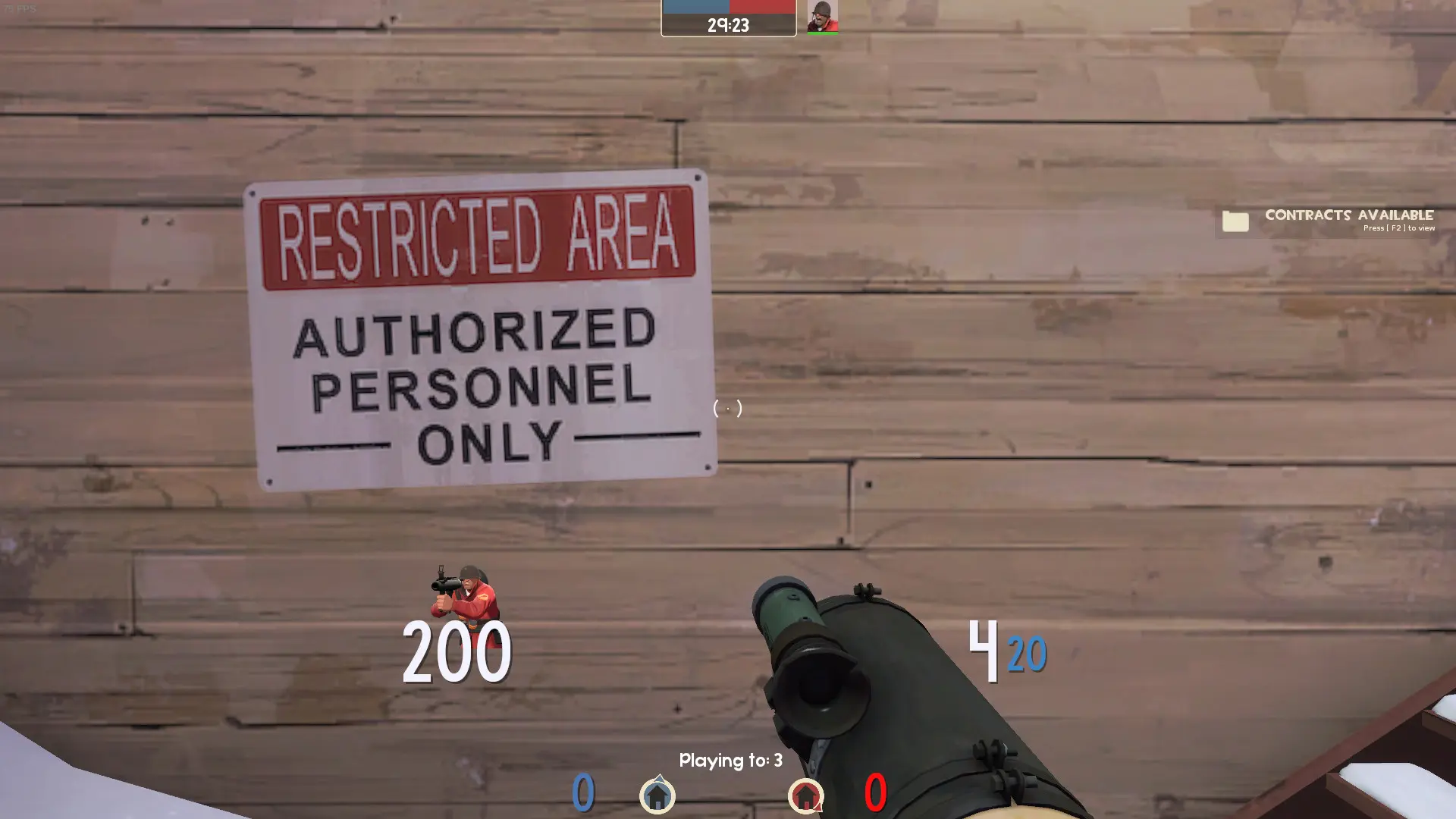
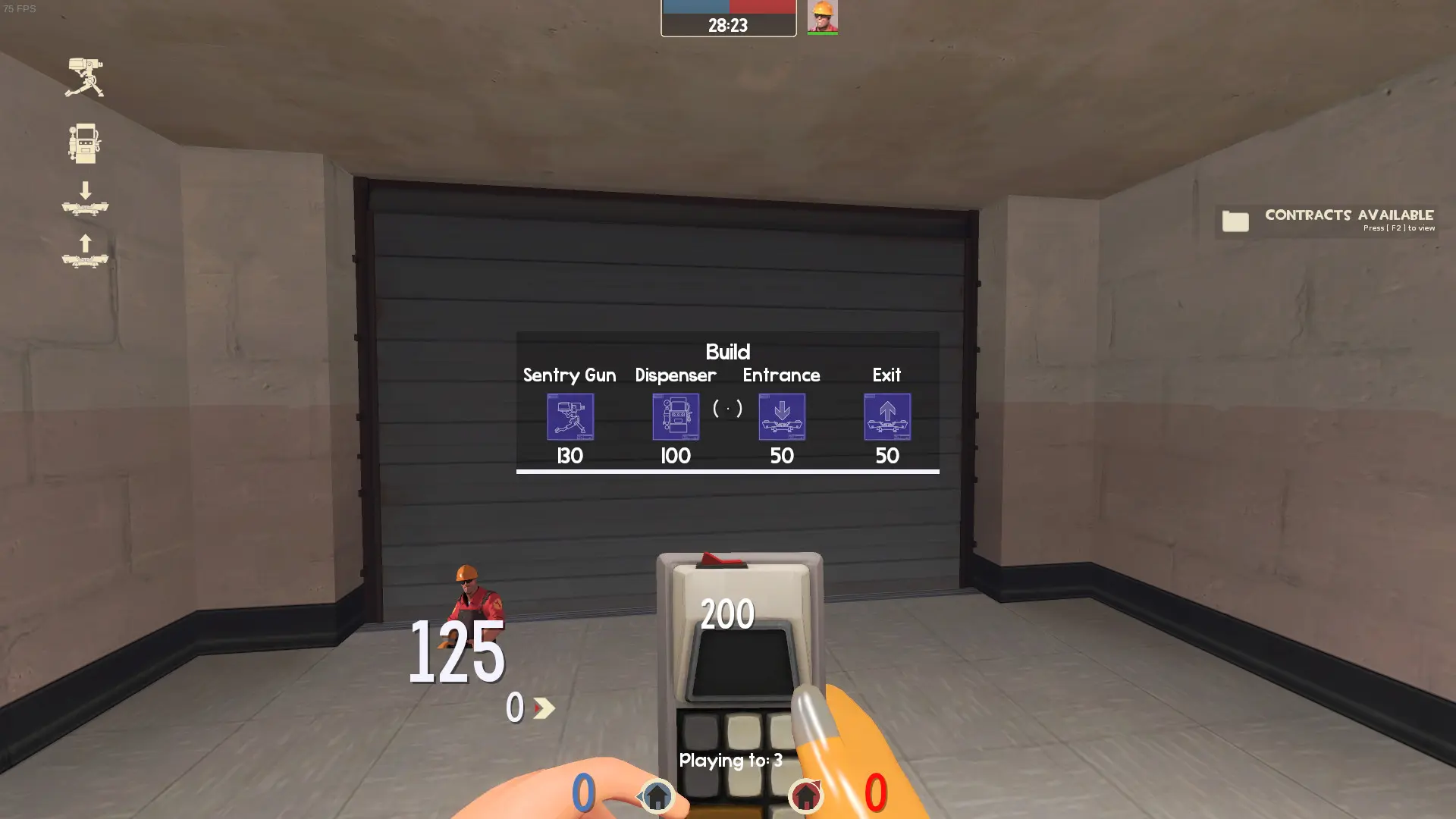
QuoteHUD is a custom HUD for Team Fortress 2 by Qüöte | quotestrife, released in 2019. It is based on BearHUD. It is tagged minimal and cartoony. It includes custom fonts, custom menus, a custom scoreboard, built-in crosshairs, and custom materials. It supports 16:9 and 16:10 aspect ratios on Windows and Linux. Health and ammo sit in the center of the screen.
QuoteHUD
Based off the abandoned BearHUD (a fork of broeselhud_blue), QuoteHUD takes a modern spin on the TF2 heads up display whilst attempting to remain true to the game's cartoony roots.
This HUD is what very likely got me accepted into college so as thanks, please feel rest assured that this HUD will remain up to date regardless of how many (or how little) ValvE updates their IP.
Additional information
BTW if you want CC in your language replace the closedcaption_english .txt and .dat files in QuoteHud\Resource with the language of your choice, which can be found here (https://github.com/QyenidQuartz/Team-Fortress-2-Closed-Captions).
If for whatever reason you wish to contact me please do it either by Bluesky (quotesilk@bsky.social) or through Steam. DMs and friend requests will be accepted.
Credits
BearHUD - Made HUD I edited DETENOG - Made broeselhud_blue (hud BearHUD uses) Broesel-tf - HUD DETENOG based his edit from AlexCookie - Backgrounds for main menu Rurre - Made loadout rework used in HUD QyenidQuartz - Used their Closed Caption files
Special Thanks
TF2 HUD Development discord for helping me out with fixing bugs and adding features
What is in the QuoteHUD download
The numbers here are from version c33c8d5 of QuoteHUD. At that version the HUD's repository has 312 files, 272 of them .res files. There are also 10 images in the VTF format and 12 different font files. The font files include Blank.ttf, Blocks.ttf, broesel-cross.ttf, Crosshairs.ttf, and 8 more.
QuoteHUD has files of its own for the backpack, the class loadout, the MvM scoreboard, the crafting menu, the advanced options menu, the item inspect menu, and the MvM upgrades menu. The HUD editing guide shows how to find the file that draws a part of the HUD.
The HUD folder in the download is quotehud (the one with info.vdf). Copy that into tf/custom. The install guide has every step.