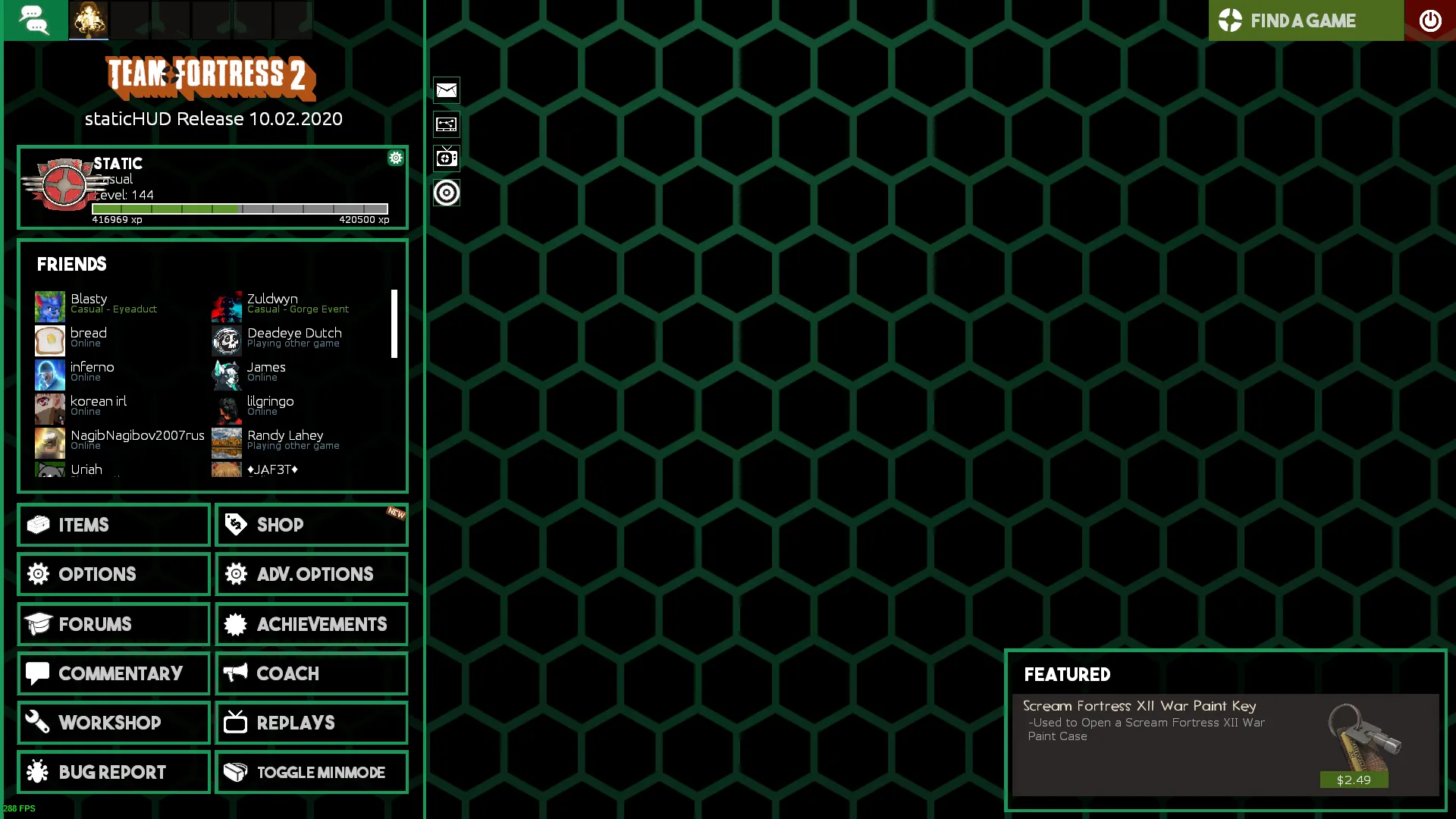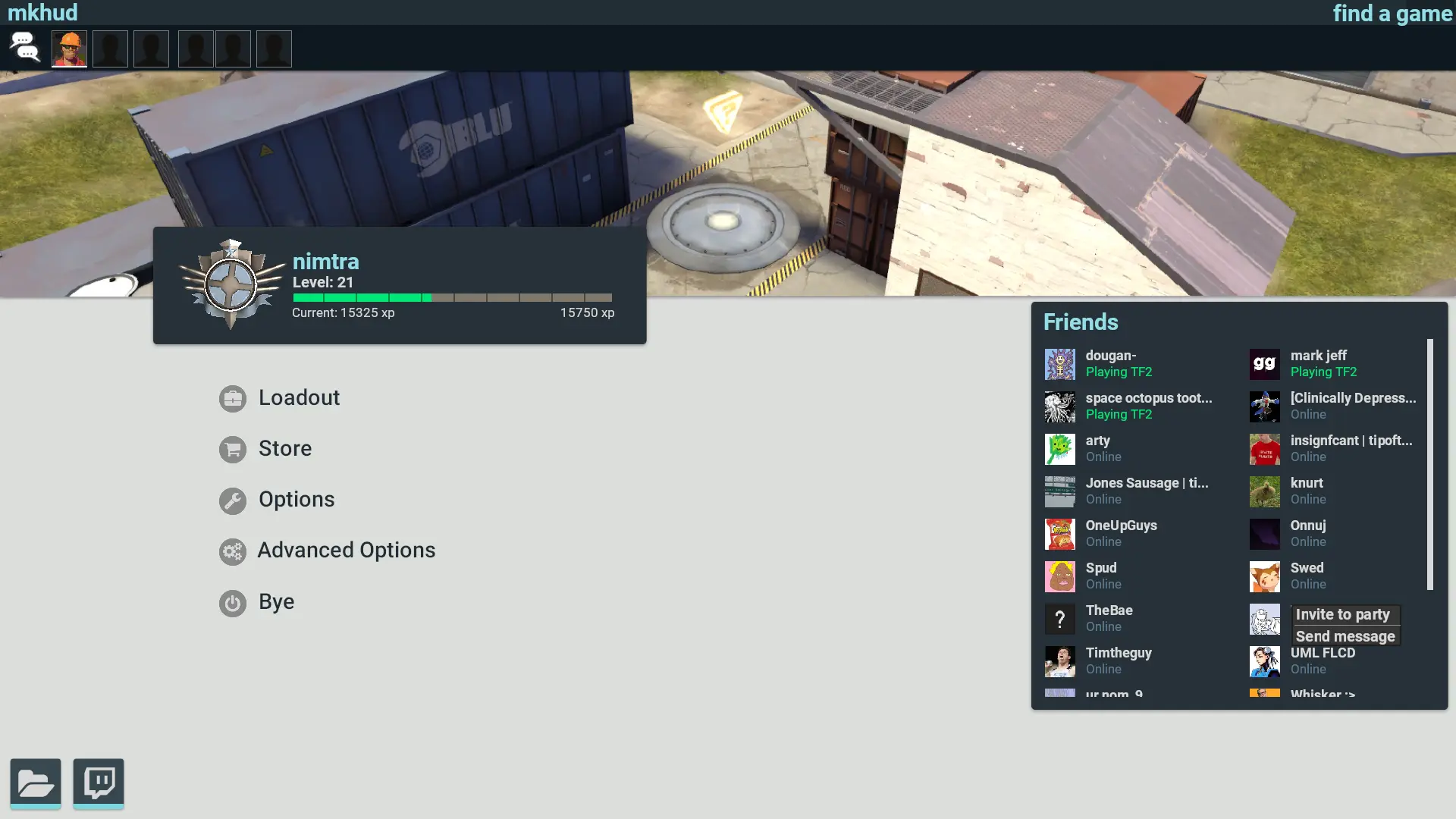
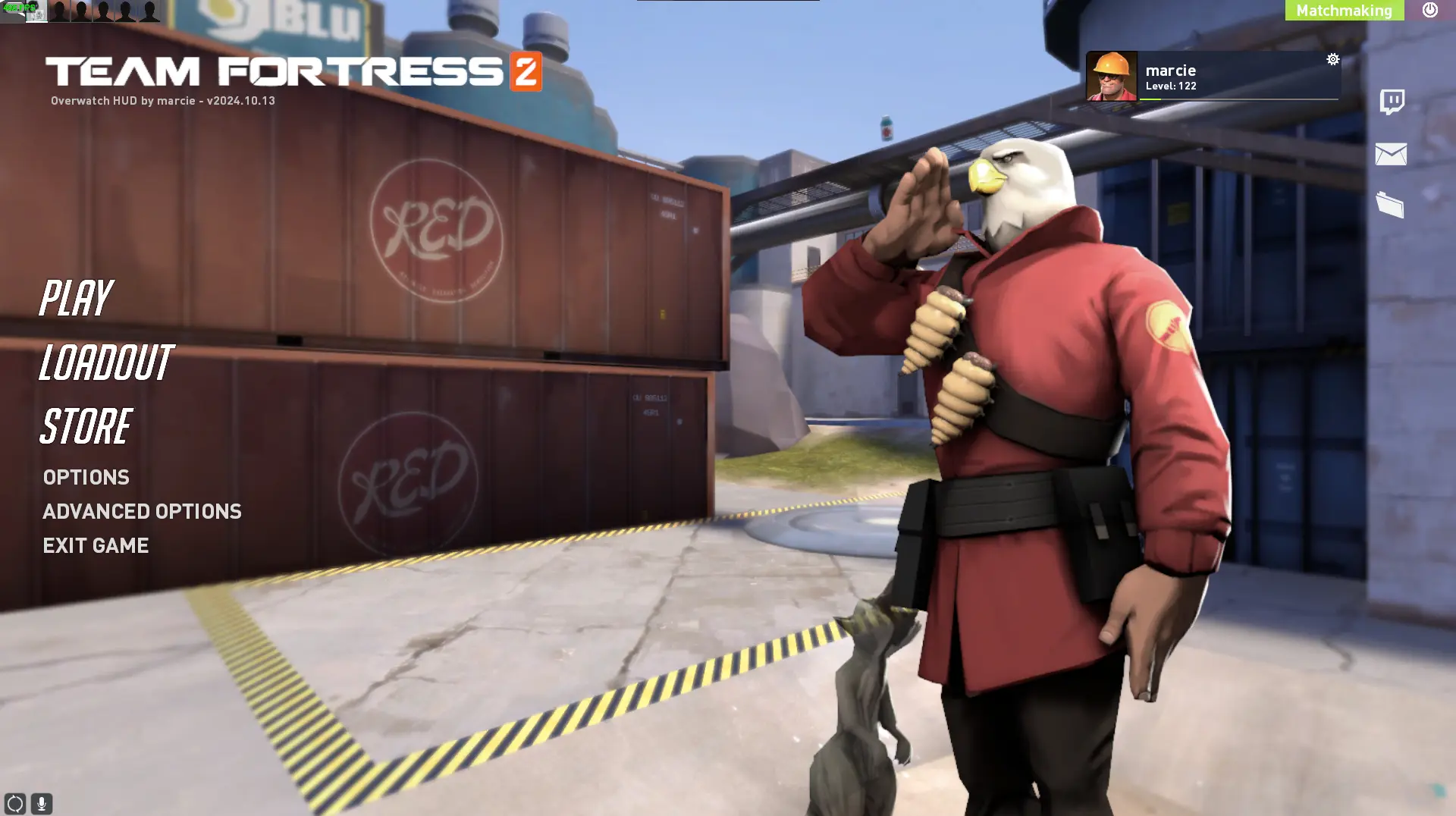
Overwatch HUD is a custom HUD for Team Fortress 2 by kmarcie. It includes custom fonts, custom menus, built-in crosshairs, a minmode layout, and custom materials. It supports 16:9 and 16:10 aspect ratios on Windows and Linux.
TF2 HUD based off of Overwatch 2.
Notes:
If you don't like how far away the health/ammo is from the center, turning on minimal mode (cl_hud_minmode 1) will move the health/ammo to the center of the screen. (https://i.imgur.com/Im28G5K.png)
Currently I haven't edited the mann vs machine HUD elements. I plan on doing them at a later date.
Crosshairs are managed in resources/ui/HudPlayerClass.res.
Resolution Support:
16:9 - Made on 1920x1080, should work on other resolutions
16:10 - Should work, maybe some slight offsets.
4:3 - Not useable. Lots of hud elements that are simply just gone or way too offset.
Credits
- JarateKing - HUD guide, letting me use his centered targetids
- Rawrsor & Nokk - helped out with answering some of the questions I had while making this hud
Special Thanks
- Jack for pushing me to update this after 4 years
What is in the Overwatch HUD download
The numbers here are from version 64902b0 of Overwatch HUD. At that version the HUD's repository has 641 files, 252 of them .res files. There are also 194 images in the VTF format and 16 different font files. The font files include BigNoodleToo.ttf, BigNoodleTooOblique.ttf, DINPro Black.otf, DINPro Bold.otf, and 12 more.
Overwatch HUD has files of its own for the backpack, the class loadout, the crafting menu, the matchmaking dashboard, the advanced options menu, and the item inspect menu. The HUD editing guide shows how to find the file that draws a part of the HUD.
info.vdf is at the top of the download, so copy the unzipped folder itself into tf/custom. The install guide has every step.
More HUDs by kmarcie