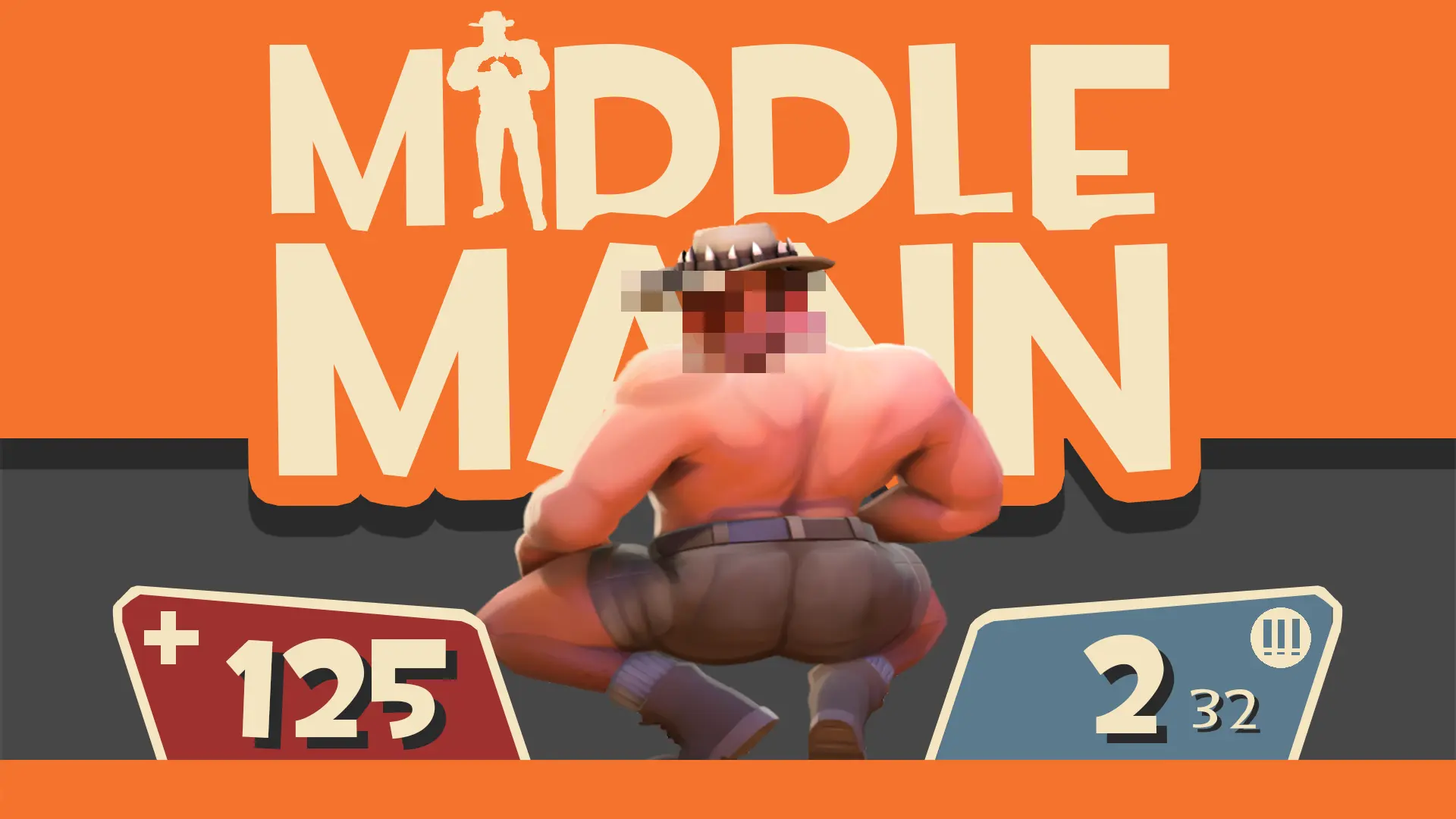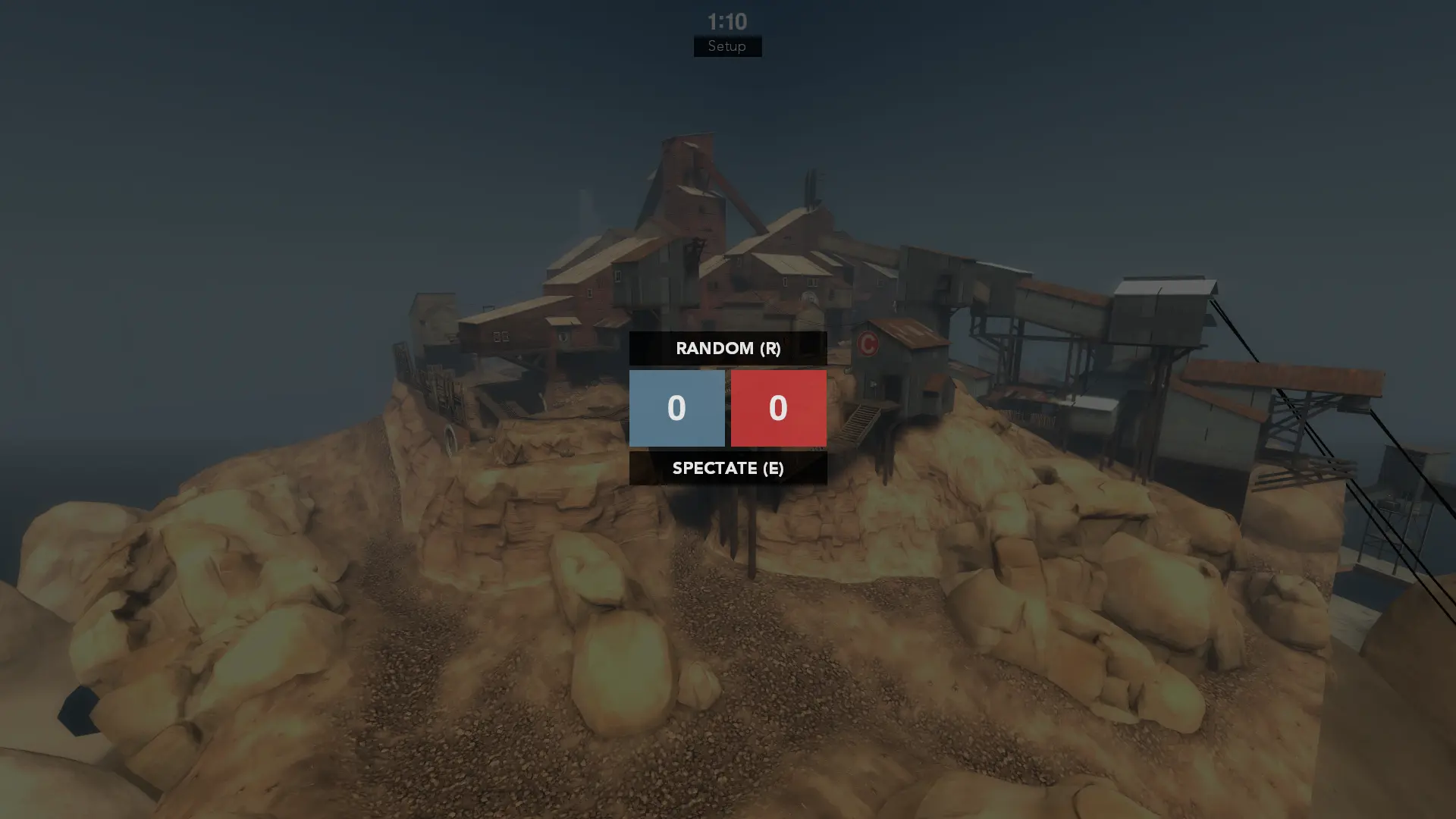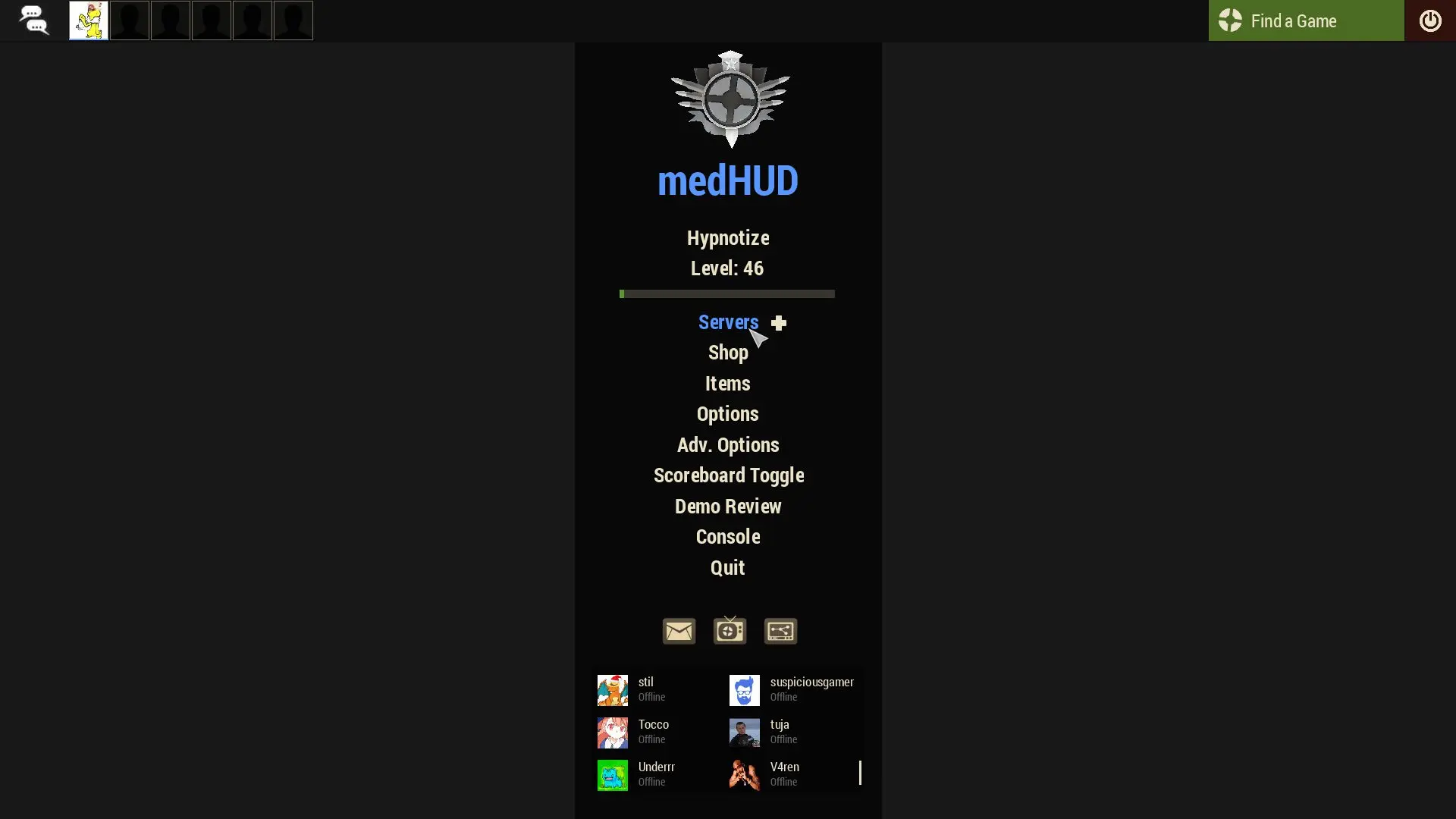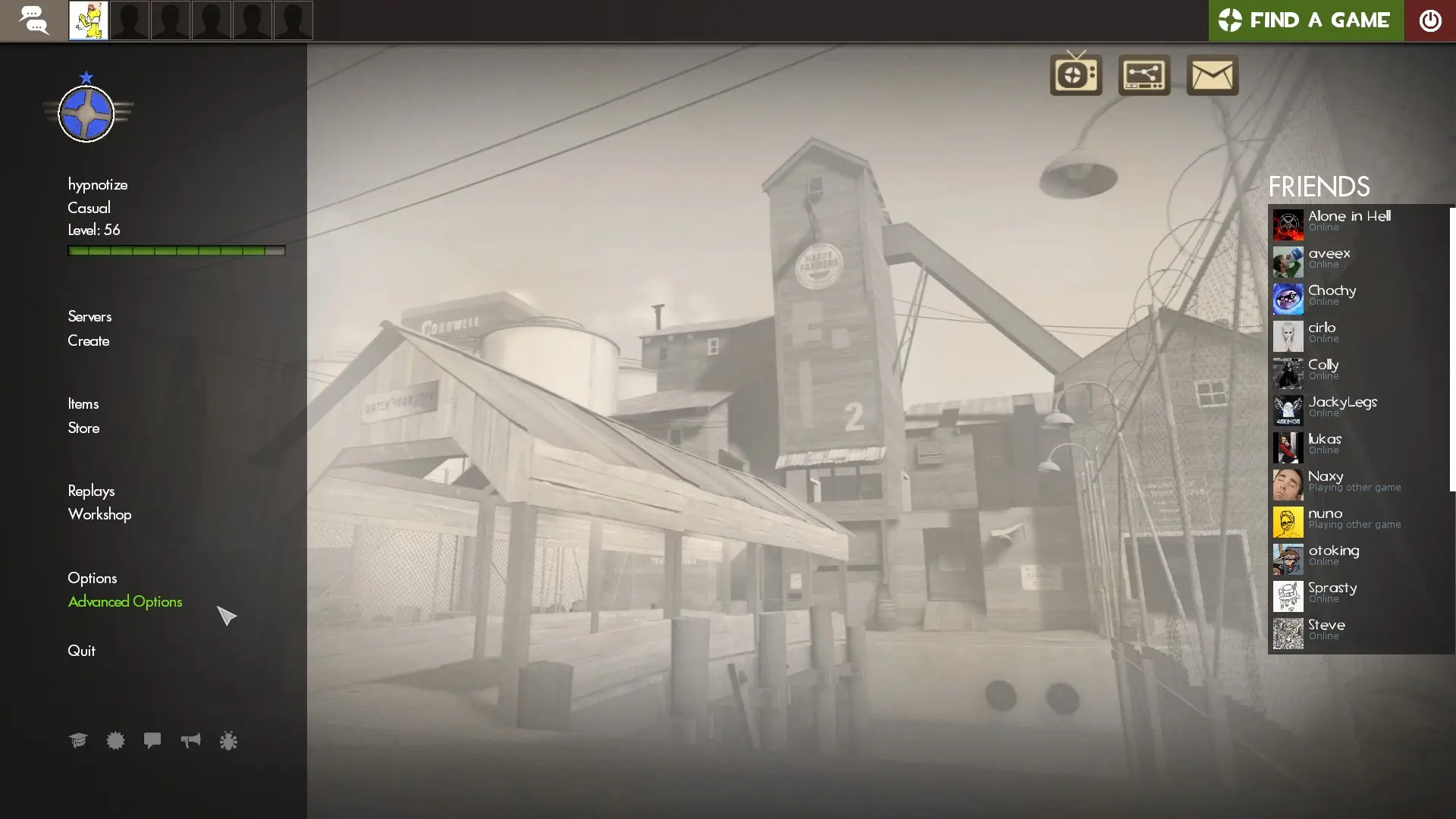
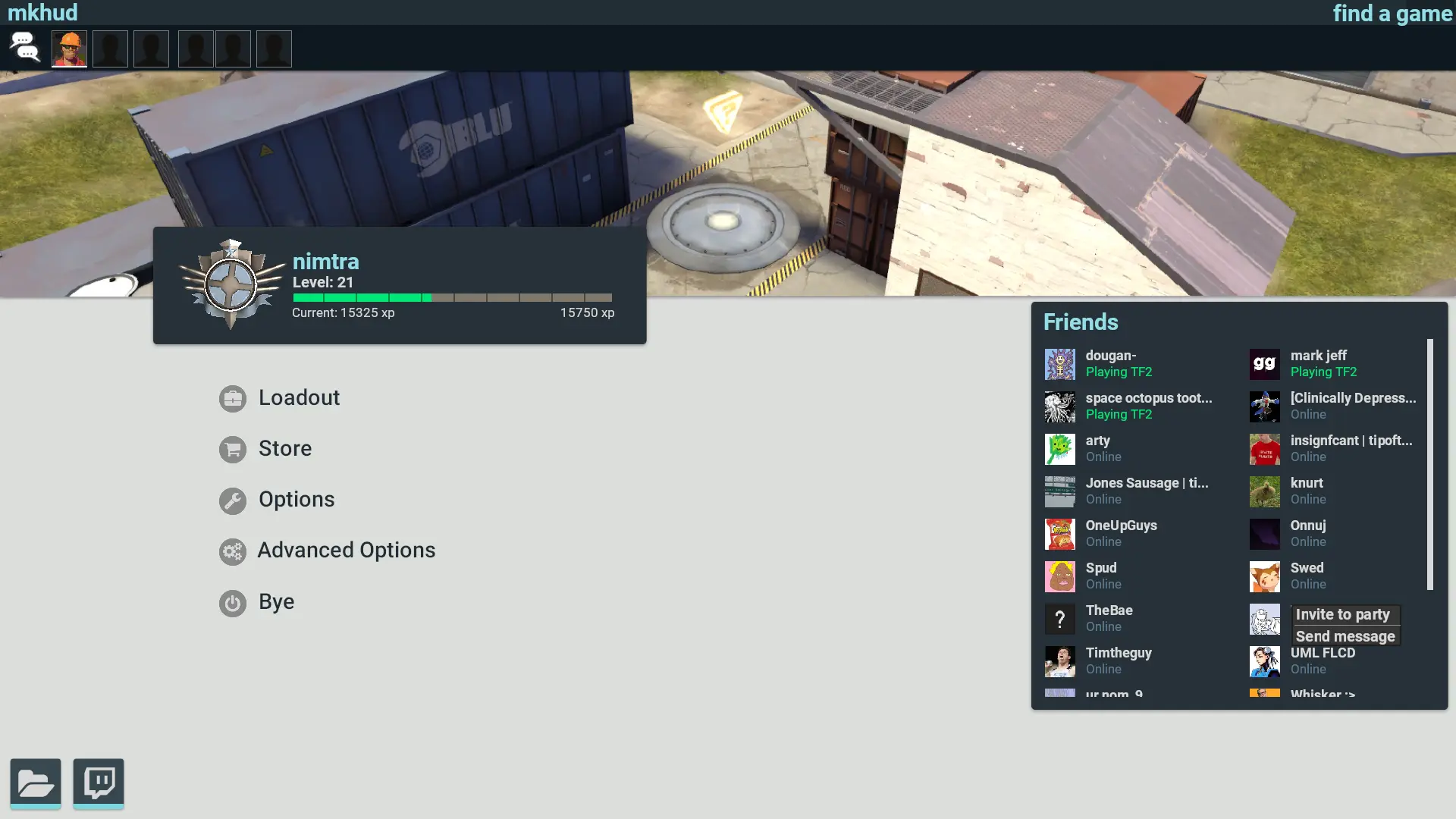
mkhud is a custom HUD for Team Fortress 2 by kmarcie. It includes custom fonts, custom menus, a custom scoreboard, built-in crosshairs, custom materials, and customization options. It supports 4:3, 5:4, 16:9, and 16:10 aspect ratios on Windows and Linux.
Description
A modern looking HUD for Team Fortress 2. Mostly inspired by material design.
Install the fonts. It will fix your symbols being numbers. Go to mkHUD/resource/fonts, select all, right click, and click install. Restart TF2 after.
More Screenshots: https://imgur.com/a/wHHbv
Credits
Extended credits: https://github.com/nimtra/mkHUD
Inspiration from:
broeselhud (feeling & broesel)
ahud (Nokk)
materialHUD (Rawrsor)
cbhud (CoBa)
rayshud (raysfire)
wavesui (extracrispy)
ToonHUD (Griever)
omphud (Omp)
omnibombulator (noto)
solarHUD (Stochast1c)
Hudas Iscariote (redd0t, cirlo, b4stian, Quartz)
yayahud (yttrium)
PrismHUD (JarateKing)
tf.tv HUD modification and HUD Q&A thread
Thanks to:
Knuckles (crosshairs)
truktruk twitch sub discord for finding bugs
What is in the mkhud download
The numbers here are from version 3f7847d of mkhud. At that version the HUD's repository has 398 files, 217 of them .res files. There are also 86 images in the VTF format, 16 different font files, and 1 sound file. The font files include Blank.ttf, Circles.ttf, Entypo.otf, KnucklesCrosses.ttf, and 12 more.
mkhud has files of its own for the backpack, the class loadout, the MvM scoreboard, the crafting menu, the matchmaking dashboard, and the item inspect menu. The HUD editing guide shows how to find the file that draws a part of the HUD.
info.vdf is at the top of the download, so copy the unzipped folder itself into tf/custom. The install guide has every step.
More HUDs by kmarcie