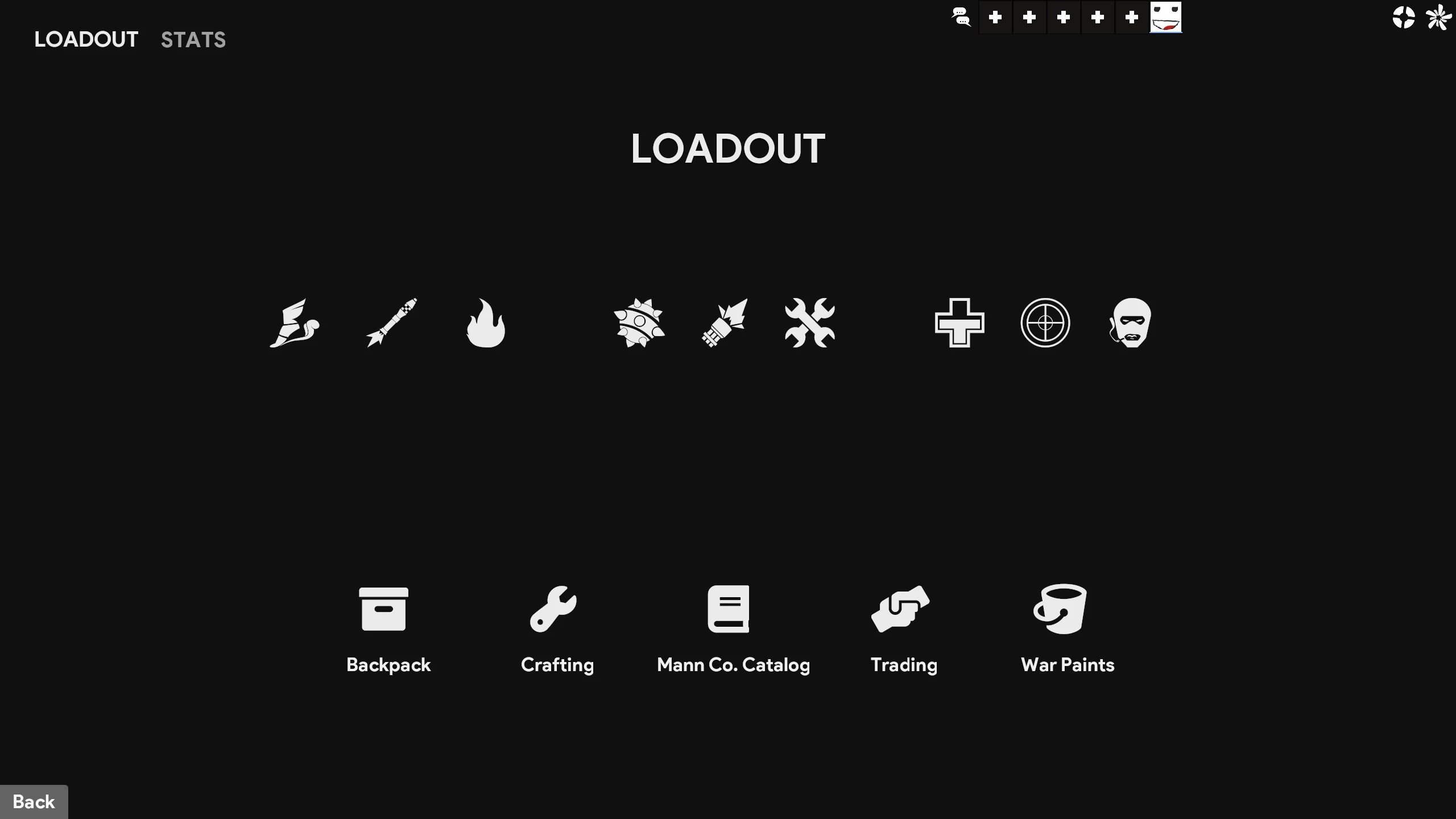
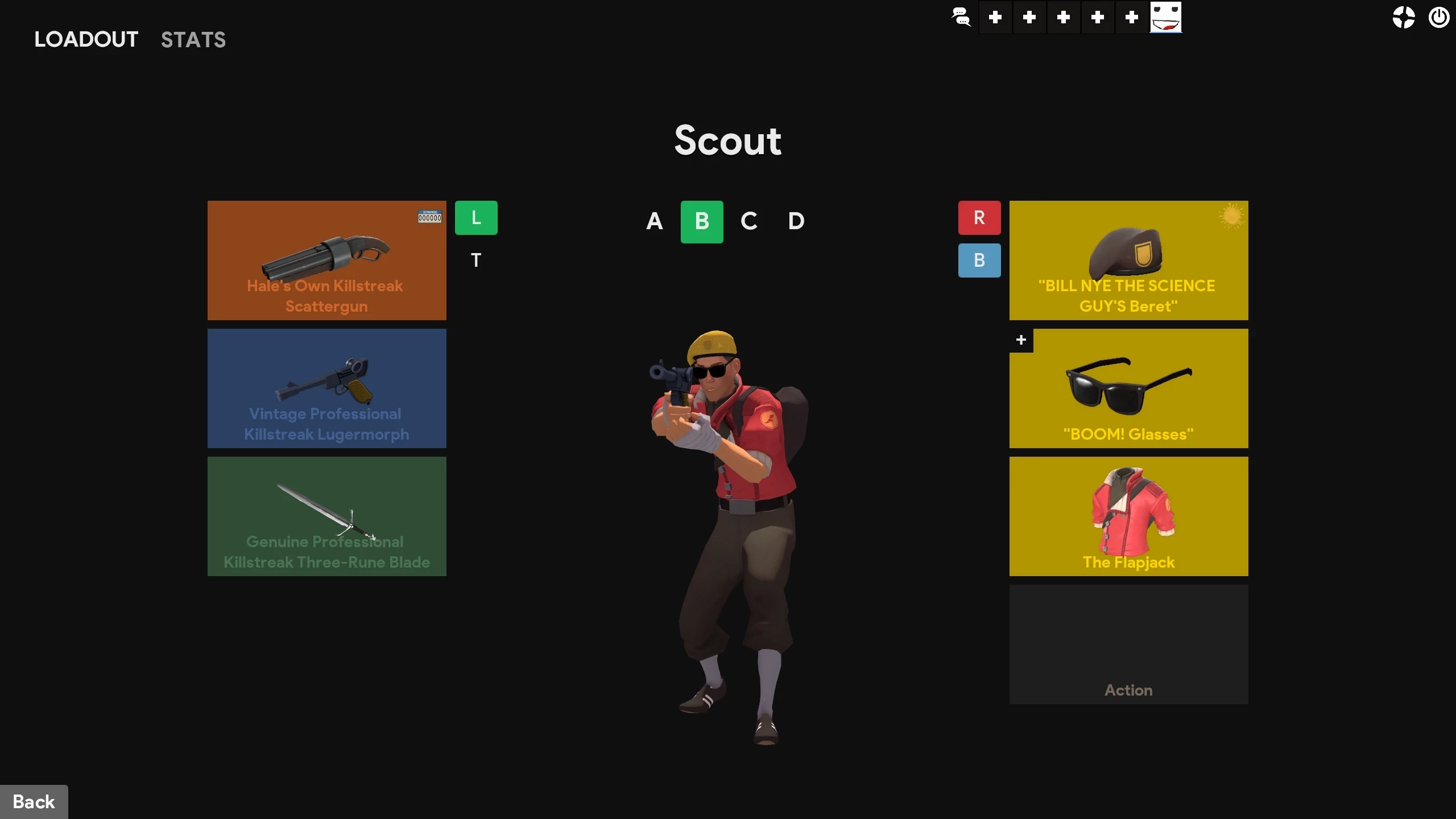
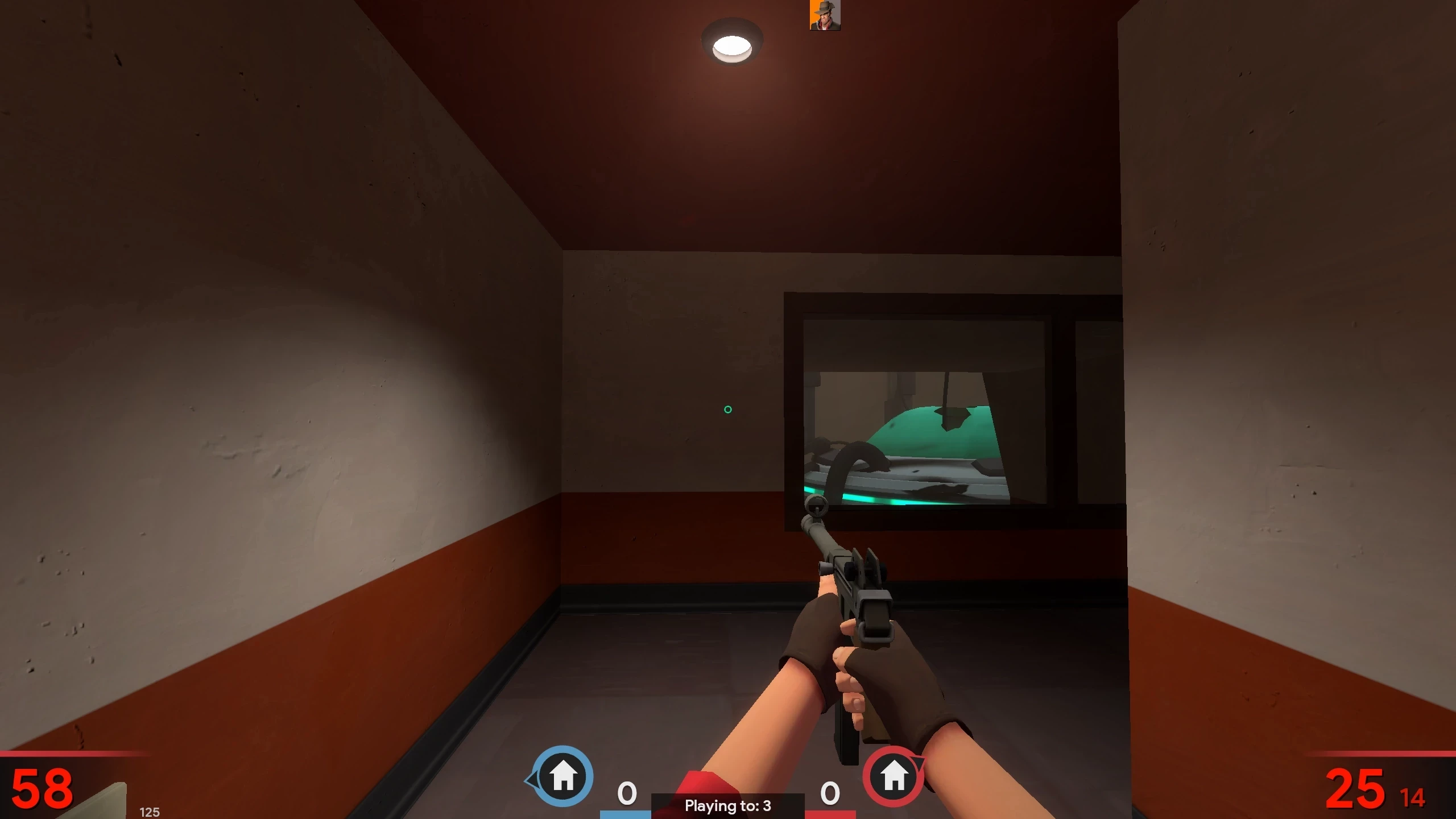
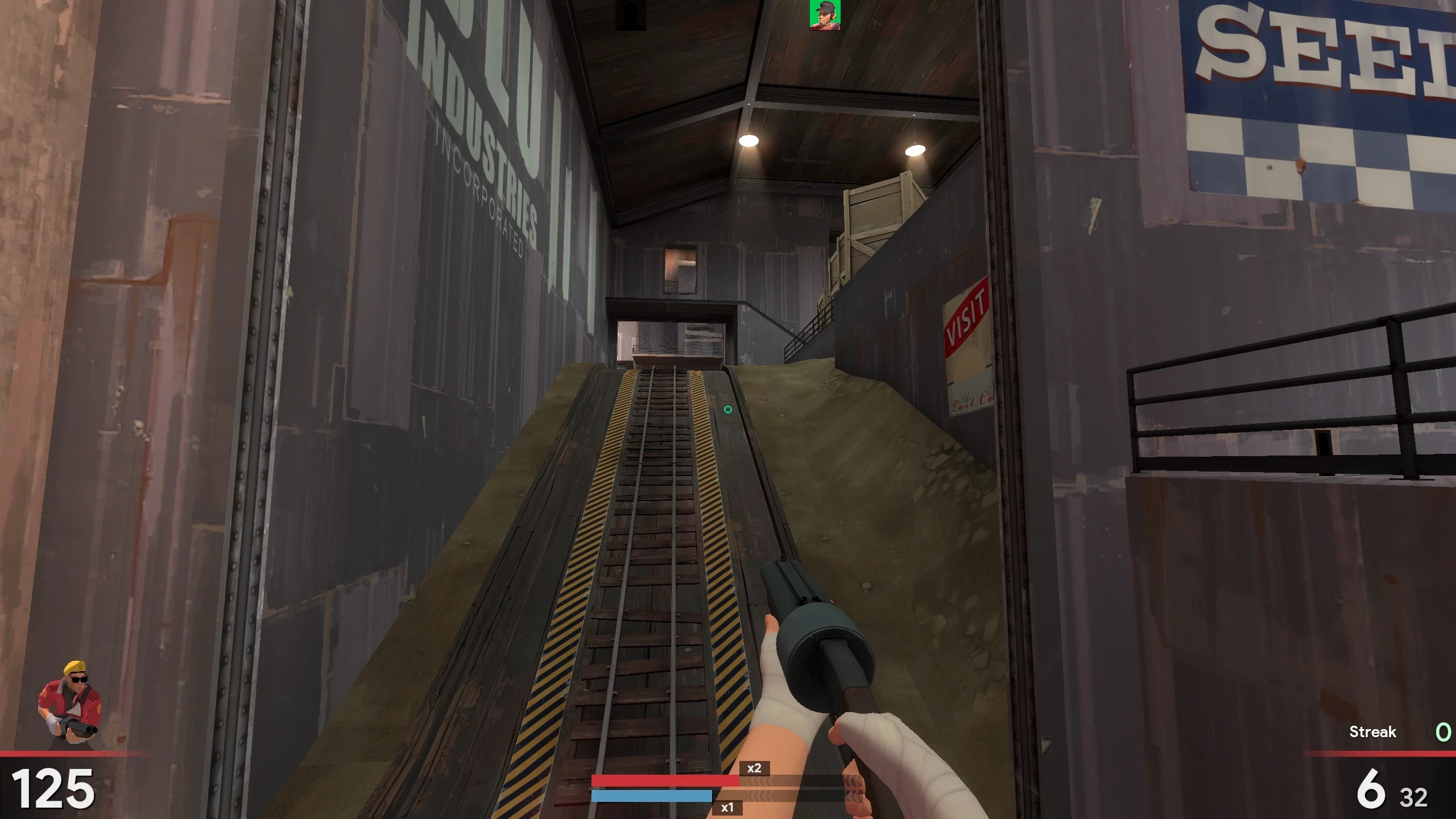
Description
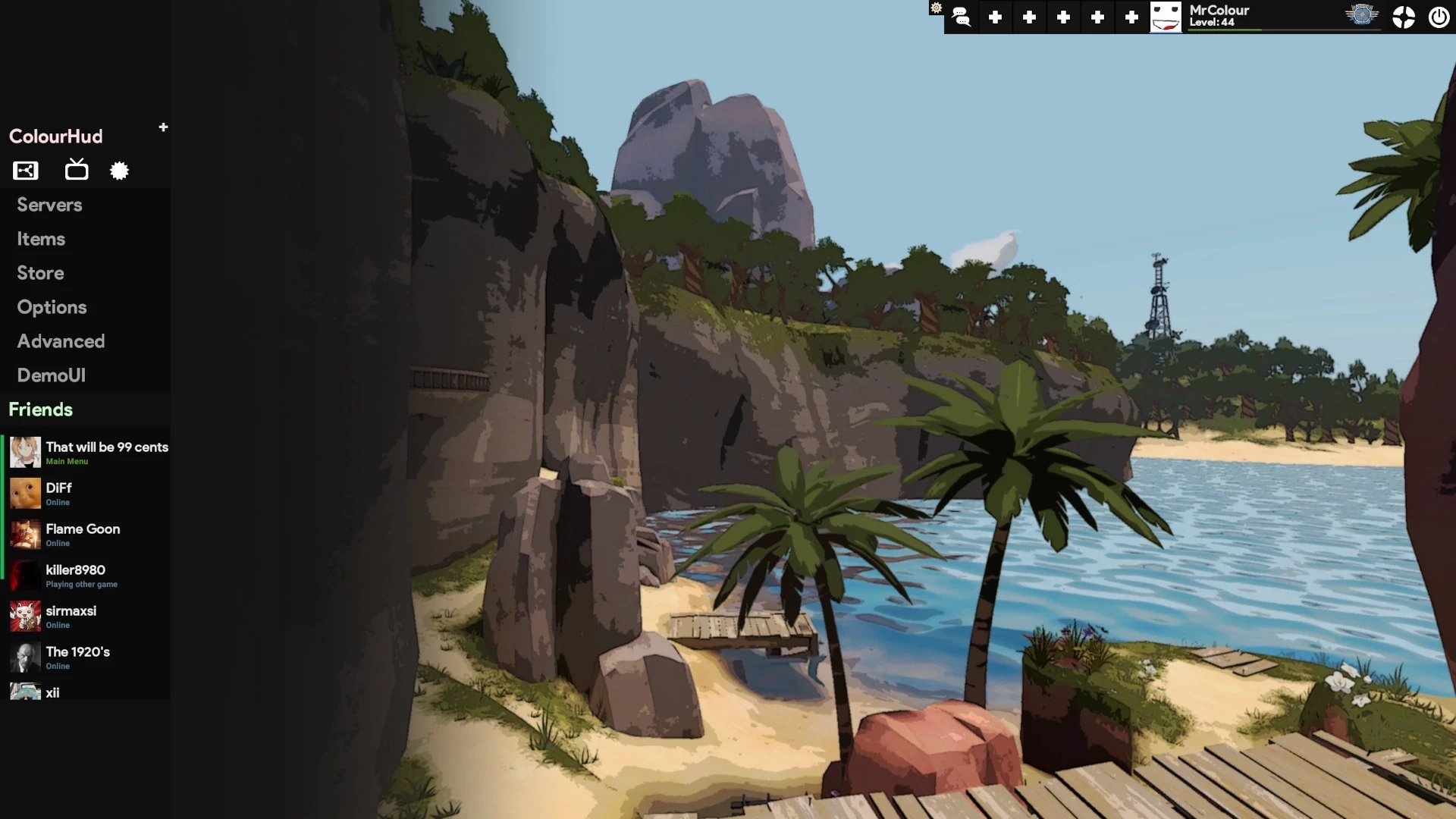
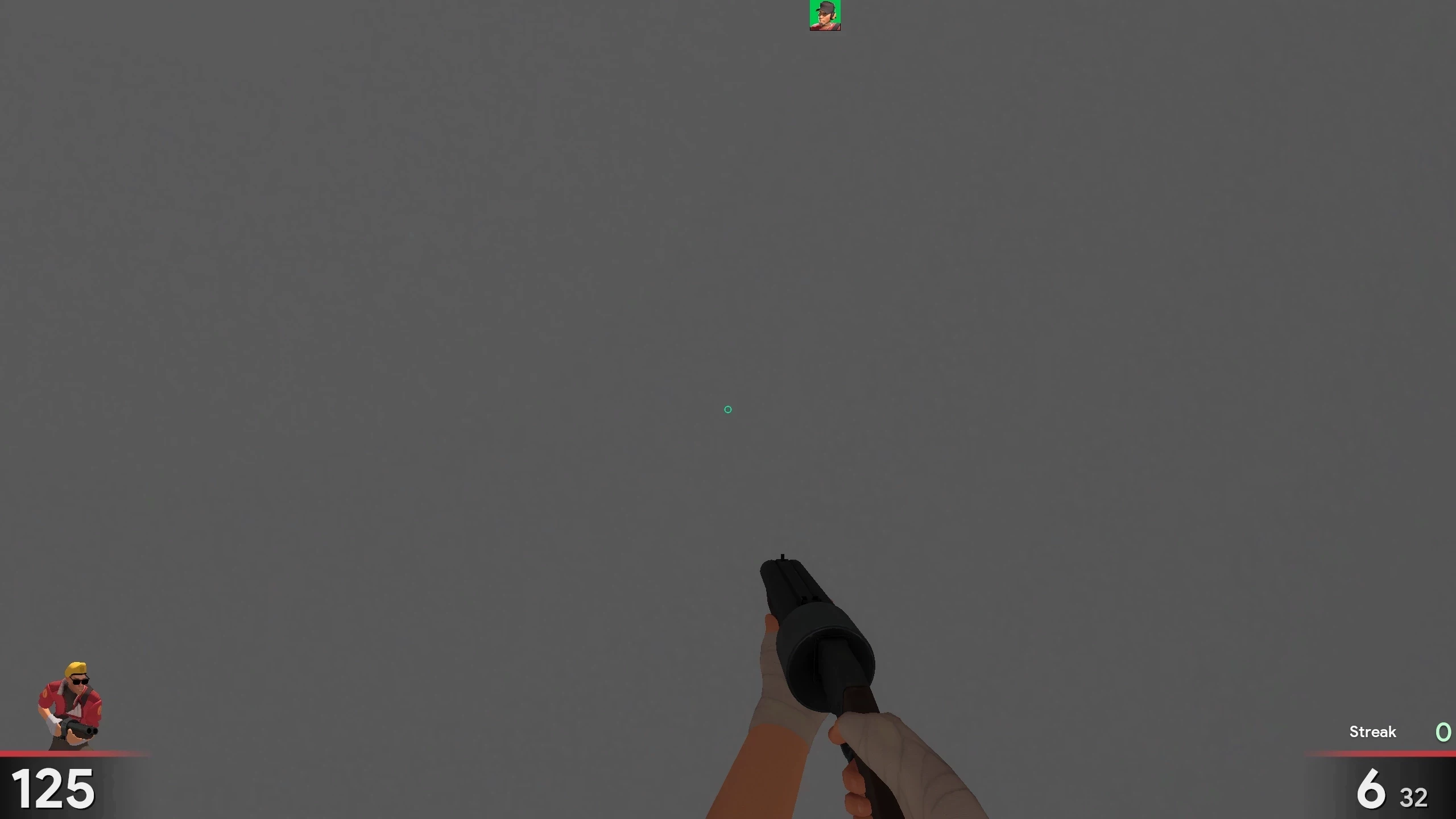
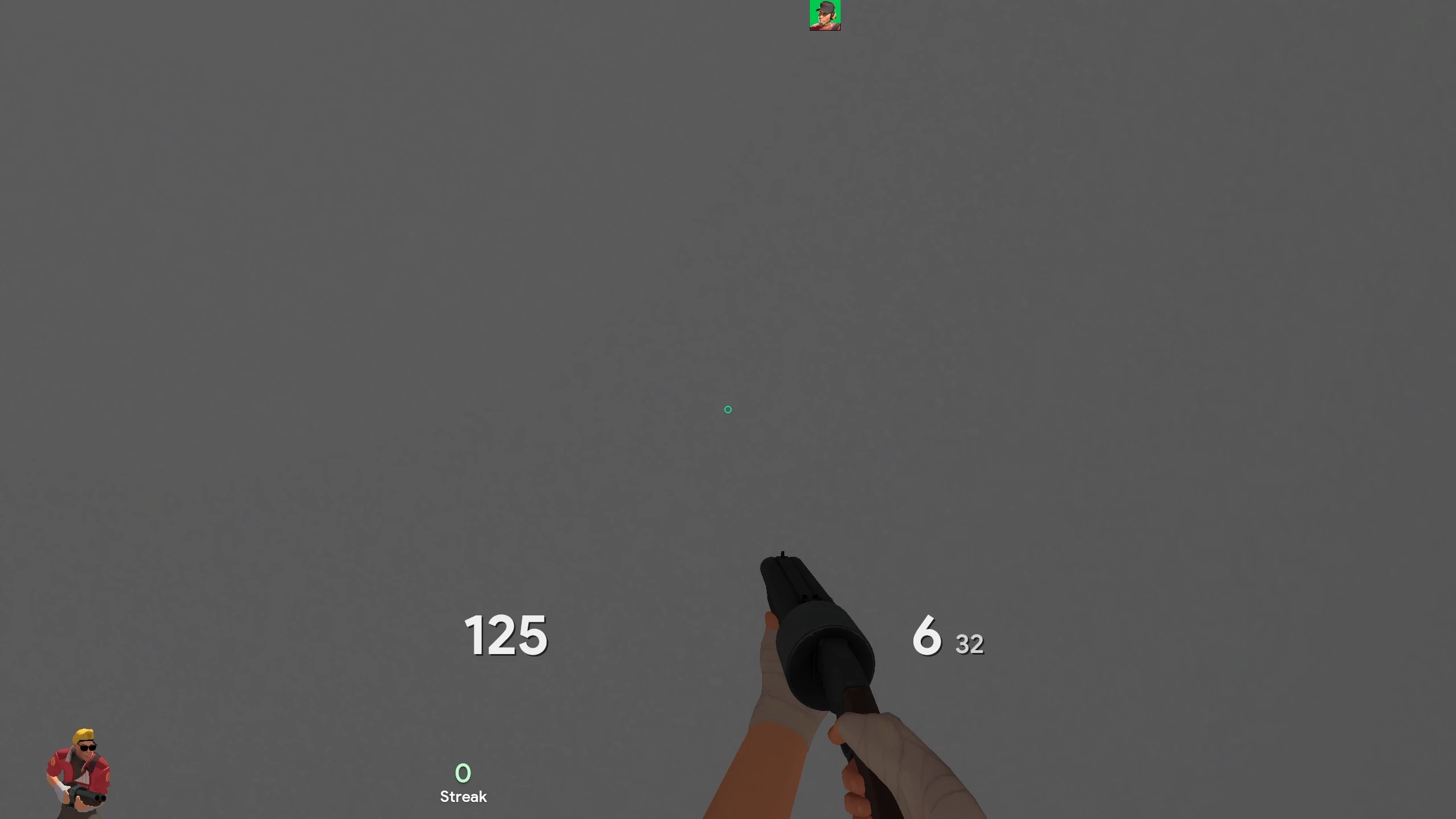
Somewhat unique minimalistic HUD with easy customization. Based on PhouHUD.
Features
- Toolpanel
- HUD edit panel
- Custom fonts
- Custom colours
- Custom crosshairs
- Easy customization
Installation
- Download ColourHUD by clicking
Download - Open Steam
- Go to Library
- Right click on
Team Fortress 2on the games panel and selectProperties... - In the properties menu click on
Local Filesand selectBrowse.... TF2's root directory should open - Navigate to
tf\custom - Extract
colourhud-masterfrom the ZIP file to thecustomfolder - That's all
Uninstallation
- Delete
colourhud-masterin thecustomfolder
Customization
You can customize the HUD by using the HUD edit panel in the main menu.
Credits
phou: PhouHUD
n0kk: nühud (base of PhouHUD)
Hypnotize: icons
Fog: crosshairs
clovervidia: closed captions
Special Thanks
Undenied_Player
Spoon