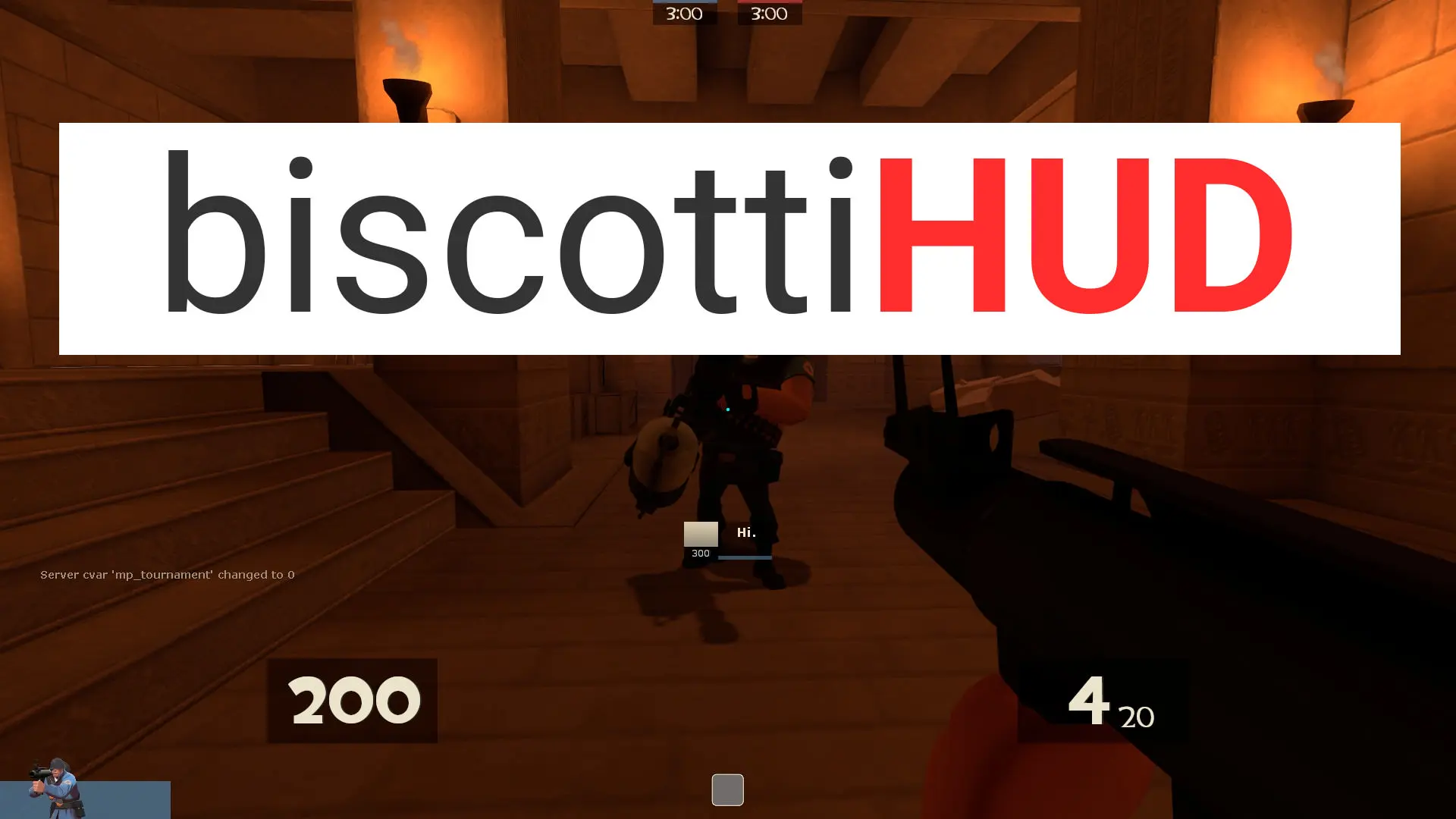
biscottiHUD is a custom HUD for Team Fortress 2 by Medico di Biscotti. It includes custom menus, a custom scoreboard, built-in crosshairs, a minmode layout, streamer mode support, custom materials, and customization options. It supports 4:3, 5:4, 16:9, and 16:10 aspect ratios on Windows and Linux.
Description
Note: The screenshots are horribly out of date.
A stylish, modern-looking HUD that aims to remove clutter and improve how easy it is to read valuable information.
"one of the nicest HUDs i've ever used" - guy on teamfortress.tv
"This is one of the cleanest and neatest huds I've seen" - another guy on teamfortress.tv
You like right angles? 'Cus I've got right angles, baby! Want to change a little something? Well, I've got tons of officially supported customizations that might just be what you're looking for.
I always update it in a timely fashion, and if I make any drastic changes to the design, I'll usually include the old design as a customization option.
All the screenshots except one are in cl_hud_minmode 1, but it also supports cl_hud_minmode 0 which has larger backgrounds and icons.
Seriously, it would mean the world to me if you use the HUD seeing as I put a lot of time and effort into. Lots of late nights updating :) This is my baby.
Credits
omnibombulator - notoHUD - inspiration and know-how for squared HP.
sevin - 7HUD - inspiration for the box background for HP
BroeselHUD for the initial inspiration for the first draft of the HUD.
e.v.e. HUD for inspiration for the Engineer buildings.
Rays - I took a few buttons from ya. Also took the colour for getting Über from SlinFireHUD (not default though).
Whiskerbiscuit's budhud - inspiration for the main menu and incognito mode.
clovervidia for making the original Close Captions
Special Thanks
I'd like to thank all the amazing HUD creators who inspire me to do better.
I'd like to thank people who have reported bugs that I completely missed.
Most importantly, I'd like to thank all the people who use this HUD and appreciate all the work I've put into it.
What is in the biscottiHUD download
The numbers here are from version 394bcda of biscottiHUD. At that version the HUD's repository has 1,239 files, 1,087 of them .res files. There are also 2 images in the VTF format and 4 different font files. The font files are crosshairs.ttf, Garm3nFont.ttf, KnucklesCrosses.ttf, and tf2cross.ttf.
biscottiHUD has files of its own for the backpack, the class loadout, the MvM scoreboard, the crafting menu, the matchmaking dashboard, and the advanced options menu. The HUD editing guide shows how to find the file that draws a part of the HUD.
info.vdf is at the top of the download, so copy the unzipped folder itself into tf/custom. The files include 102 scripts or programs, customization default.bat and customization modified.bat among them. The install guide has every step.