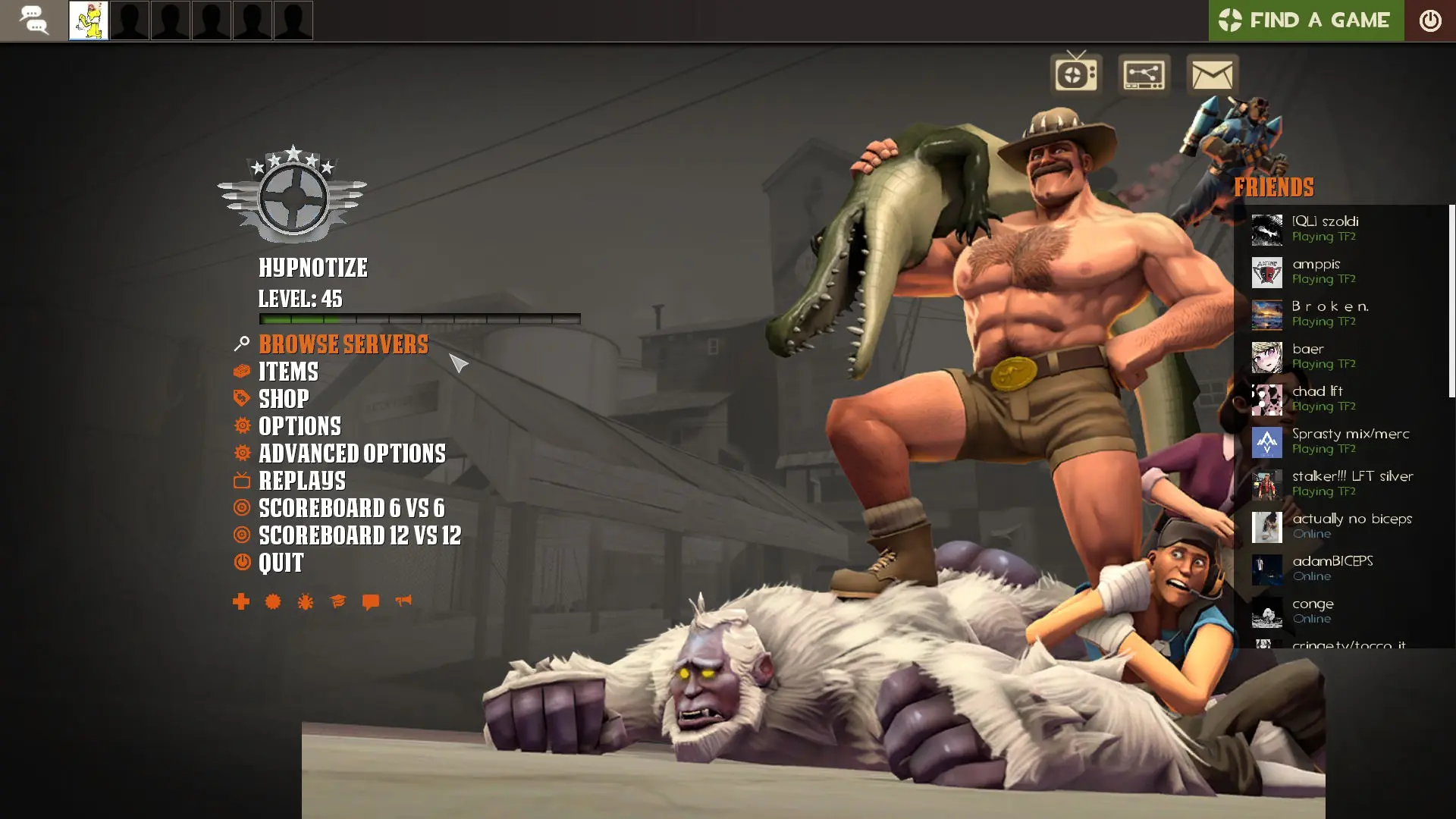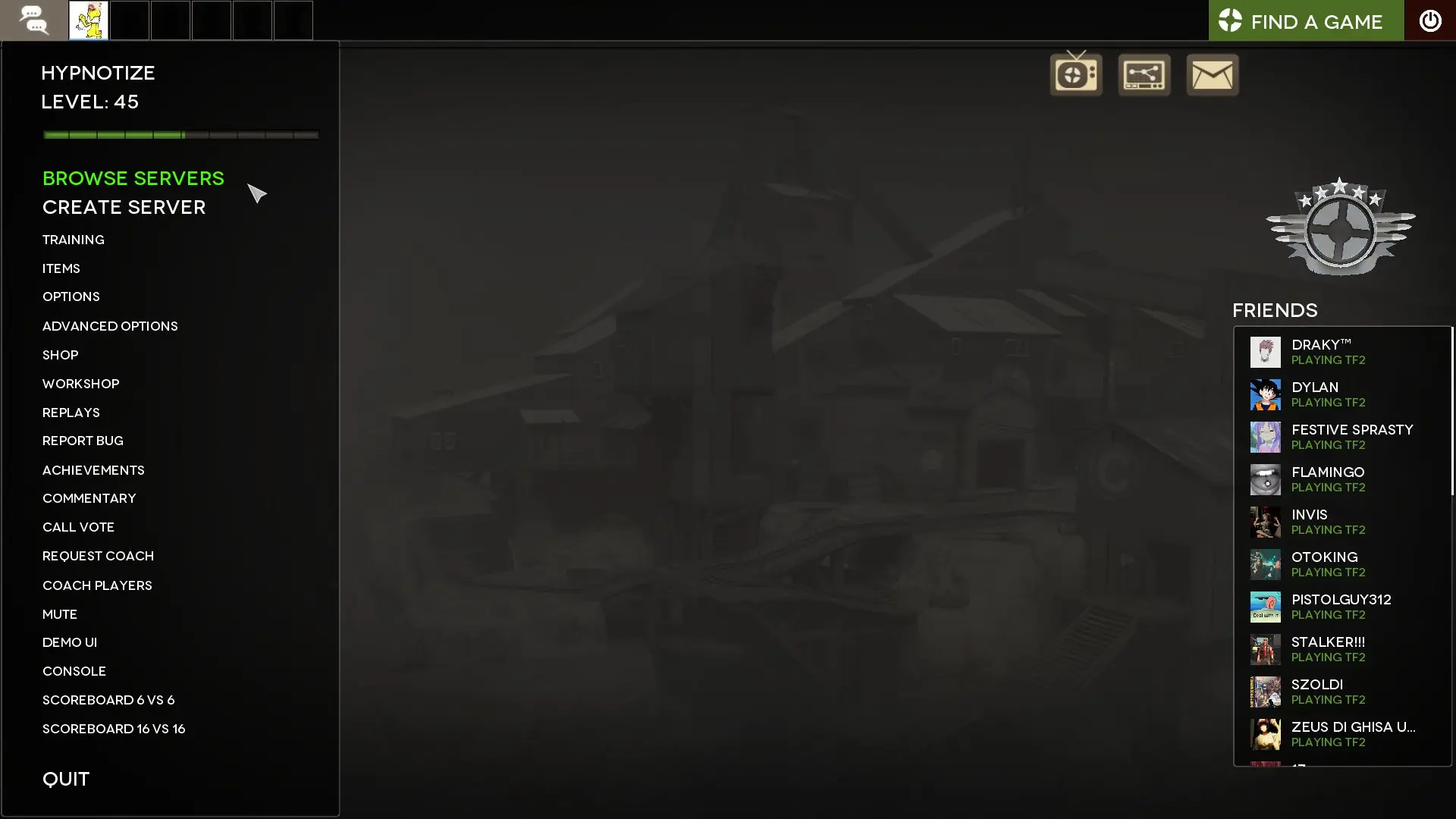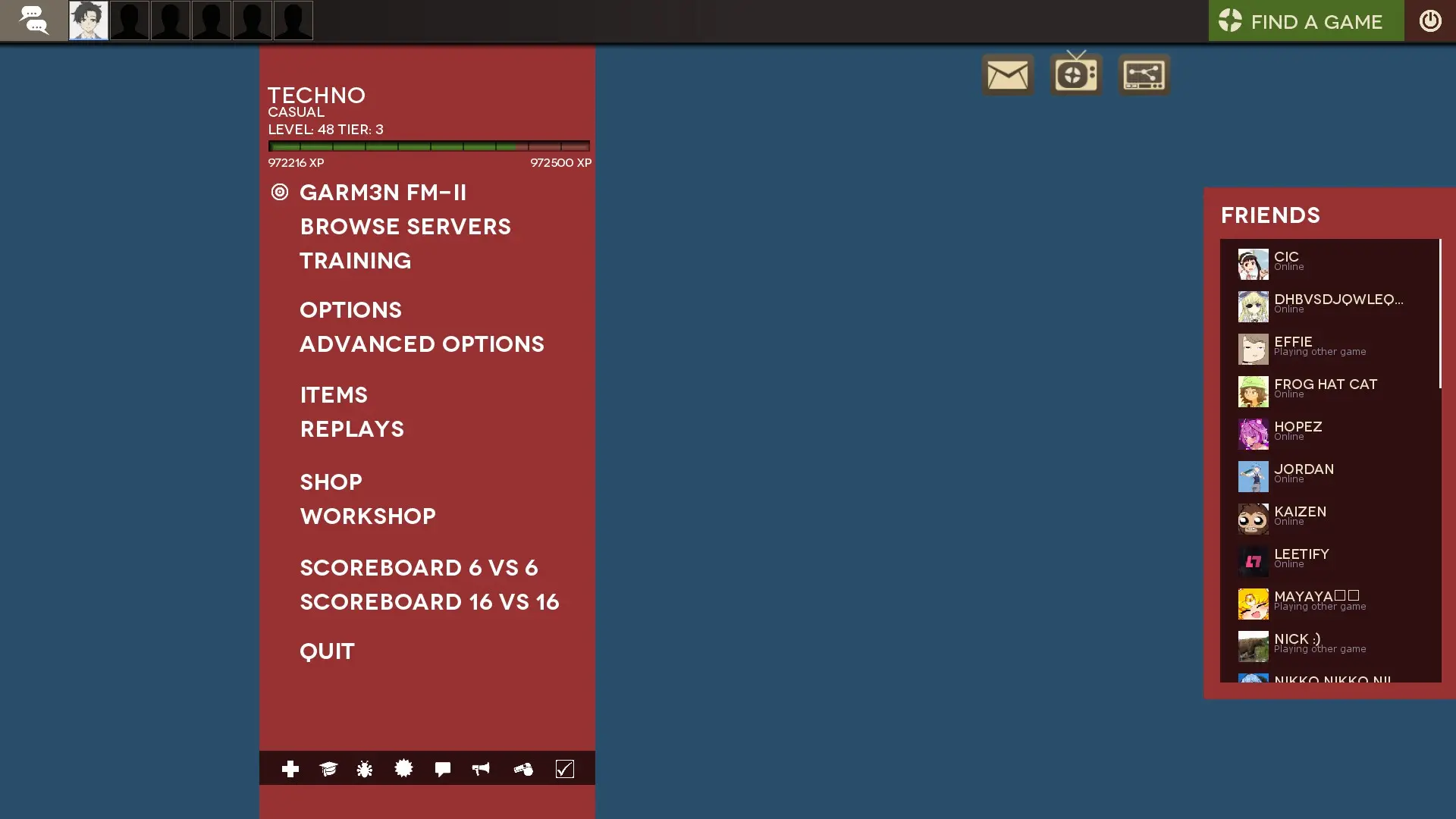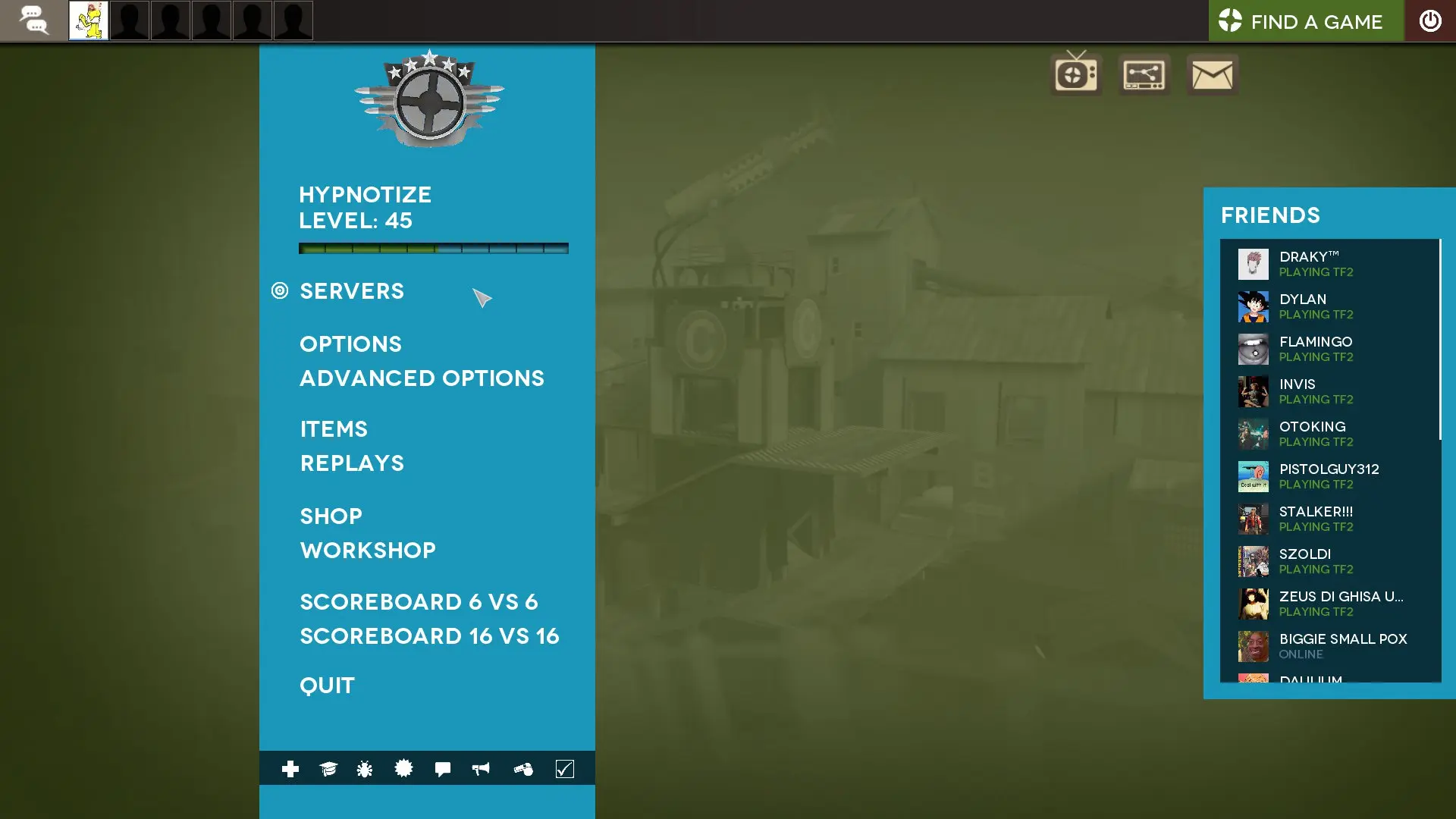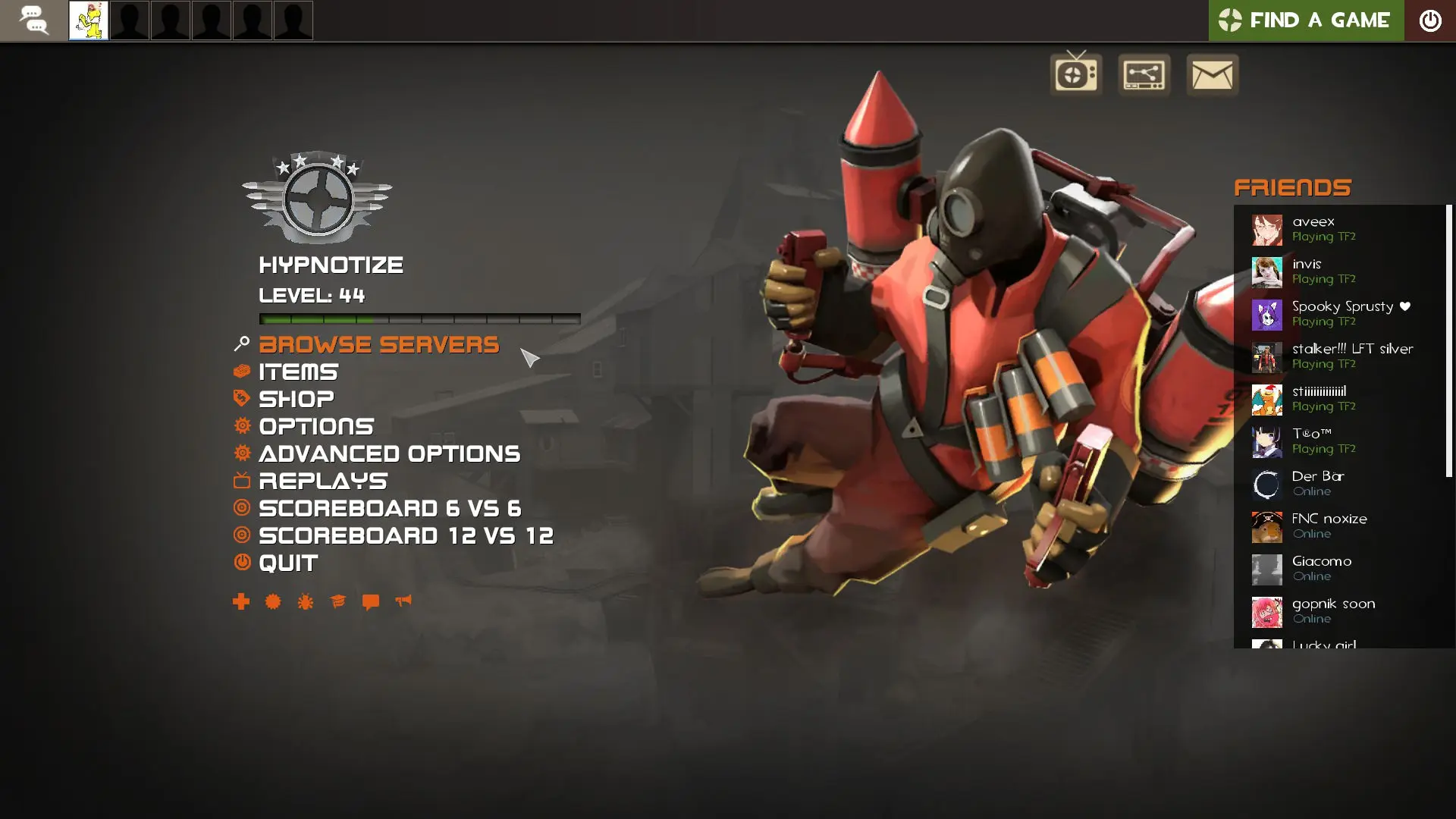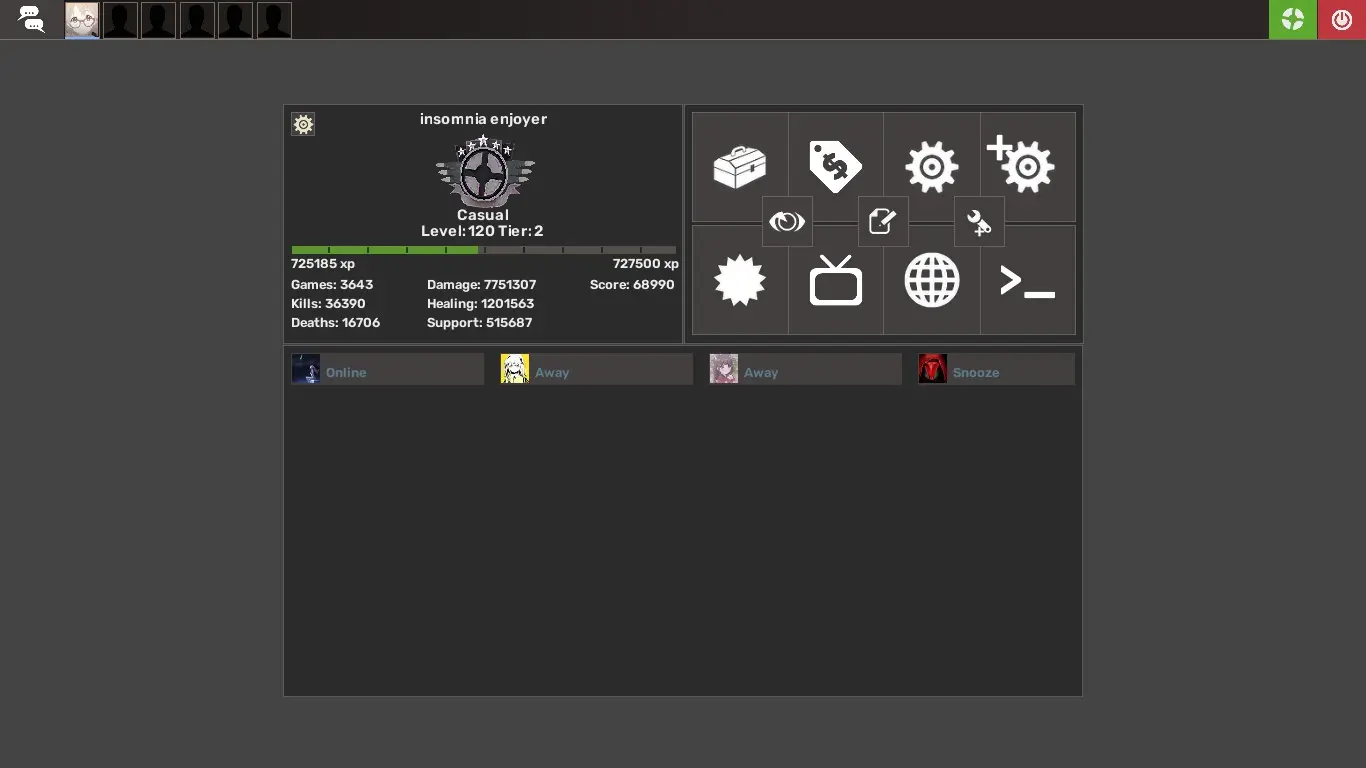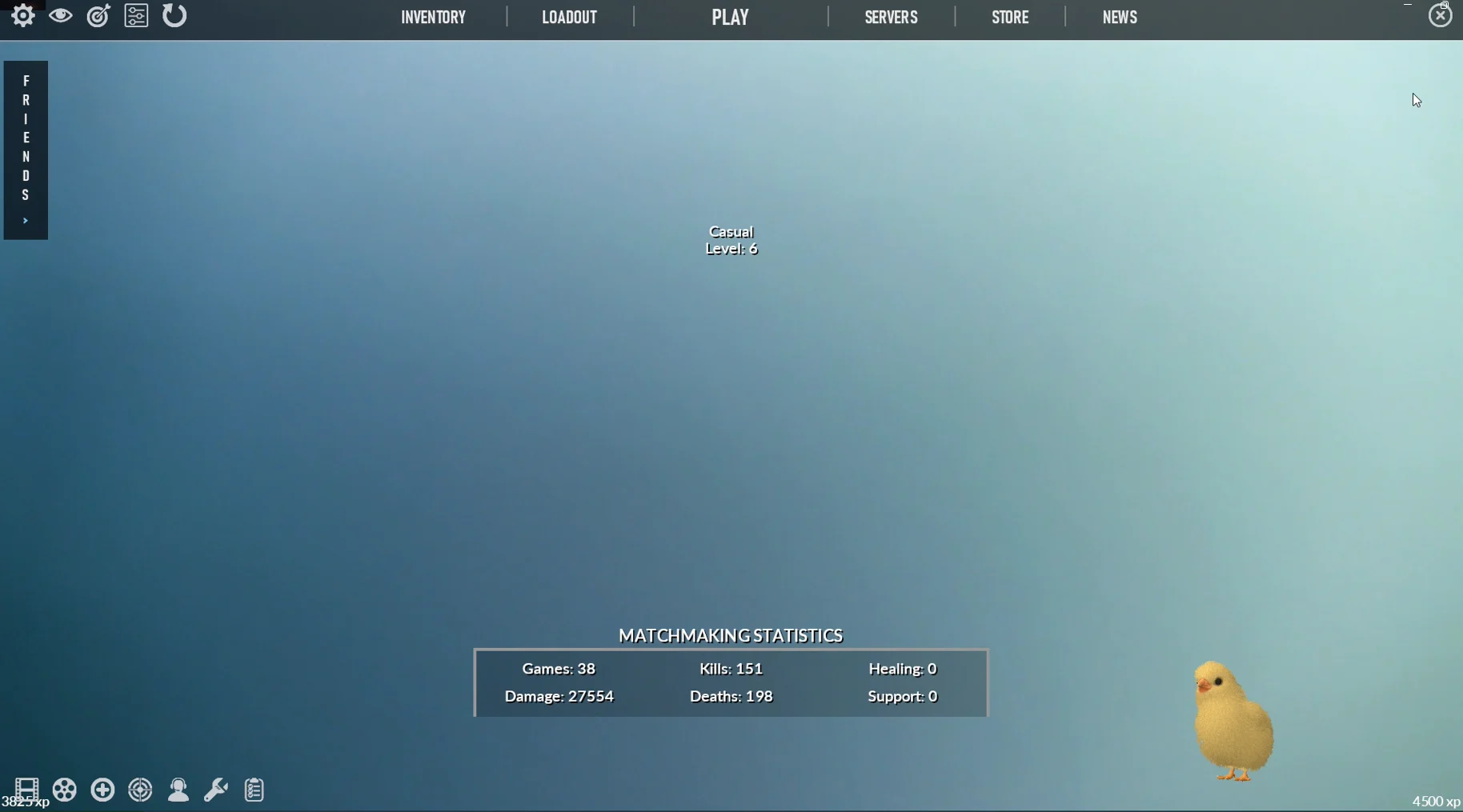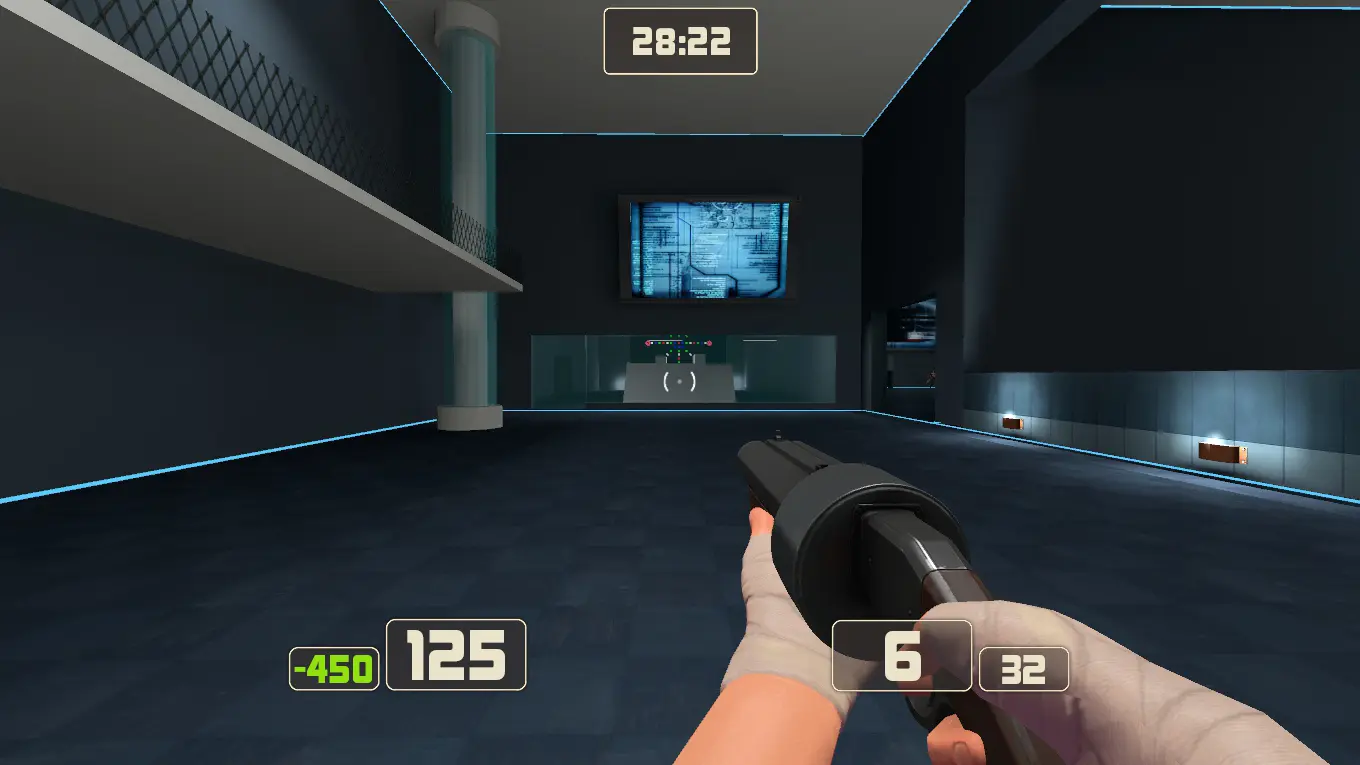
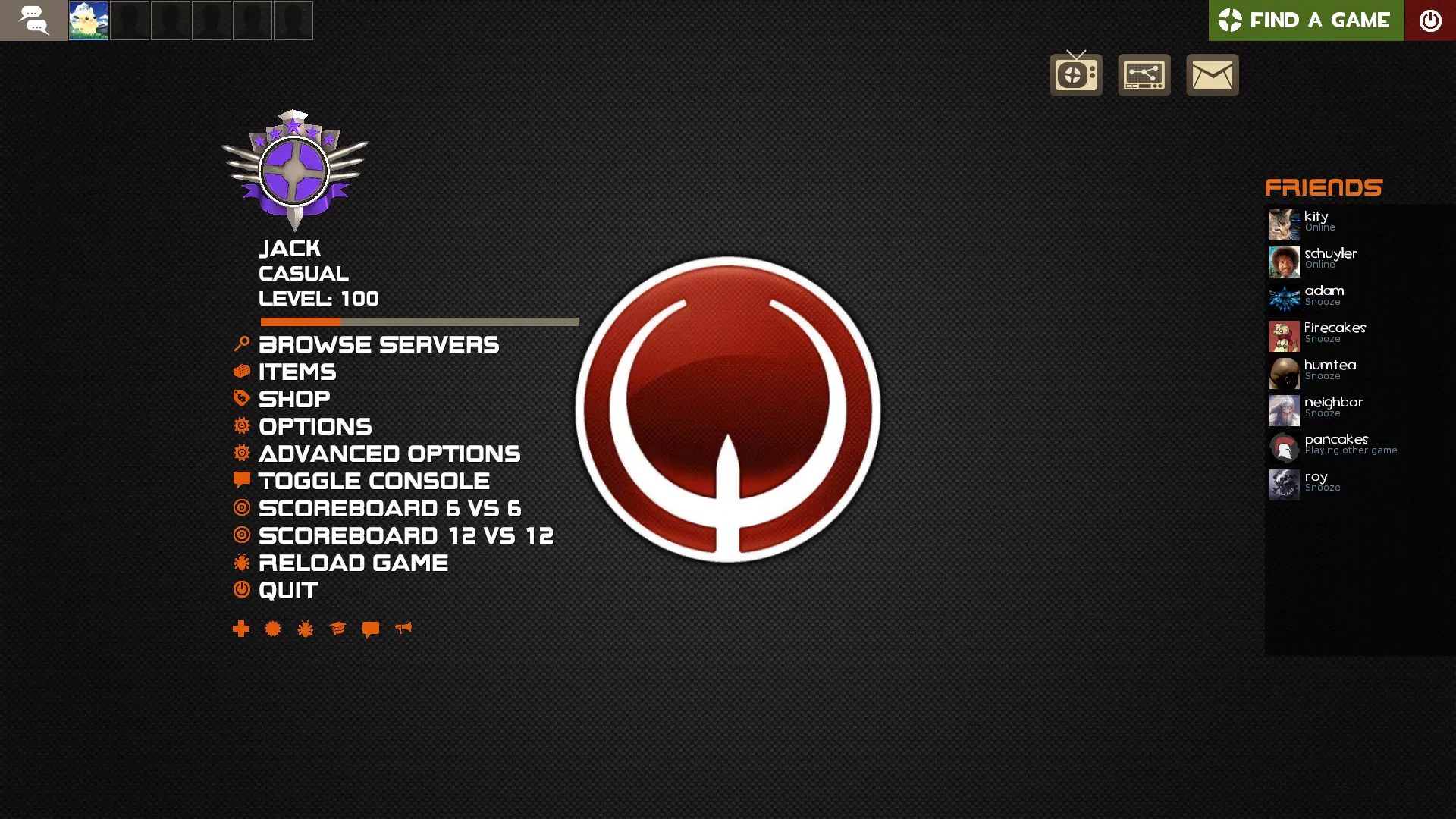
quakehud is a custom HUD for Team Fortress 2 by quickkennedy. It includes custom fonts, custom menus, a custom scoreboard, built-in crosshairs, streamer mode support, and customization options. It supports 4:3, 5:4, 16:9, and 16:10 aspect ratios on Windows and Linux.
Description
an updated version of garm3nhud-ql with FAR more customizations and features, mostly stolen from the huds listed in the credits.
a few of the changes between this and garm3nhud-ql:
-
customizations
- streamer mode
- custom colors
- alternate fonts
- transparent viewmodels
- friends panel toggle for main menu
- damage number styles
- big health player status on match hud
- loading screen stats/duel wins toggle
- spy outline toggle
- centered charge meters
-
background from quake live (optional)
-
better loadout screen
-
better menu navigation via the keyboard
-
dark sourcescheme
-
full linux support using KDE (tested on kubuntu 21.1)
-
a speedometer
a full list of customizations are listed on the github page
Credits
Hypnotize - m0rehud, garm3nhud-ql, sunset hud, hypnotize hud
Eniere - improved default hud
Whisker - budhud
What is in the quakehud download
The numbers here are from version a4c8a40 of quakehud. At that version the HUD's repository has 431 files, 332 of them .res files. There are also 51 images in the VTF format and 13 different font files. The font files include avenir.ttf, boombox2.ttf, days.ttf, game-logos.ttf, and 9 more.
quakehud has files of its own for the backpack, the class loadout, and the matchmaking dashboard. The HUD editing guide shows how to find the file that draws a part of the HUD.
info.vdf is at the top of the download, so copy the unzipped folder itself into tf/custom. The install guide has every step.