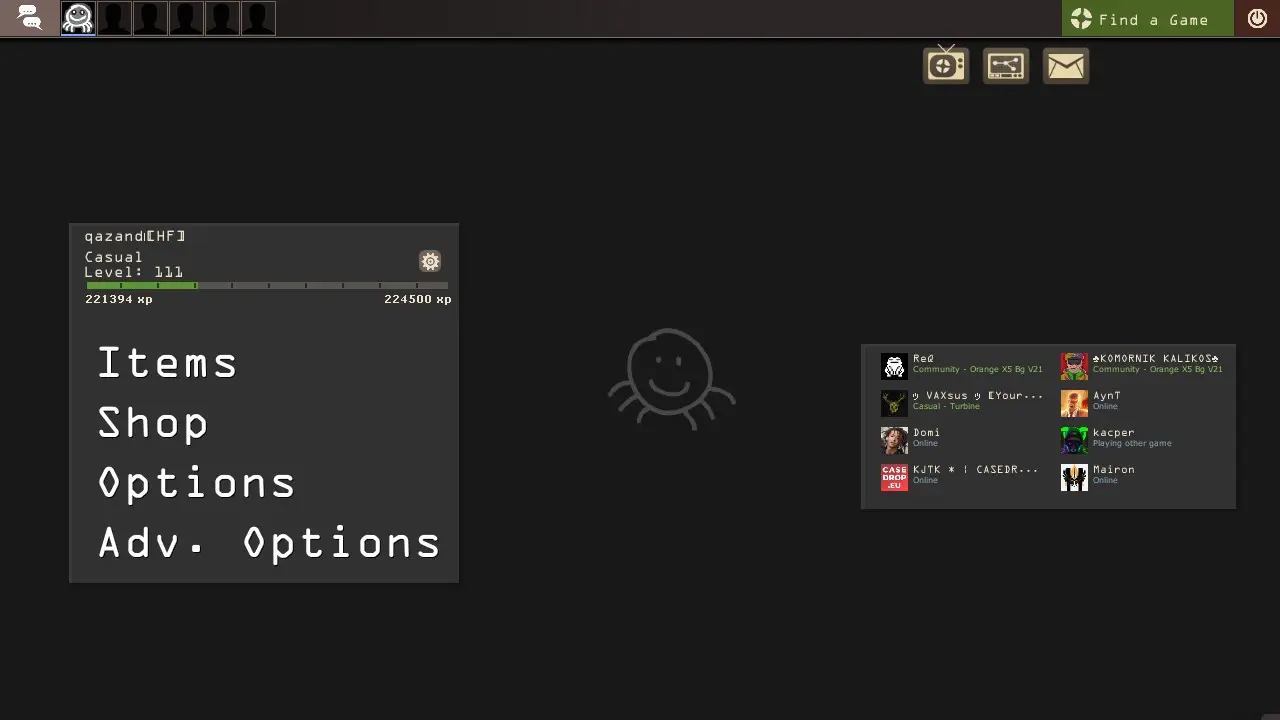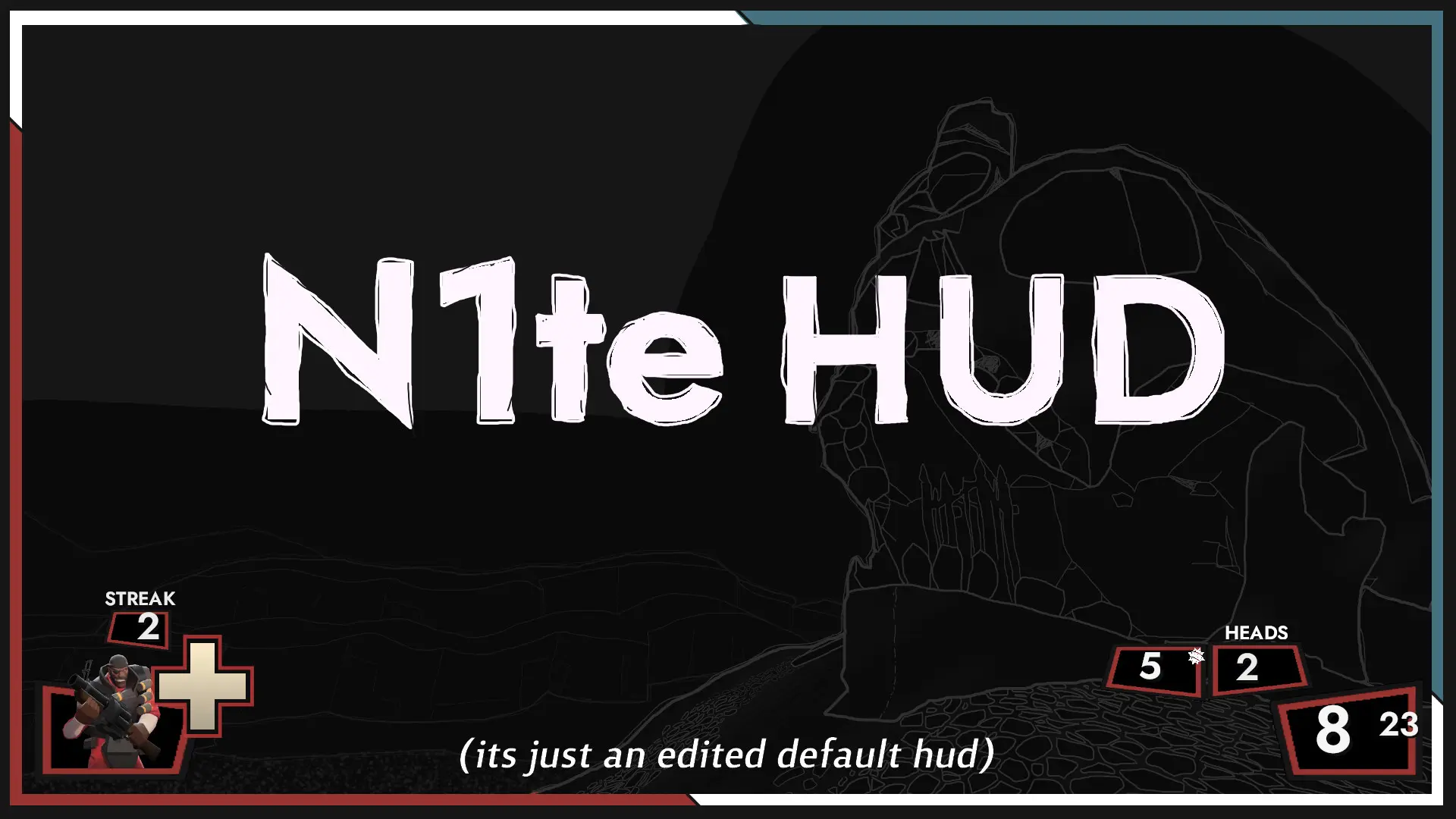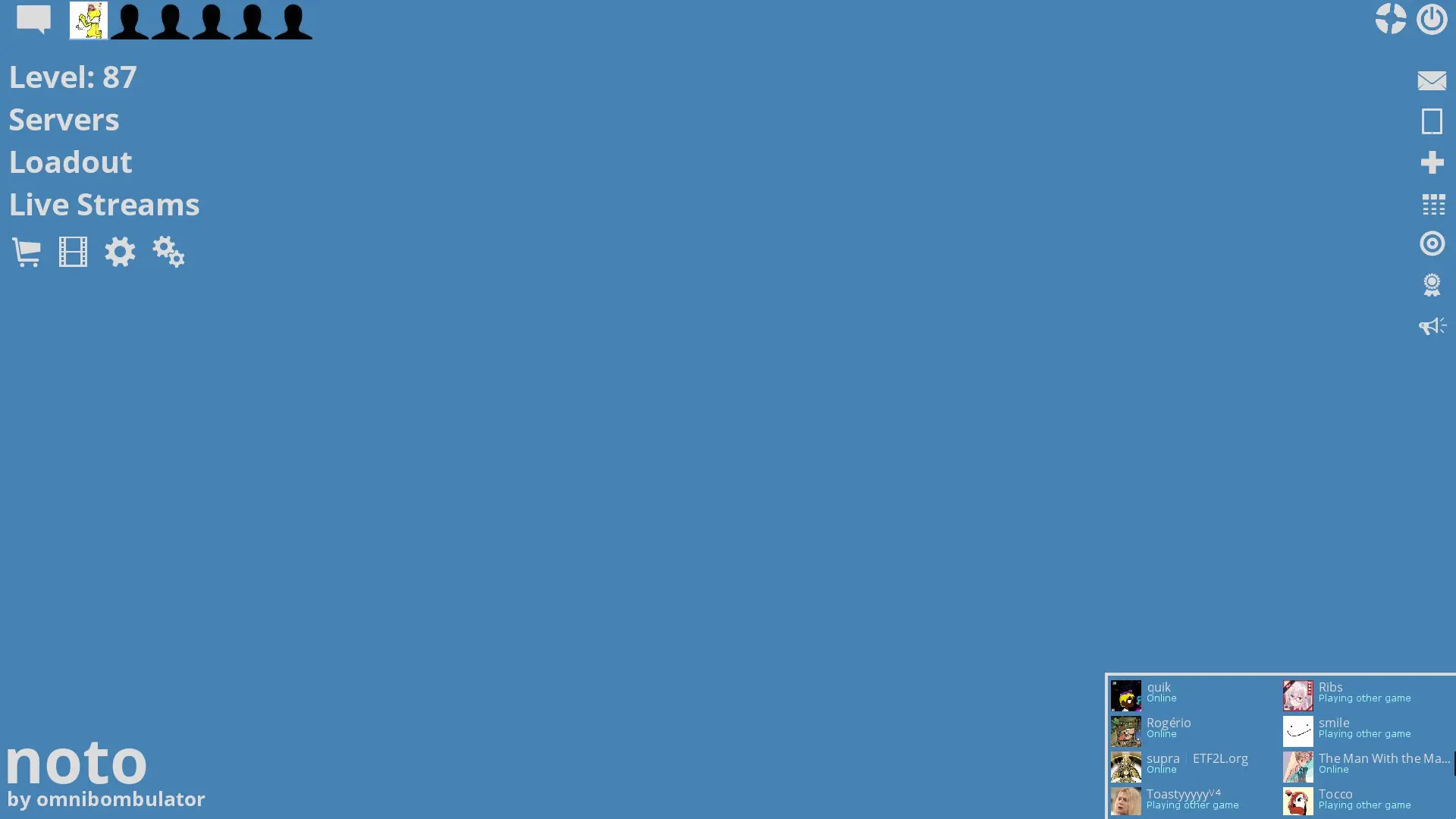
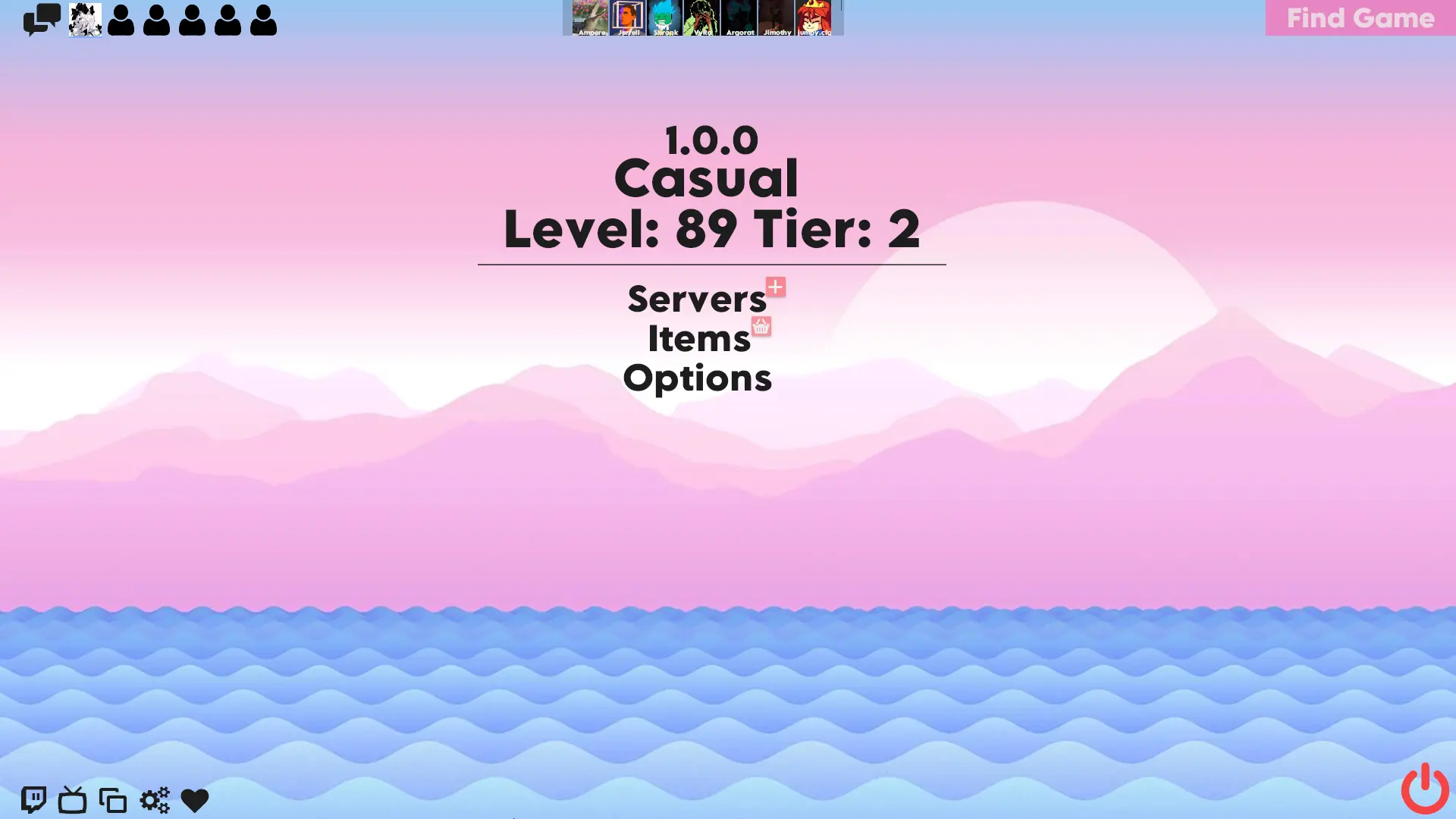
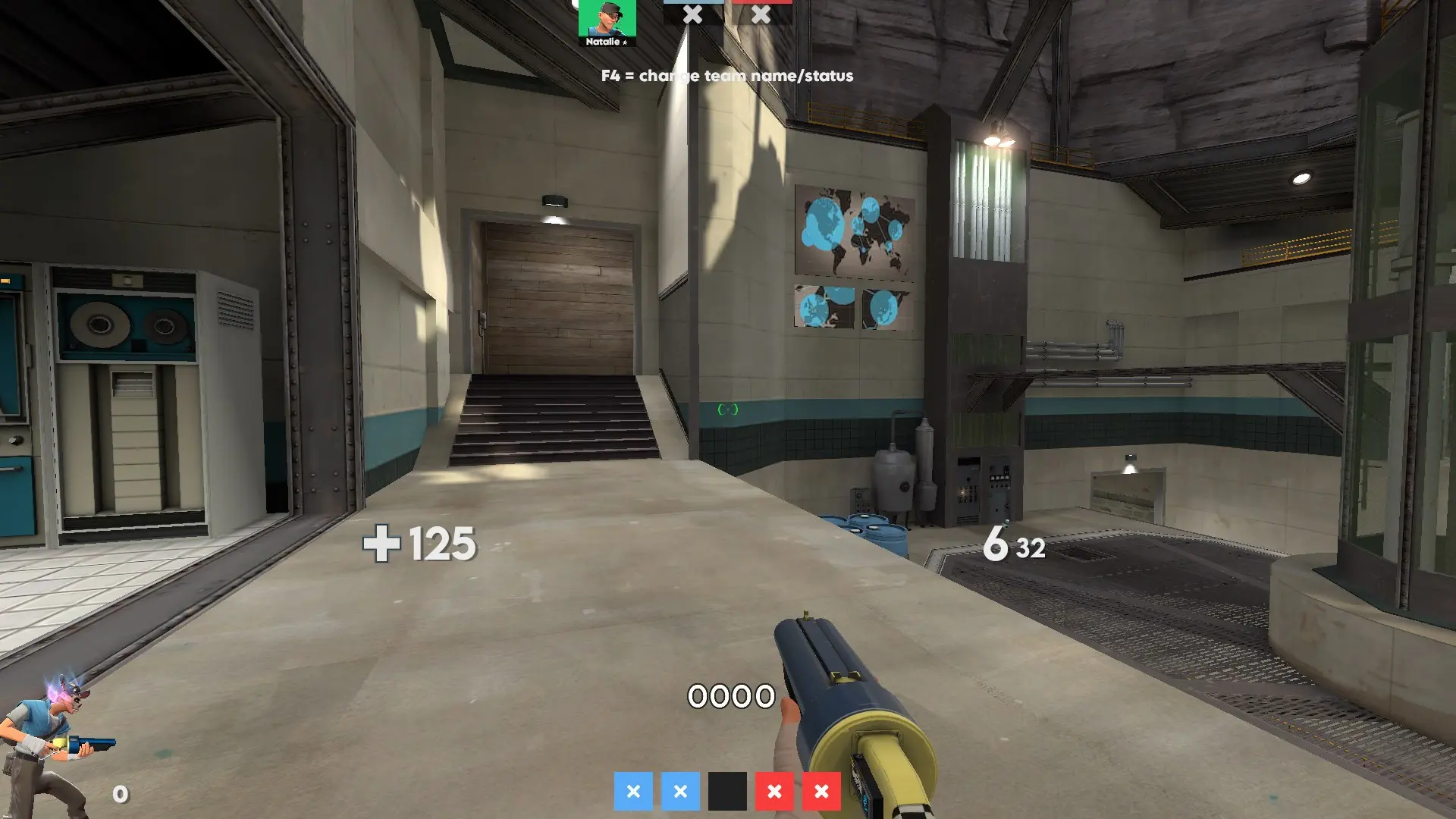
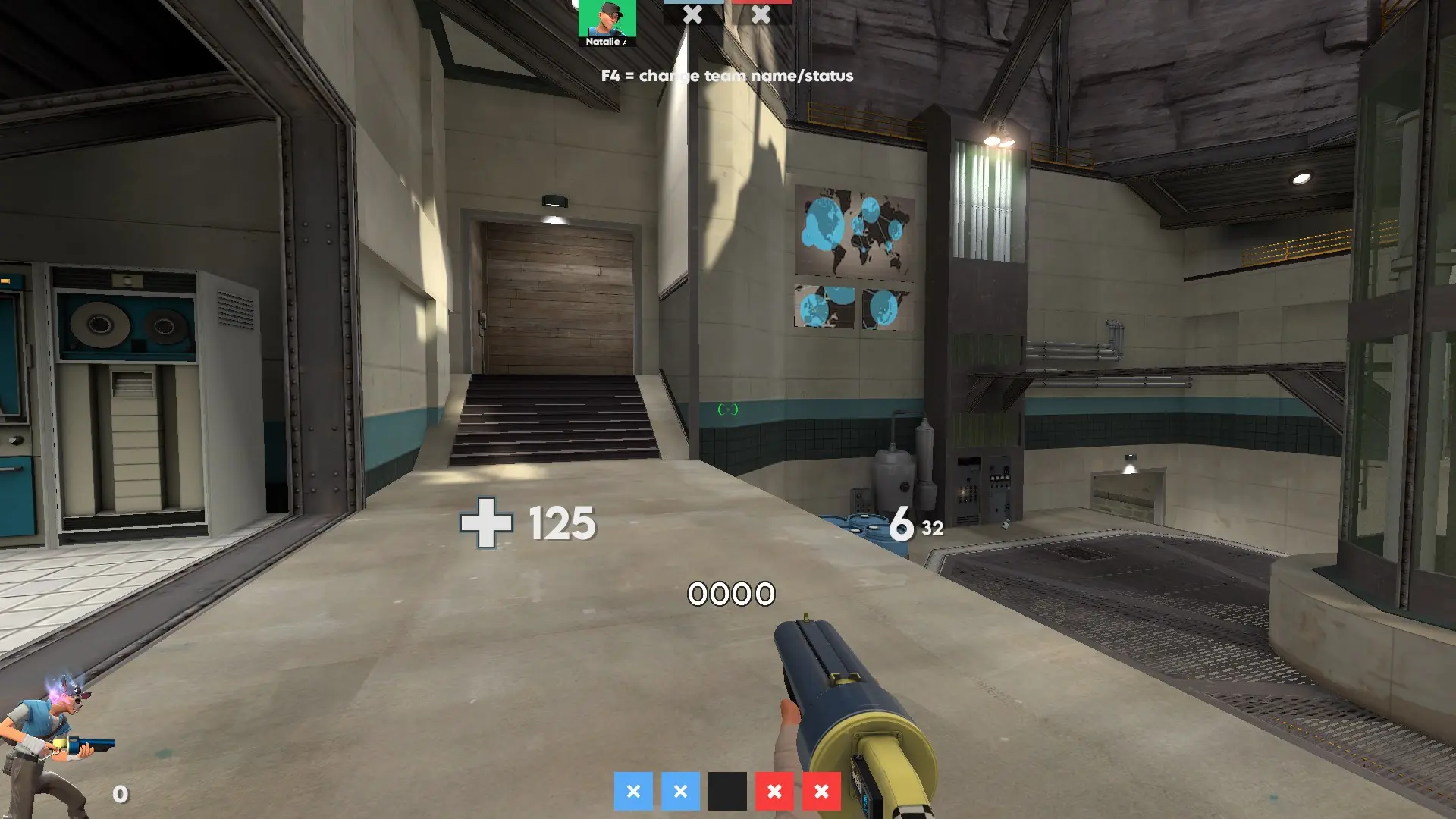
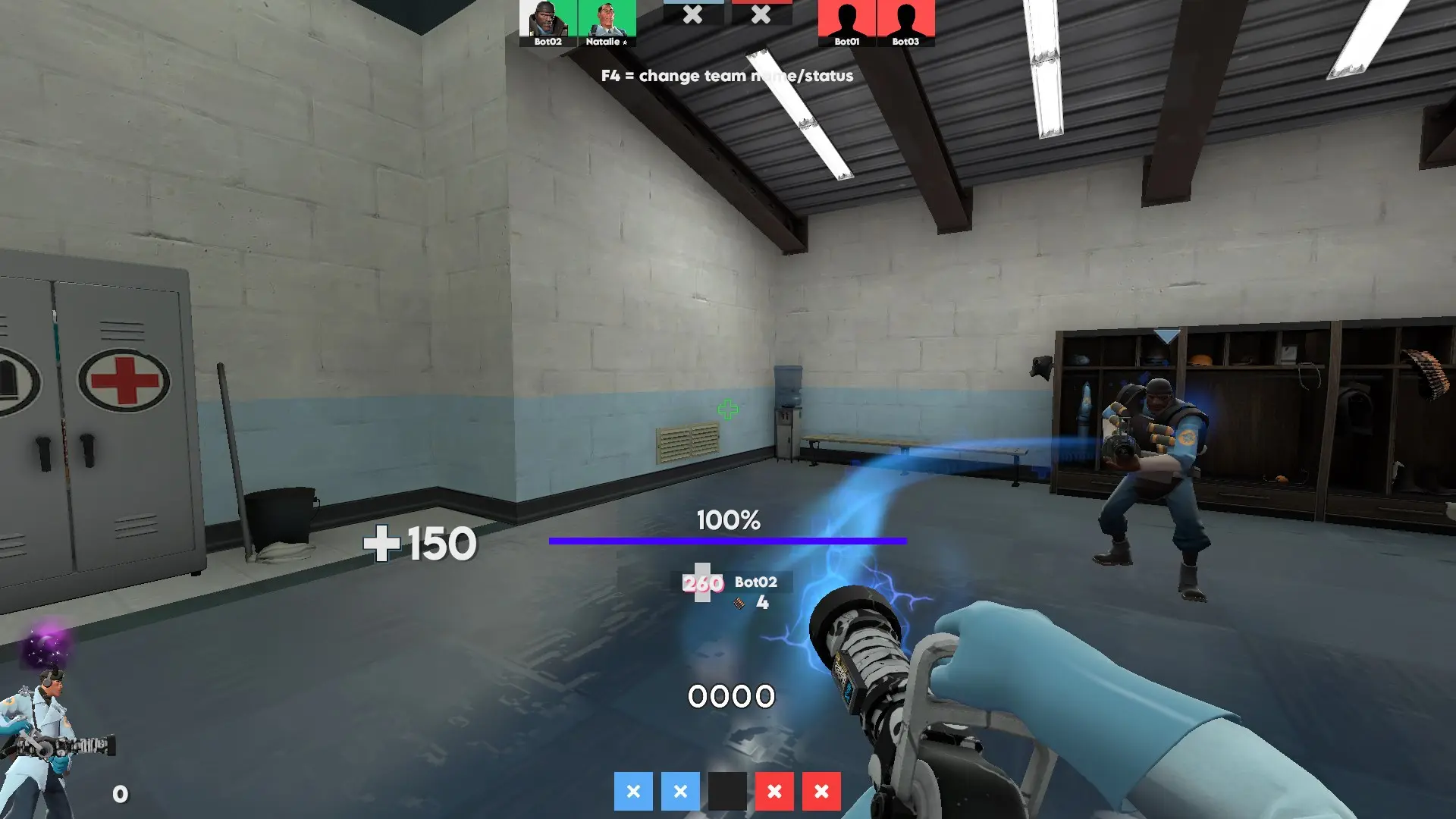
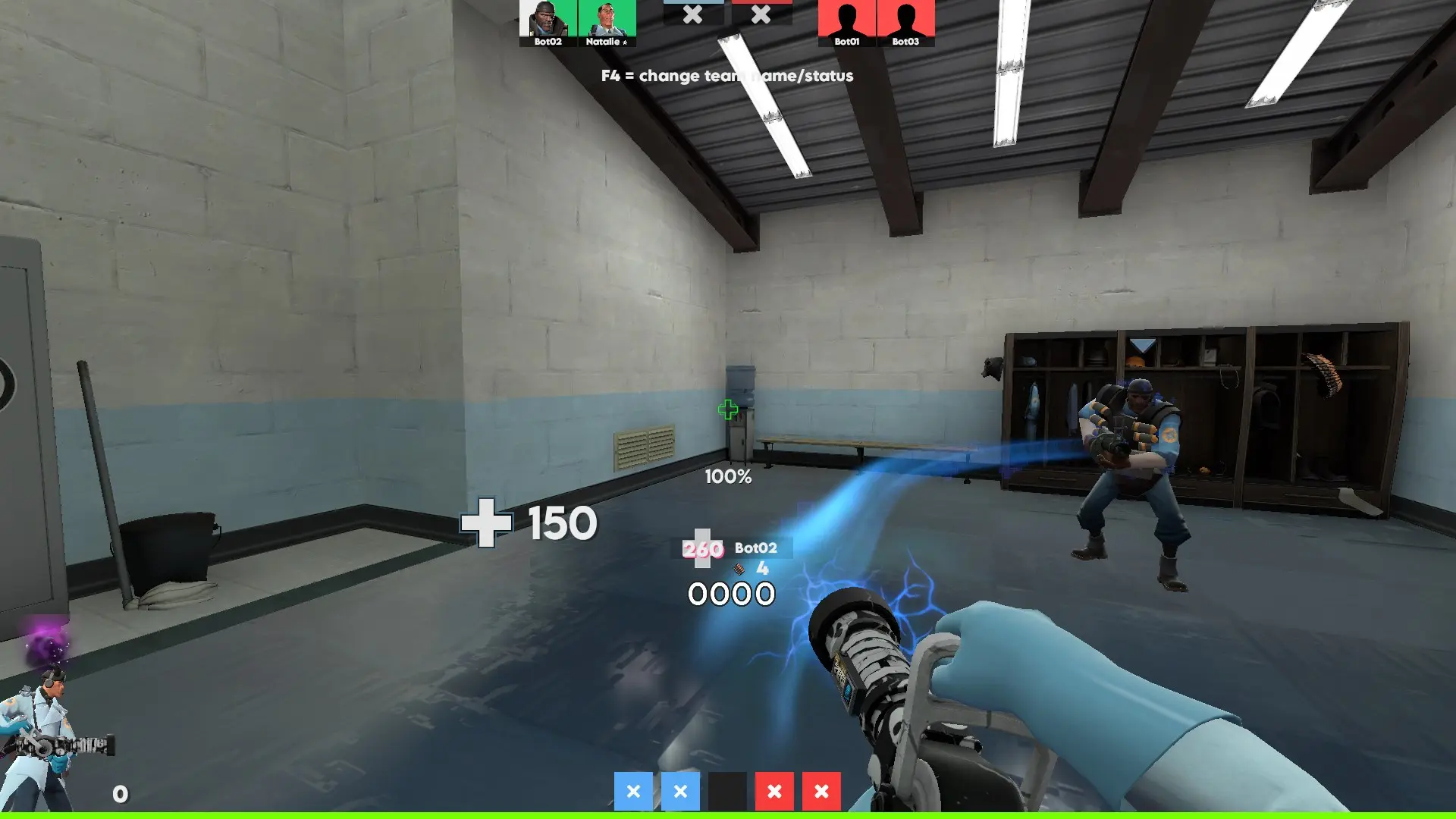
Nat-UI is a custom HUD for Team Fortress 2 by Natalexei. It supports 4:3 and 16:9 aspect ratios on Windows.
Description
Simplistic HUD created by a Medic main, with the purpose of visibility, while still being noticeable. Heavily based on SunsetHUD/PeachHUD.
The files are a mess since this is my first HUD, I wouldn't suggest trying to modify things unless you know what you're doing.
The customizations folder is a left-over from the HUDs it's based on, they are not really functional. I will get around to adding functional customizations some day.
I do not know if this HUD properly works on other monitor resolutions than 16:9, use at your own risk if you do not use 16:9. Same goes for Mac/Linux. I may update it later with proper support, but there's no guarantee until I can find time to.
Credits
Natalie - General HUD stuff
Elizabeth - Speedometer modifications, in particular making the VTFs to include the Lemonmilk font.
Special Thanks
Peaches & Hypnotize - For creating the HUDs I mainly based this on.
omp - For creating ompHUD, which I based the scoreboard and minmode positions off.
SgtPug - For creating the original horizontal speedometer.
Birchly - Font recommendation and general feedback.
What is in the Nat-UI download
The numbers here are from version 39b5e35 of Nat-UI. At that version the HUD's repository has 959 files, 353 of them .res files. There are also 286 images in the VTF format and 19 different font files. The font files include futura.otf, FuturaStd-Medium.otf, Hypnotize Icons Linux.otf, Hypnotize Icons.otf, and 15 more.
Nat-UI has files of its own for the backpack, the class loadout, the MvM scoreboard, the crafting menu, the matchmaking dashboard, the advanced options menu, the item inspect menu, and the MvM upgrades menu. The HUD editing guide shows how to find the file that draws a part of the HUD.
info.vdf is at the top of the download, so copy the unzipped folder itself into tf/custom. The install guide has every step.