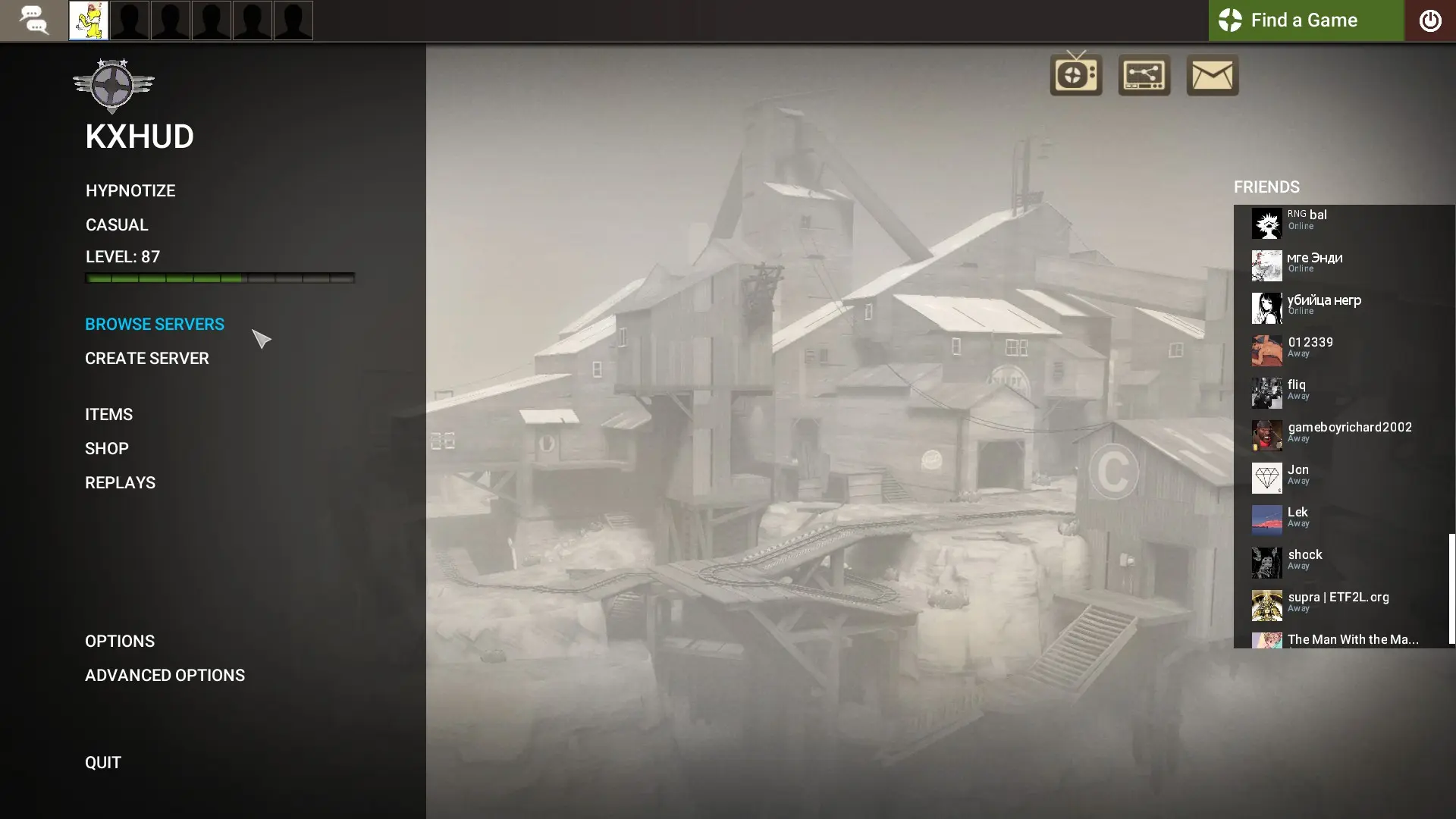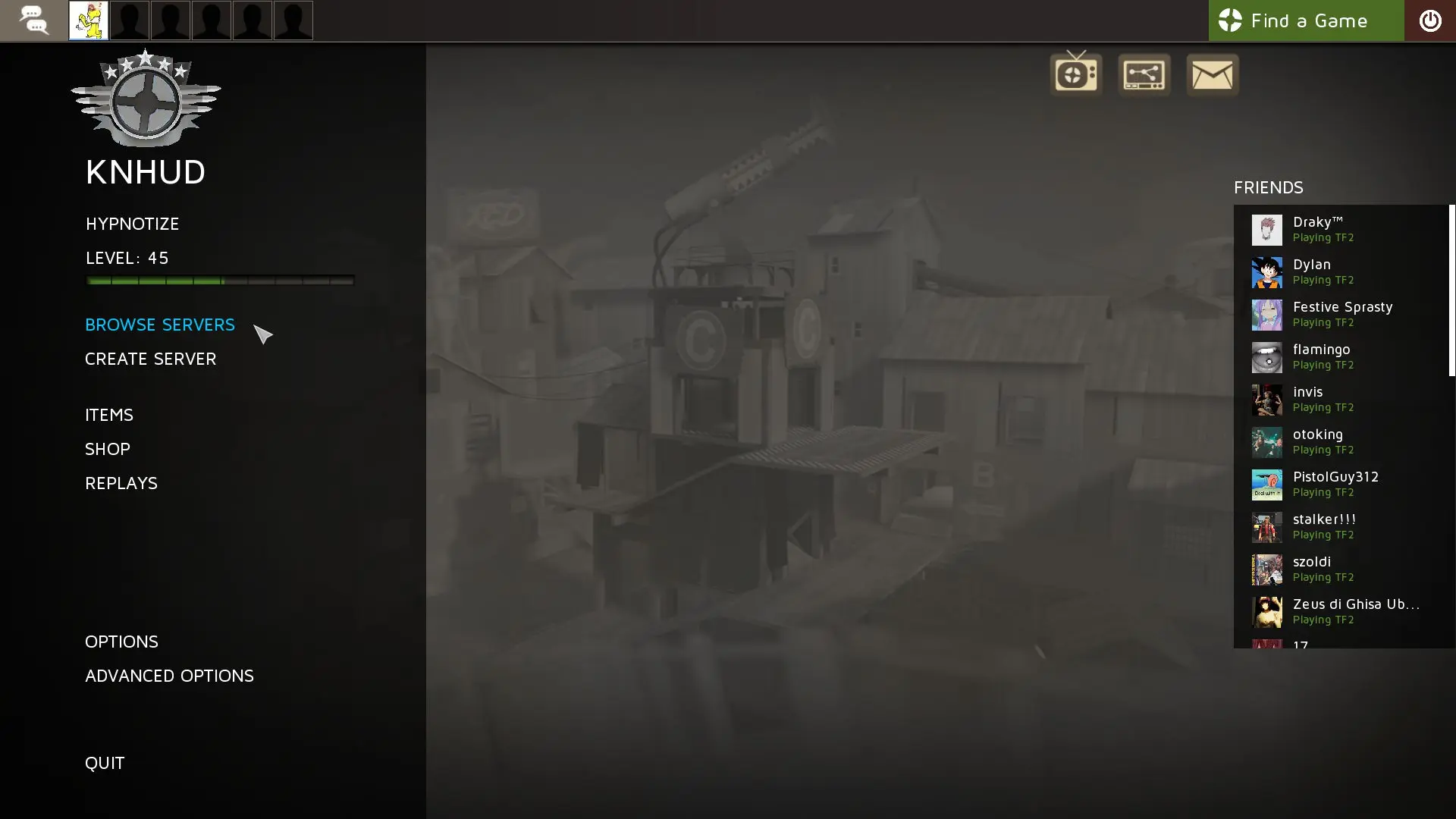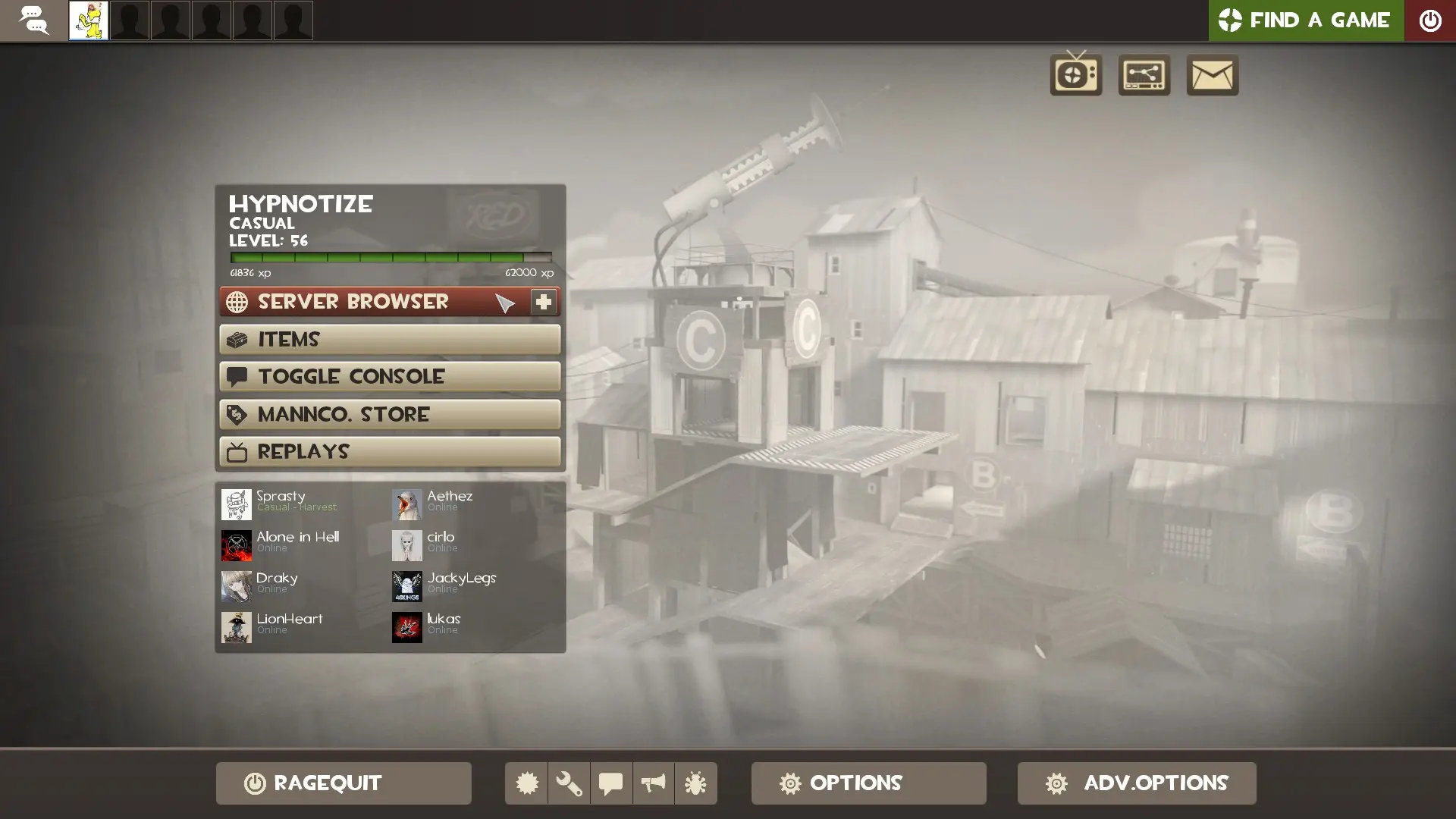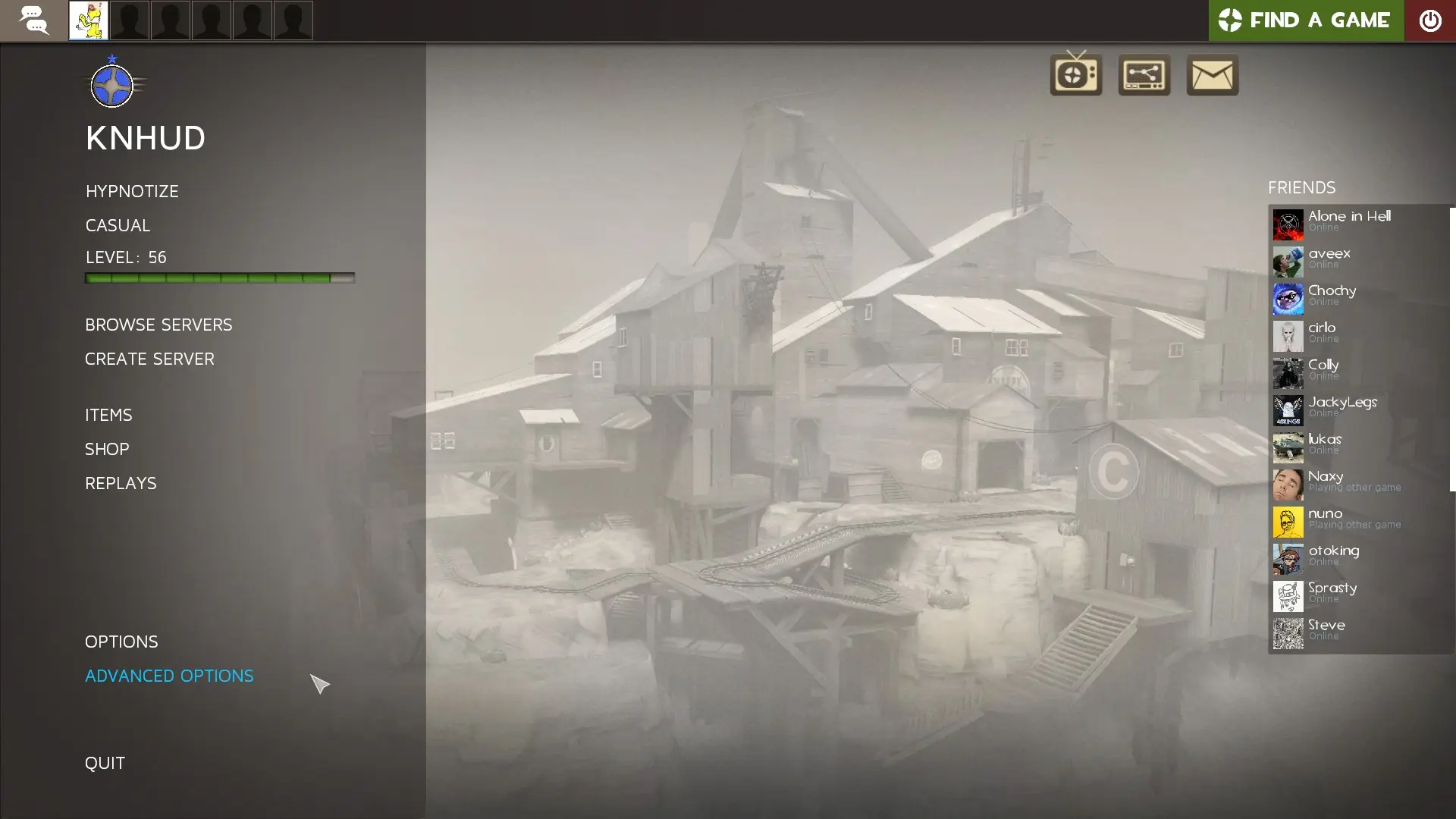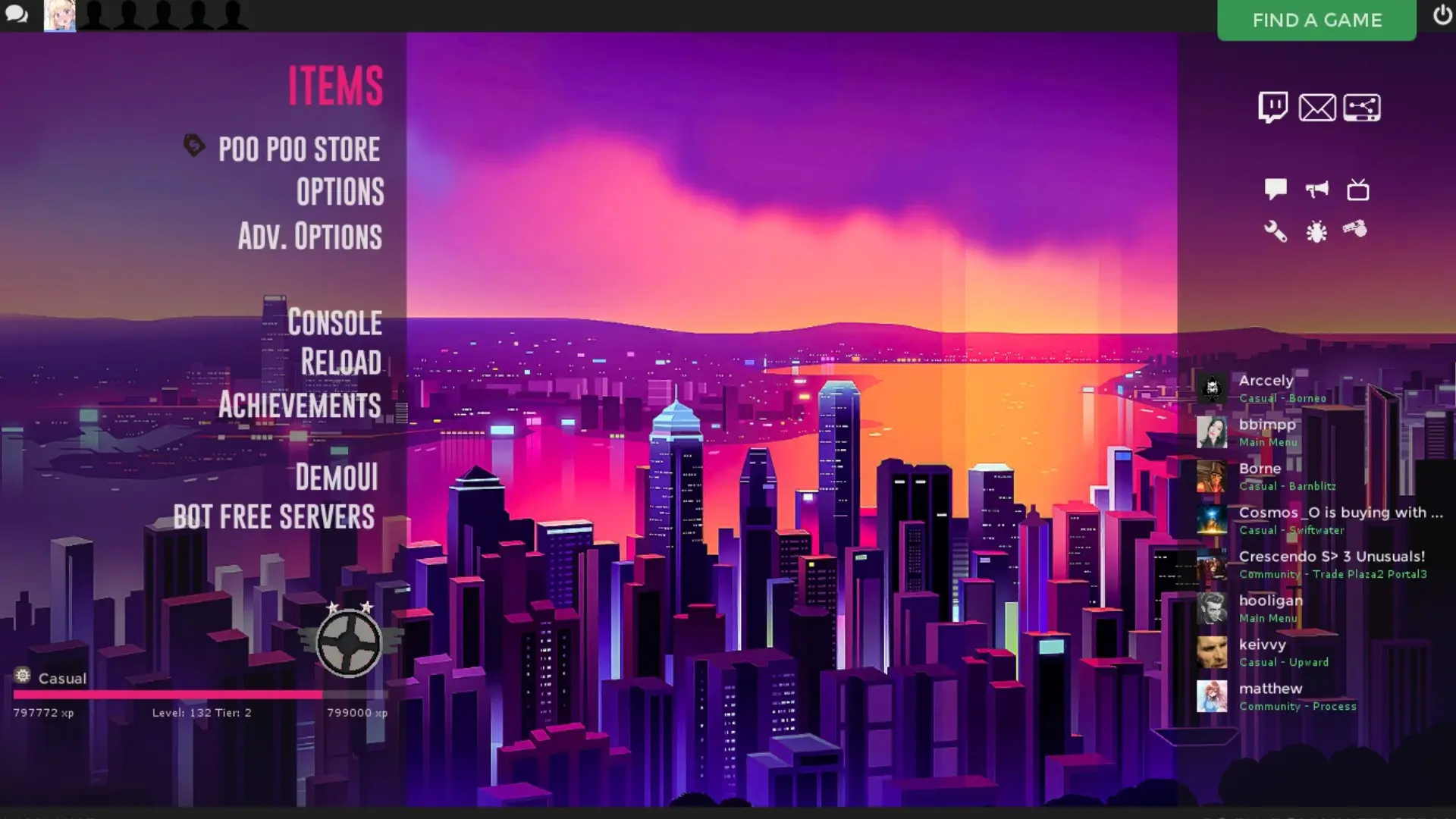

KrahHUD is a custom HUD for Team Fortress 2 by Krah, released in 2023. It supports 4:3, 5:4, 16:9, and 16:10 aspect ratios on Windows.
1 YEAR? ALREADY? Yeah... Wow
While using Bothud, I came across many problems, mainly involving the colors. Through out my use of the hud, I tweeked it to my own liking, then randomly thought "Fuck it" and decided to make this a 'thing'
And that's where this was really born.
The base hud is BotHUD, Made by Playmoo and used by the popular youtuber J_peg.
In The README File I go over this in more detail. Most of the things in the hud (elements etc) are not mine and were just extracted from other huds, I am in no way, shape or form, claiming ownership to them. thank you.
Very, very big thank you to the Huds.tf discord for answering questions and helping with the (very many) problems I had along the way. if you yourself want to get into hud editing, I highly recommend joining the server, don't be afraid to ask for help.
BEFORE YOU EXTRACT THE HUD:
Please Go into the Folder called "INSTALL BEFORE USE"
Installation :
Click the Download ZIP button to download the compressed archive
Find your Steam install directory and go to \SteamApps\Common\Team Fortress 2\tf
Make a folder called 'custom' if you don't already have one
Extract the KrahHUD folder from the zip file into the custom folder.
Special Thanks To The Play-testers:
- cjc556
- Gamerxd14
What is in the KrahHUD download
The numbers here are from the download krahhud-master_bf2f3.rar, checked on 2026-10-06. It has 916 files, 408 of them .res files. There are also 219 images in the VTF format and 2 different font files. The font files are Roboto-Bold.ttf and TF2Icons.ttf.
KrahHUD has files of its own for the backpack, the class loadout, the MvM scoreboard, the crafting menu, the matchmaking dashboard, the advanced options menu, the item inspect menu, and the MvM upgrades menu. The HUD editing guide shows how to find the file that draws a part of the HUD.
The HUD folder in the download is KrahHUD-master/KrahHUD (the one with info.vdf). Copy that into tf/custom. The install guide has every step.