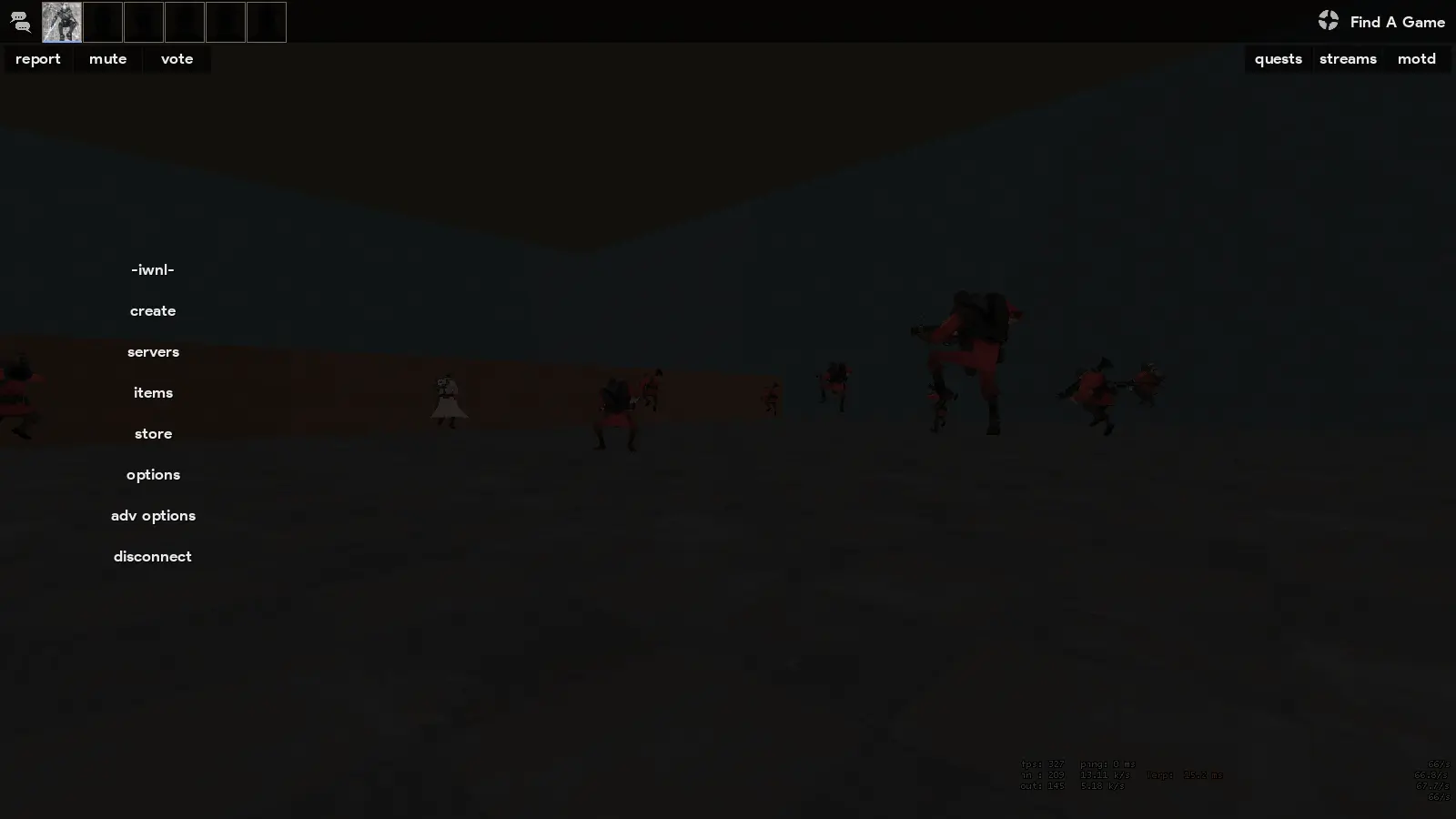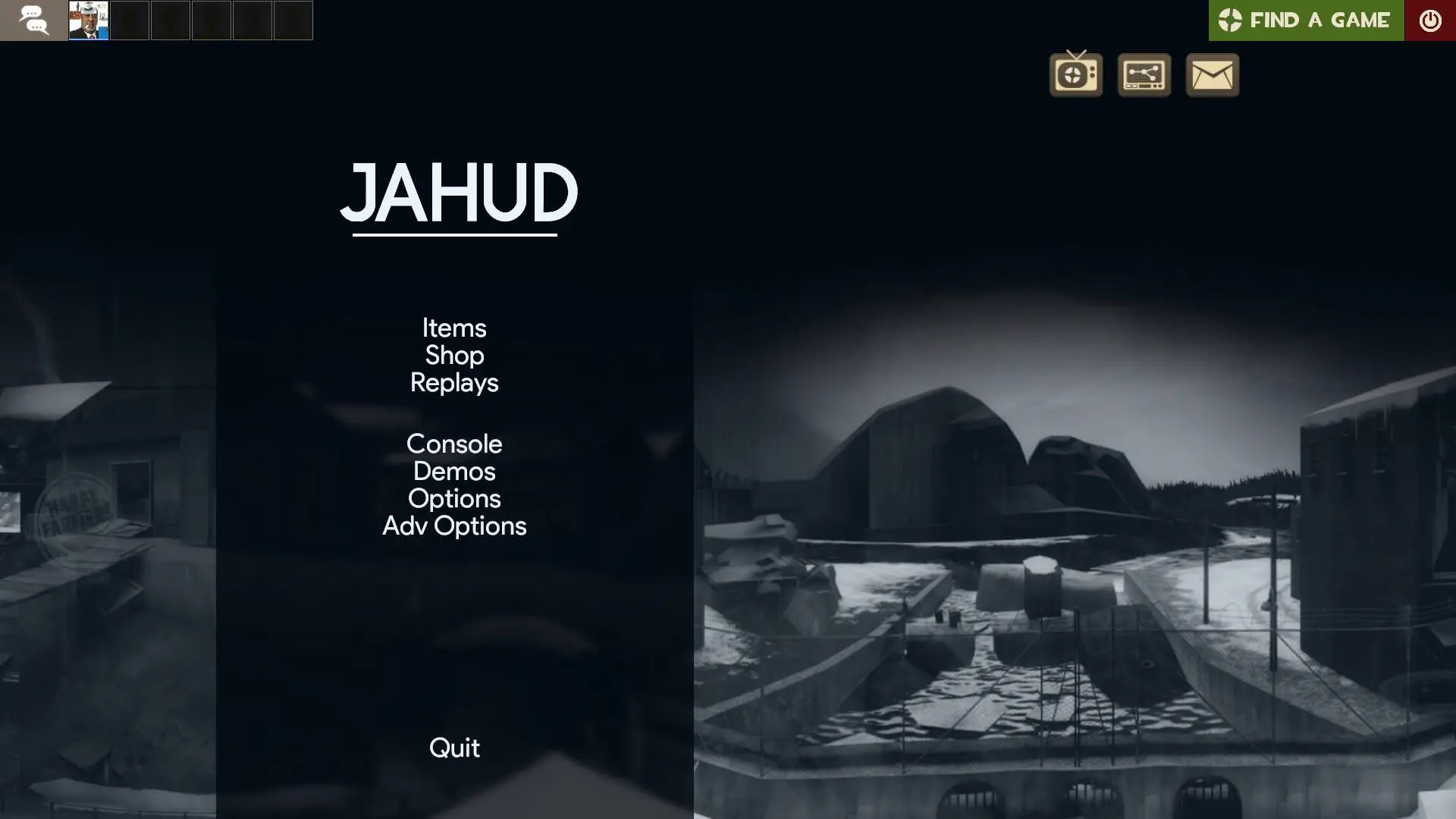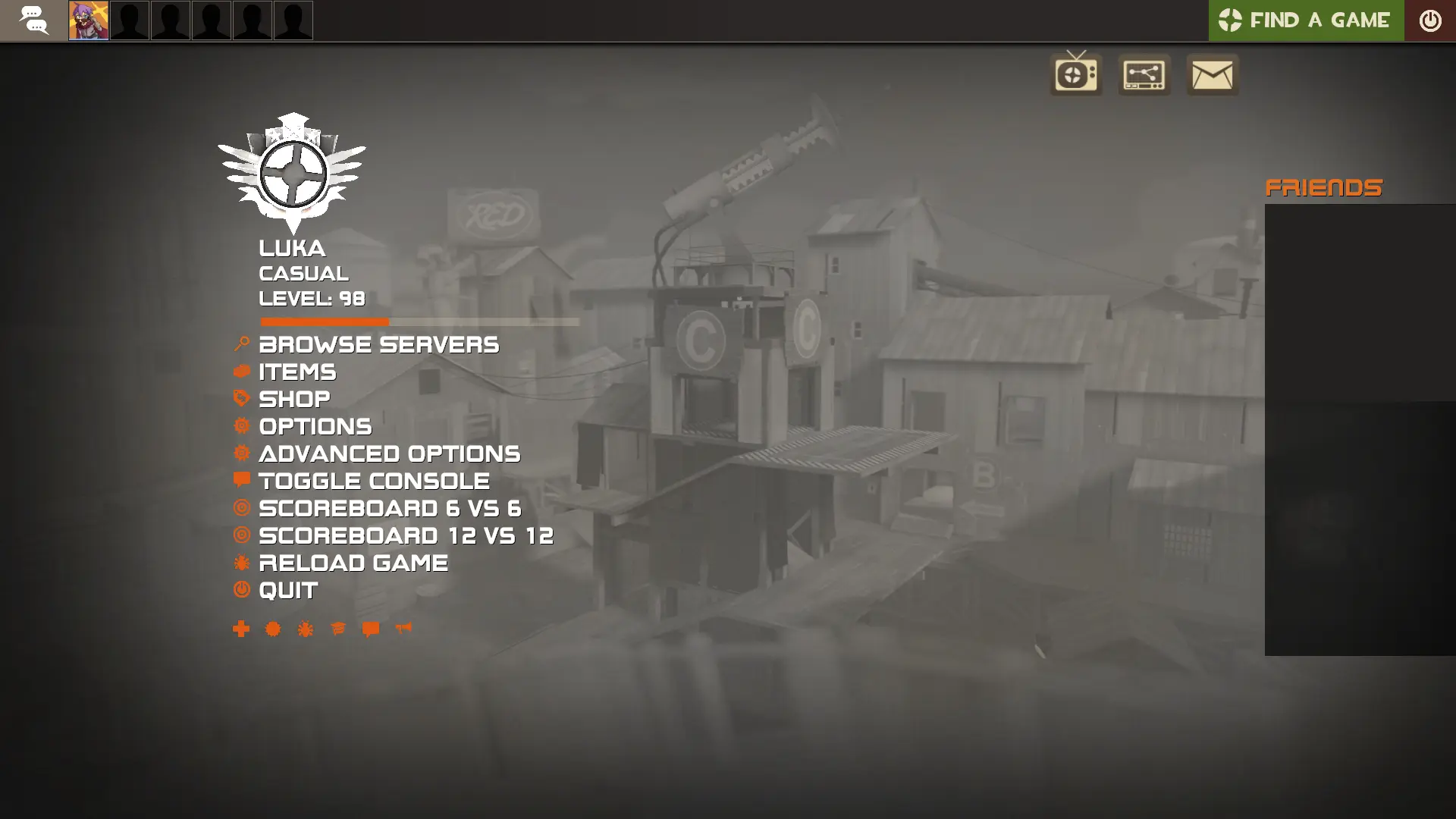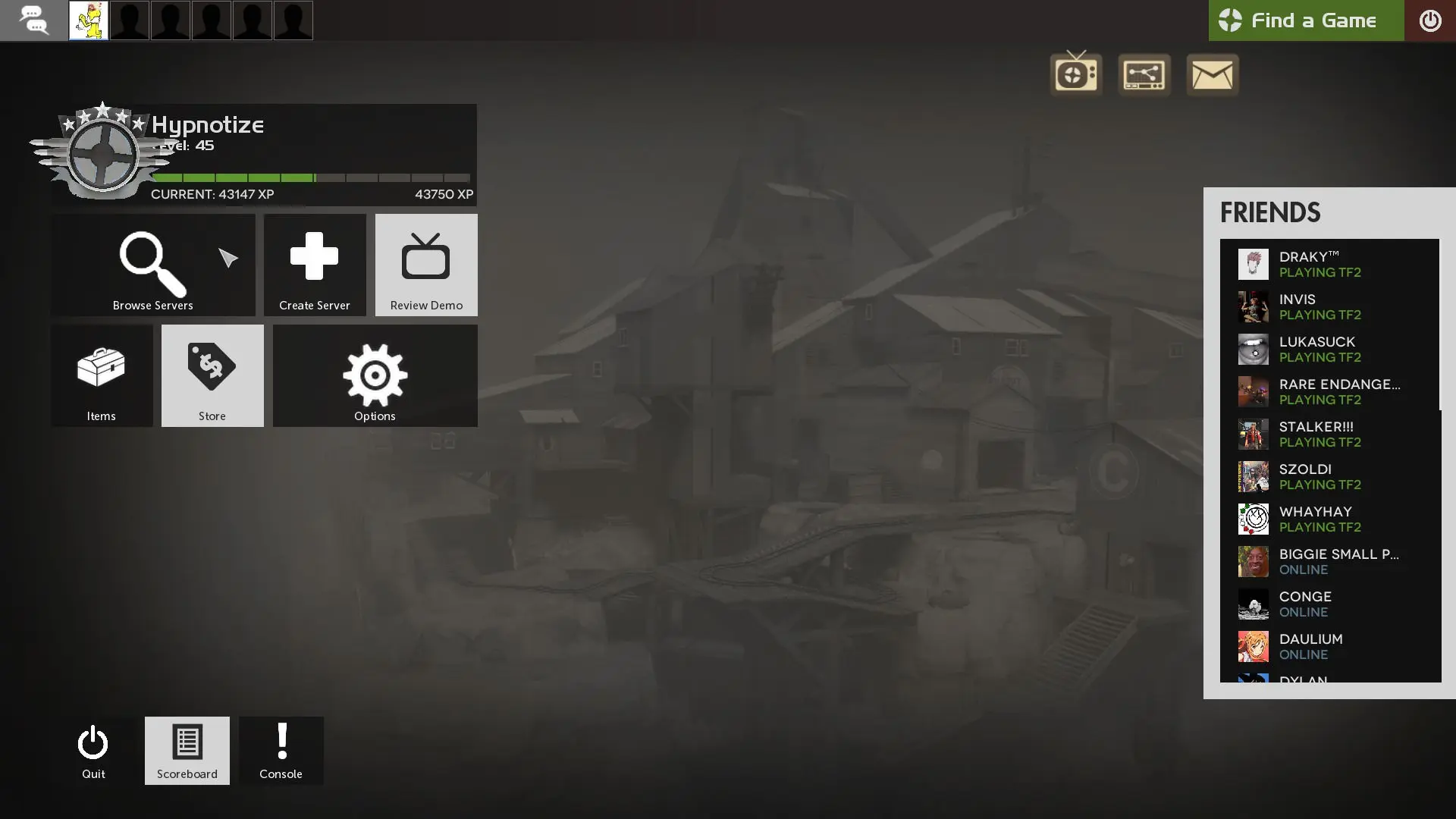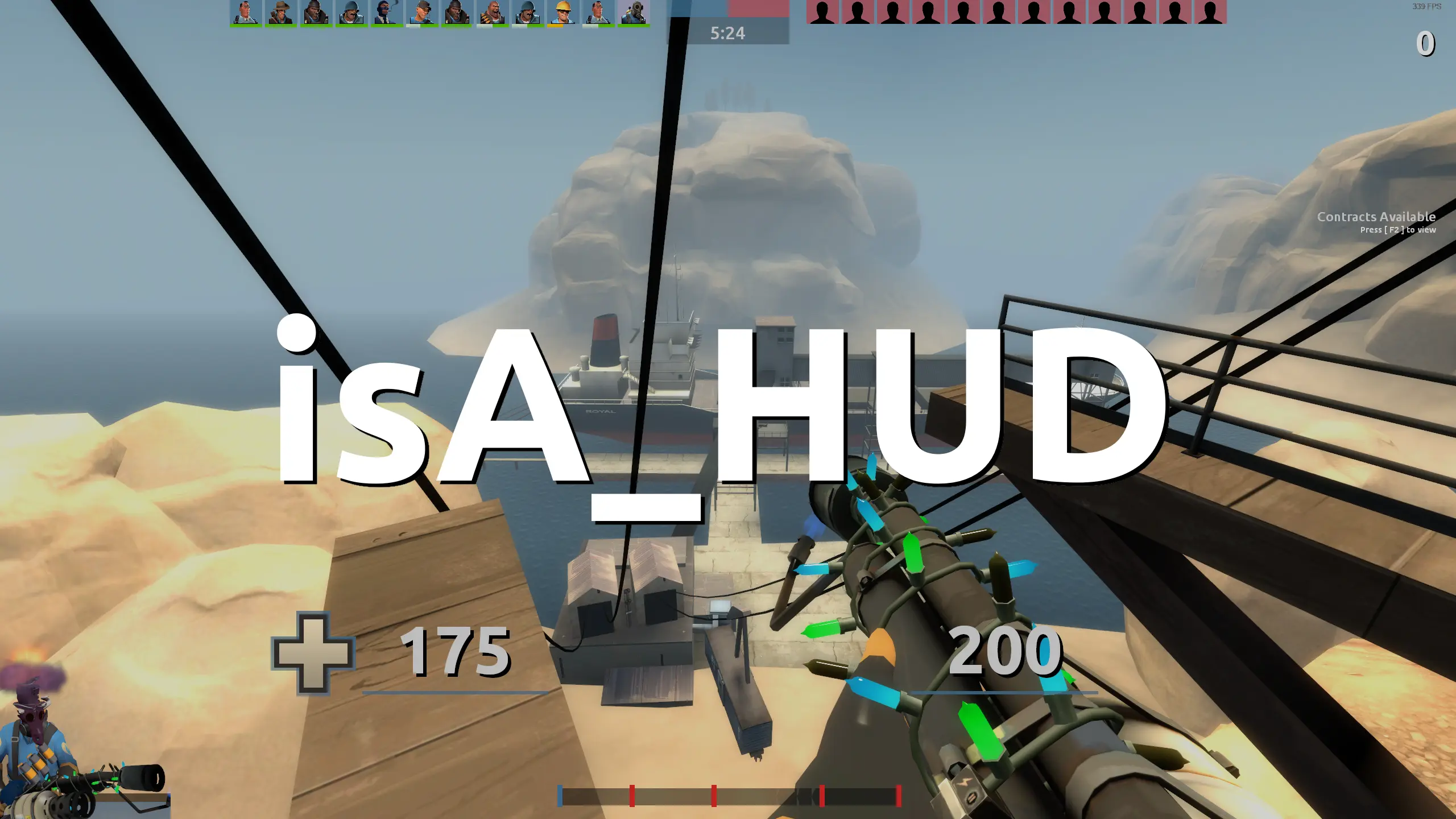
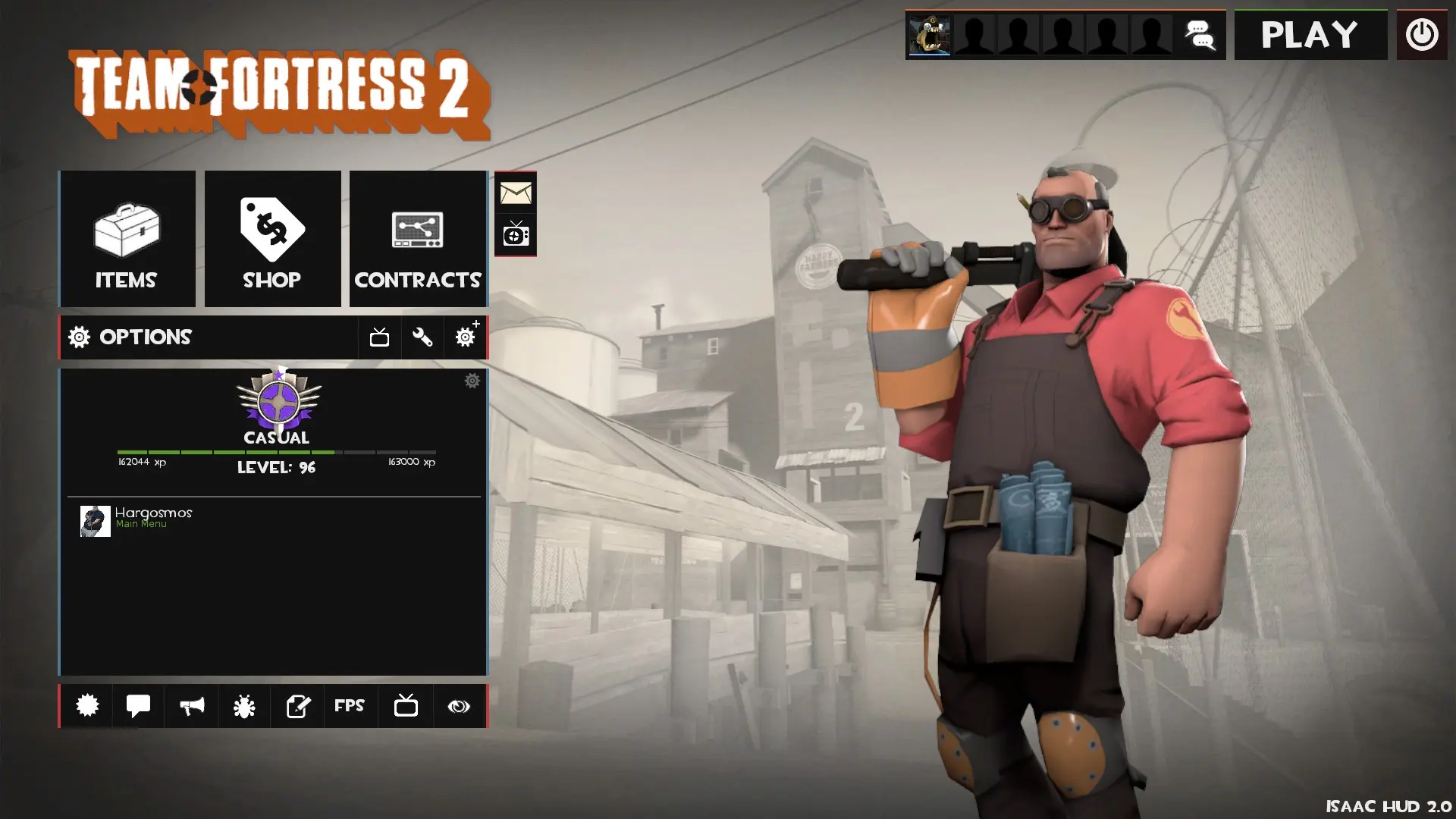
Isaac HUD is a custom HUD for Team Fortress 2 by Xeletron.
A unique and simple HUD with a goal of providing a different experience than most HUDs.
IMPORTANT REMINDER ABOUT INSTALLING!
A lot of users reported that the hud doesnt work after extracting. When you download the Zip file and open it you have to open the "Isaachud-master" folder and extract the "IsaacHud" folder to your "custom" folder from there.
Credits
Xeletron - Main Developer
Special Thanks
S7 - ideas, testing and screenshots
misterbilder - testing and ideas
Pulep™ - testing and screenshots
Turel - testing
What is in the Isaac HUD download
The numbers here are from version a9c4b70 of Isaac HUD. At that version the HUD's repository has 522 files, 398 of them .res files. There are also 61 images in the VTF format and 4 different font files. The font files are Bebas Neue Bold.ttf, crosshairs.ttf, Days.ttf, and Neutra Disp.otf.
Isaac HUD has files of its own for the backpack, the class loadout, the MvM scoreboard, the crafting menu, the matchmaking dashboard, the advanced options menu, the item inspect menu, and the MvM upgrades menu. The HUD editing guide shows how to find the file that draws a part of the HUD.
The HUD folder in the download is IsaacHUD (the one with info.vdf). Copy that into tf/custom. The install guide has every step.